36 screensavers · Free
The screensavers you grew up with, rebuilt natively for macOS and Retina displays.
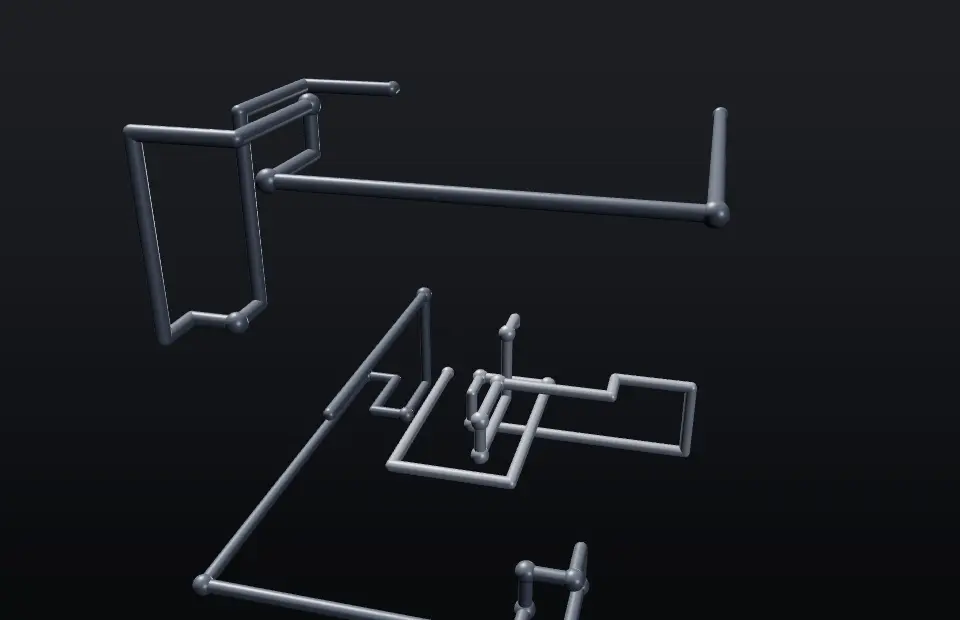
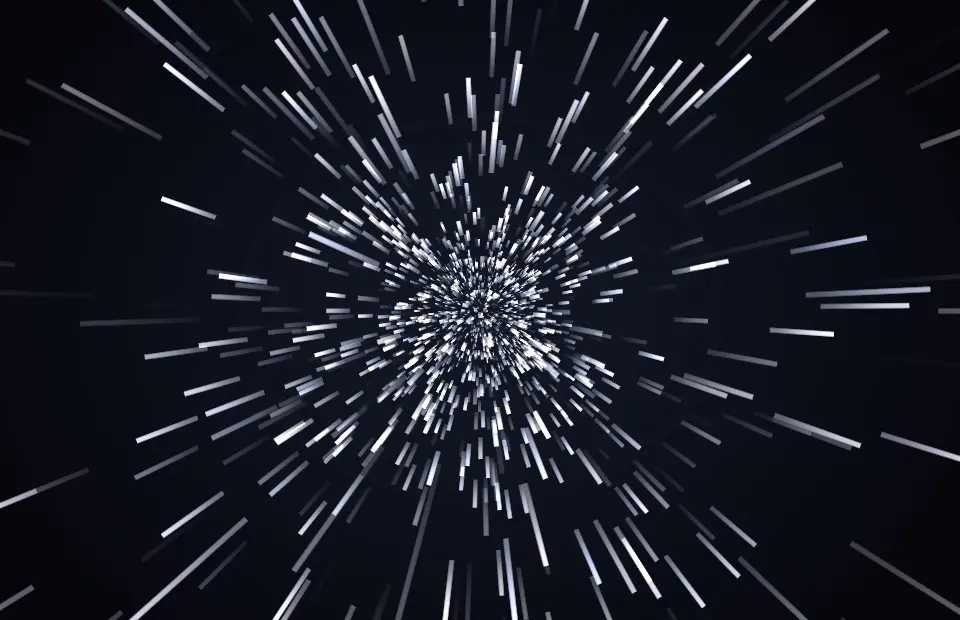
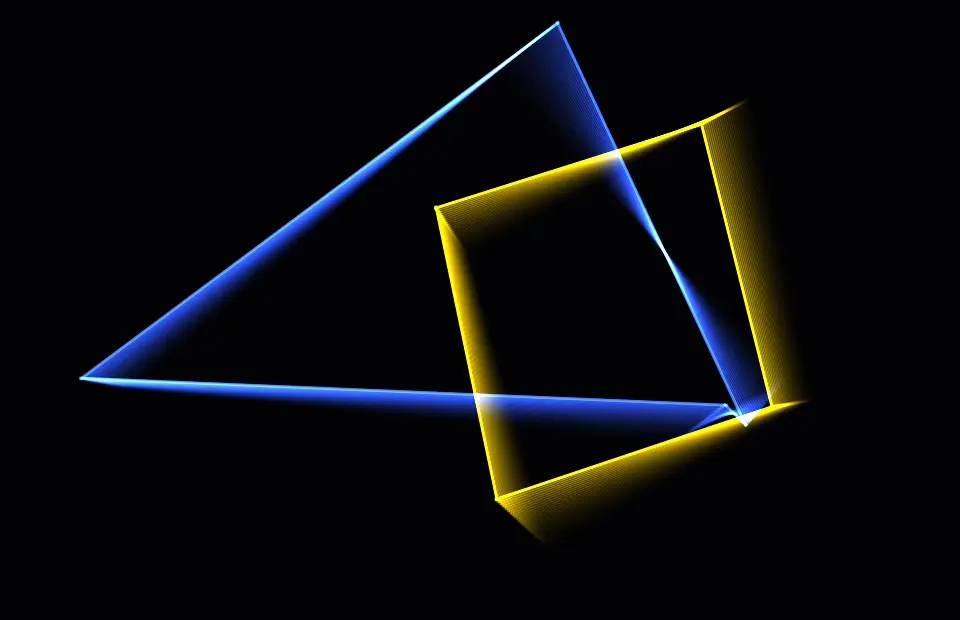
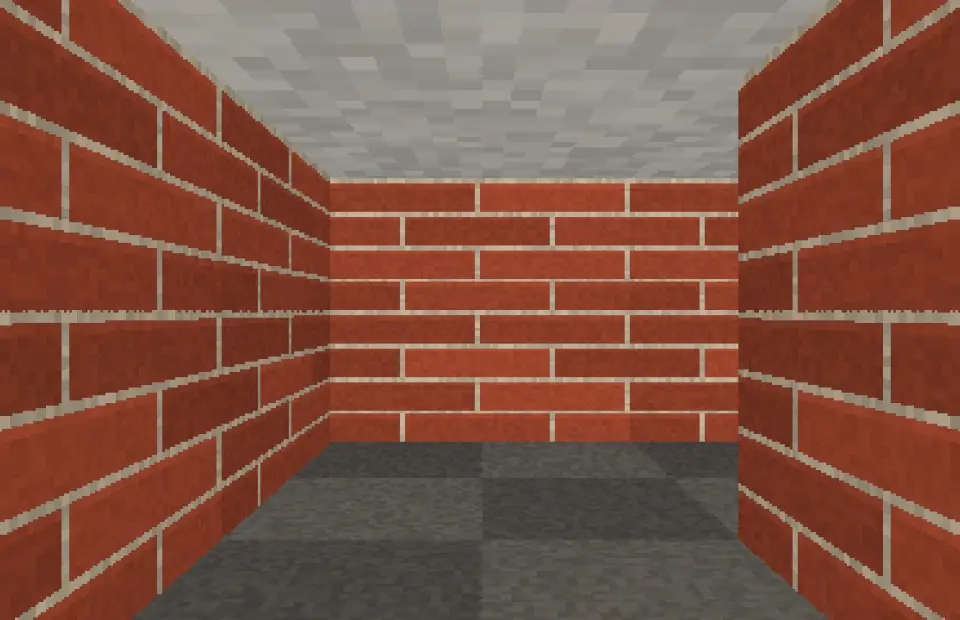
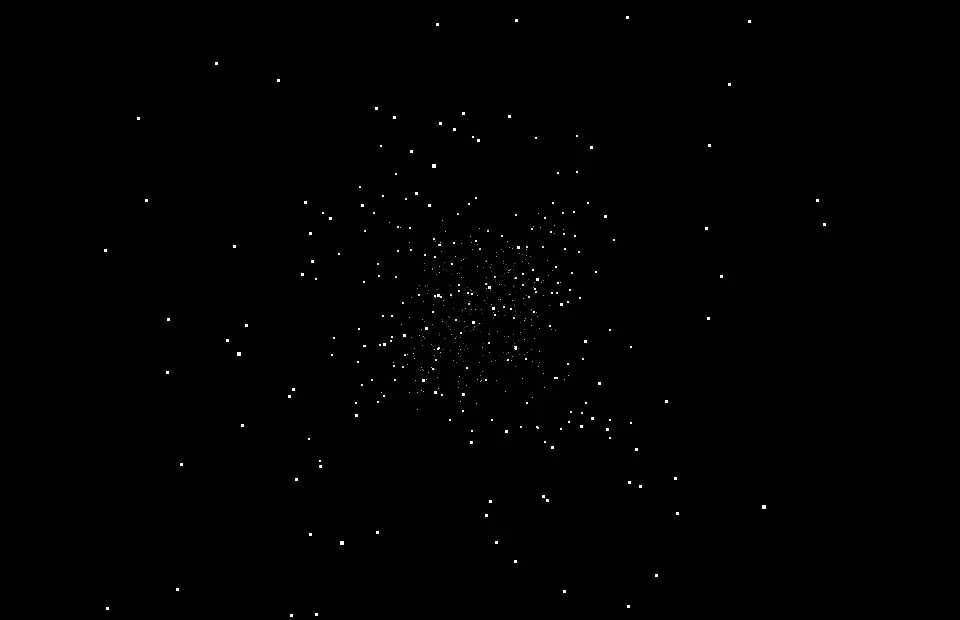
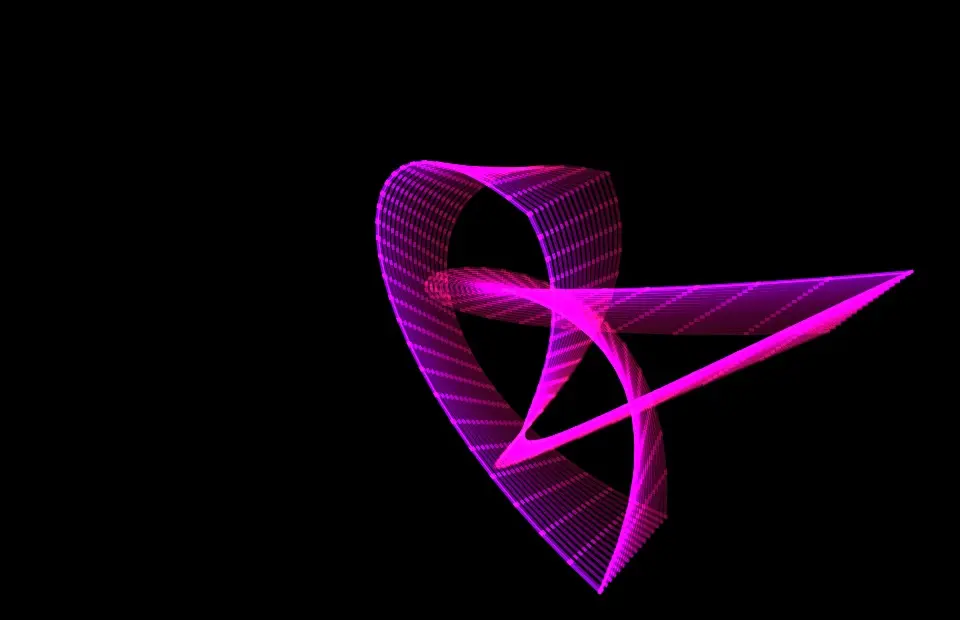
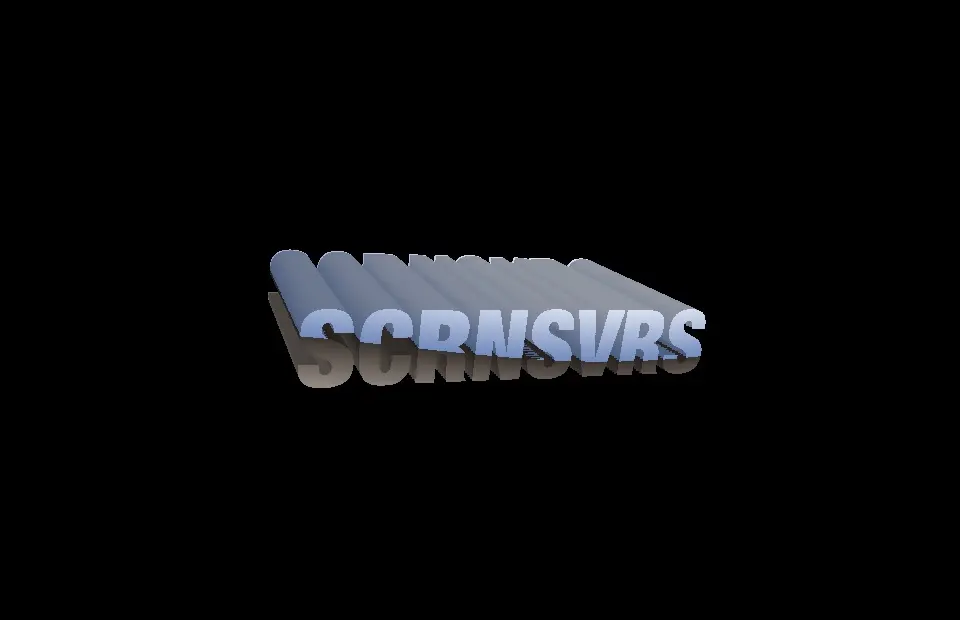
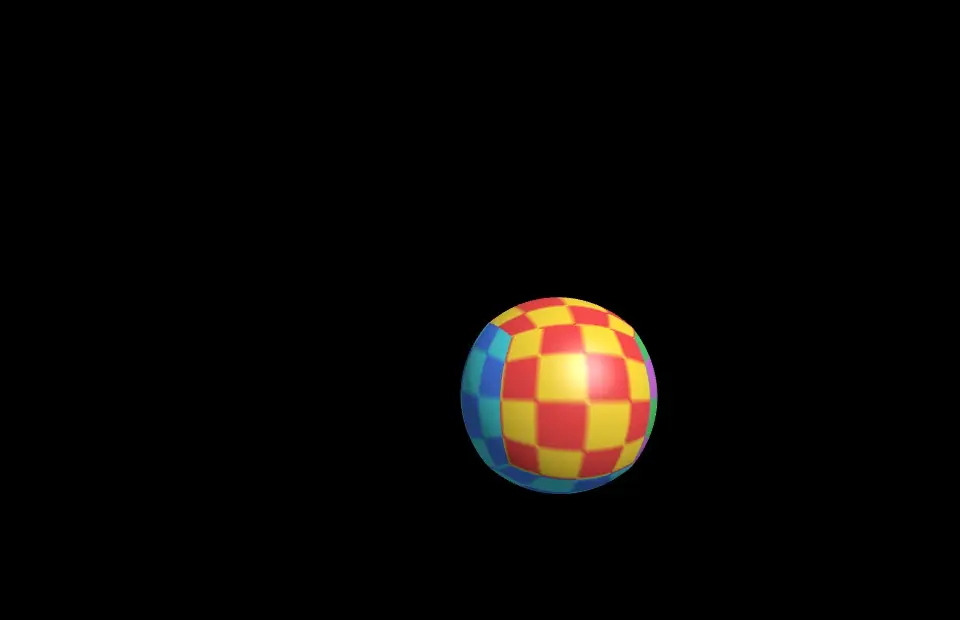
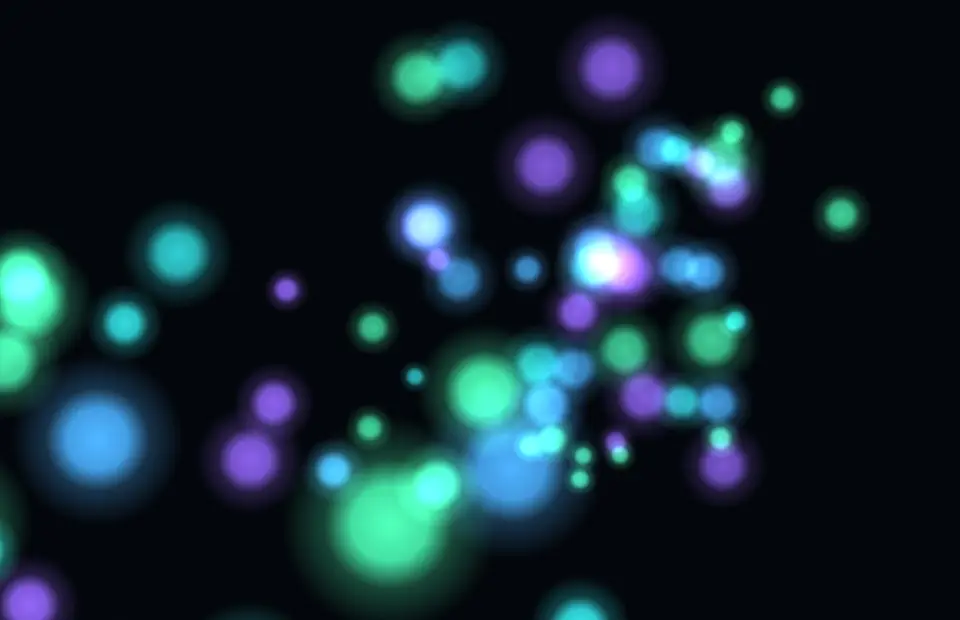
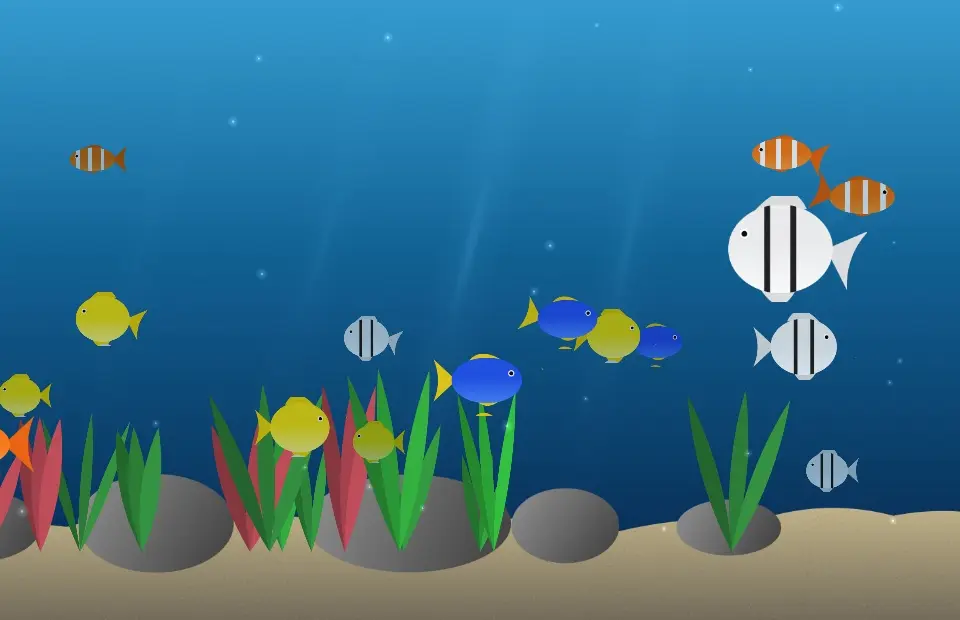
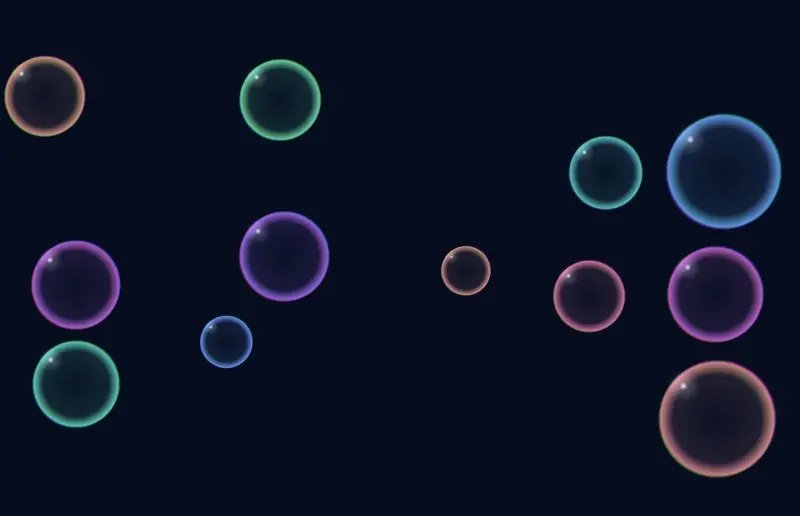
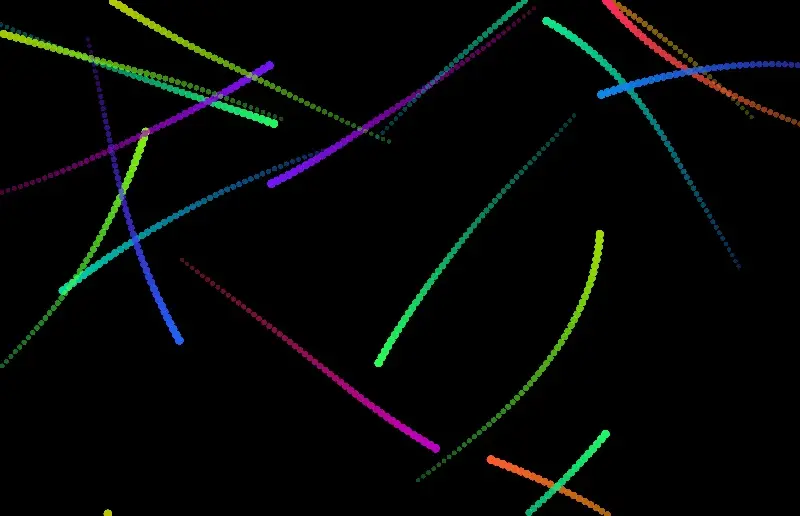
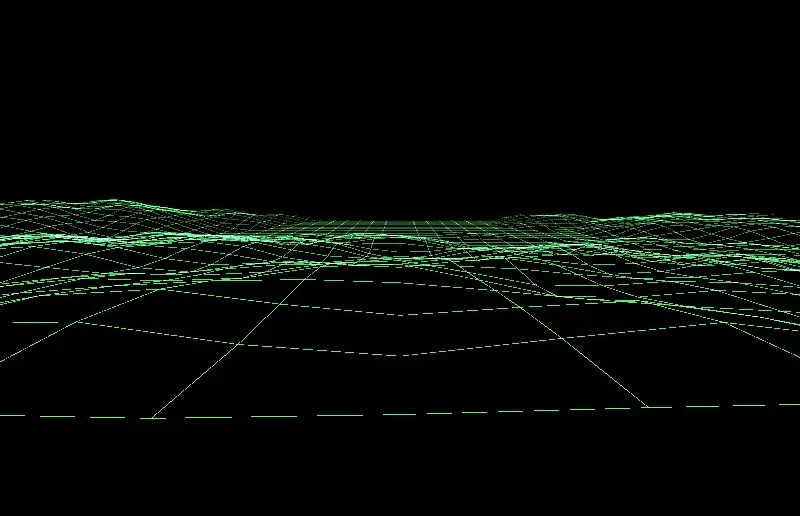
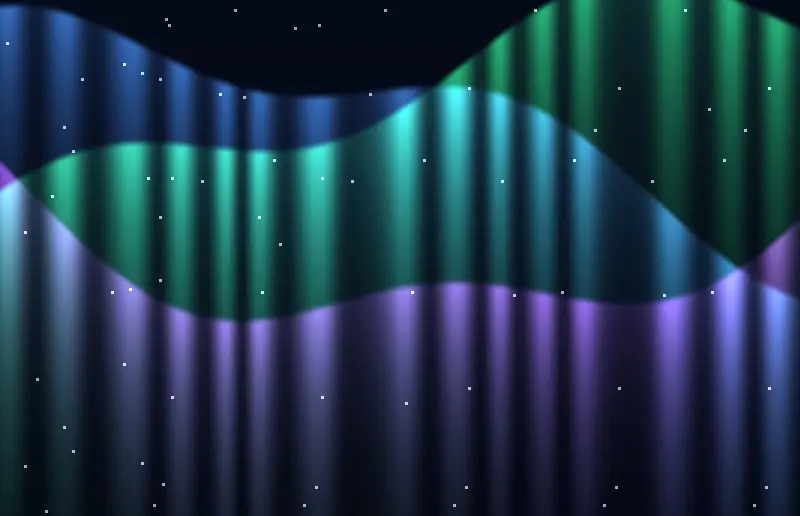
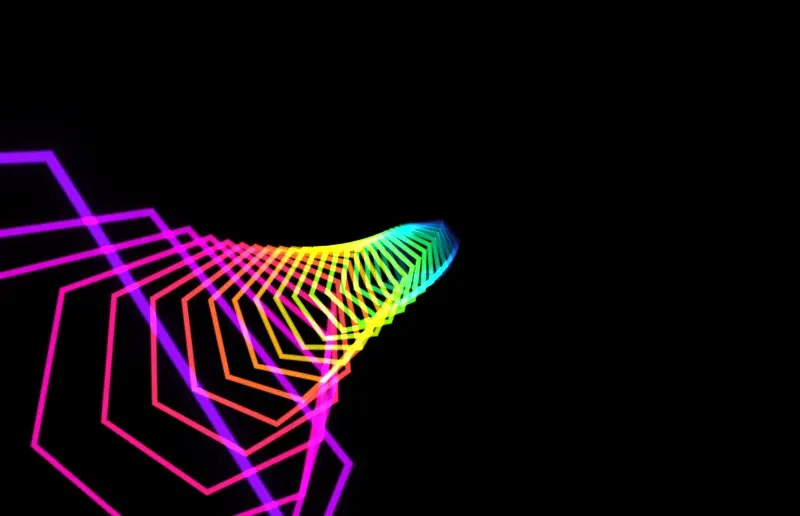
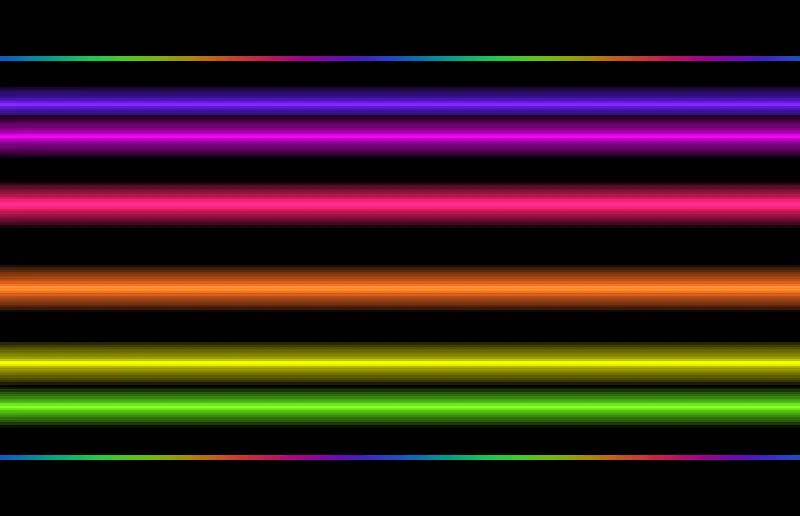
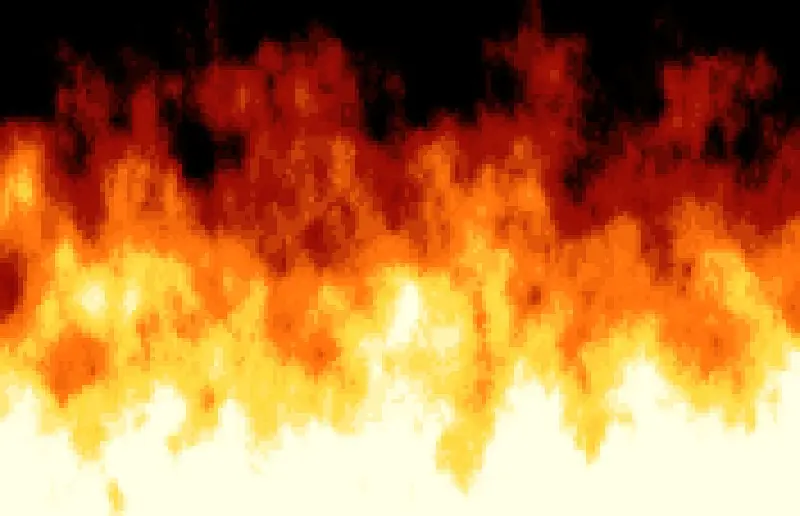
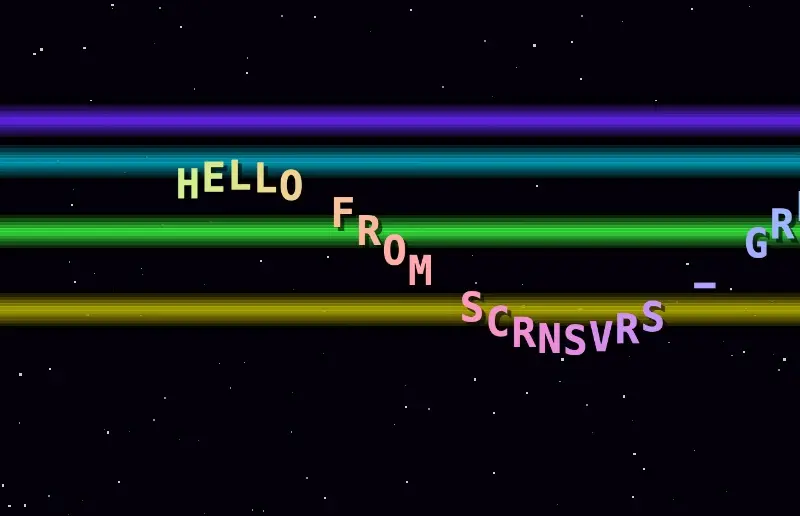
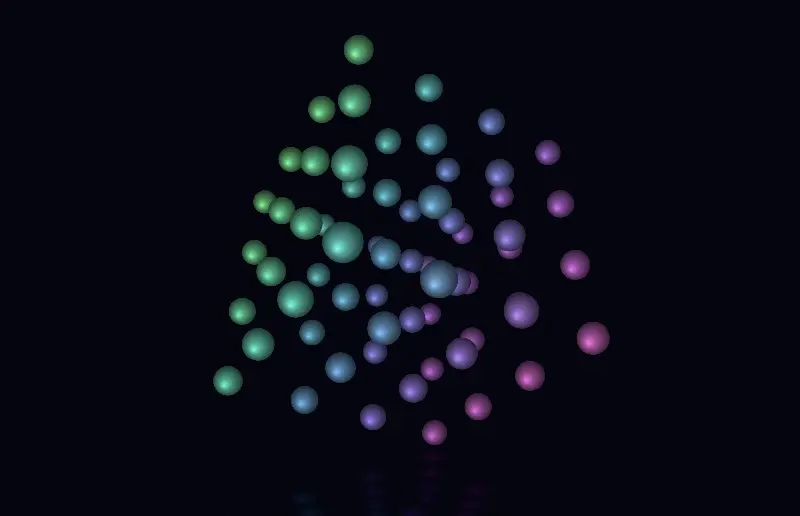
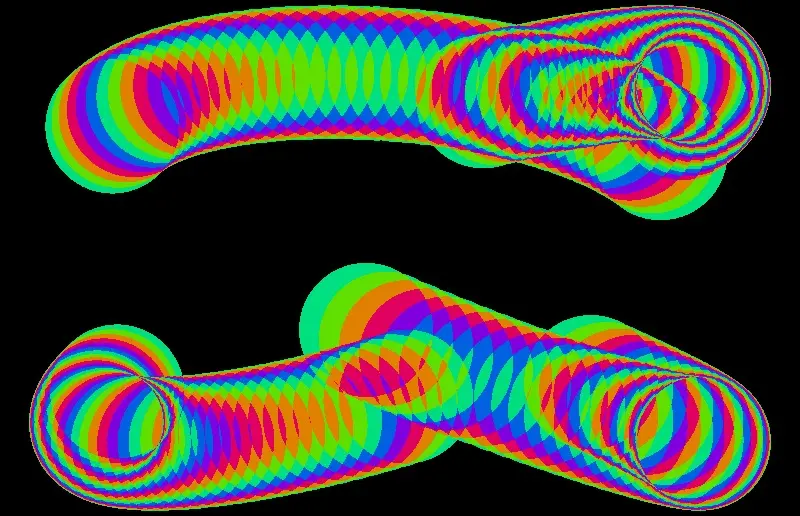
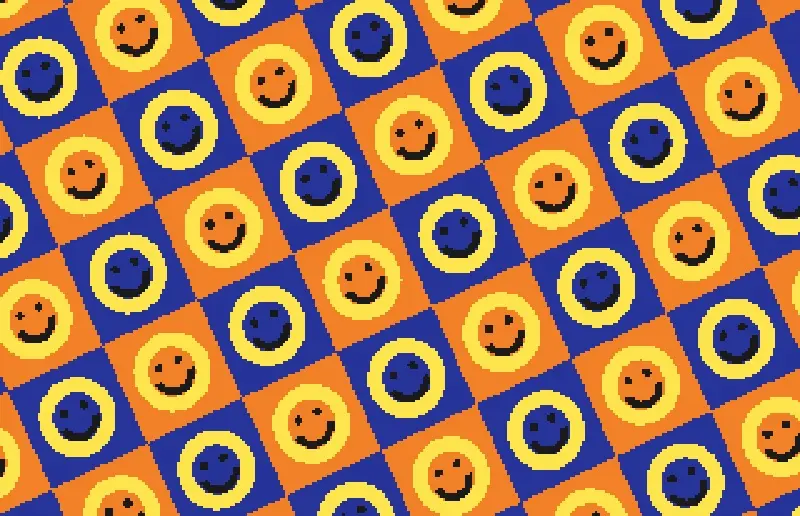
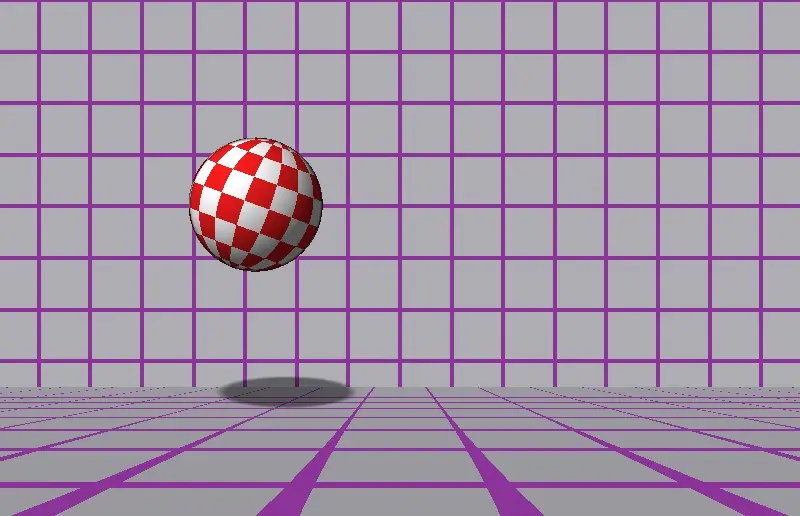
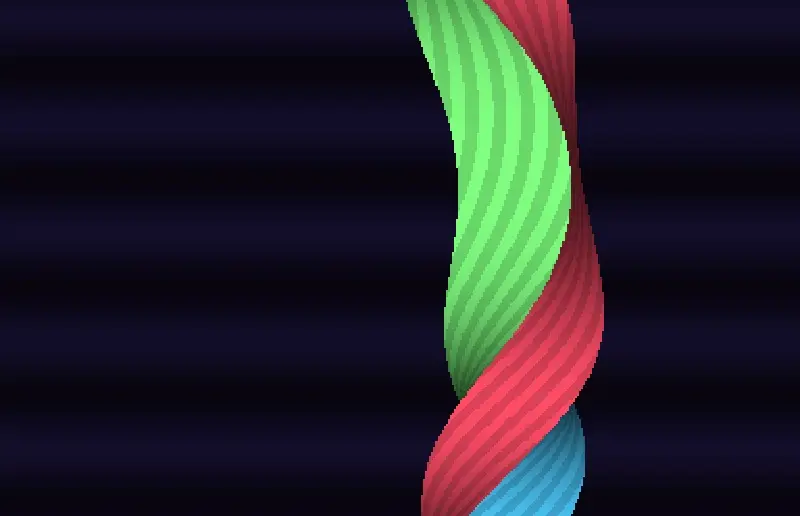
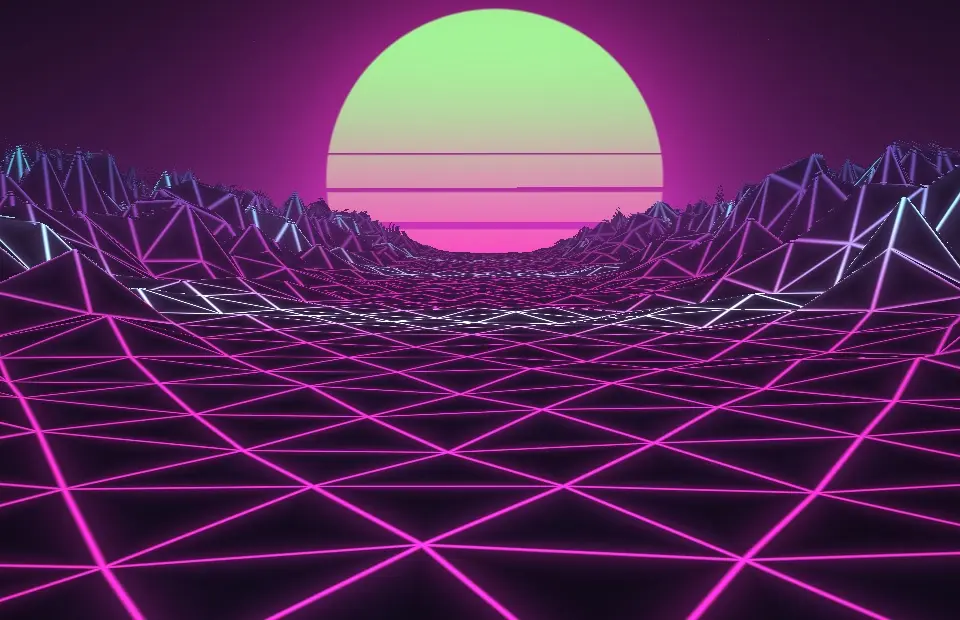
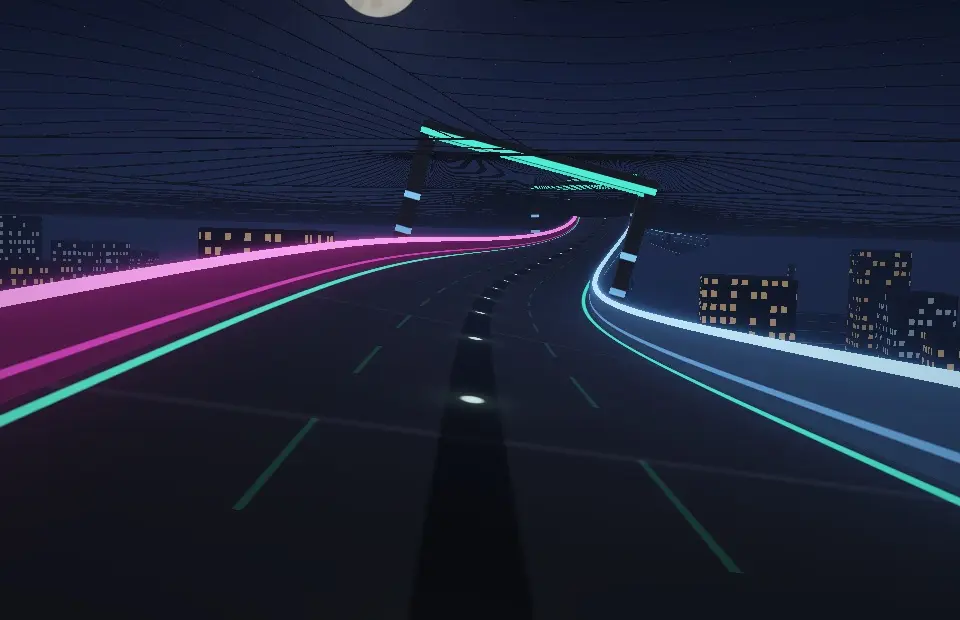
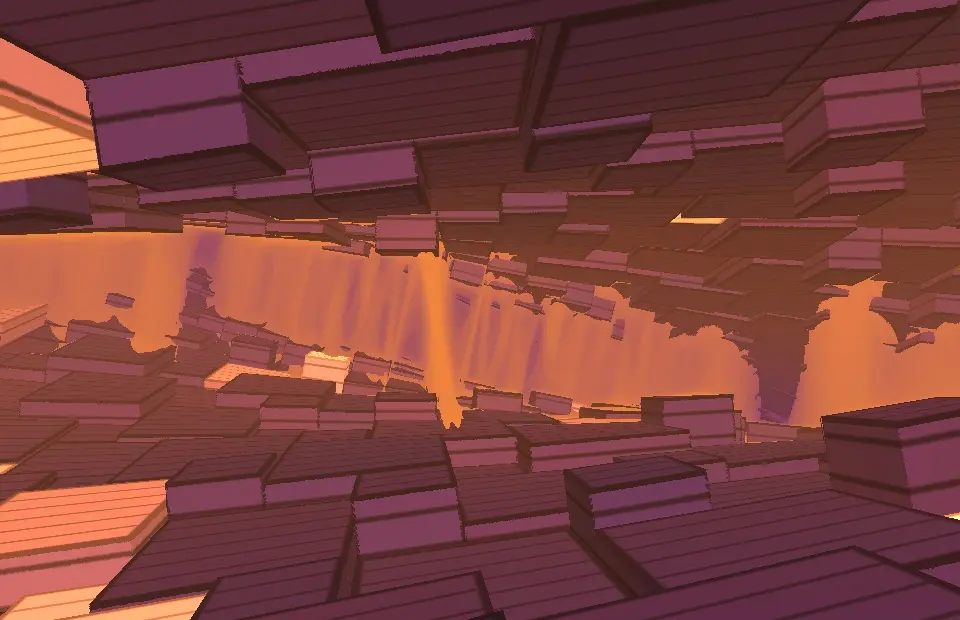
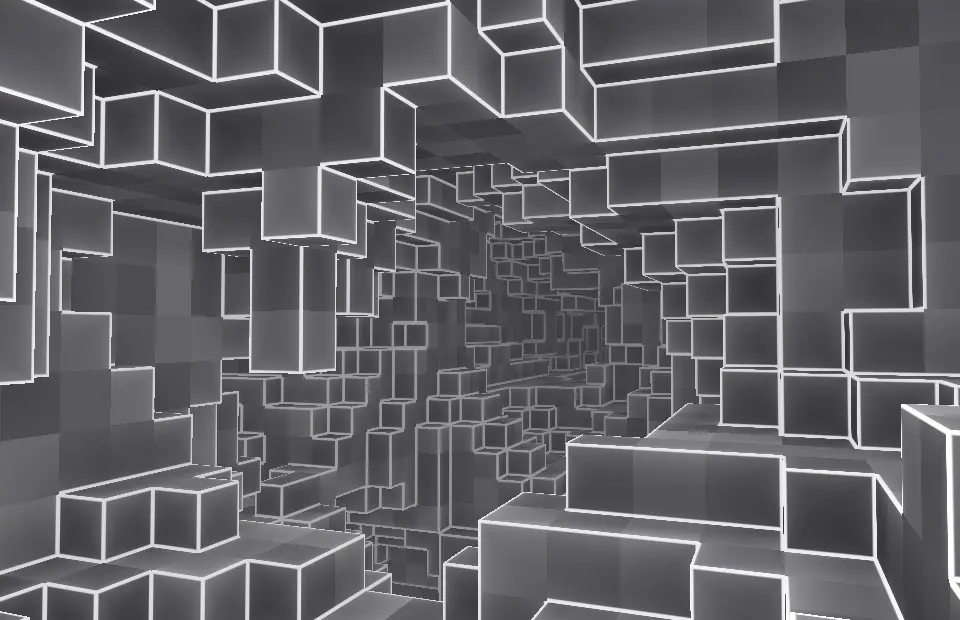
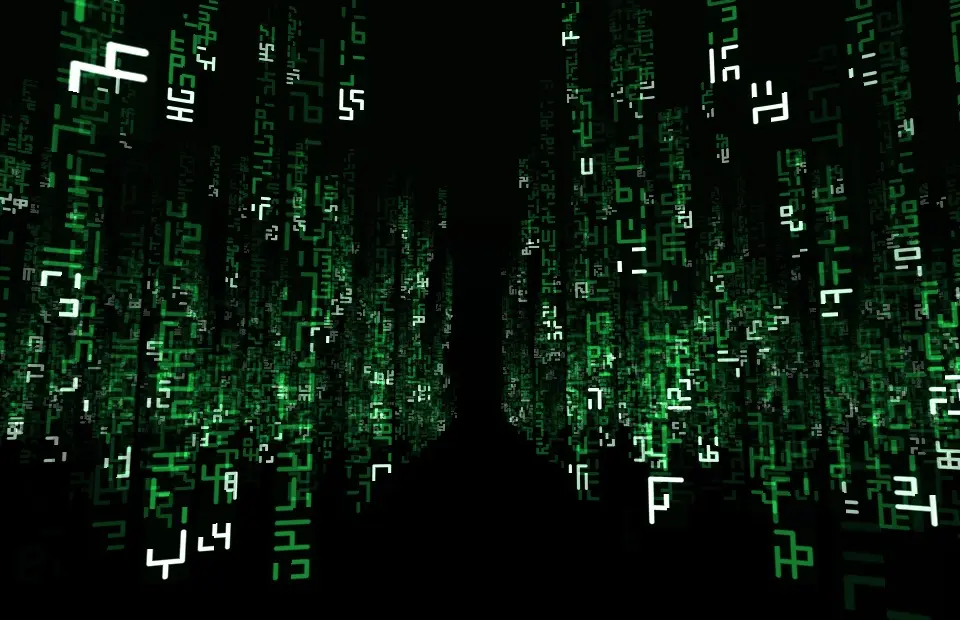
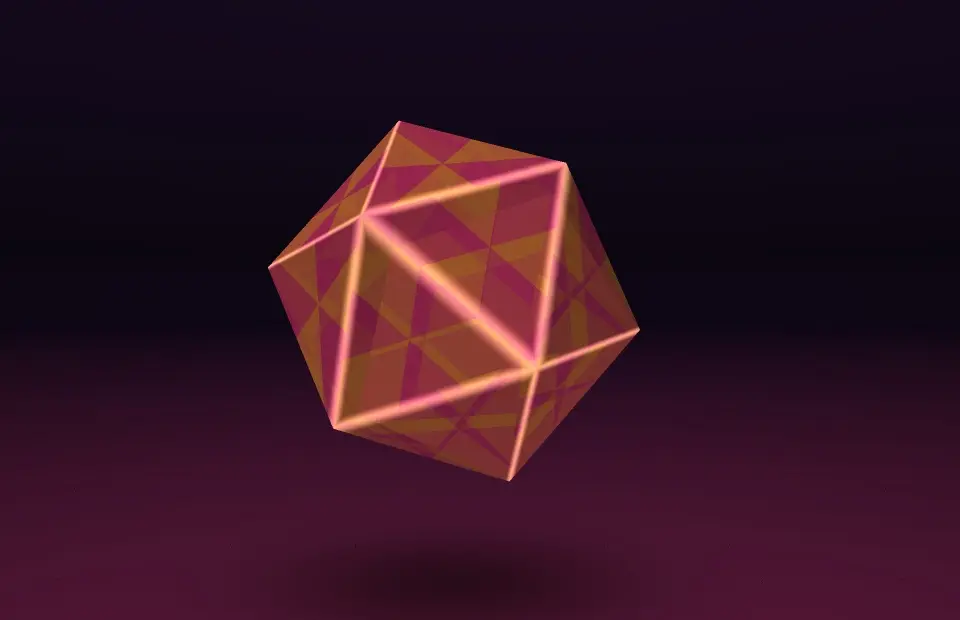
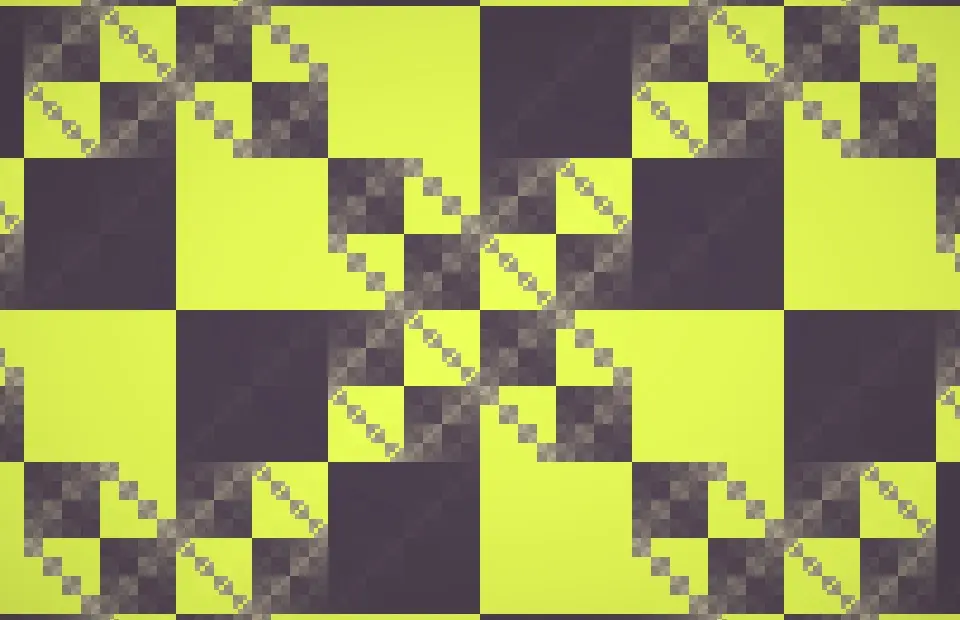
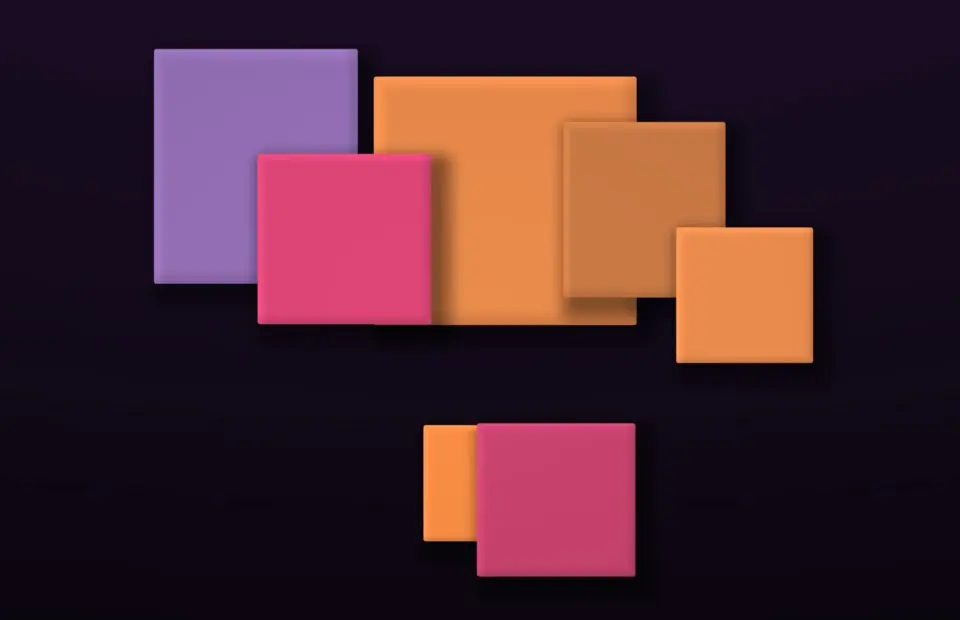
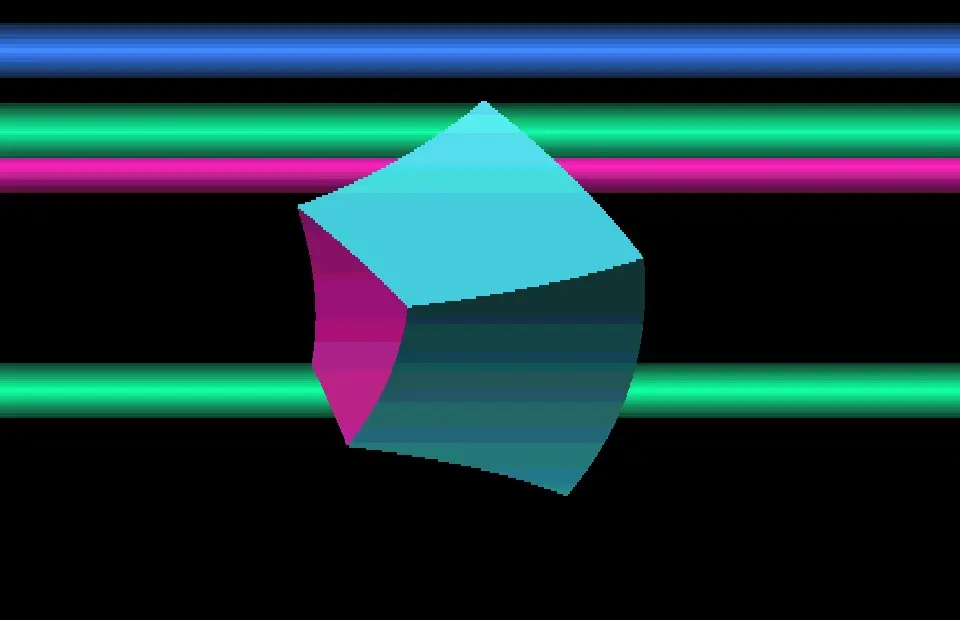
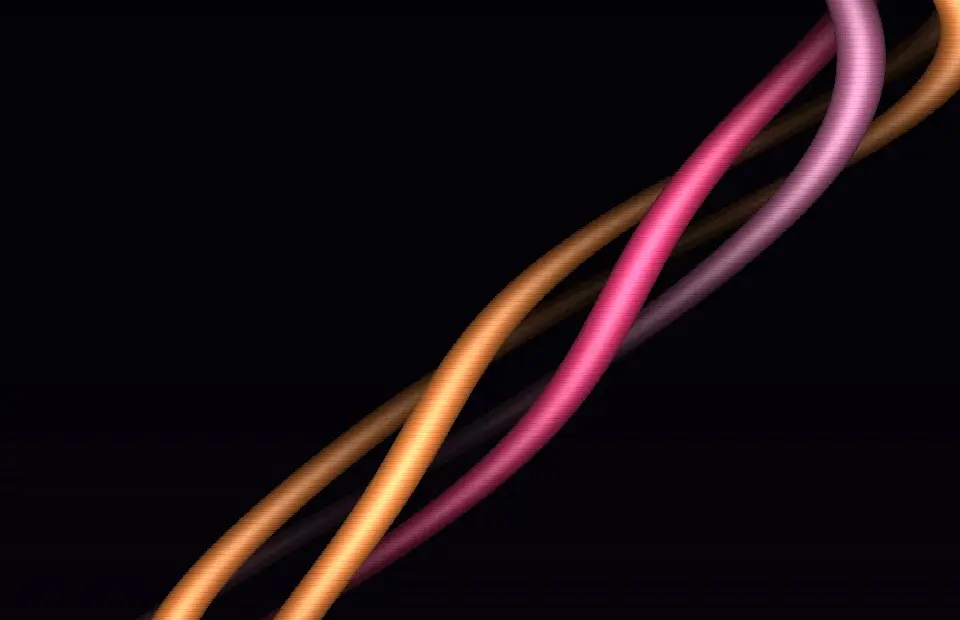
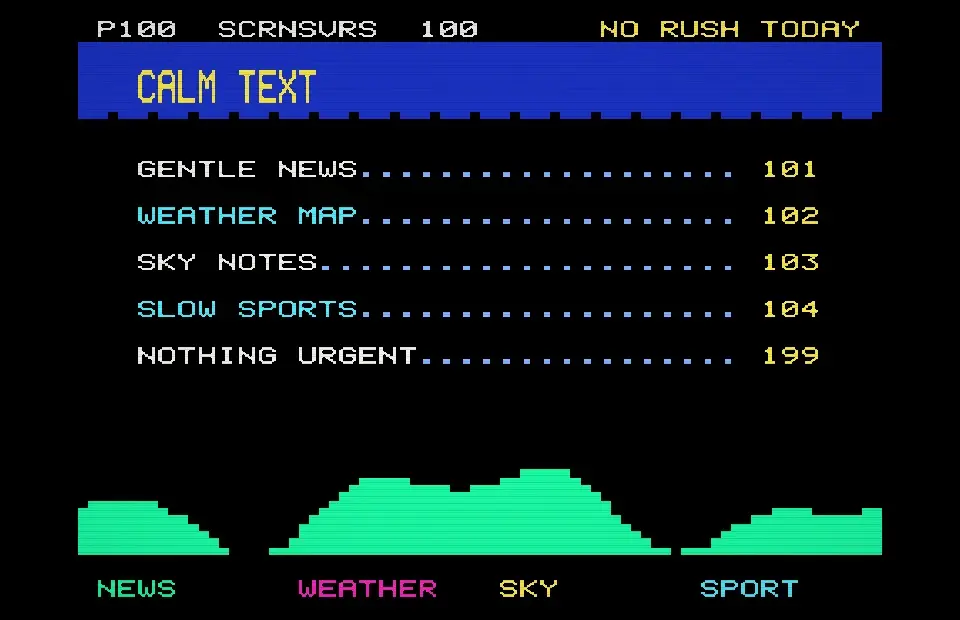
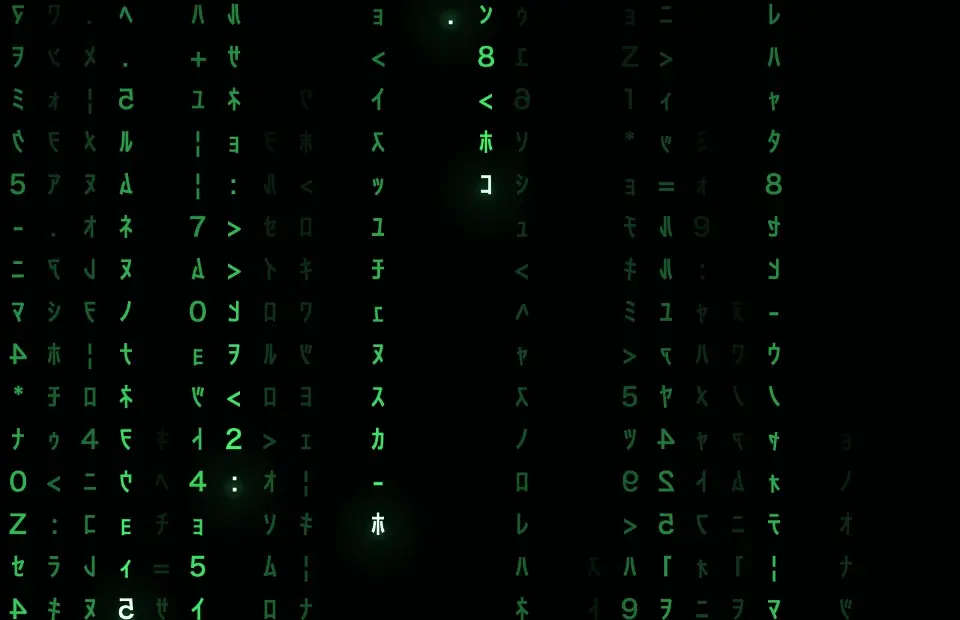
There are 36: Matrix Digital Rain, Pipes, Starfield, Polygons, 3D Maze, Corner Bounce, Classic Starfield, Bezier, 3D Text, Morph Box, Orbs, Aquarium, Glass Bubbles, Worms, Wire Landscape, Aurora Veil, Ring Tunnel, Copper Bars, Demo Fire, Sine Scroller, Vector Balls, Shade Bobs, Rotozoomer, Checker Ball, Twister, Neon Ridge, Anti-Grav Run, Pylon Tunnel, Voxel Drift, Digital Rain 3D, Glenz Vector, Munching Squares, Square Stack, Rubber Vector, Bar Snake and Teletext Calm. Every one is rendered live on your Mac and also works as a live wallpaper.
Yes. The Retro Classics are Free Forever in SCRNSVRS – no account, no ads, no subscription needed.
Download SCRNSVRS from the Mac App Store, pick a screensaver from the Retro Classics and click Set as Screensaver or Set as Wallpaper. No .saver files and no System Settings digging.
macOS Tahoe 26 or later · Apple silicon and Intel.