
Ambient & fun
Calm, clever and fun screensavers for Mac: digital rain, aquarium, orbs and more
From cascading digital rain and a reef aquarium to glowing orbs and two harmless office pranks – the best ambient screensavers for macOS.
Not every screensaver needs to be a nostalgia trip. These are our favourite ambient scenes: ambient scenes to calm your desk, mesmerising effects to watch from across the room, and two harmless pranks for your next lunch break.
Each one is rendered in real time on your Mac, so it never repeats exactly – and each has its own settings for colours, speed and mood.
1. Matrix Digital Rain
Few screen effects are as iconic as cascading green code. Digital Rain recreates it properly: columns of glyphs falling at different speeds, each led by a bright white head that fades into a glowing green trail, and characters that flicker and change as they fall.
It is the screensaver people ask about when they walk past your desk. Change the colour, the glyph size and the density to make it yours – a sparse, slow rain is surprisingly calming.
2. Aquarium
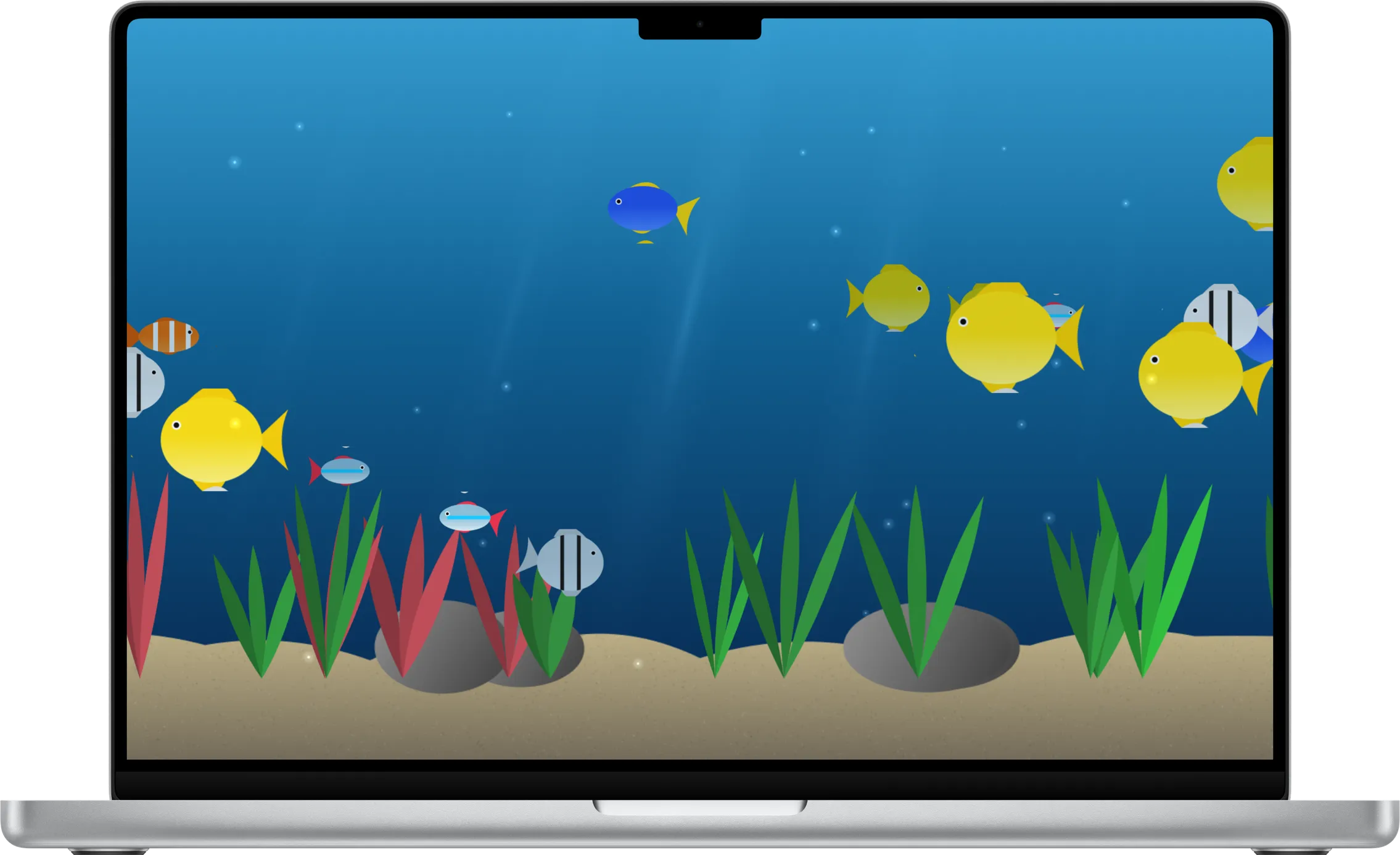
A fish tank is the original ambient display, and Aquarium is the screensaver for people who want calm rather than spectacle. Tropical fish cruise through a sunlit reef, plants sway in the current and bubbles drift to the surface.
It is gentle enough to run as a live wallpaper all day, and it pauses automatically whenever your windows cover it.
3. Orbs
Soft spheres of light drift, gather and swirl through space, blending into each other where they meet. Orbs has no story and no rules – it is simply beautiful colour and motion, which is exactly what a screensaver should sometimes be.
Turn the speed down and it becomes a slow, breathing light show; turn it up and the orbs dance.
4. FBI Warning
Every office needs one harmless prank. FBI Warning fills your screen with a stern, retro VHS-style notice – complete with tracking lines and a timecode – telling would-be snoopers that unauthorised use of this Mac "will be reported to the snack committee".
It is a joke, not a real warning, and that's the point: a funny way to keep colleagues away from your keyboard while you're at lunch.
5. Blue Screen
The other office prank: a very convincing crash screen. A sad face, a progress counter that creeps up and a QR code – except the stop code reads LUNCH_BREAK_IN_PROGRESS.
It does nothing to your Mac, of course. It just makes anyone glancing at your screen do a double take.
The verdict
For a calm desk, Aquarium and Orbs are the ones to keep running as live wallpaper. For something people will notice, Digital Rain is the classic – and for a laugh, FBI Warning and Blue Screen will keep your lunch break private.
All five are included in the SCRNSVRS app for macOS Tahoe.
Frequently asked questions
Is there a Matrix-style digital rain screensaver for Mac?
Yes. Digital Rain shows glowing columns of half-width katakana, digits and symbols with bright white leading glyphs; colour, glyph size, density, trail and glow are all adjustable.
Is there a fish tank screensaver for macOS?
Yes. Aquarium is a calm reef tank with tropical fish at different depths, swaying plants, rising bubbles and drifting sun rays.
Are the prank screensavers safe?
Completely. FBI Warning and Blue Screen only look alarming – nothing happens to your Mac, and moving the mouse ends them like any screensaver.
Can I use these as a live wallpaper?
Yes. Any of them can be your desktop wallpaper from the SCRNSVRS app or its menu bar mini app.