




Aa
Poppins
Headlines, buttons, labels
Bring your idle screen to life.
ABCDEFGHIJKLMNOPQRSTUVWXYZ
abcdefghijklmnopqrstuvwxyz
0123456789 & ! ? € @ # %
- 400 – SCRNSVRS
- 500 – SCRNSVRS
- 600 – SCRNSVRS
Media kit
Everything you need to feature SCRNSVRS in a video, article or post – or to build something in its style: logos, the app icon, favicons, social images, the full palette in 11 formats, DESIGN.md, screenshots and scene stills. Free to use when you talk about SCRNSVRS.
Logos & app icon
SVG plus PNG from 64 to 2048 px, on transparent and on ink or paper. Preview them on dark and light:
The full logo: wordmark plus bracket mark. Use it wherever there is room – it is the first choice.



The name on its own, for tight horizontal spaces or when the mark already appears nearby.


The bracket mark – an idle screen, framed. For avatars, stickers and small spaces.


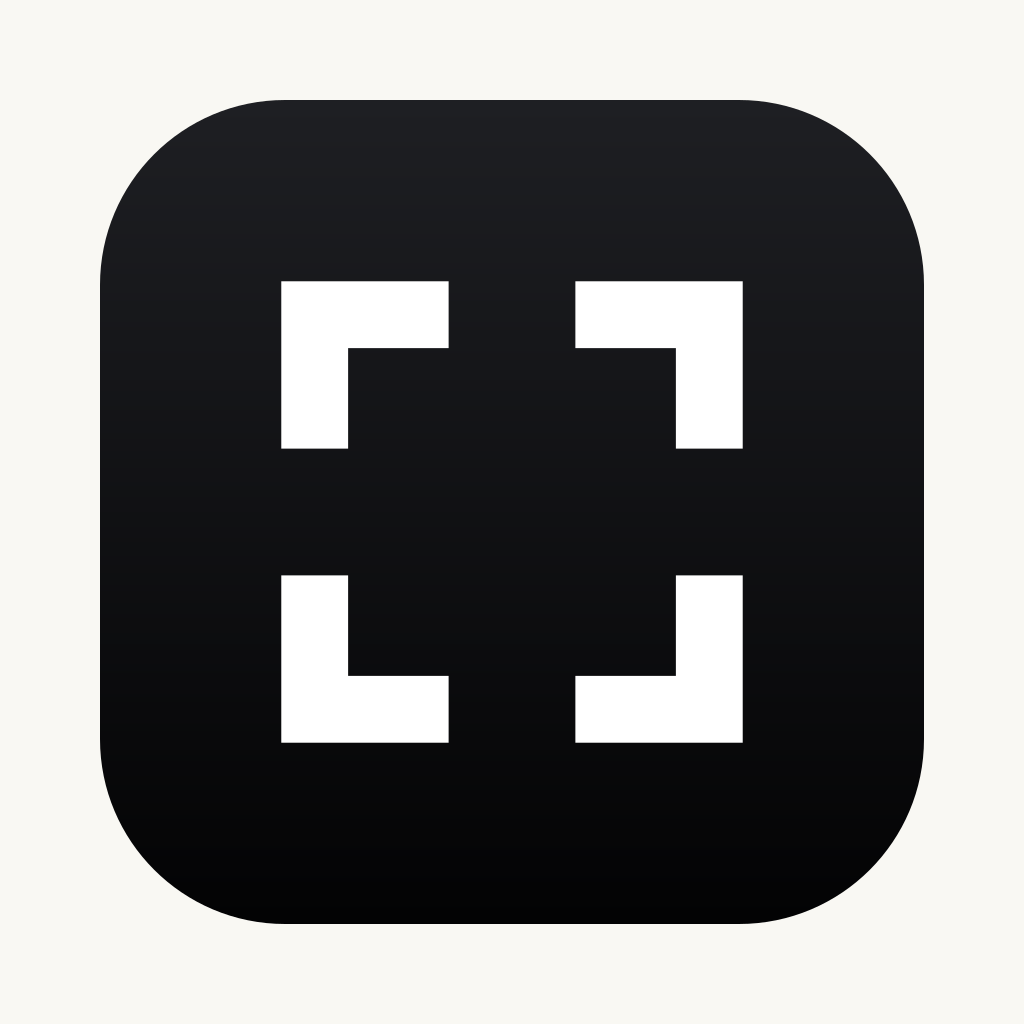
The macOS app icon: the white mark on a graphite gradient, as in the Dock. The lime tile is the small-size version used for the favicon.


Favicons
The lime tile at every size browsers and phones ask for, shown at real size.
<link rel="icon" href="/favicon.ico" sizes="48x48">
<link rel="icon" href="/favicon.svg" type="image/svg+xml">
<link rel="apple-touch-icon" href="/apple-touch-icon.png">
<link rel="mask-icon" href="/safari-pinned-tab.svg" color="#030303">
<link rel="manifest" href="/site.webmanifest">
Plus site.webmanifest for Android and PWAs.
Colours
The five brand colours plus the surfaces, text greys and tints the site and the app actually use. Click any value to copy it.
The five brand colours. Ink and lime carry the brand; lavender, coral and paper are accents.
The brand black: logo backgrounds, the app icon tile, text on lime.
The signature accent: primary buttons, highlights, links, focus rings, success states.
--c-limeSecondary accent: glows, secondary cards, tags.
--c-lavenderEyebrow dots, keyboard focus outlines and error states.
--c-coralThe brand white: light backgrounds for the black logo, print.
The site and the app are dark. These are the layers, from the deepest to the most raised.
Always-dark chapters, hero backgrounds, footer, the app window.
--c-nightAlternating section bands and inset wells.
The page background.
--c-paperCards, tiles and panels on Night.
Scene tiles in the app gallery.
Raised cards on Surface (the media kit cards).
--c-whiteSubtle fills and hover states on cards.
--c-sandInactive dots, tracks and rails.
Warm off-whites and greys for text on the dark surfaces, plus the hairline used for borders.
Headlines and text on Night.
--c-on-nightHeadings and strong text on Surface.
--c-inkRunning text.
--c-textCaptions, metadata and helper text.
--c-mutedBorders and dividers (white at 12%).
--c-lineThe gradient behind the white mark in the macOS app icon (Icon Composer, Display P3).
Top of the app icon gradient.
Bottom of the app icon gradient.
Accent colours at the opacities the site actually uses, for glows, washes and borders. Flattened values assume Night (#050505) behind them.
Success panel fill.
Soft lime glow.
Lime icon well, soft glow.
Lime hairline.
Lime border.
Success border.
Strong lime border or glow.
Lavender wash.
Lavender glow.
Lavender border.
Gradient midpoint between lime and white.
Destructive action border.
Section hairline on Night.
Secondary text on Night.
Lead text on Night.
WCAG 2.2 ratios for the main pairs. AA needs 4.5:1 for text (3:1 for large text, 24px+ or 19px+ bold); AAA needs 7:1.
| Sample | Text on background | Ratio | Text | Large text |
|---|---|---|---|---|
| Aa | Lime on Night | 17.95:1 | AAA | AAA |
| Aa | Night on Lime | 17.95:1 | AAA | AAA |
| Aa | White on Night | 20.38:1 | AAA | AAA |
| Aa | Text primary on Surface | 16.71:1 | AAA | AAA |
| Aa | Text secondary on Surface | 9.19:1 | AAA | AAA |
| Aa | Text muted on Surface | 5.68:1 | AA | AAA |
| Aa | Text muted on Panel | 5.53:1 | AA | AAA |
| Aa | Lavender on Night | 11.12:1 | AAA | AAA |
| Aa | Coral on Night | 6.36:1 | AA | AAA |
| Aa | Coral on Surface | 5.90:1 | AA | AAA |
| Aa | Ink on Paper | 19.40:1 | AAA | AAA |
| Aa | White on Coral | 3.20:1 | Fail | AA |
| Aa | White on Lavender | 1.83:1 | Fail | Fail |
| Aa | White on Lime | 1.14:1 | Fail | Fail |
| Aa | Lime on Paper | 1.07:1 | Fail | Fail |
Palette files
All 35 colours, grouped. Formats without transparency get the tints flattened onto Night (#050505).
Typography
Both free on Google Fonts under the SIL Open Font License – on the website and in the Mac app.
Headlines, buttons, labels
Bring your idle screen to life.
ABCDEFGHIJKLMNOPQRSTUVWXYZ
abcdefghijklmnopqrstuvwxyz
0123456789 & ! ? € @ # %
Body text, UI, captions
Living screensavers, written in code.
ABCDEFGHIJKLMNOPQRSTUVWXYZ
abcdefghijklmnopqrstuvwxyz
0123456789 & ! ? € @ # %
For designers & coding agents
DESIGN.md is the whole design system in one plain-text file: colours, type, spacing, shapes and components as tokens, plus the rules in plain words. It follows the open DESIGN.md format by Google Labs.
---
version: alpha
name: SCRNSVRS
description: "Dark, playful and precise: living screensavers for macOS. Near-black surfaces, one electric lime accent, Poppins headlines and Inter text."
colors:
  primary: "#E8FC56"
  on-primary: "#050505"
  secondary: "#CCB6EB"
  on-secondary: "#050505"
  tertiary: "#F16058"
  on-tertiary: "#050505"
  background: "#111110"
  surface: "#111110"
  surface-dim: "#050505"
  surface-container-low: "#0B0B0C"
  surface-container: "#141416"
  surface-raised: "#1A1A18"
  surface-sand: "#1C1C1A"
  text-primary: "#F2F1EC"
  text-secondary: "#B6B5AF"
  text-muted: "#8E8D88"
  hairline: "#FFFFFF1F"
  track: "#303033"
  error: "#F16058"
  success: "#E8FC56"
  ink: "#030303"
  paper: "#F9F8F3"
  night: "#050505"
  on-night: "#FFFFFF"
  tile: "#161615"
  icon-gradient-top: "#1E1F23"
  icon-gradient-bottom: "#030304"
typography:
  headline-display:
    fontFamily: Poppins
    fontSize: "4.6rem"
    fontWeight: 600
    lineHeight: 1.02
    letterSpacing: "-0.03em"
  headline-lg:
    fontFamily: Poppins
    fontSize: "4.1rem"
    fontWeight: 500
    lineHeight: 1.15
  headline-md:
    fontFamily: Poppins
    fontSize: "3.1rem"
    fontWeight: 500
    lineHeight: 1.2
  headline-sm:
    fontFamily: Poppins
    fontSize: "2.4rem"
    fontWeight: 600
    lineHeight: 1.12
    letterSpacing: "-0.02em"
  title-md:
    fontFamily: Poppins
    fontSize: "1.35rem"
    fontWeight: 500
    lineHeight: 1.2
  body-lg:
    fontFamily: Inter
    fontSize: "1.2rem"
    fontWeight: 400
    lineHeight: 1.5
  body-md:
    fontFamily: Inter
    fontSize: "17px"
    fontWeight: 400
    lineHeight: 1.65
  body-sm:
    fontFamily: Inter
    fontSize: "0.92rem"
    fontWeight: 400
    lineHeight: 1.45
  label-md:
    fontFamily: Poppins
    fontSize: "0.98rem"
    fontWeight: 500
    lineHeight: 1
  label-caps:
    fontFamily: Poppins
    fontSize: "0.8rem"
    fontWeight: 500
    lineHeight: 1
    letterSpacing: "0.14em"
rounded:
  sm: 12px
  lg: 20px
  xl: 26px
  full: 999px
spacing:
  gutter-min: 16px
  gutter-max: 32px
  gap: 16px
  card-padding: 28px
  section-min: 64px
  section-max: 120px
  wrap-max: 1320px
  header-offset: 88px
components:
  button-primary:
    backgroundColor: "{colors.primary}"
    textColor: "{colors.on-primary}"
    typography: "{typography.label-md}"
    rounded: "{rounded.full}"
    padding: "0.85em"
  button-primary-hover:
    backgroundColor: "{colors.on-night}"
    textColor: "{colors.on-primary}"
  button-secondary:
    backgroundColor: "{colors.surface}"
    textColor: "{colors.text-primary}"
    typography: "{typography.label-md}"
    rounded: "{rounded.full}"
    padding: "0.85em"
  button-secondary-hover:
    backgroundColor: "{colors.text-primary}"
    textColor: "{colors.surface-raised}"
  button-on-night:
    backgroundColor: "{colors.night}"
    textColor: "{colors.on-night}"
    typography: "{typography.label-md}"
    rounded: "{rounded.full}"
    padding: "0.85em"
  card:
    backgroundColor: "{colors.surface-container}"
    textColor: "{colors.text-secondary}"
    rounded: "{rounded.xl}"
    padding: "28px"
  card-highlight:
    backgroundColor: "{colors.primary}"
    textColor: "{colors.ink}"
    rounded: "{rounded.xl}"
    padding: "28px"
  card-raised:
    backgroundColor: "{colors.surface-raised}"
    textColor: "{colors.text-primary}"
    rounded: "{rounded.lg}"
    padding: "16px"
  card-raised-hover:
    backgroundColor: "{colors.surface-sand}"
    textColor: "{colors.text-primary}"
  divider:
    backgroundColor: "{colors.hairline}"
    height: "1px"
  chip:
    backgroundColor: "{colors.surface-container}"
    textColor: "{colors.text-primary}"
    typography: "{typography.body-sm}"
    rounded: "{rounded.full}"
    padding: "0.3em"
  input-field:
    backgroundColor: "{colors.surface-container-low}"
    textColor: "{colors.on-night}"
    typography: "{typography.body-md}"
    rounded: "{rounded.sm}"
    padding: "12px"
  eyebrow:
    backgroundColor: "{colors.night}"
    textColor: "{colors.on-night}"
    typography: "{typography.label-caps}"
  link:
    backgroundColor: "{colors.surface}"
    textColor: "{colors.primary}"
  caption:
    backgroundColor: "{colors.surface}"
    textColor: "{colors.text-muted}"
    typography: "{typography.body-sm}"
  status-success:
    backgroundColor: "{colors.surface}"
    textColor: "{colors.success}"
    typography: "{typography.body-sm}"
  status-error:
    backgroundColor: "{colors.surface}"
    textColor: "{colors.error}"
    typography: "{typography.body-sm}"
  progress-dot:
    backgroundColor: "{colors.track}"
    size: "10px"
    rounded: "{rounded.full}"
  progress-dot-active:
    backgroundColor: "{colors.primary}"
    size: "10px"
    rounded: "{rounded.full}"
  scene-tile:
    backgroundColor: "{colors.tile}"
    textColor: "{colors.text-primary}"
    rounded: "{rounded.sm}"
  logo-on-light:
    backgroundColor: "{colors.paper}"
    textColor: "{colors.ink}"
  logo-on-dark:
    backgroundColor: "{colors.ink}"
    textColor: "{colors.on-night}"
  app-icon:
    backgroundColor: "{colors.icon-gradient-bottom}"
    textColor: "{colors.on-night}"
    rounded: "{rounded.xl}"
  app-icon-highlight:
    backgroundColor: "{colors.icon-gradient-top}"
    textColor: "{colors.on-night}"
---

# SCRNSVRS

The design system of [SCRNSVRS](https://www.scrnsvrs.com/), living screensavers and wallpapers for macOS, as used on scrnsvrs.com and in the Mac app. Give this file to a coding agent and it can build pages, components and graphics in the SCRNSVRS style. Logos, icons and palettes: https://www.scrnsvrs.com/media-kit/

## Overview

SCRNSVRS turns an idle Mac screen into something worth looking at, so the brand feels like a screen at night: near-black, calm and a little nostalgic, with one electric lime accent that glows like a phosphor display. It is playful (retro games, clocks, generative art) but precise: everything is written in code and drawn sharply.

- **Mood:** dark, focused and gallery-like. The screensavers are the colour; the interface stays quiet around them.
- **Audience:** Mac users who care how their desk looks: designers, developers, creators.
- **Personality:** confident, short sentences; headlines in two parts, the second highlighted in lime ("Post about it. Get a year free.").
- **Logo:** the SCRNSVRS wordmark with the bracket mark – four corner brackets framing an idle screen. The mark alone is the avatar and app icon. The name is always written in capitals: SCRNSVRS.
- **Theme:** dark only. Light surfaces (Paper) are for print and for the black logo, not for UI.

## Colors

Near-black surfaces in tight steps, warm off-white text and a single loud accent.

- **Lime (#E8FC56) – primary:** the signature accent. Primary buttons, highlighted headline halves, links, active states, success messages and progress. Text on lime is always Night or Ink.
- **Lavender (#CCB6EB) – secondary:** soft glows, secondary cards and gradients next to lime. Rarely used for text.
- **Coral (#F16058) – tertiary:** the small dot in eyebrows, keyboard focus outlines and errors. Never a large fill.
- **Ink (#030303) and Paper (#F9F8F3):** the brand black and white, for the logo, the app icon tile and print.
- **Surfaces:** Night (#050505) for always-dark chapters, Deep panel (#0B0B0C) for section bands, Surface (#111110) for the page, Panel (#141416) for cards and tiles, Surface raised (#1A1A18) and Surface sand (#1C1C1A) for raised cards and hovers. The app uses Night, Surface and Tile (#161615).
- **Text:** White (#FFFFFF) on Night, Text primary (#F2F1EC) for headings and strong text, Text secondary (#B6B5AF) for running text, Text muted (#8E8D88) for captions. Borders and dividers use Hairline white 12% (#FFFFFF1F); Track (#303033) is for inactive dots and rails.
- **Tints** (not tokens; apply them as opacity on the accent): accents are used at fixed opacities for glows, washes and borders: Lime 6% (`#E8FC560F`), Lime 8% (`#E8FC5614`), Lime 12% (`#E8FC561F`), Lime 25% (`#E8FC5640`), Lime 35% (`#E8FC5659`), Lime 40% (`#E8FC5666`), Lime 60% (`#E8FC5699`), Lavender 14% (`#CCB6EB24`), Lavender 20% (`#CCB6EB33`), Lavender 35% (`#CCB6EB59`), Lavender 60% (`#CCB6EB99`), Coral 60% (`#F1605899`), White 8% (`#FFFFFF14`), White 55% (`#FFFFFF8C`), White 68% (`#FFFFFFAD`).
- **App icon:** a vertical gradient from #1E1F23 to #030304 behind the white mark.

Contrast: Lime on Night is about 18:1, Text primary on Surface about 17:1, Text secondary on Surface about 9:1 and Text muted on Surface about 5.7:1, so all pass WCAG AA for text. Coral on Night passes AA; white text on Coral or Lavender does not – use Night on them.

## Typography

Two free Google Fonts: **Poppins** for headlines and anything that acts like a label, **Inter** for everything you read.

- **Headlines:** Poppins Medium (500); the big hero and section headlines go to SemiBold (600) with tight negative tracking (-0.02em to -0.03em) and line heights near 1.0–1.2. Headline sizes are fluid: they scale with the viewport between a mobile size and the token size (CSS clamp()).
- **Body:** Inter at 17px with a generous 1.65 line height; lead paragraphs at about 1.2rem and 1.5.
- **Labels:** buttons use Poppins Medium at about 0.98rem. Eyebrows above headings are Poppins Medium, 0.8rem, uppercase, 0.14em tracking, with a small coral dot in front.
- Balance headline wrapping (text-wrap: balance) and keep paragraphs to about 60 characters per line.

## Layout

- **Container:** content sits in a centred wrap of at most 1320px with fluid side gutters from 16px to 32px.
- **Rhythm:** sections breathe, with vertical padding that scales from 64px on phones to 120px on desktop. Each section has a different composition (hero with a device mock, logo strip, bento of tiles, step track, FAQ).
- **Grids:** cards and tiles sit in auto-fill CSS grids with 16px gaps; cards have about 28px of padding.
- **Sticky header:** anchors leave 88px at the top for the header.
- Layouts collapse to one column on phones without horizontal scrolling.

## Elevation & Depth

Depth comes from tonal layering rather than shadows: each layer is a few steps lighter than the one below (Night → Deep panel → Surface → Panel → Surface raised), separated by 1px hairlines of white at 8–12% (Hairline white 12%).

- Accent glows replace shadows for emphasis: large, soft radial gradients of lime (6–12%) or lavender (14–20%) behind heroes and highlighted cards.
- When something must float (device mocks, popovers), use one soft shadow: `0 20px 50px -20px rgb(0 0 0 / 0.7)`. Highlighted lime cards may add a lime glow (lime at 45%, about 80px blur).
- Frosted chips (dark panel at about 82% with a background blur) float over imagery.

## Shapes

Soft, friendly rectangles around sharp content.

- **Pills (999px):** every button, chip and tag.
- **Cards (20px) and tiles (26px):** panels, media kit cards, reward tiles.
- **Small (12px):** inputs, swatches and thumbnails.
- The logo and the bracket mark themselves are sharp-cornered; never round or outline them.
- Icons are simple 24px line icons with round caps, drawn in the current text colour.

## Components

- **Primary button:** a Lime pill with Night text in Poppins Medium; on hover it turns white and lifts by 2px. One primary button per view.
- **Secondary button:** a ghost pill – transparent with a 1.5px border in Text primary; on hover it fills with Text primary.
- **Buttons on Night:** a transparent pill with a white 50% border and white text.
- **Cards:** Panel or Surface raised background, a 1px white 10–12% border, 20px–26px corners. Highlighted cards are solid Lime with Ink text.
- **Chips and tags:** small pills with a dark fill or a lime tint (lime at 12% fill, lime at 25–35% border).
- **Inputs:** white at 5% on Night with a white 16% border, 12px corners and white text; focus shows a 2px Lime outline, errors turn the border Coral.
- **Eyebrow:** the uppercase Poppins label with a coral dot, above section headings.
- **Focus:** a 3px Coral outline, offset by 3px, on every focusable element.
- **Motion:** gentle – elements fade up by 28px as they scroll in, buttons lift on hover – and everything turns off with prefers-reduced-motion.

## Do's and Don'ts

- Do keep the interface dark and let screensaver imagery provide the colour.
- Do use Lime for one thing at a time: the main action or the highlighted half of a headline.
- Do write the name in capitals – SCRNSVRS – and keep clear space around the logo of at least twice the stroke height of the bracket mark.
- Do use the white or colour logo on dark backgrounds and the black logo on light ones.
- Do maintain WCAG AA contrast (4.5:1 for text); put Night text on Lime, Lavender and Coral.
- Don't stretch, rotate, recolour, outline or add effects to the logo or the mark.
- Don't use Coral or Lavender for large areas or body text, and don't put white text on Lime.
- Don't add new accent colours, gradients between accents and greys, or heavy drop shadows.
- Don't suggest SCRNSVRS sponsors or endorses something without asking.
Screenshots
The Mac App Store screenshots and captures of the app's interface, ready for your article or video.
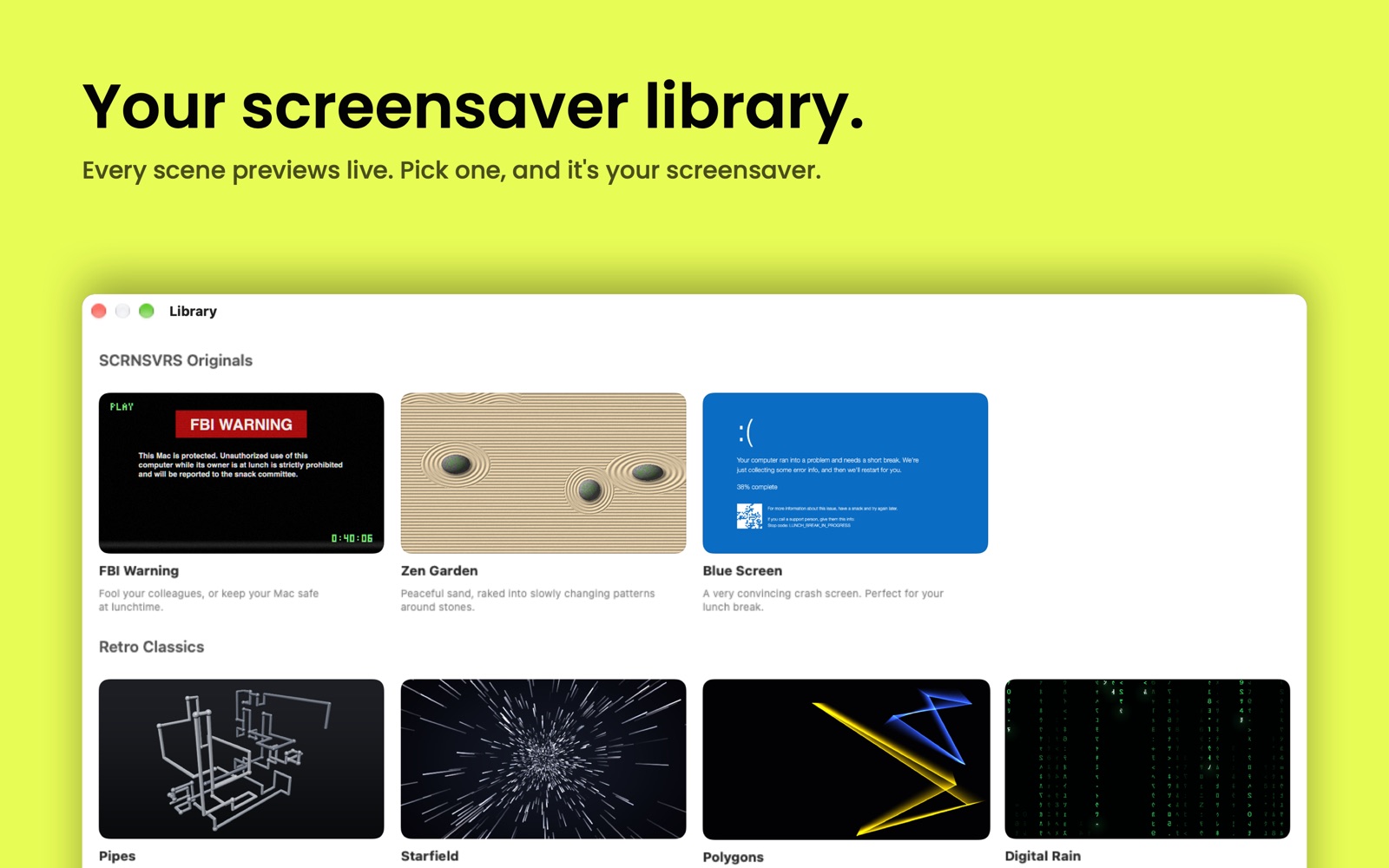 Library 211 KB
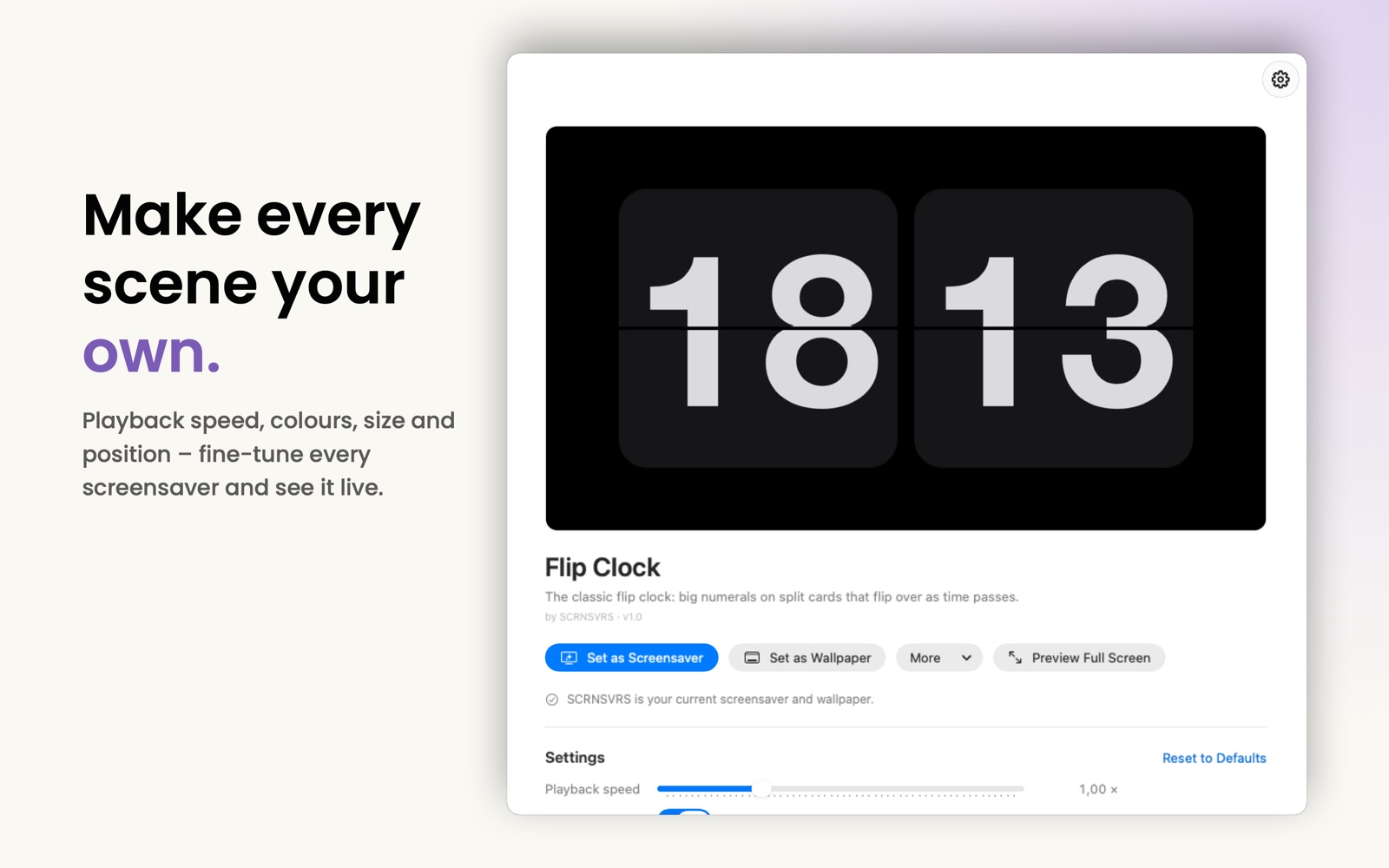 Settings 131 KB
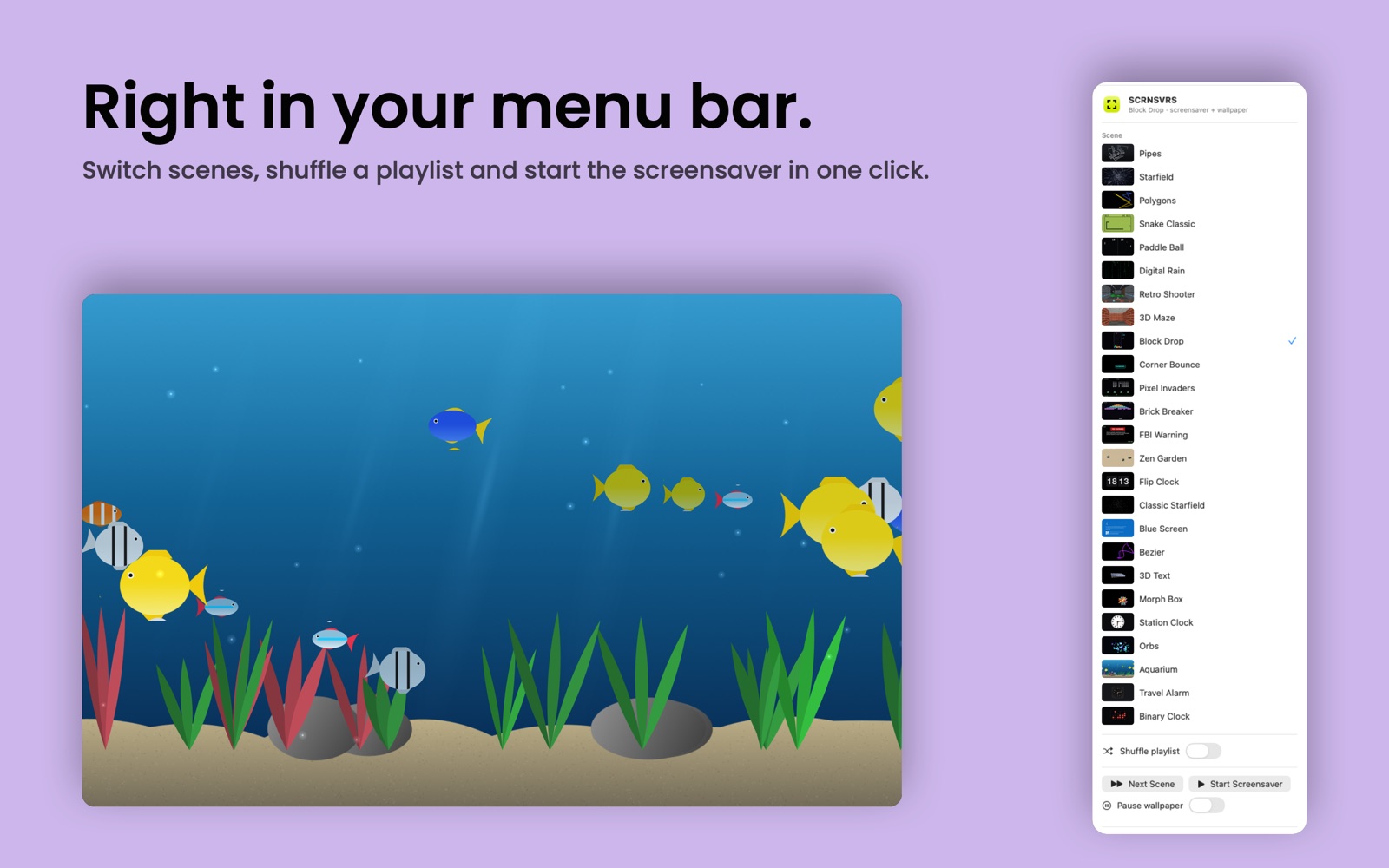 Menu bar 187 KB
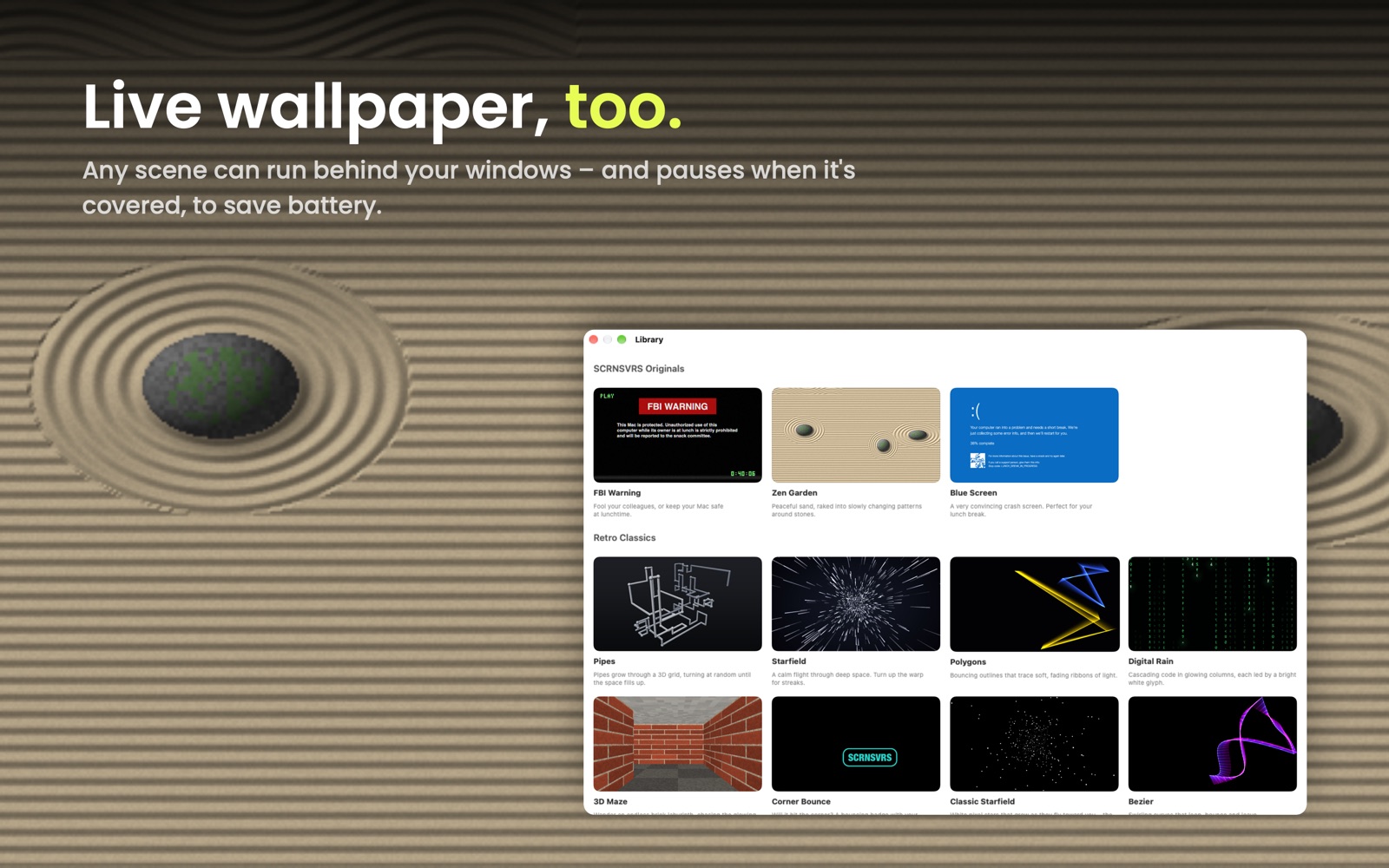 Wallpaper 310 KB
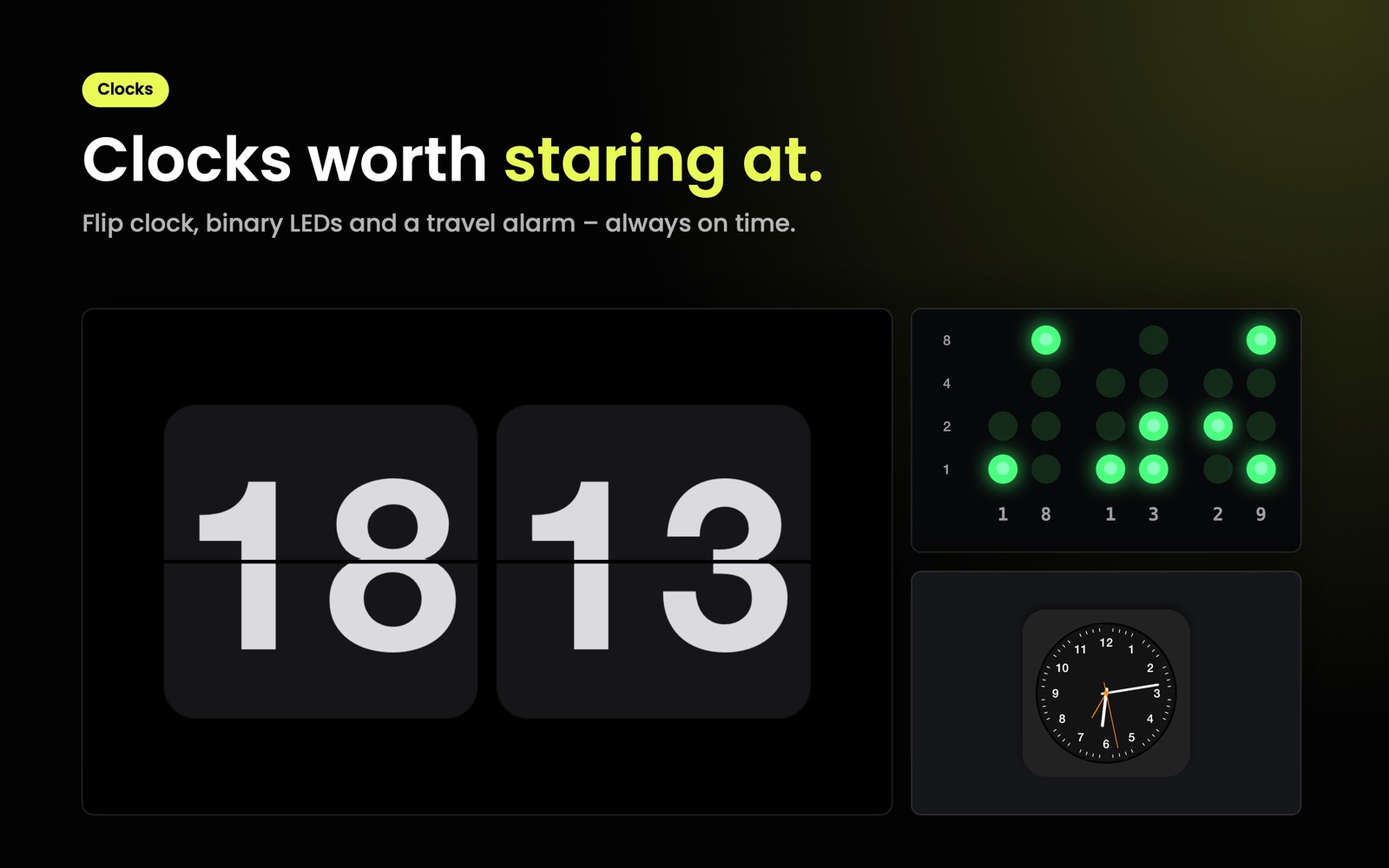 Clocks 120 KB
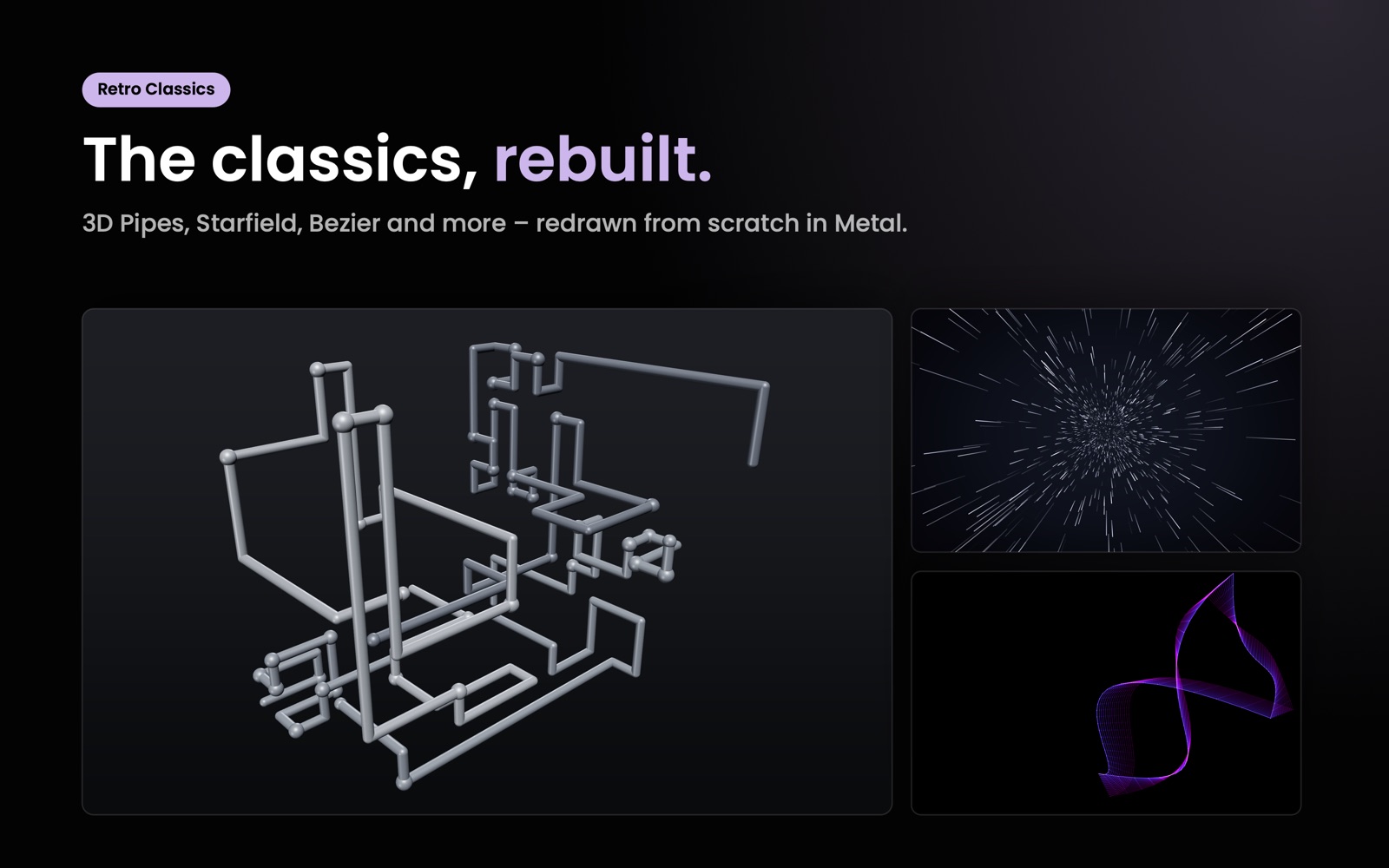 Retro 161 KB
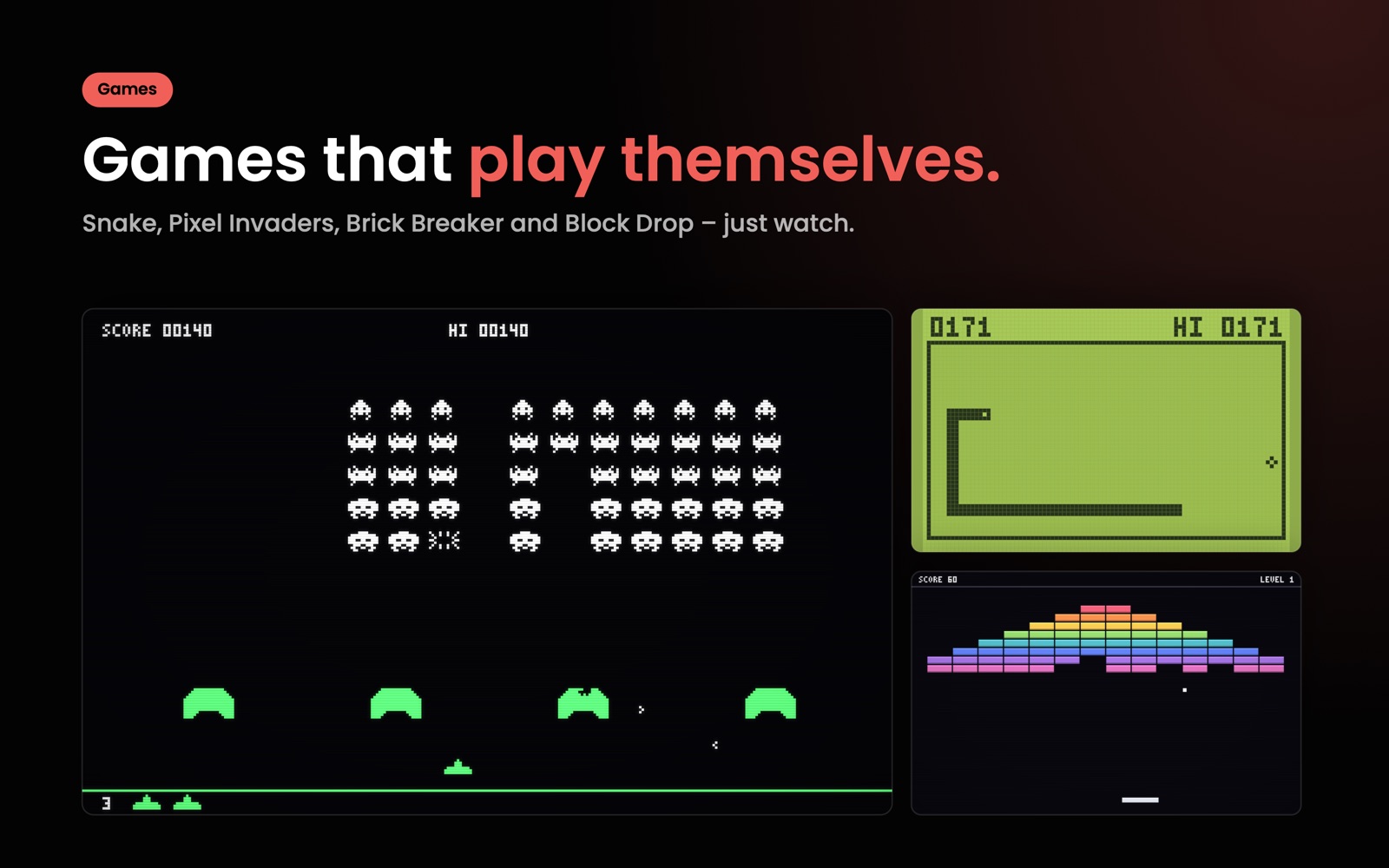 Games 182 KB
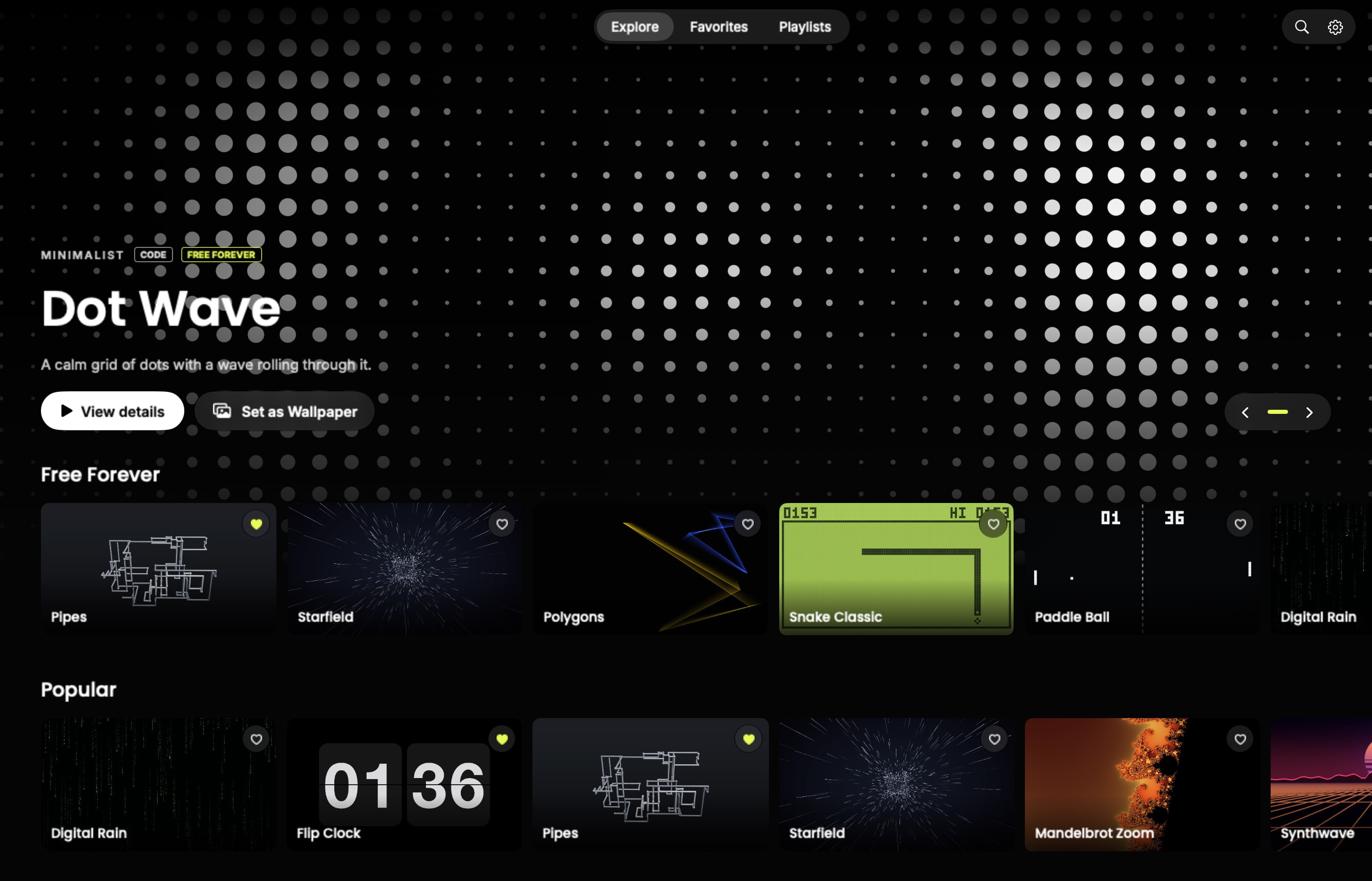 Explore (app UI) 278 KB
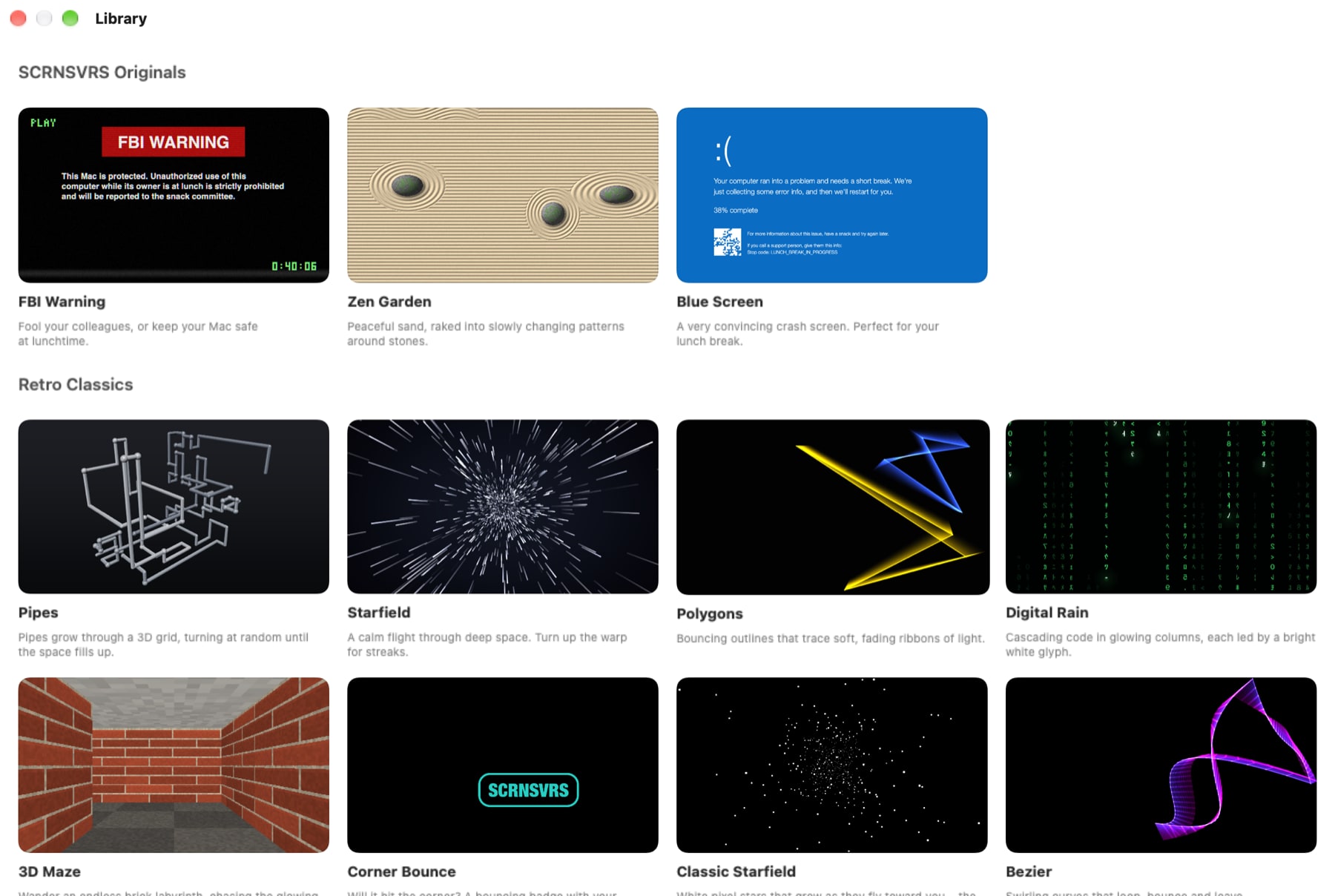 Library (app UI) 187 KB
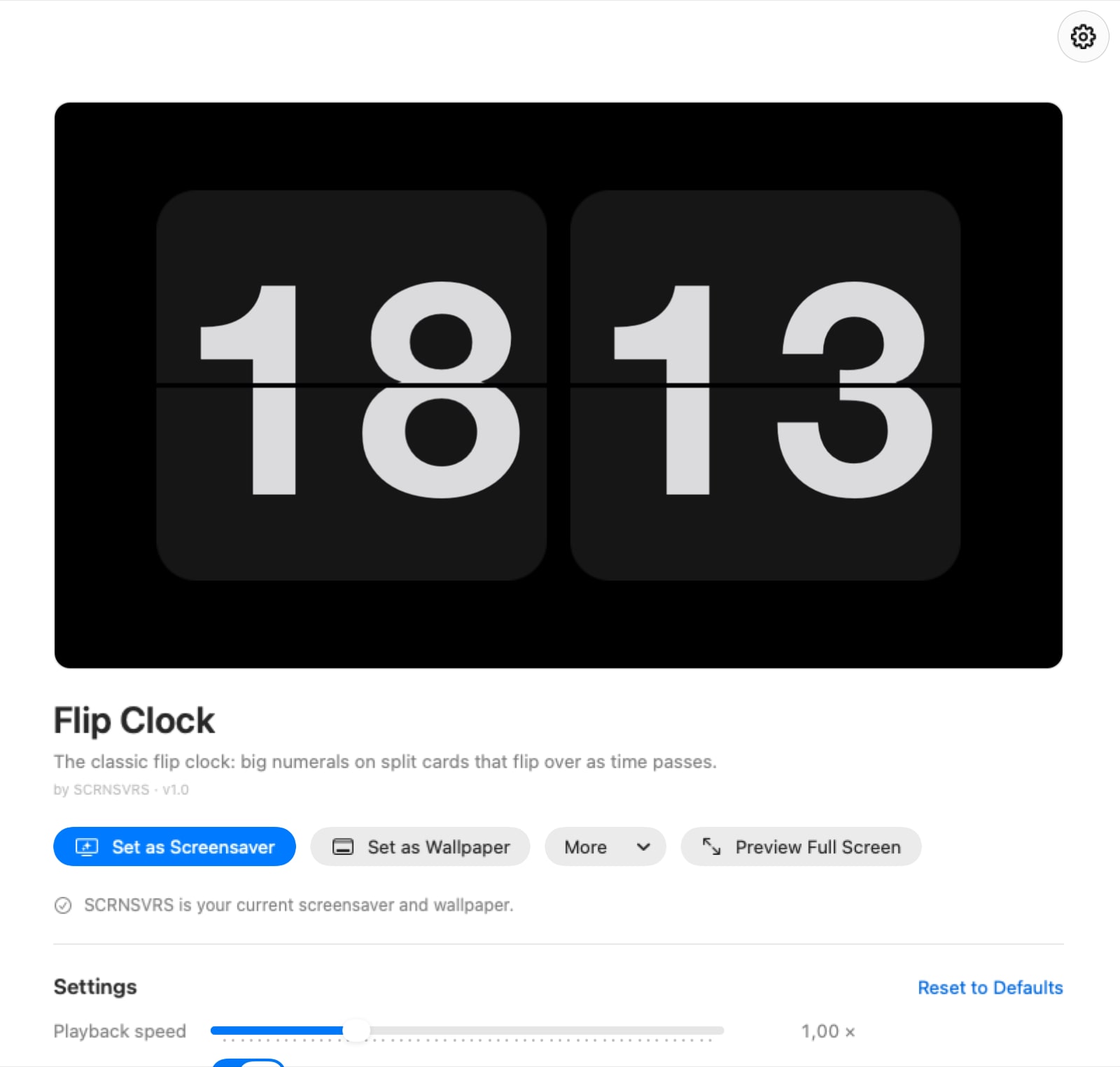 Detail (app UI) 76 KB
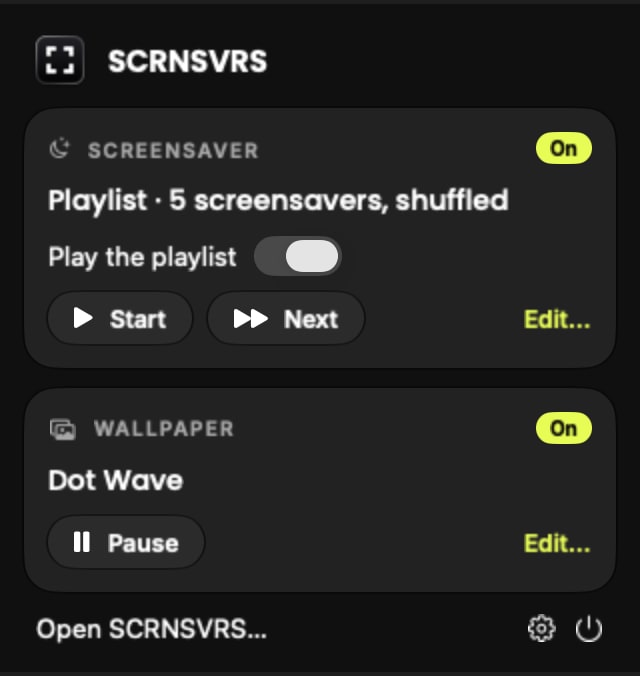 Menubar (app UI) 25 KB
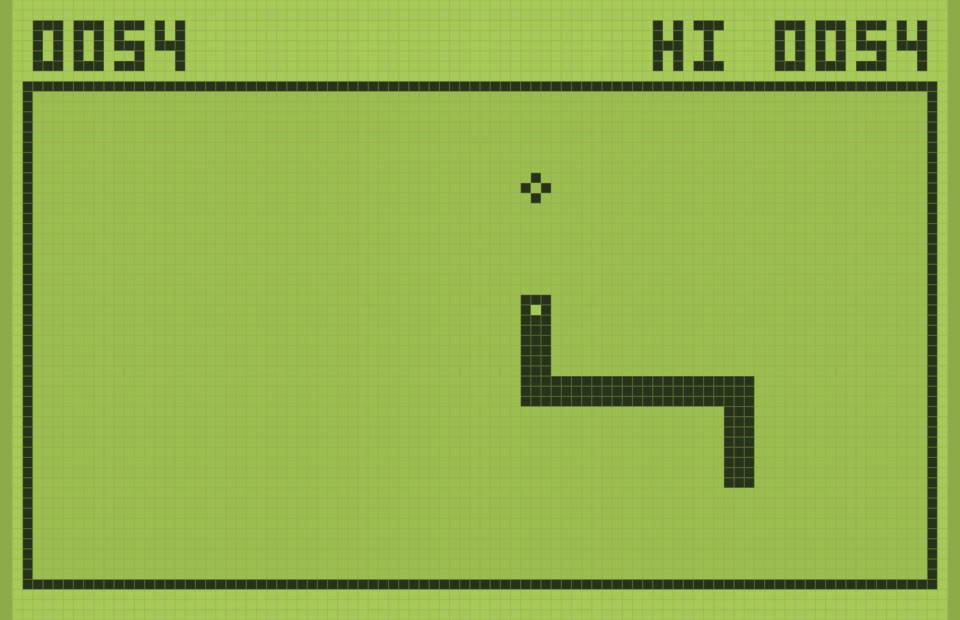
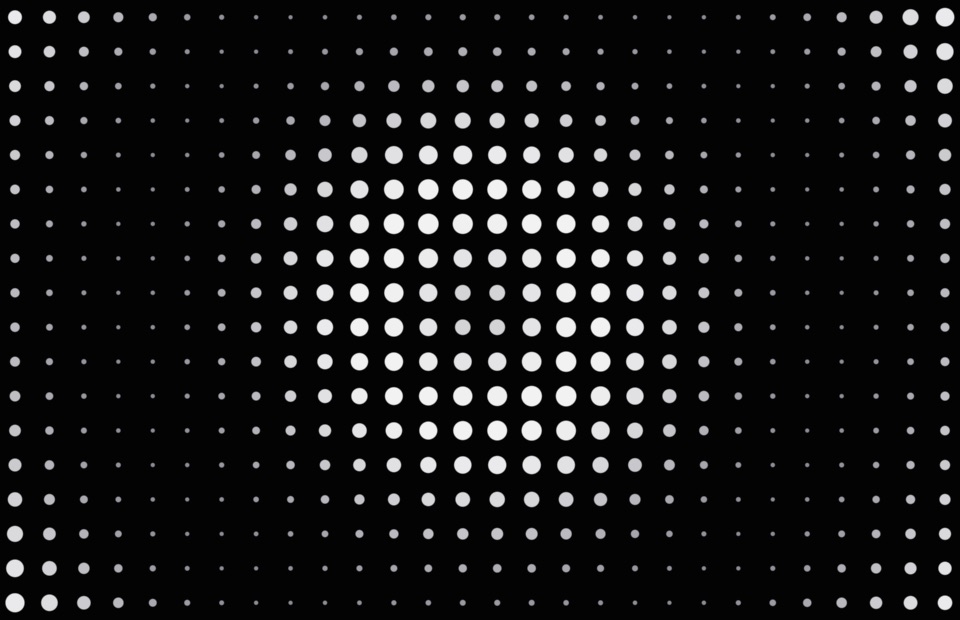
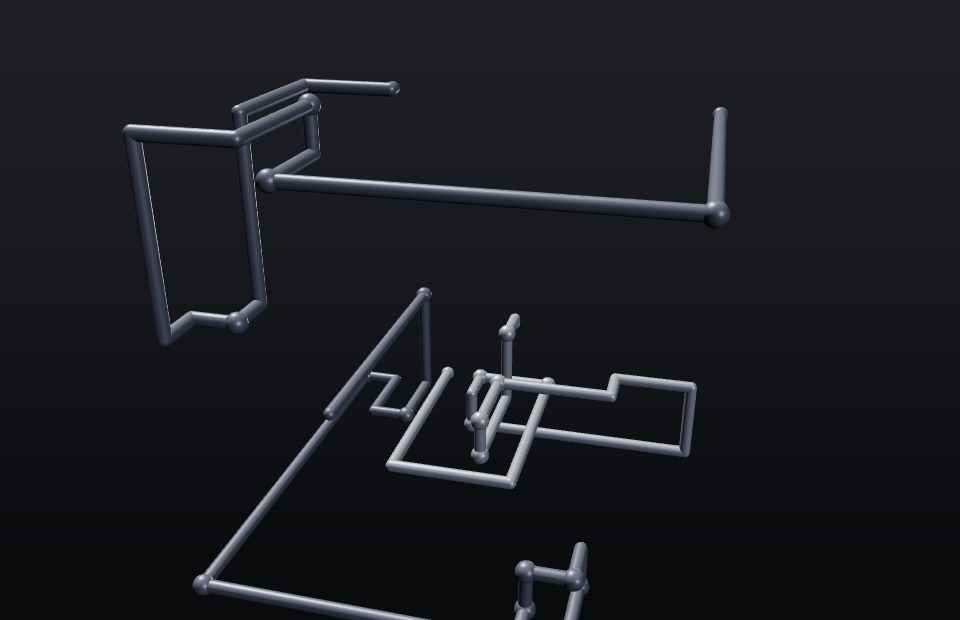
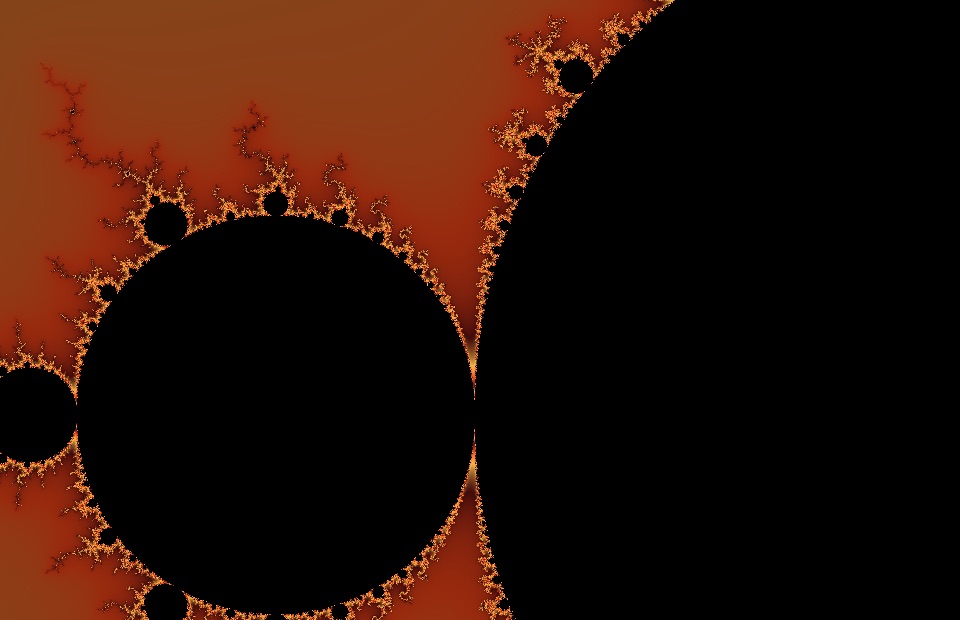
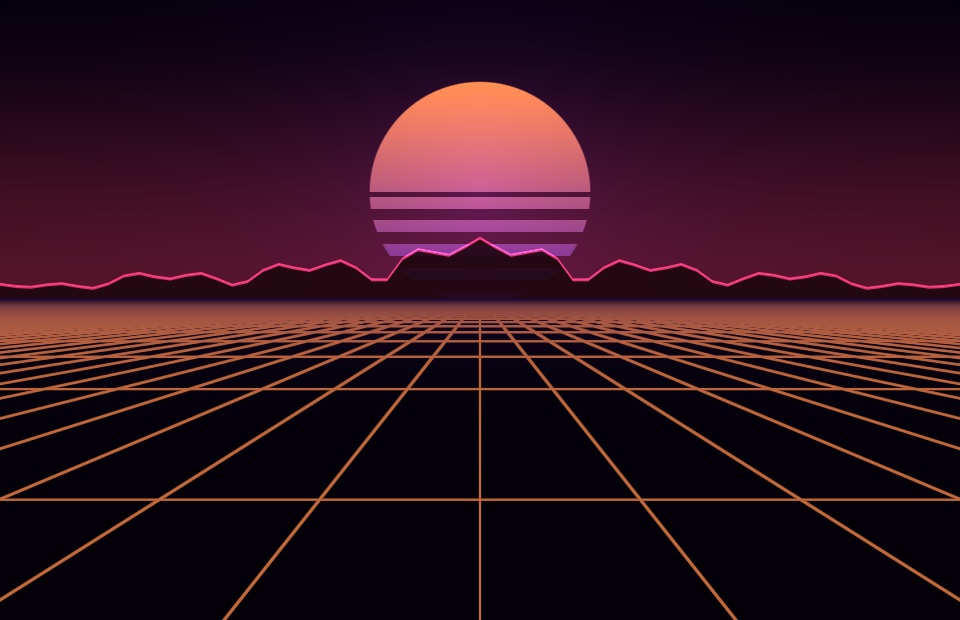
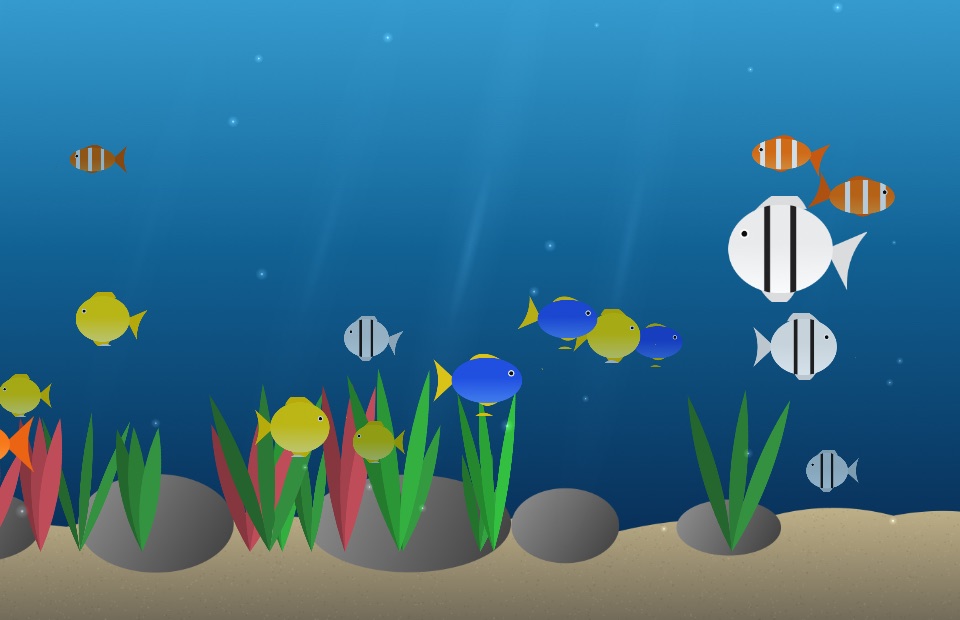
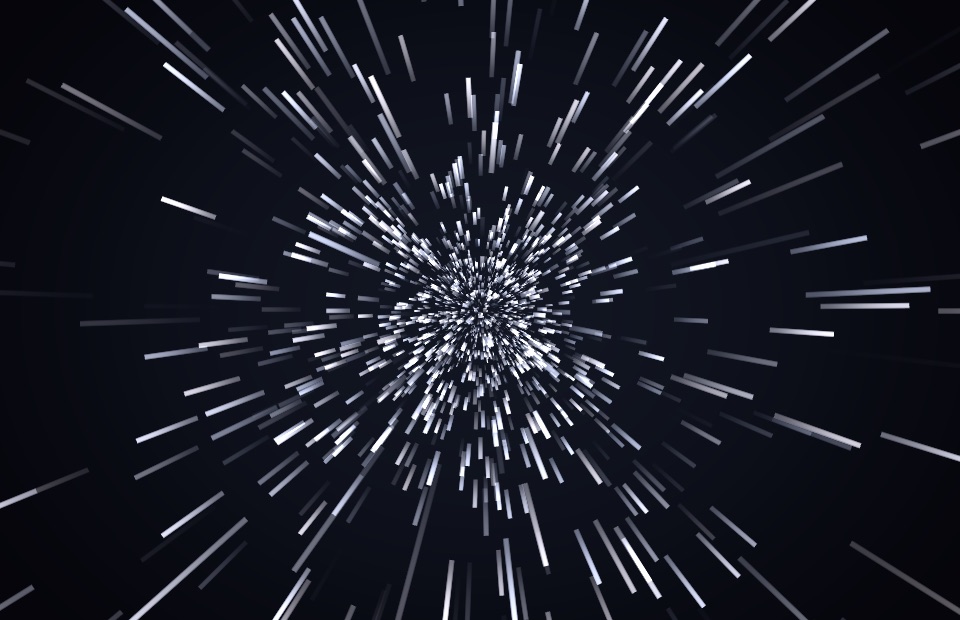
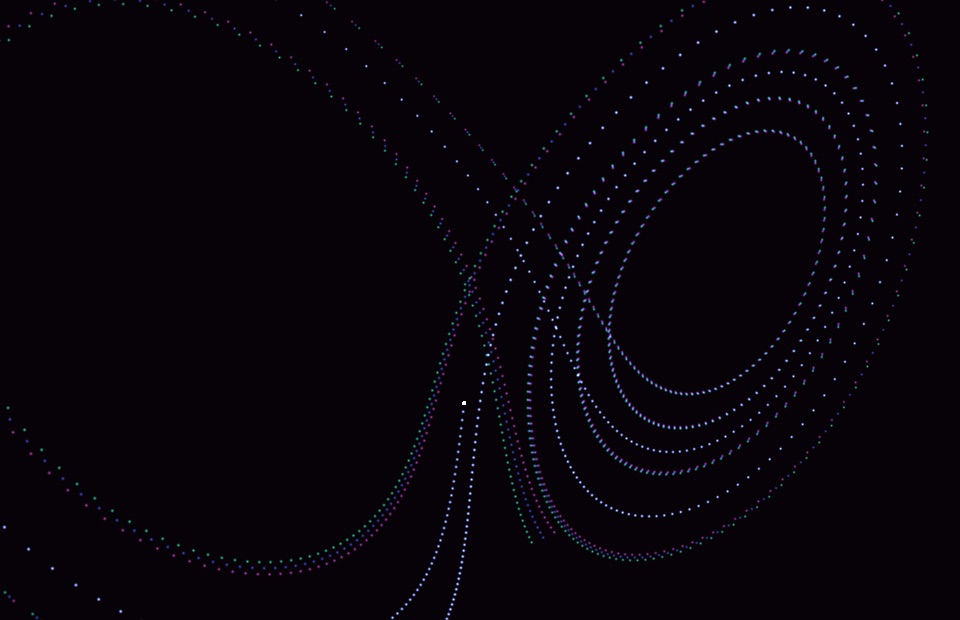
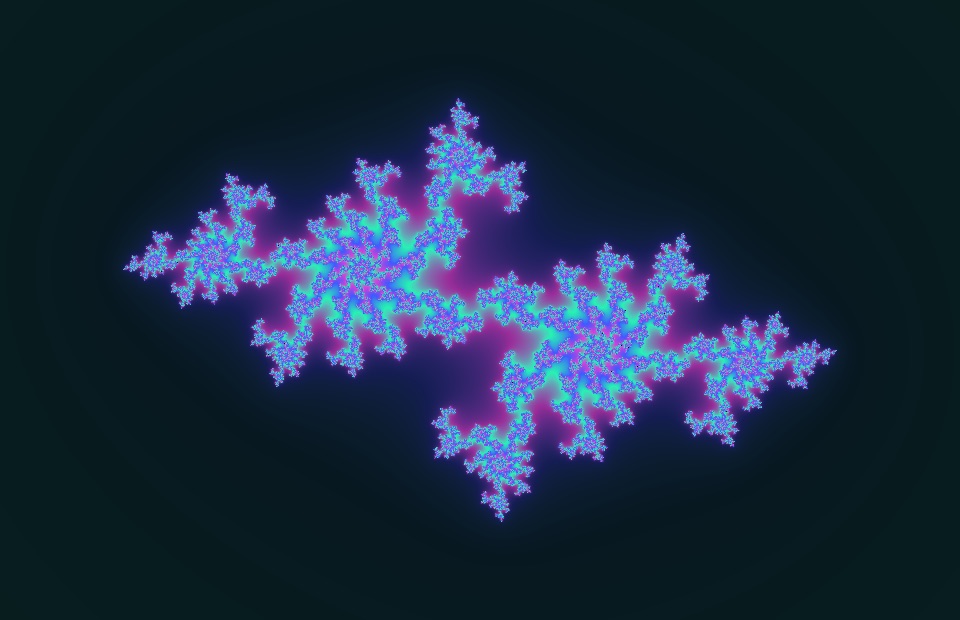
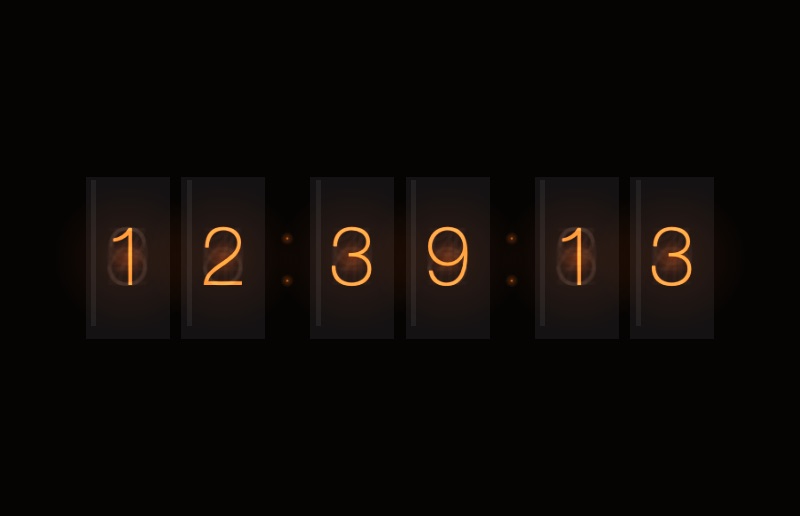
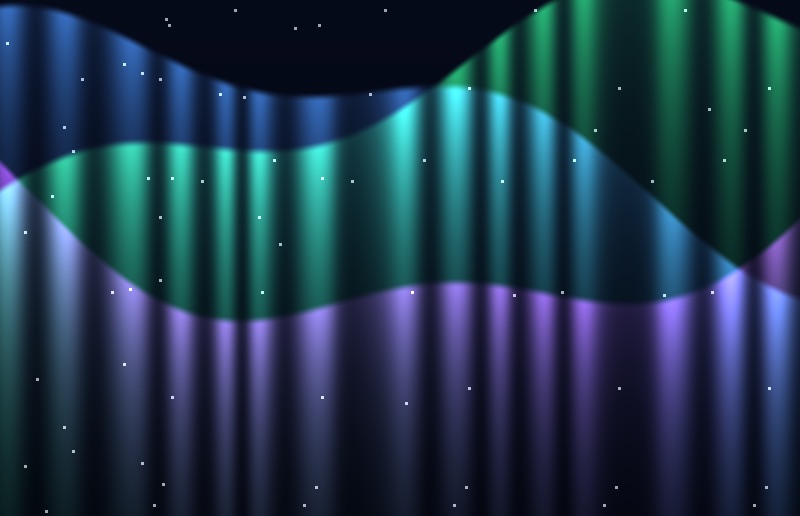
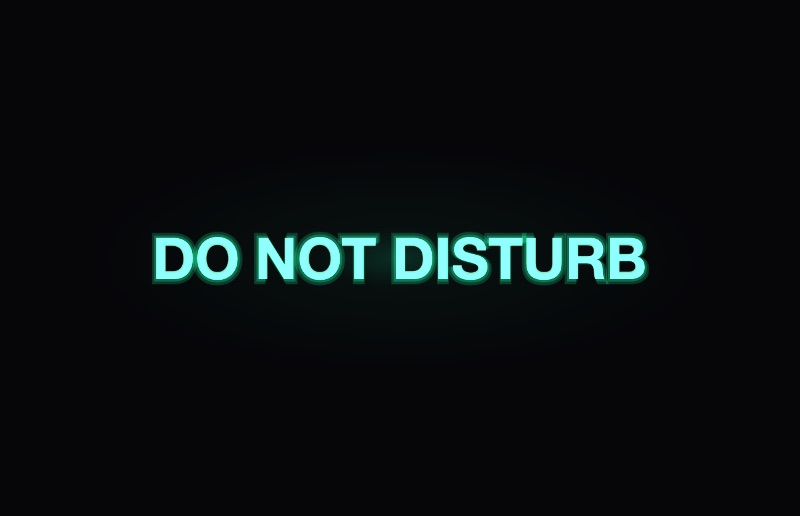
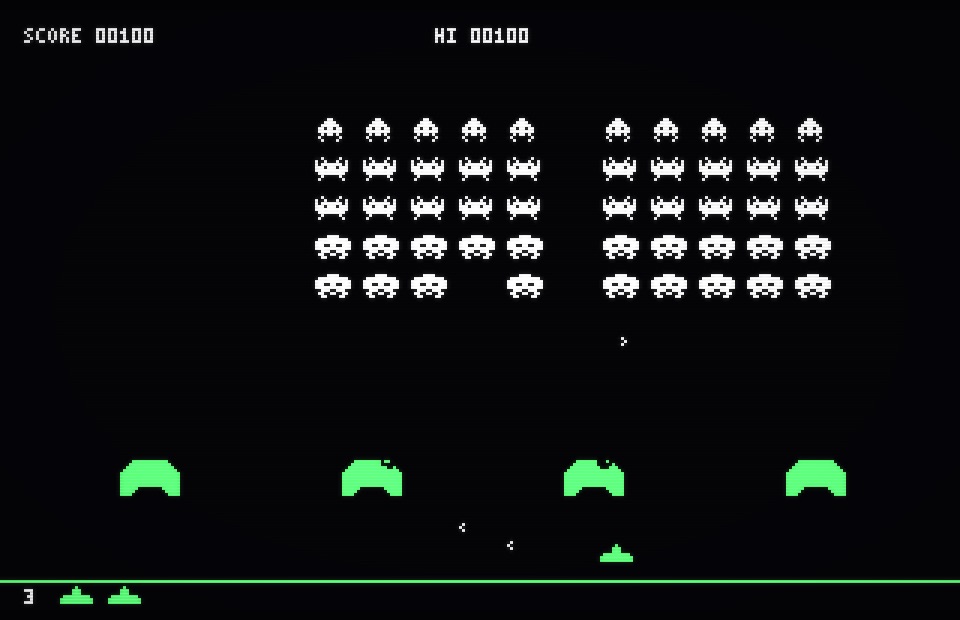
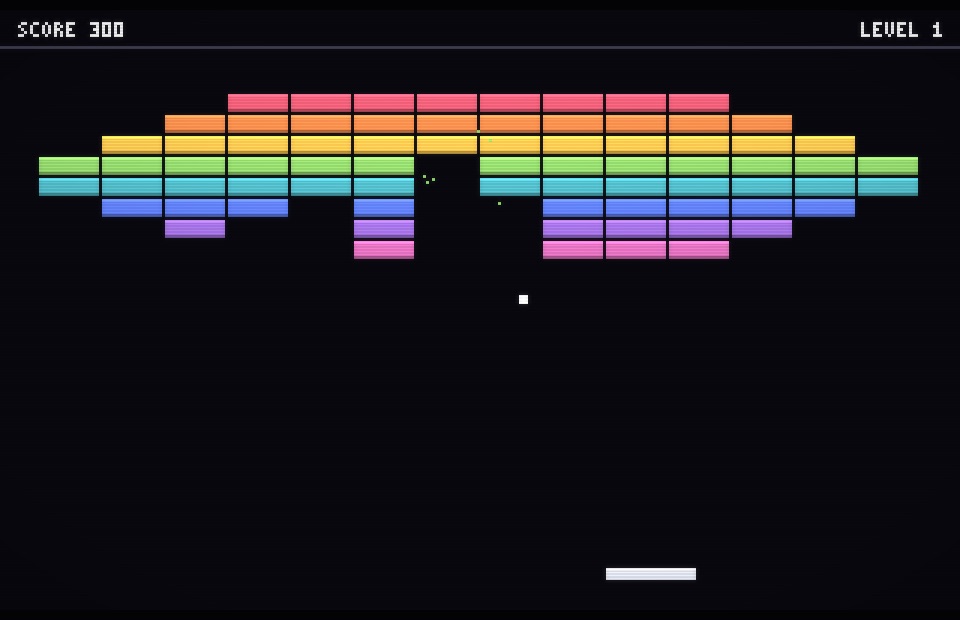
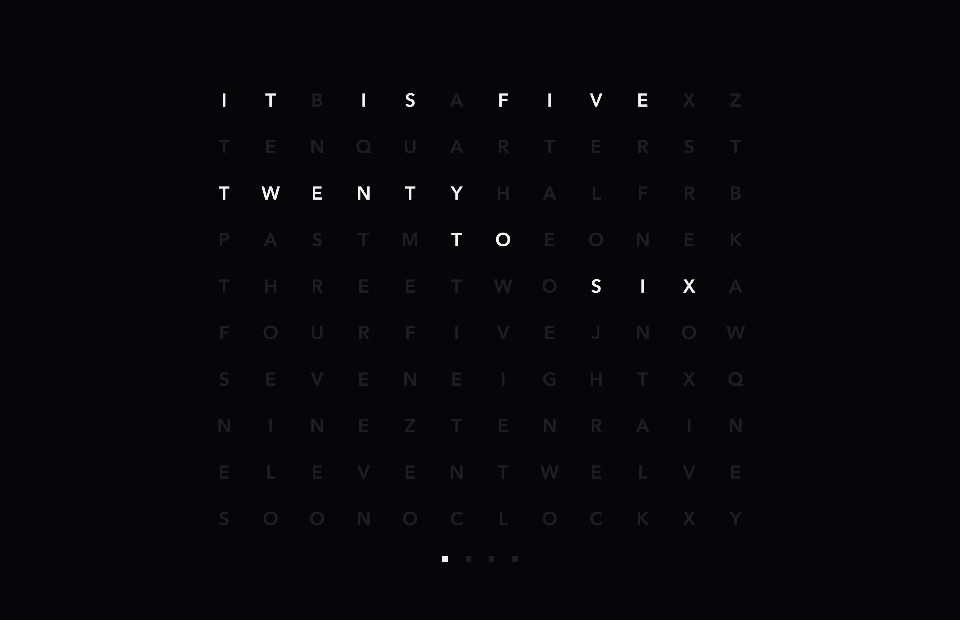
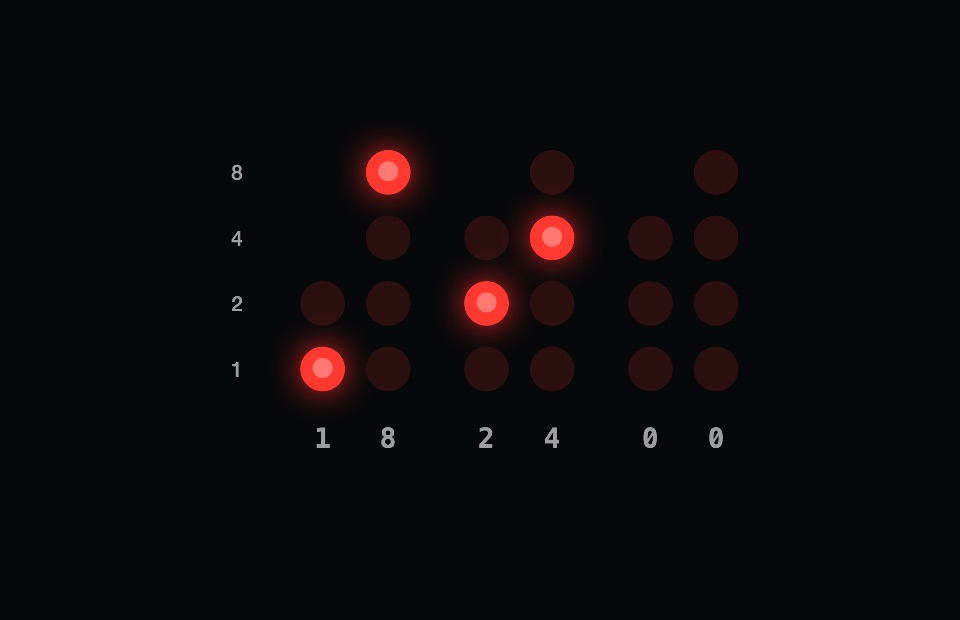
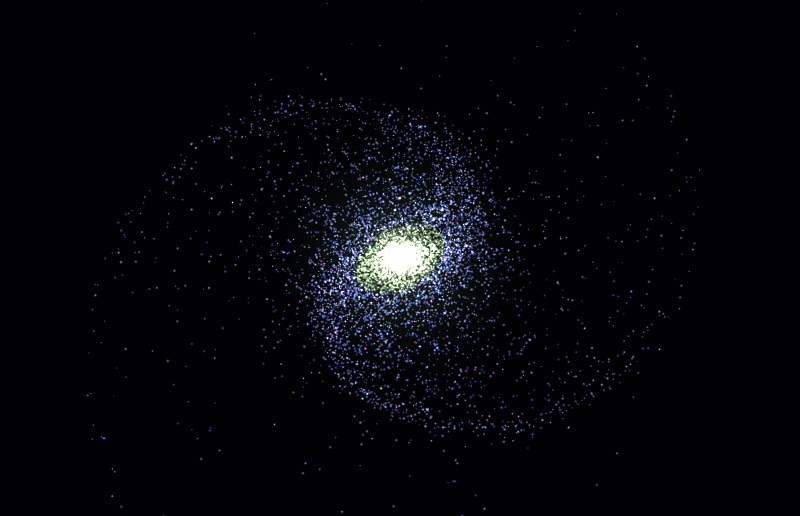
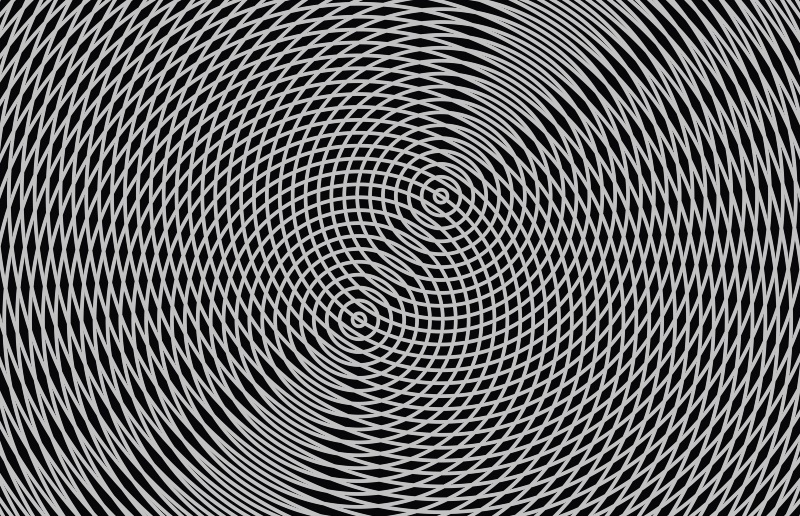
24 screensavers as 960 × 620 stills.
The story, voice and visual system of SCRNSVRS in one document.
Download the brand bibleUsage
Need something else – a quote or a review code? Write to hello@scrnsvrs.com. Creators can also join the Creator Program.
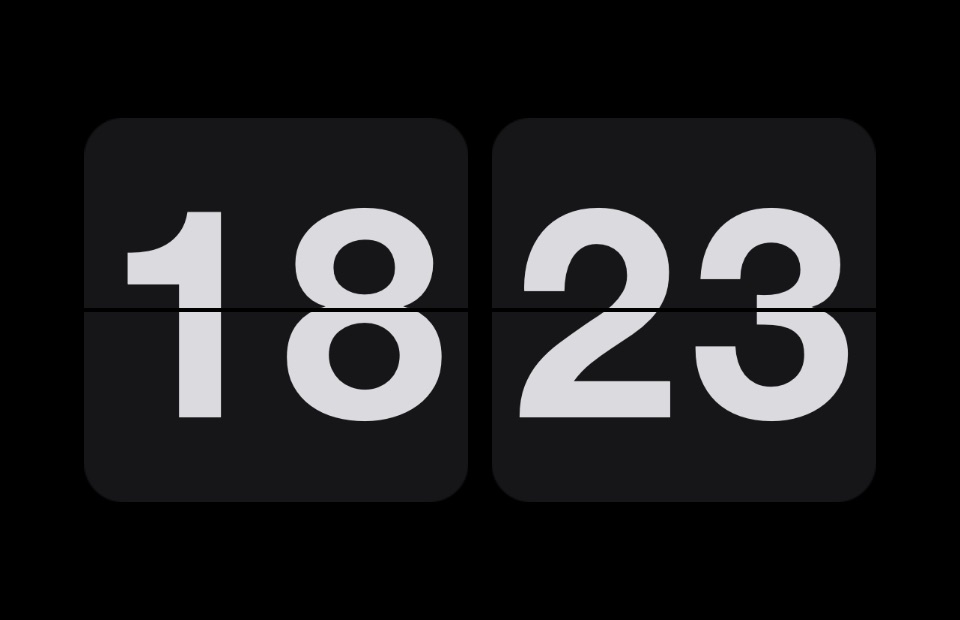




















































Social
Ready for your profile and posts.
Link preview card, header banners and avatars, made from real SCRNSVRS screensavers.