
Top 10 free
The 10 best free screensavers for Mac (macOS Tahoe)
Our top 10 free screensavers for Mac in 2026 – from 3D Pipes and a flip clock to digital rain, an aquarium and a self-playing Snake. Native, light on battery, and also usable as live wallpapers.
macOS ships with a handful of beautiful screensavers, but after a while you want something with more character. We picked the ten best free screensavers for the Mac in 2026 – a mix of nostalgic classics, useful clocks, calm ambient scenes and a couple of self-playing games.
Every pick runs natively on macOS Tahoe through the free SCRNSVRS app, is rendered in real time (so it never loops the same way twice) and can double as a live desktop wallpaper.
1. 3D Pipes
The number-one pick is the classic everyone remembers. Glossy 3D pipes grow, turn and branch through a grid until the screen is full – and then start again. Rebuilt for Retina, it is still the best answer to "what's a cool screensaver?".
2. Flip Clock
The most useful screensaver you can install: big flip cards that tell you the time from across the room, with a satisfying flap every minute. Four themes, 12- or 24-hour time and optional seconds.
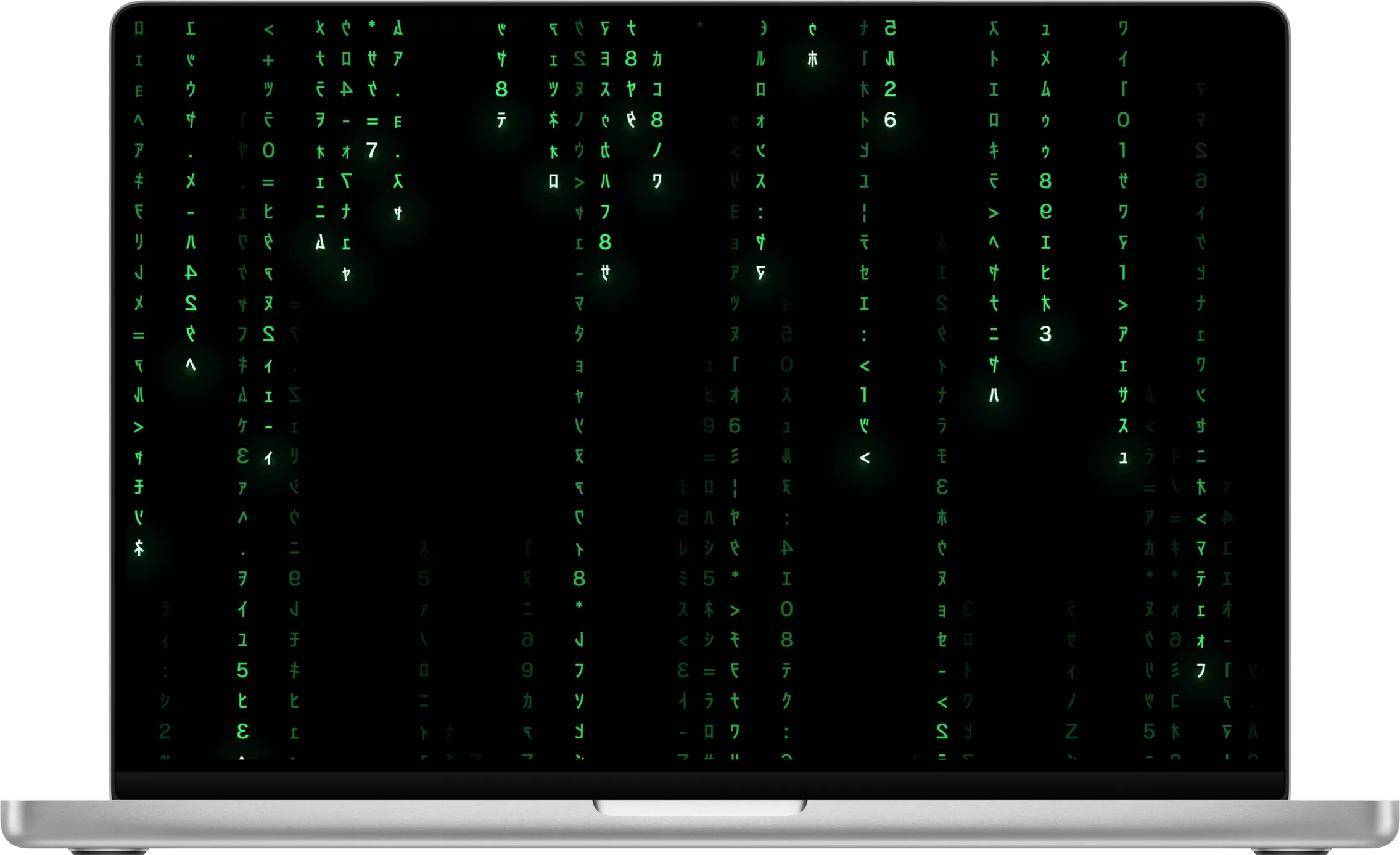
3. Matrix Digital Rain
Cascading green code with glowing heads and fading trails – the screensaver that makes people stop at your desk. Adjust colour, glyph size and density.
4. Aquarium
A calm reef with tropical fish, swaying plants and bubbles. Perfect as a live wallpaper, and it pauses whenever it is covered.
5. Starfield
Thousands of stars streaming past with real depth, plus a warp setting for streaks. Gorgeous on big and ultra-wide displays.
6. Snake Classic
The pocket-phone classic on a pea-green LCD, playing itself. Pure nostalgia – and oddly hard to stop watching.
7. Binary Clock
The time as glowing LEDs, one column per digit – for people who read binary at a glance. Pick the LED colour and switch the bit values on while you learn.
8. Mystify
Morphing outlines that leave soft, fading ribbons of light – the elegant vector-art classic, smooth and anti-aliased on a modern screen.
9. Station Clock
A calm platform clock with bold bars, broad hands and a ticking second hand. Zoom it and move it anywhere – ideal for a corner of a large display.
10. Retro Shooter
An original homage to early-90s first-person shooters, wandering tiled corridors on autopilot – and a real-time raycaster that shows off what Metal can do.
The verdict
Every screensaver on this list is free and lives in a single app, so you don't have to choose: install SCRNSVRS, try them all, and shuffle a playlist from the menu bar when you can't decide.
And if you want to go further, there are 14 more – from Pixel Invaders and Brick Breaker to a chrome 3D Text with your own words.
Frequently asked questions
What is the best free screensaver app for Mac?
SCRNSVRS bundles 25 native, real-time screensavers in one free app for macOS Tahoe, with live wallpaper mode, a menu bar mini app and per-scene settings.
Do third-party screensavers still work on macOS Tahoe?
Many old .saver files are unreliable on recent macOS. SCRNSVRS uses the same modern wallpaper extension system as Apple's own screensavers, so it appears in System Settings → Screen Saver and Wallpaper.
Do screensavers use a lot of energy?
Not these. Each frame costs well under a millisecond of GPU time on Apple silicon; the app drops to 30 fps on battery or in Low Power Mode and pauses a covered desktop wallpaper.
How do I install a screensaver on a Mac?
Download SCRNSVRS, drag it to Applications, open it, pick a design and click Set as Screensaver. Our step-by-step guide covers every option.