55 screensavers · Preview free
Geometric abstraction in motion – after the great modern painters, never copied.
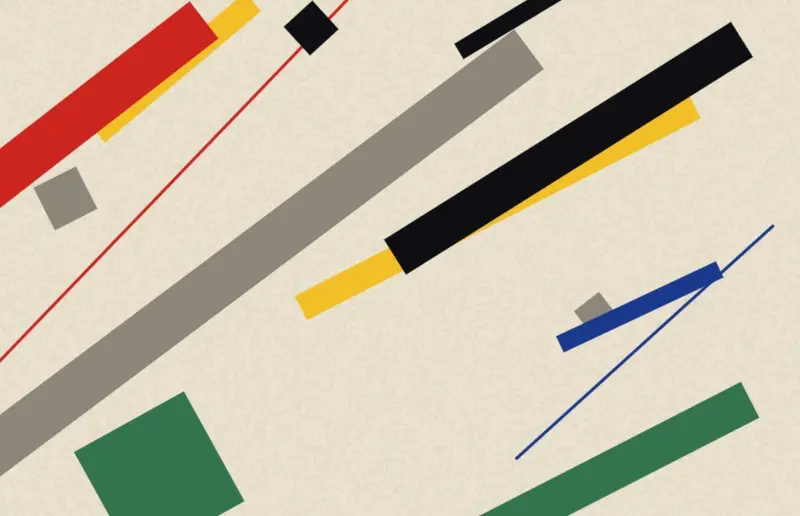
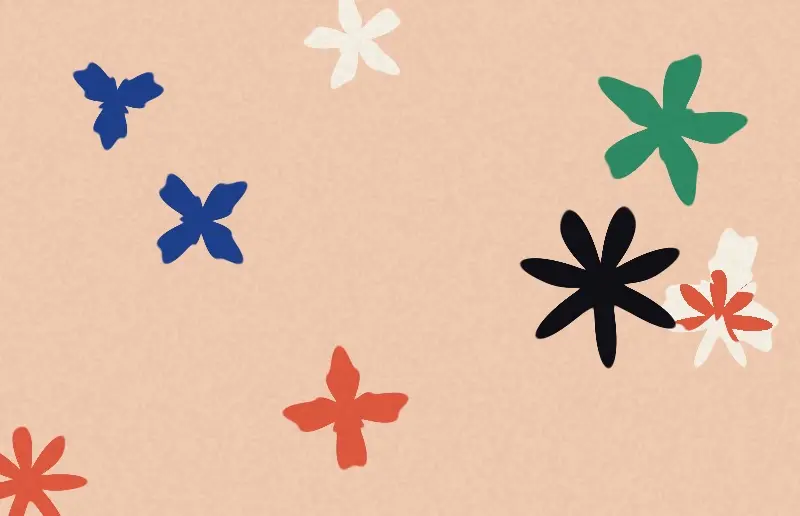
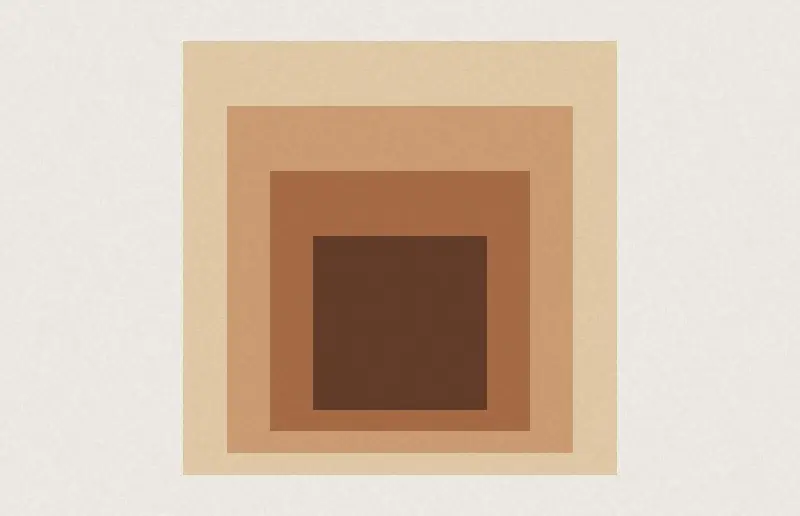
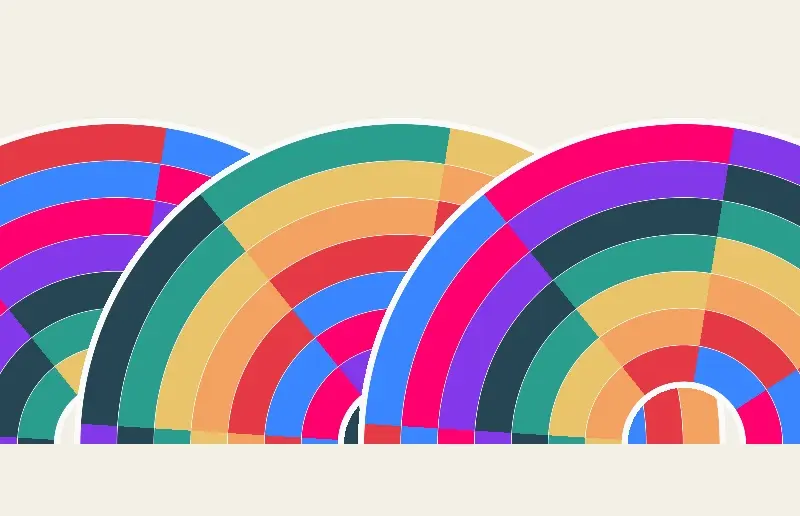
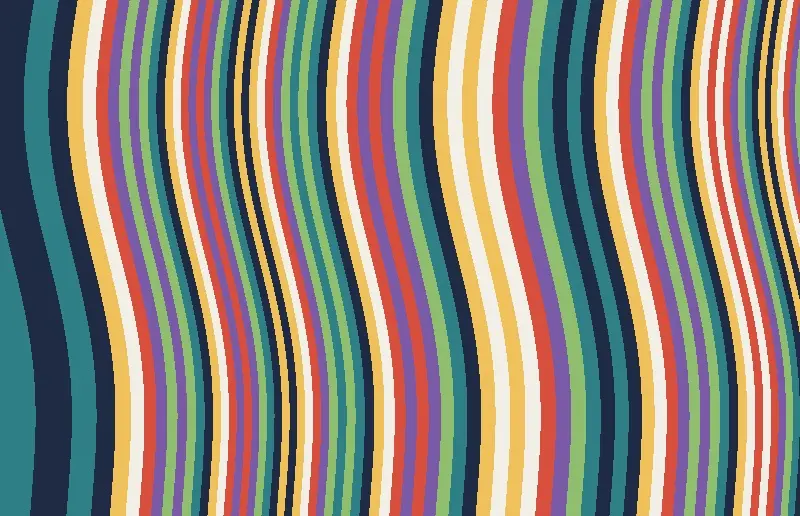
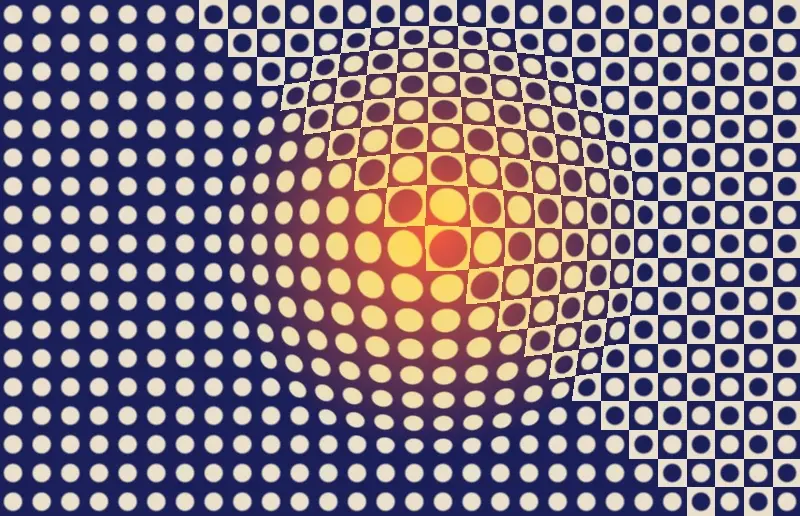
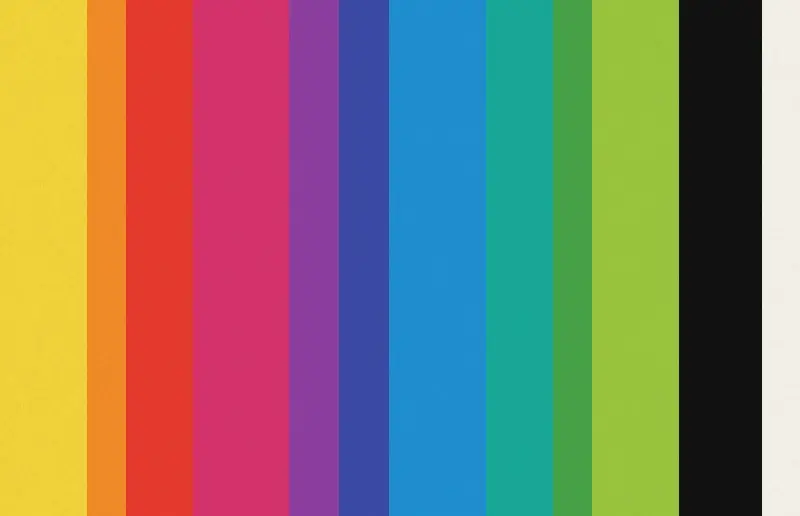
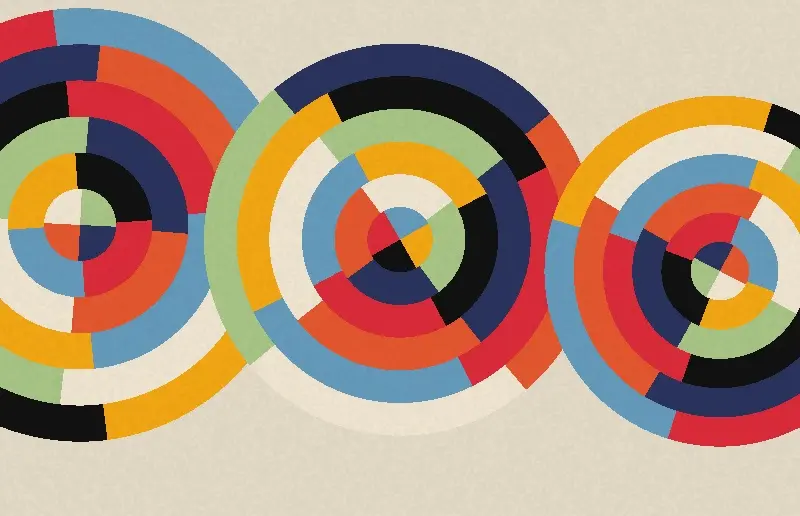
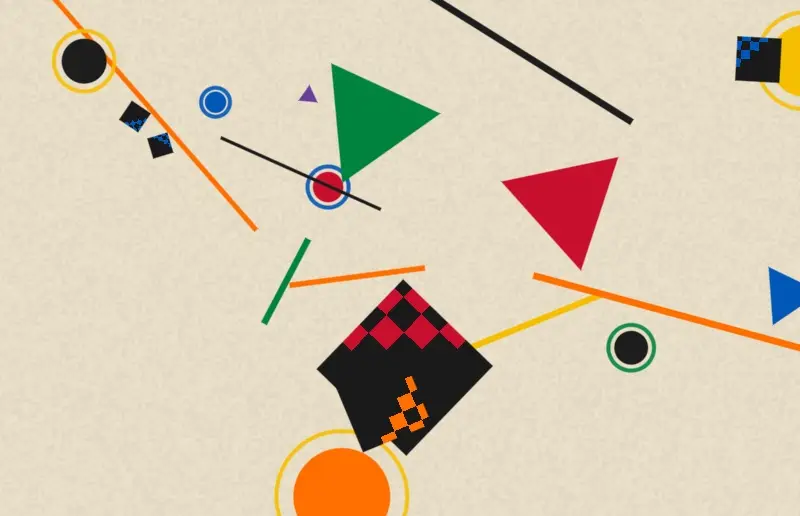
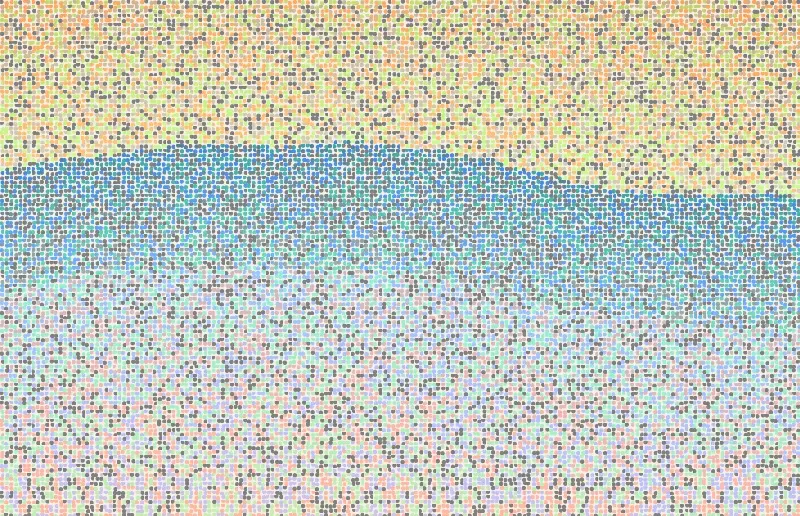
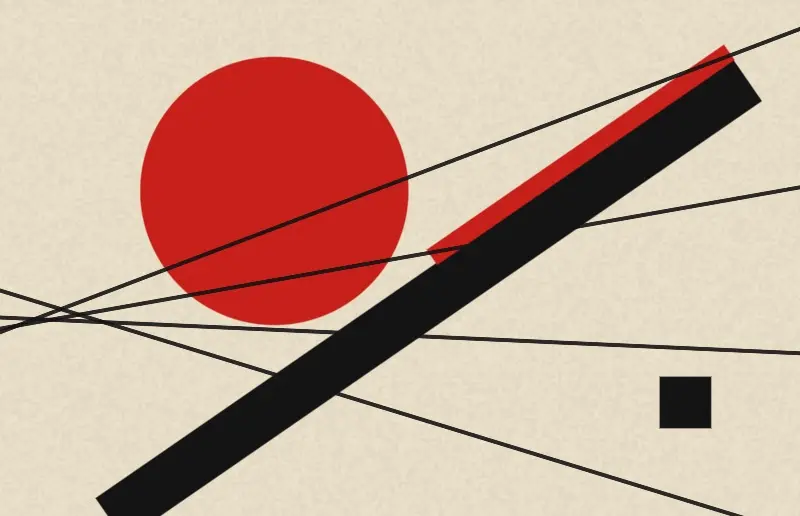
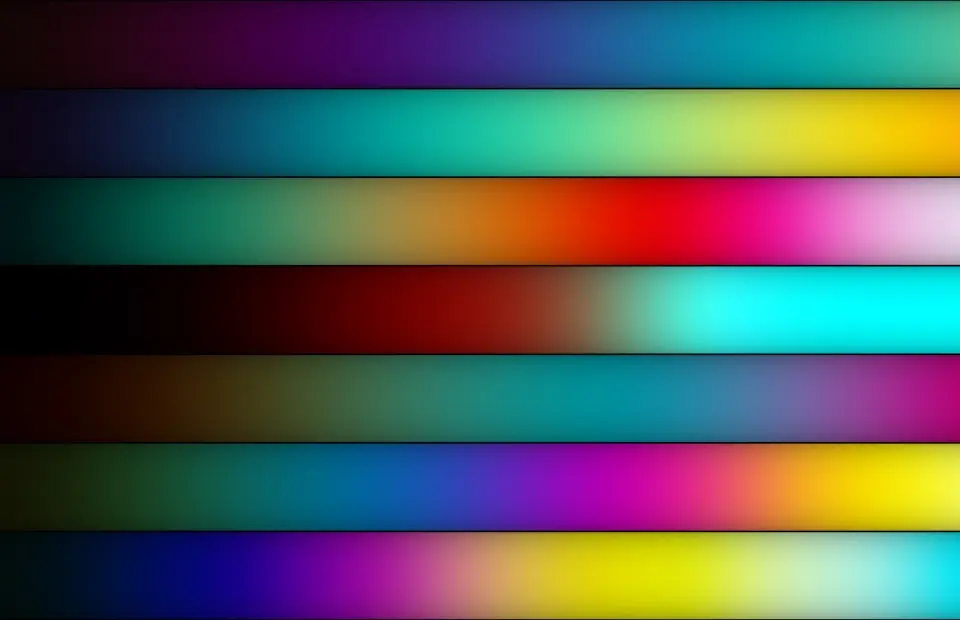
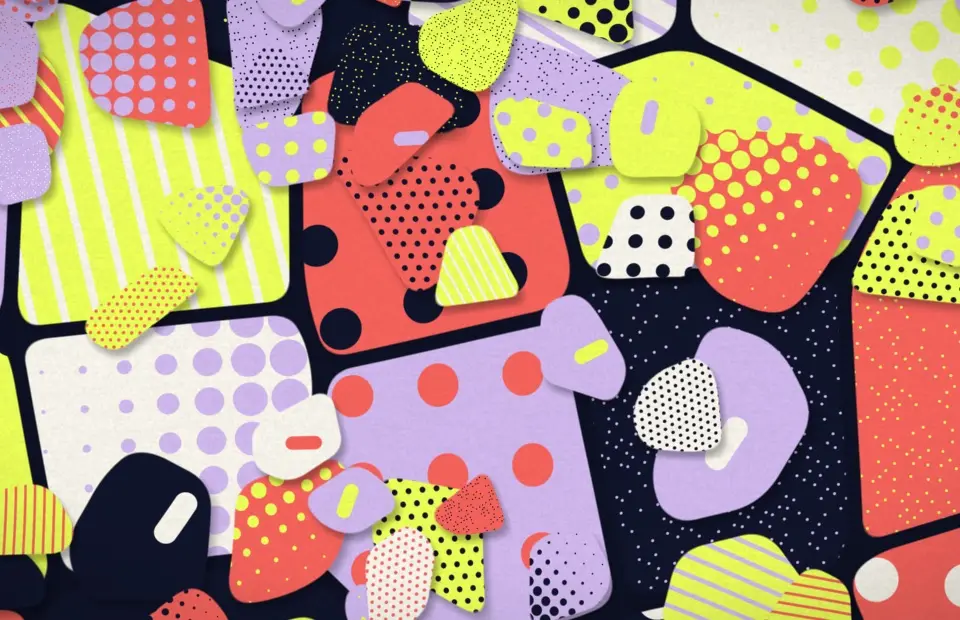
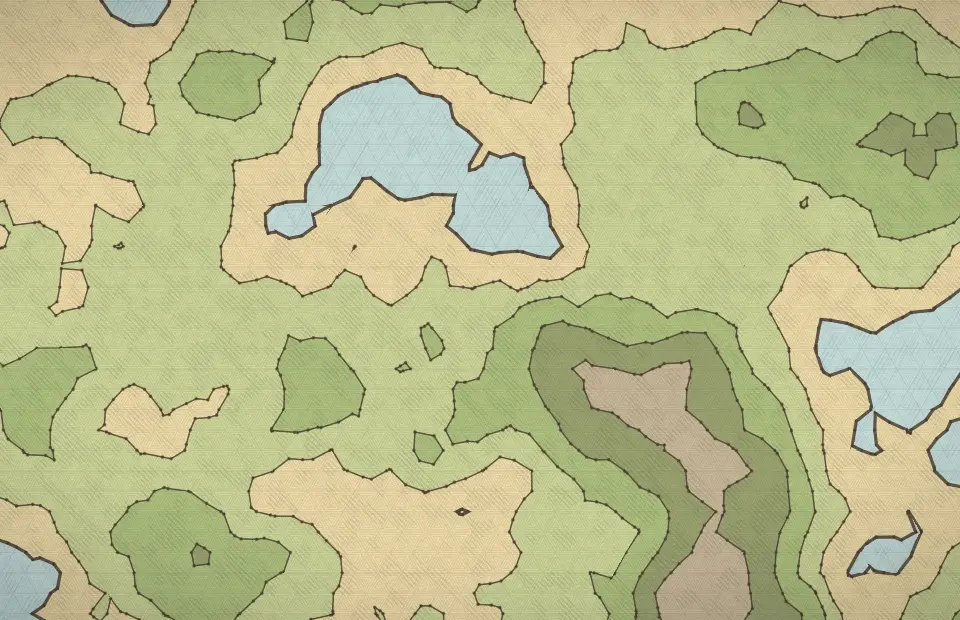
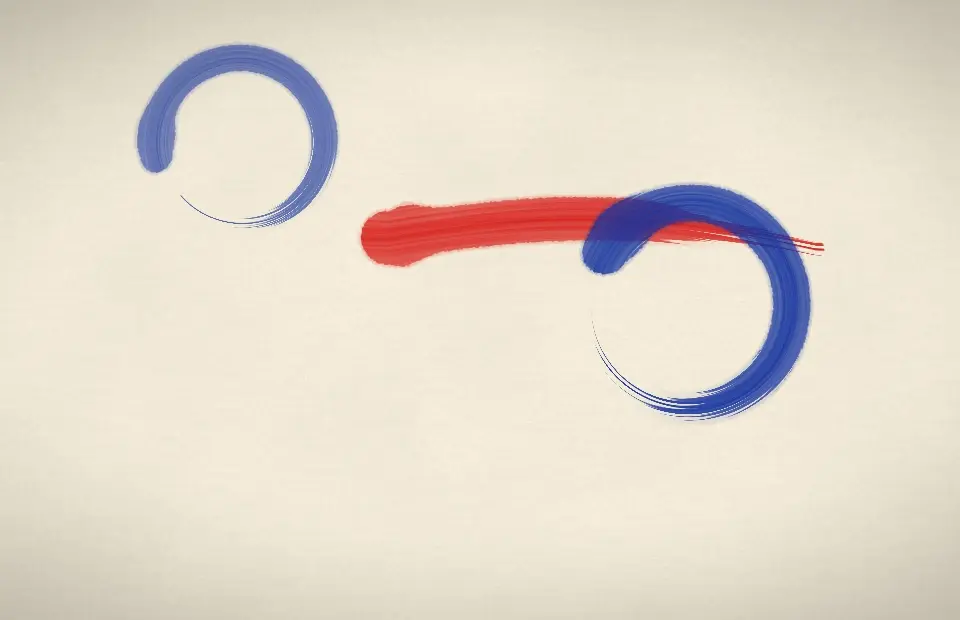
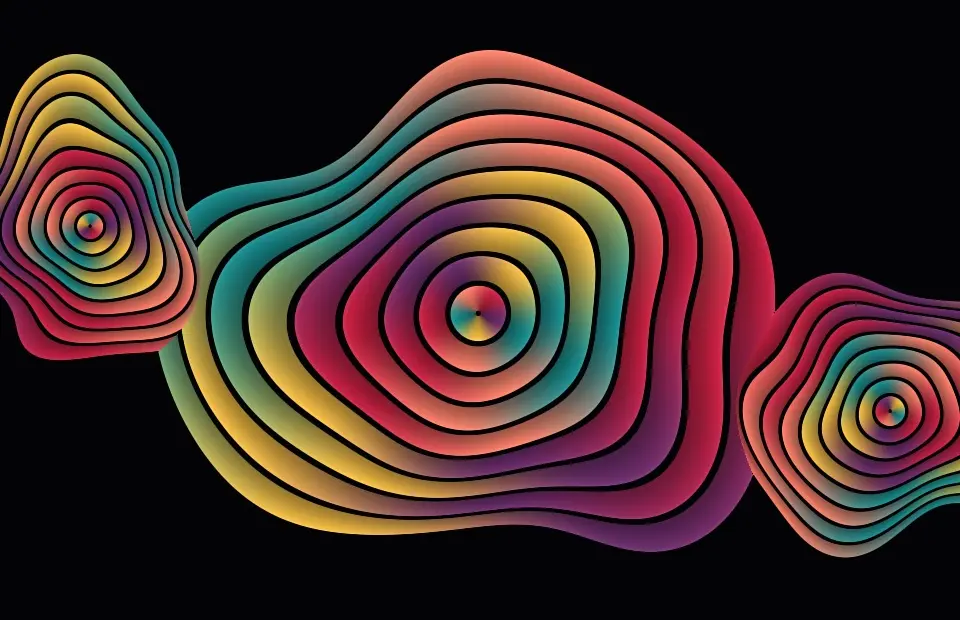
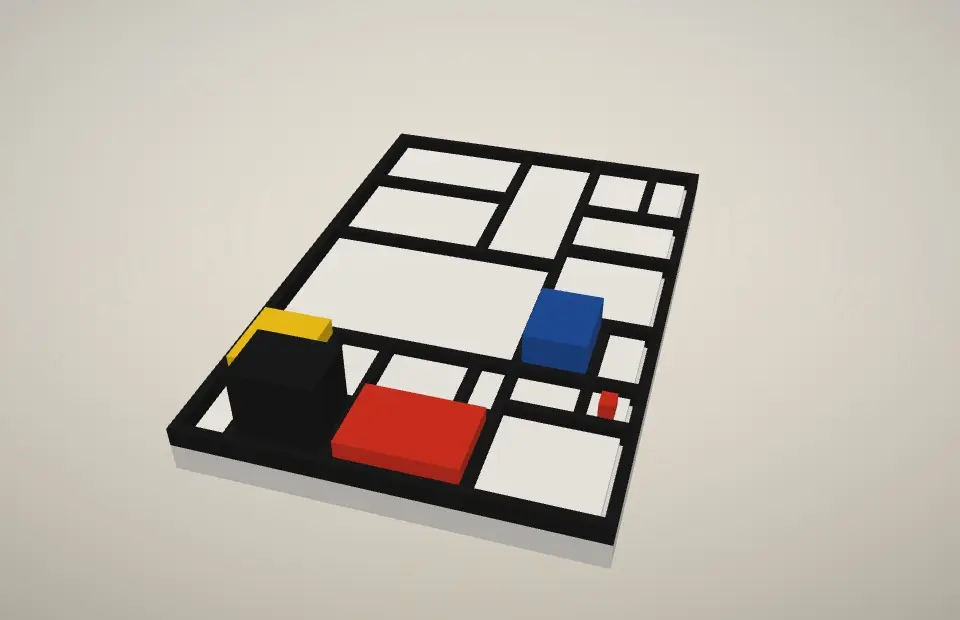
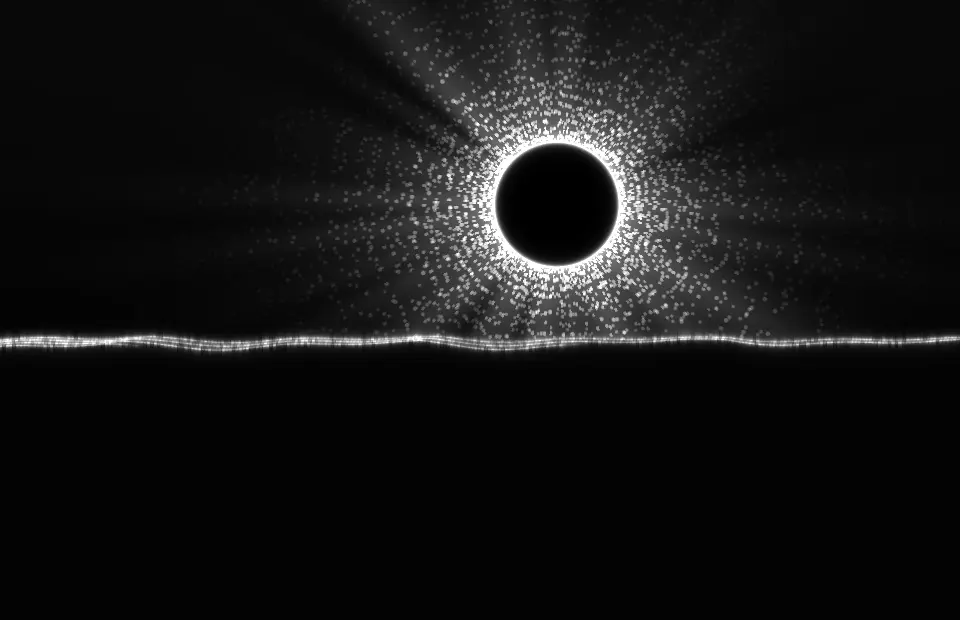
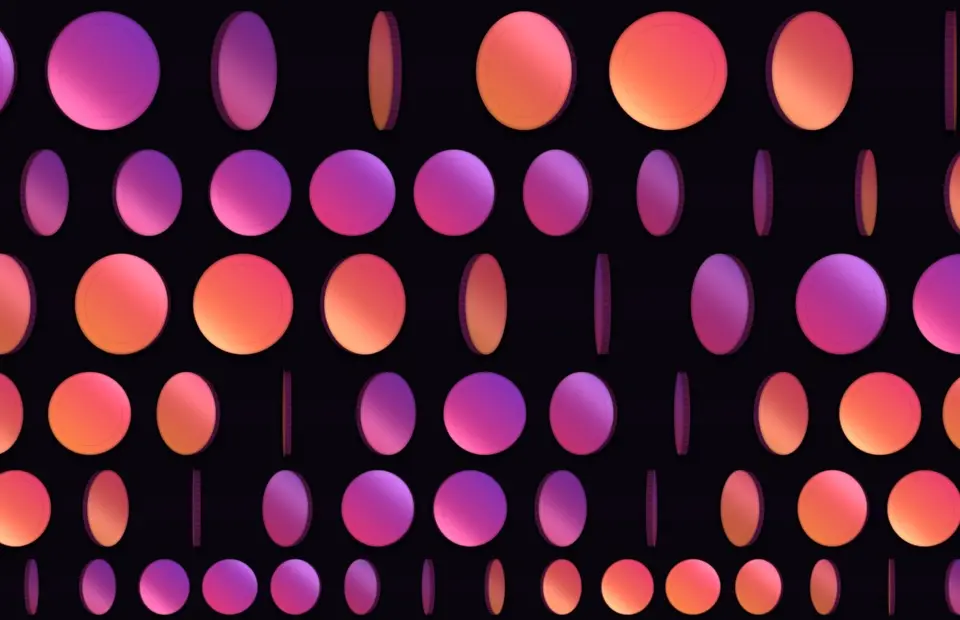
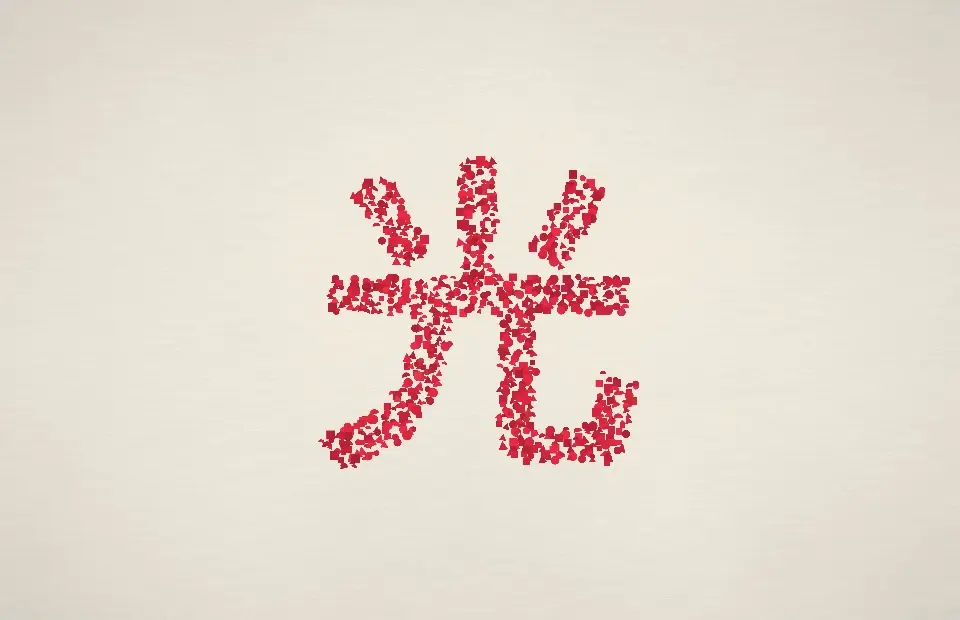
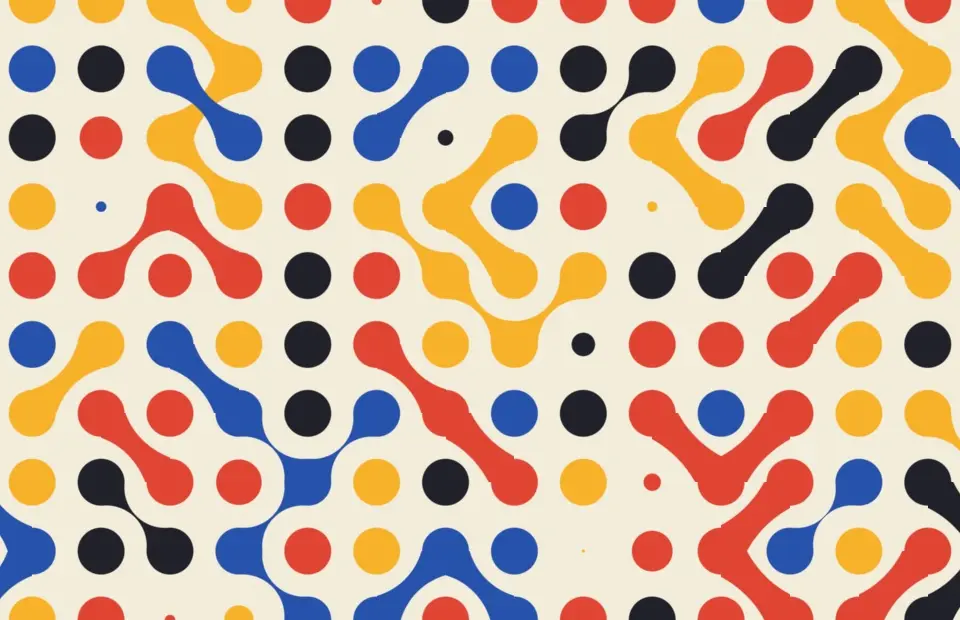
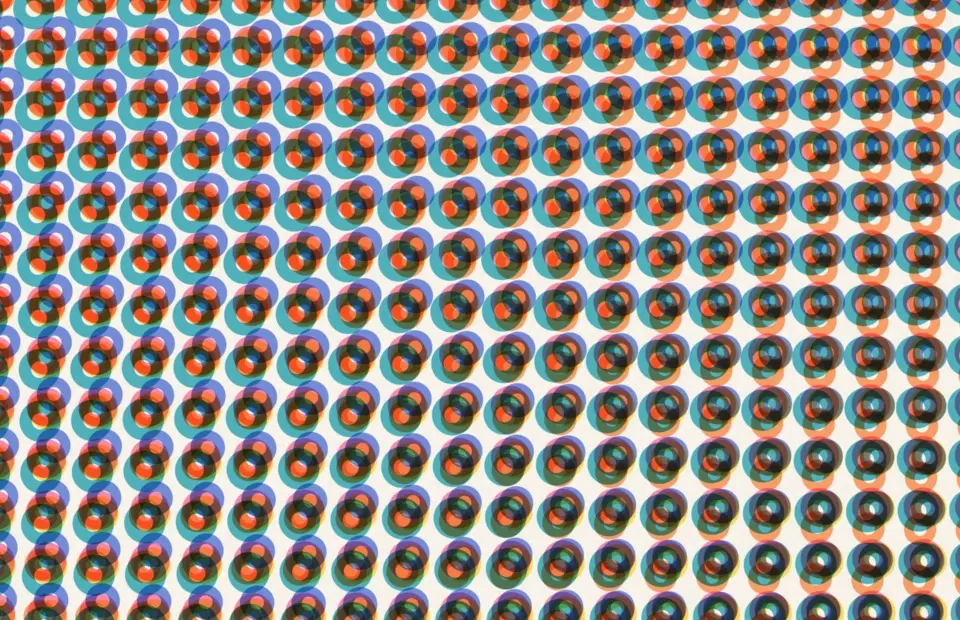
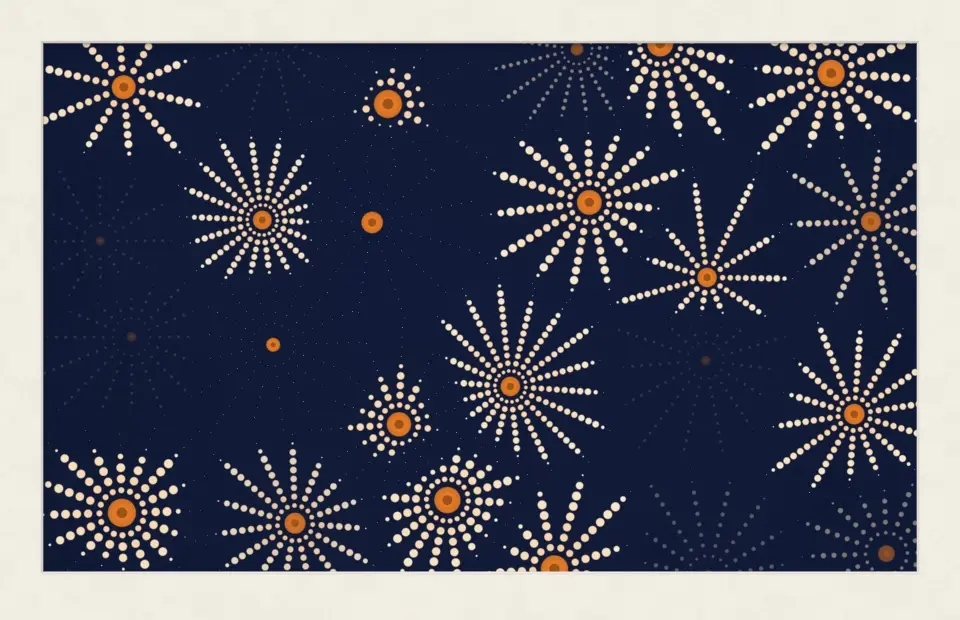
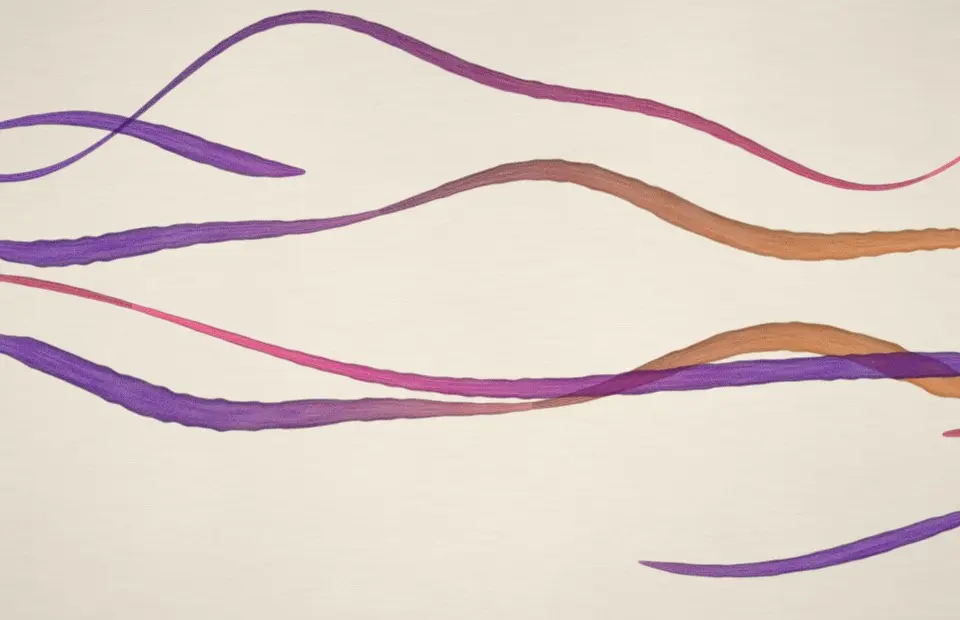
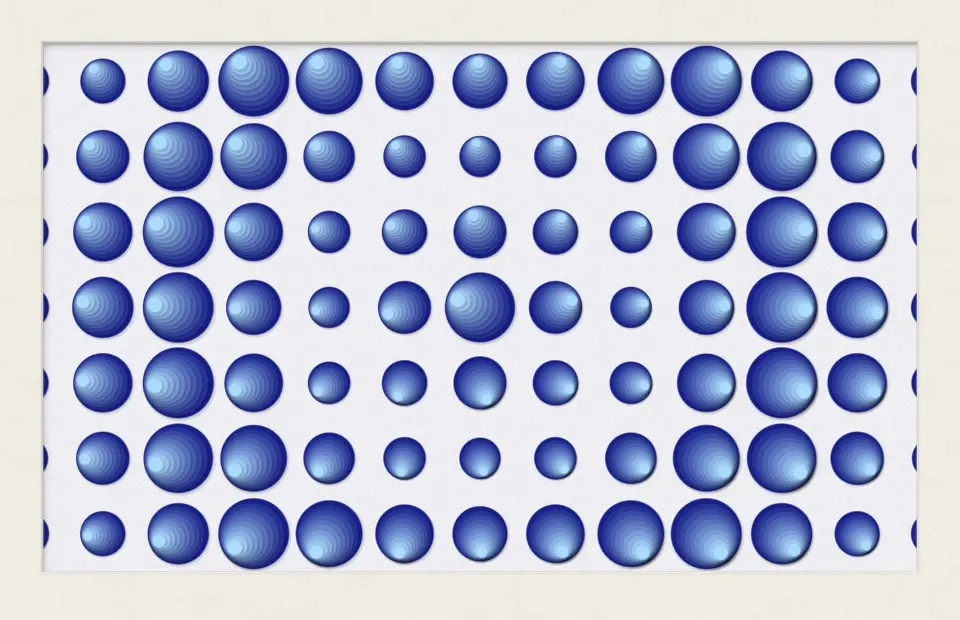
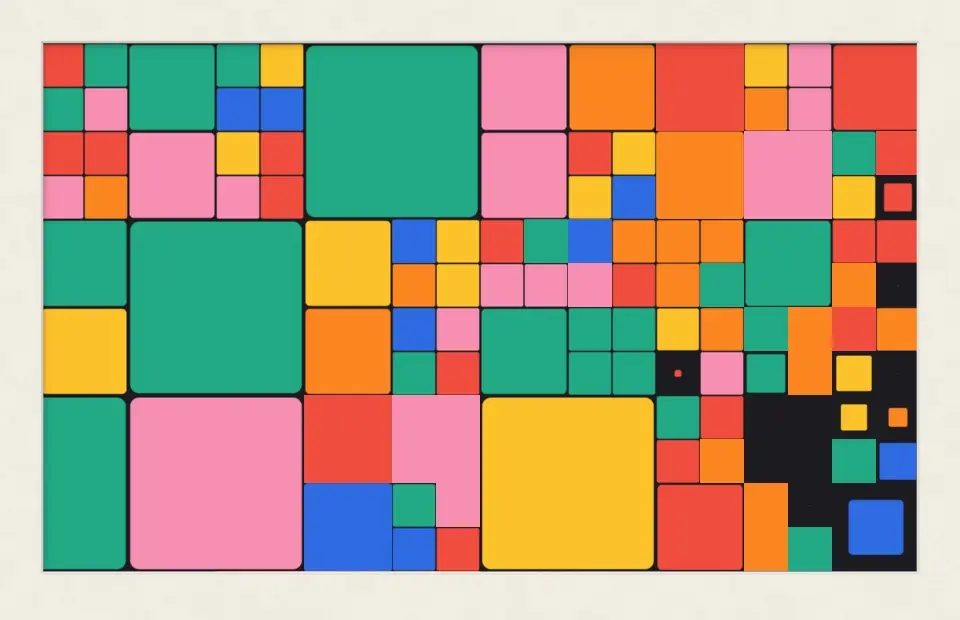
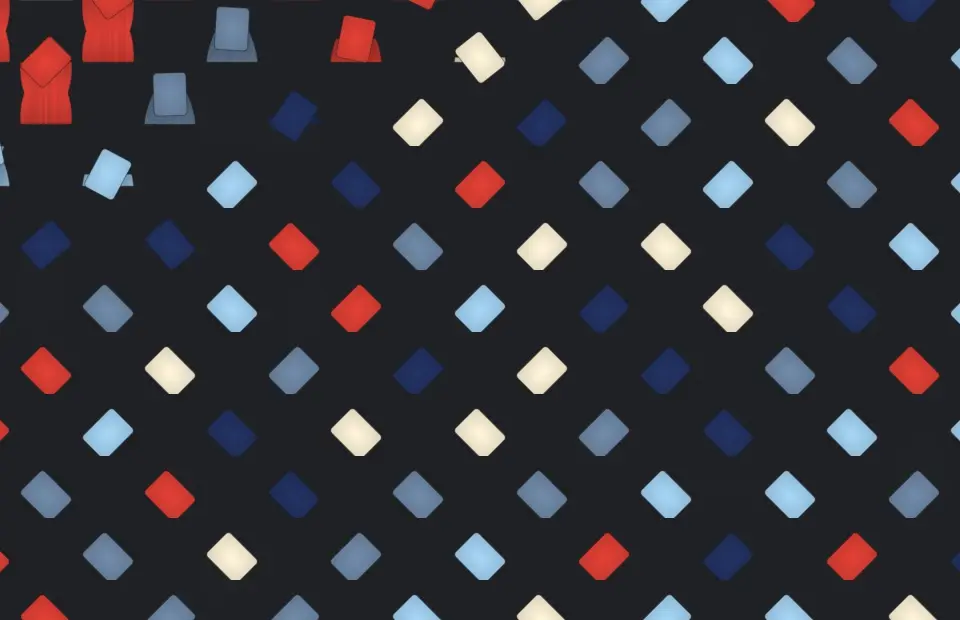
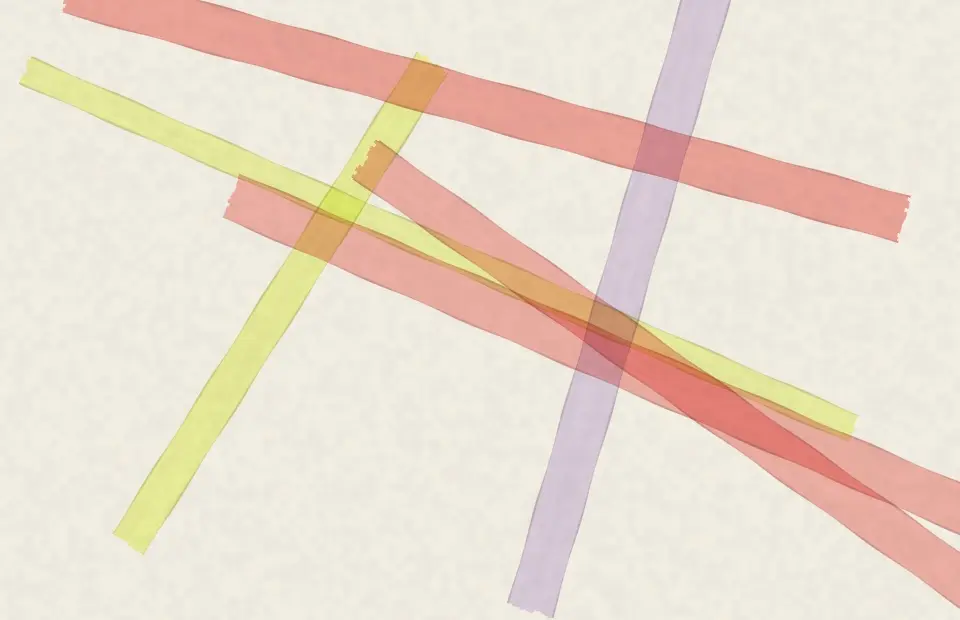
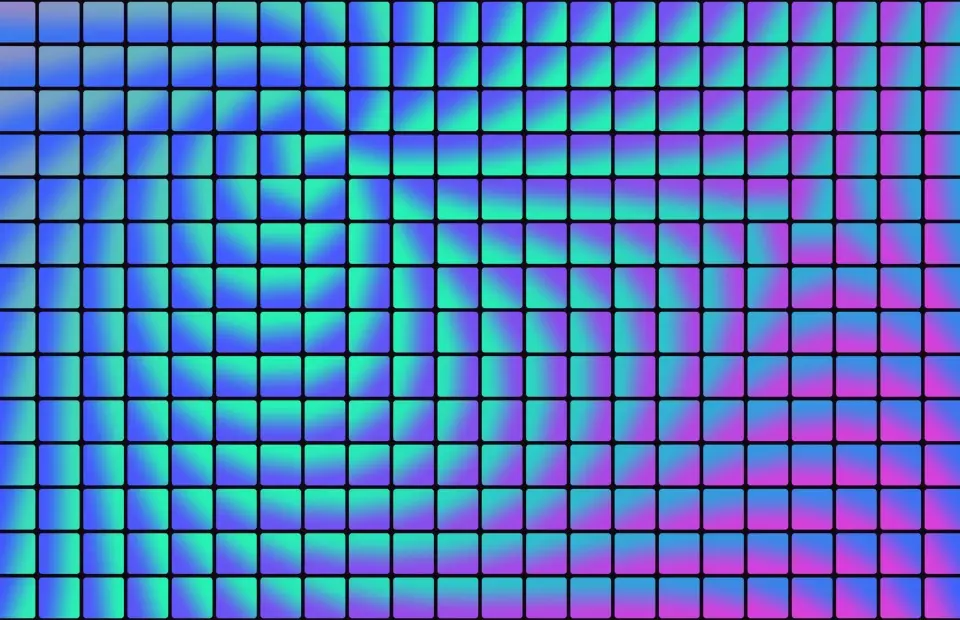
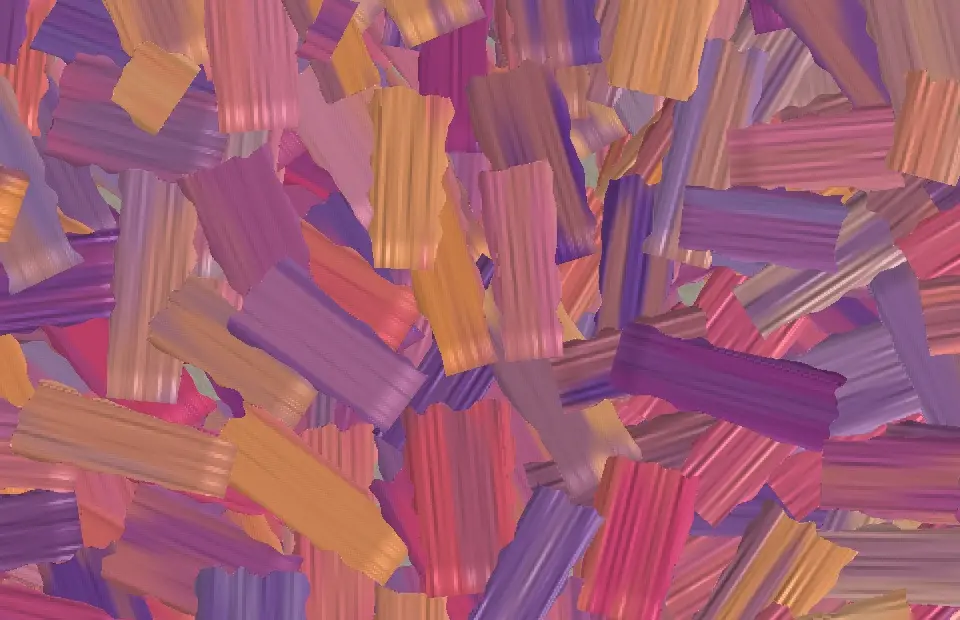
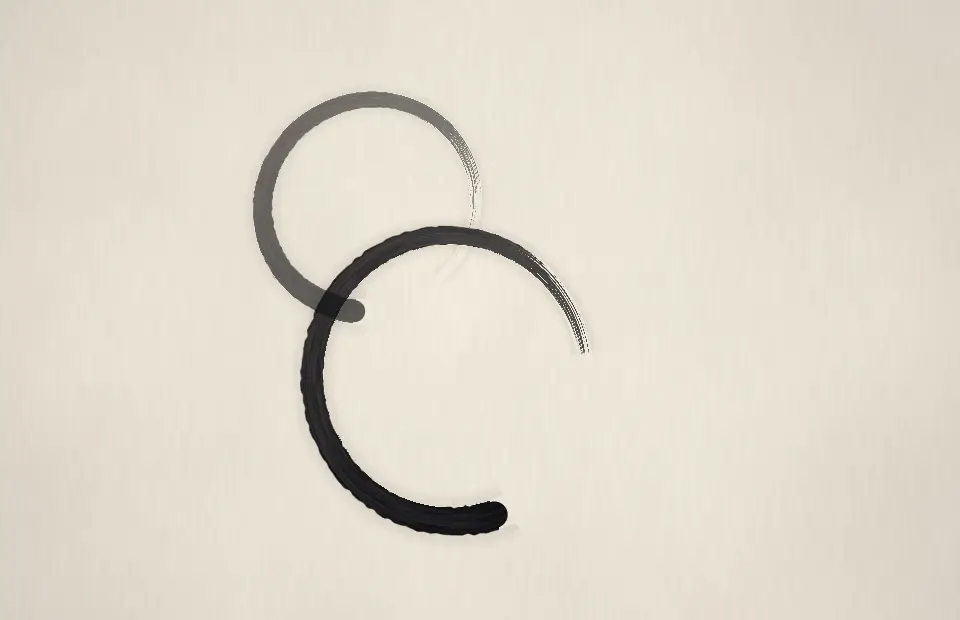
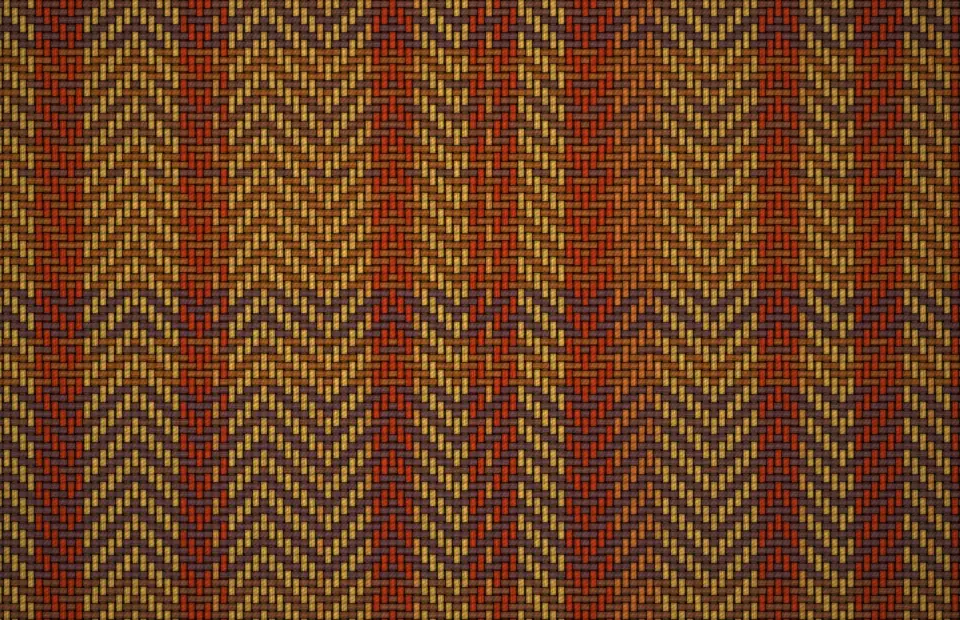
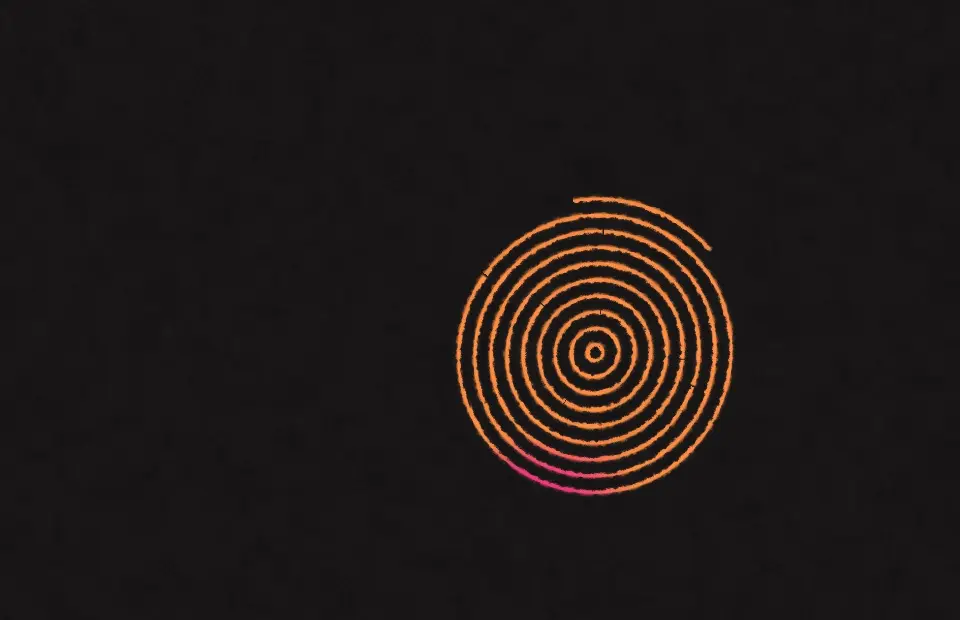
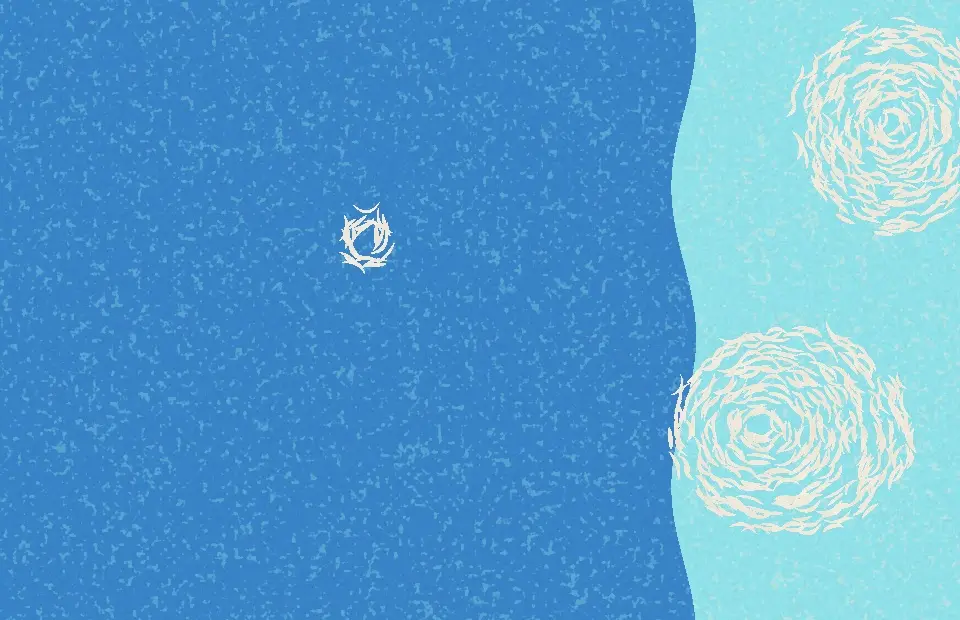
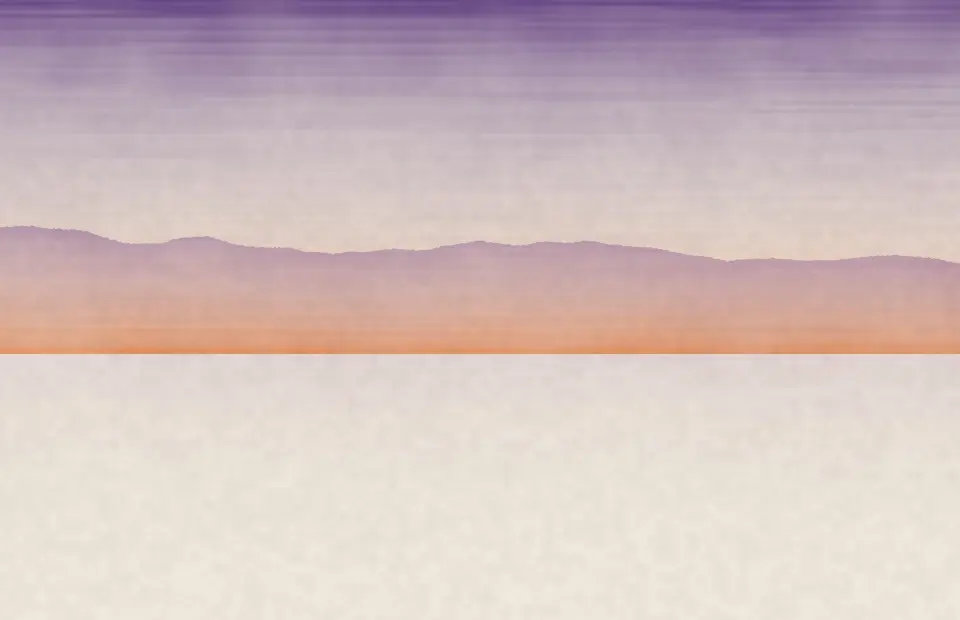
There are 55: Bauhaus, Memphis, De Stijl Grid, Boogie Grid, Circles in Squares, Suprematist, Cut-Outs, Nested Squares, Protractor Arcs, Colour Stripes, Bulge Grid, Colour Panels, Simultaneous Discs, Hard Edge, Circles and Triangles, Pointillist Field, Constructivist, Art Deco Fans, Seigaiha Waves, Quiet Grid, Wall Lines, Chromatic Slats, Quilt Blocks, Golden Threads, Random Grid, Palette Bands, Paper Collage, Contour Isles, Ink Strokes, Conic Blobs, De Stijl Blocks, Eclipse Dunes, Flip Tokens, Glyph Assembly, Linked Dots, Pen Offsets, Petal Garden, Ribbon Strokes, Ripple Rings, Square Cascade, Tumble Trails, Colour Field, Gold Seams, Ink Wash, Terrazzo, Tape Strips, Gradient Tiles, Palette Knife, Brush Circles, Woven Textile, Sgraffito, Linocut Gouge, Bokashi Print, Tesserae Flow and Cyanotype. Every one is rendered live on your Mac and also works as a live wallpaper.
They are free for your first 7 days, then SCRNSVRS Unlimited from $1.99/month or $9.99/year unlocks every screensaver, including every new release. Every month 25 premium screensavers are also free for everyone (Free this month).
Download SCRNSVRS from the Mac App Store, pick a screensaver from the Art and click Set as Screensaver or Set as Wallpaper. No .saver files and no System Settings digging.
macOS Tahoe 26 or later · Apple silicon and Intel.