31 screensavers · Preview free
The sky outside, brought to your screen.
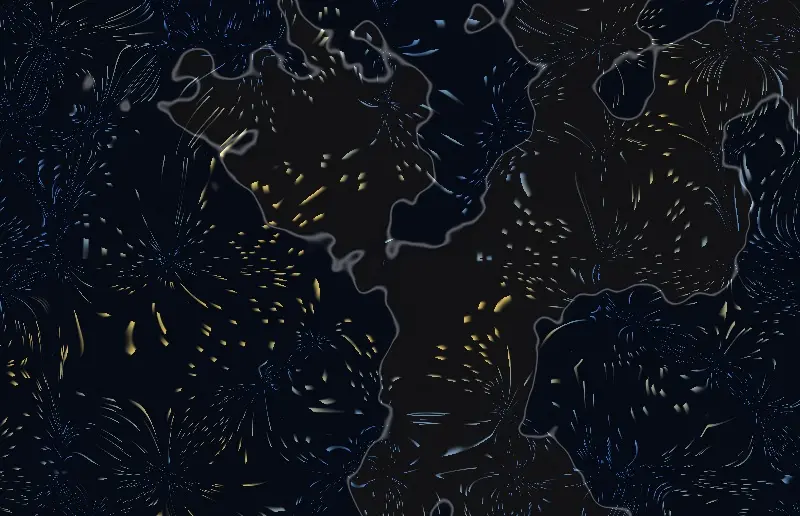
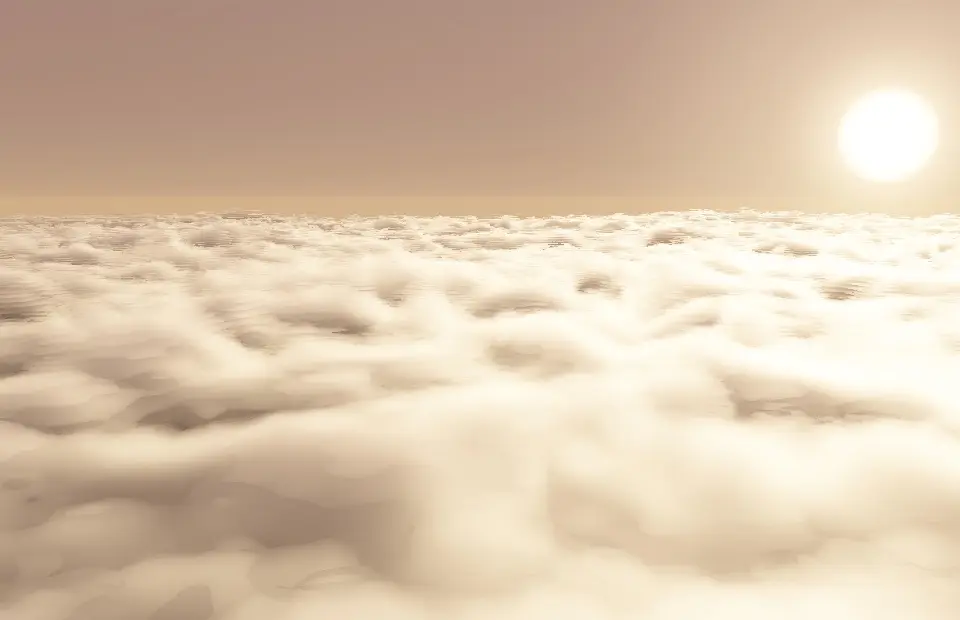
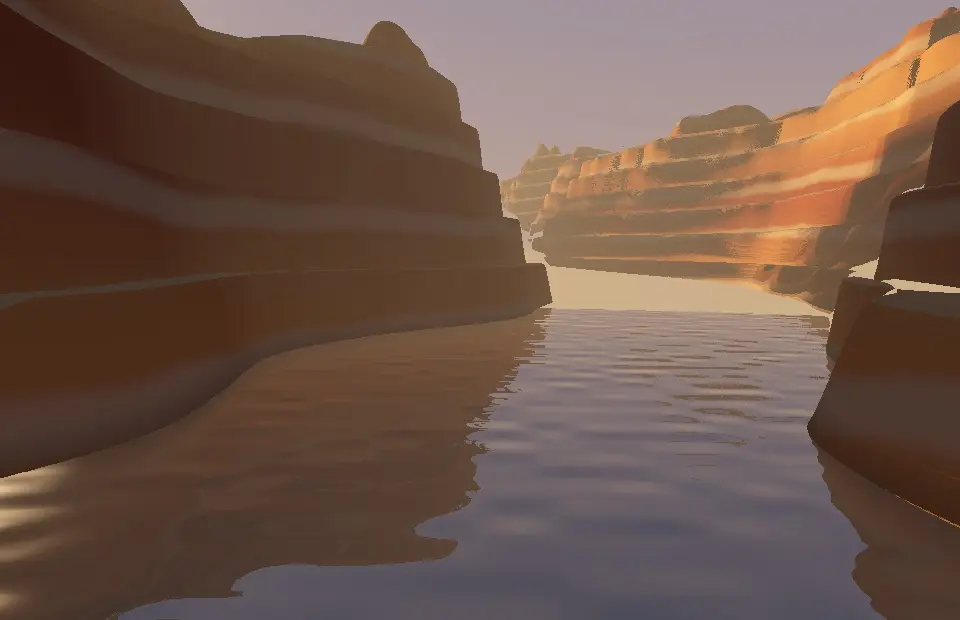
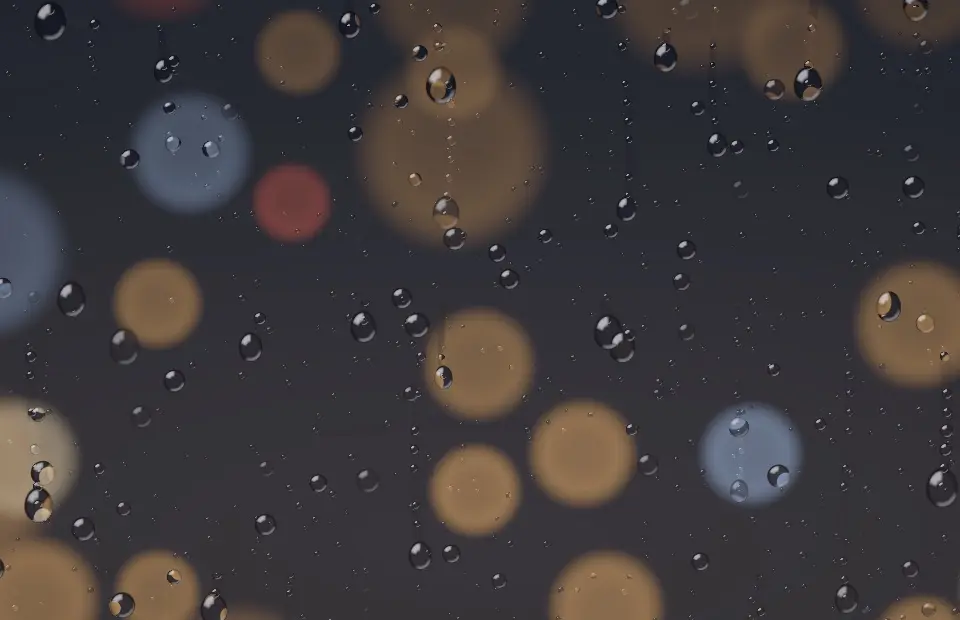
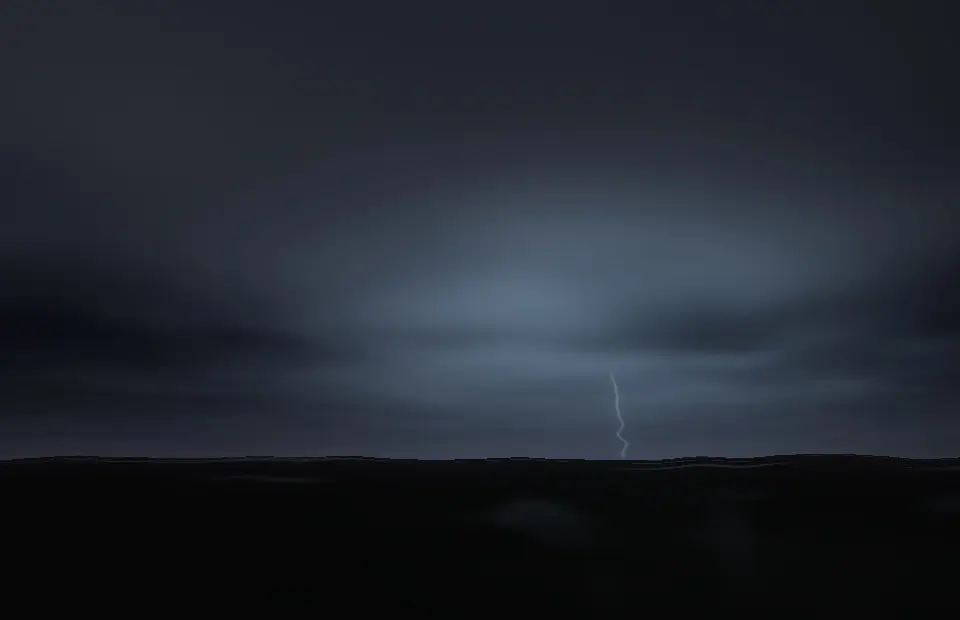
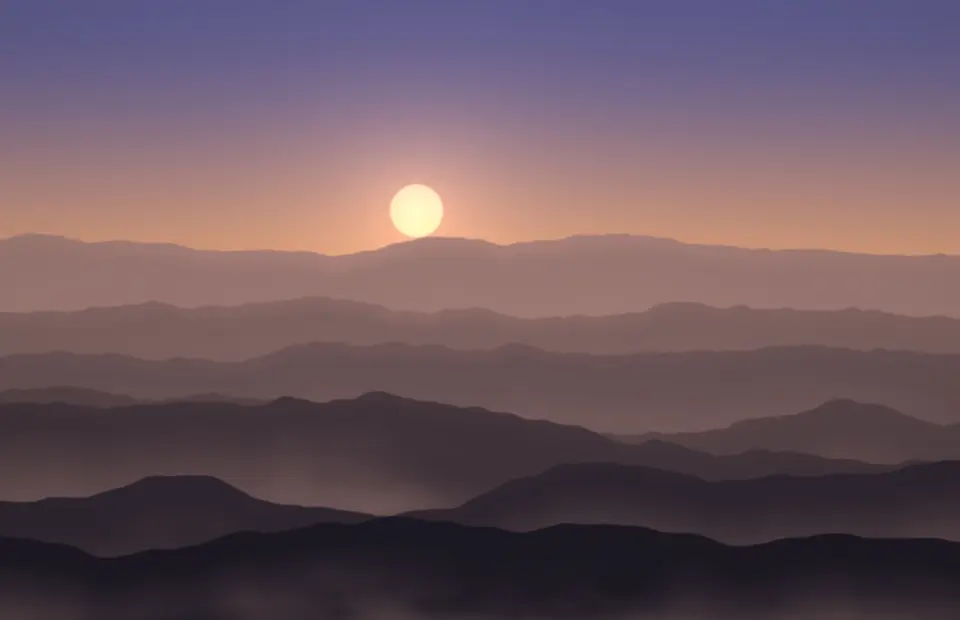
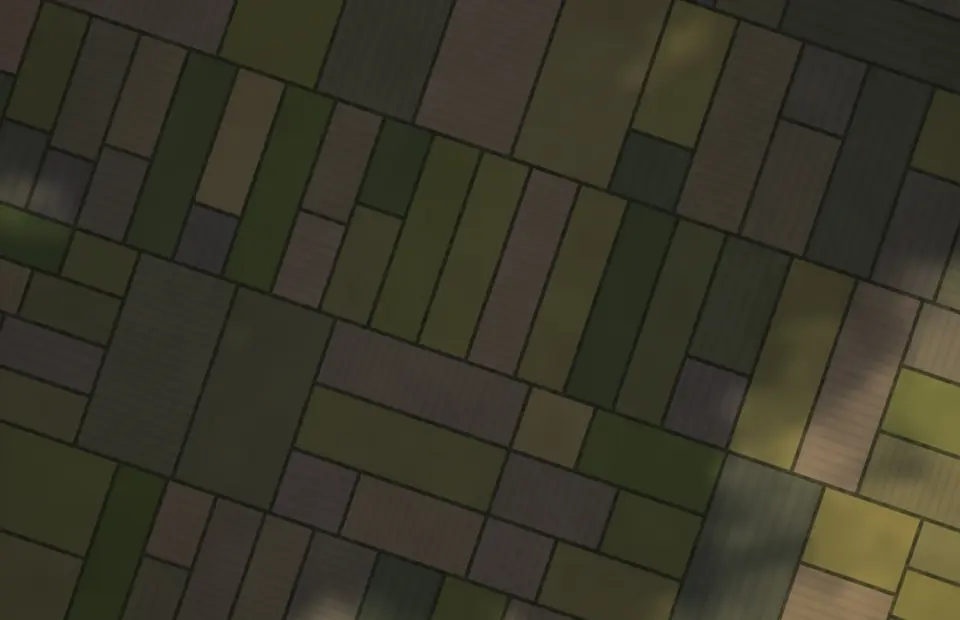
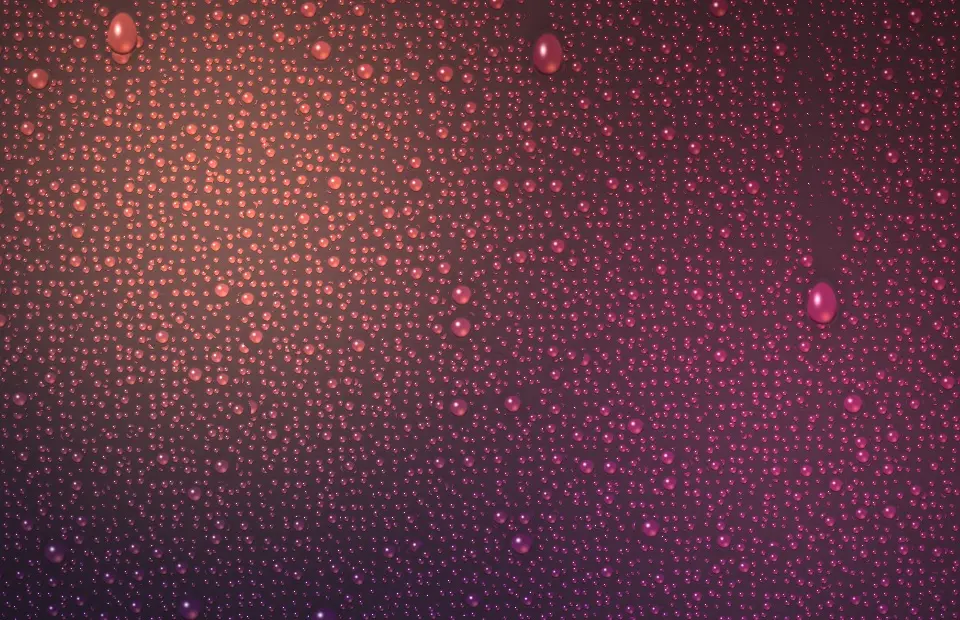
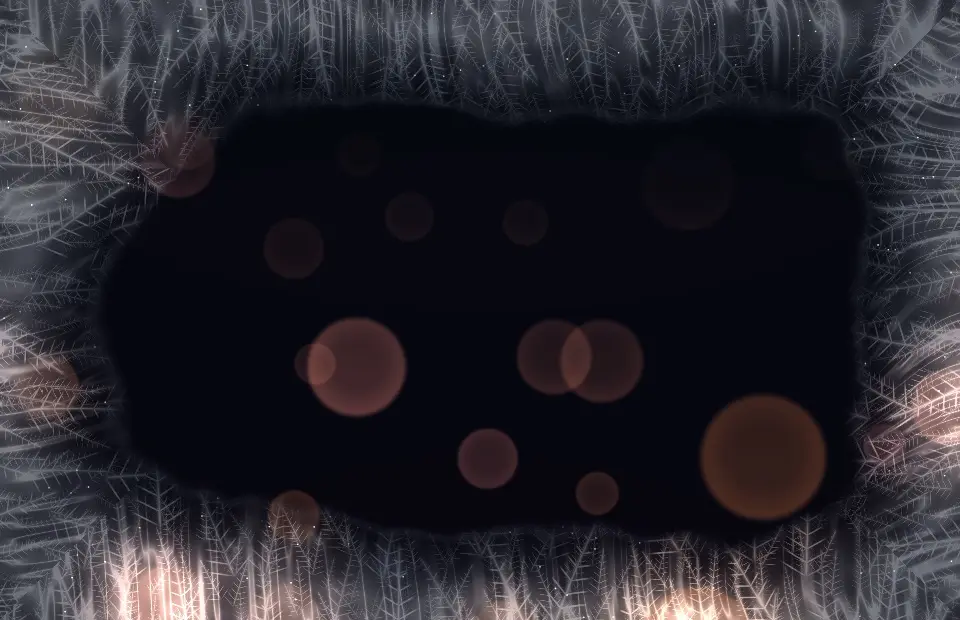
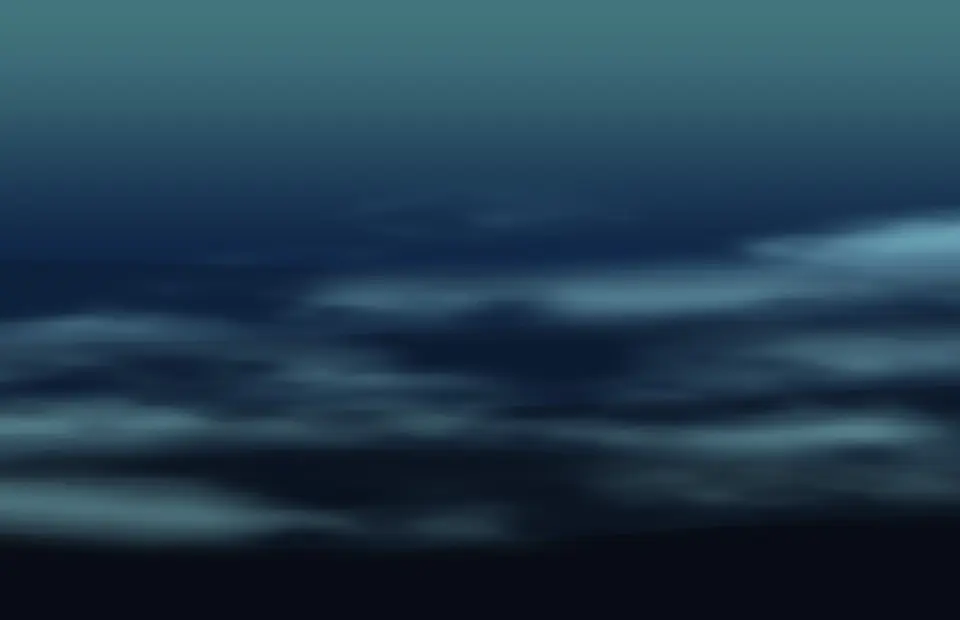
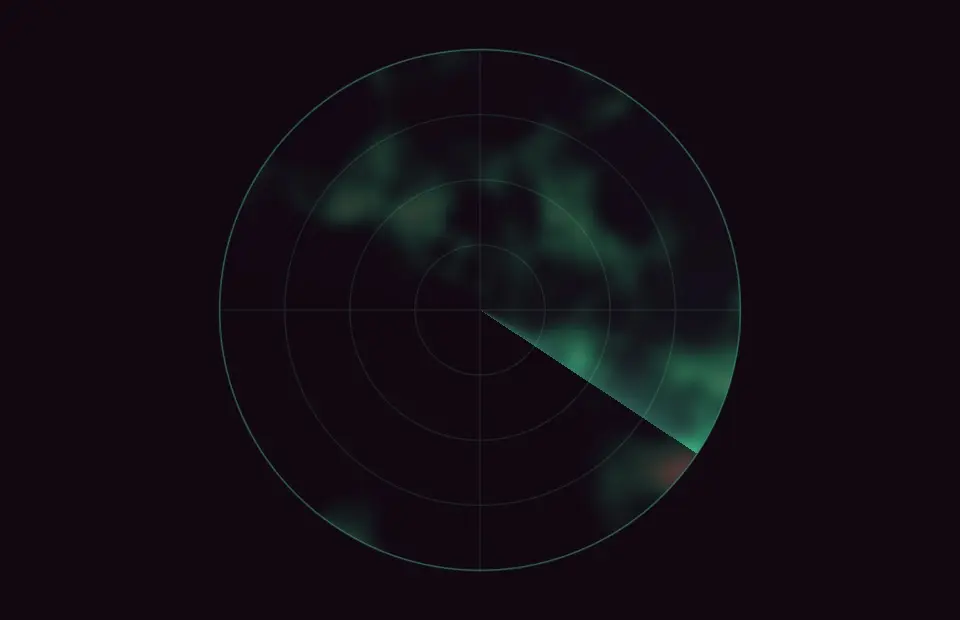
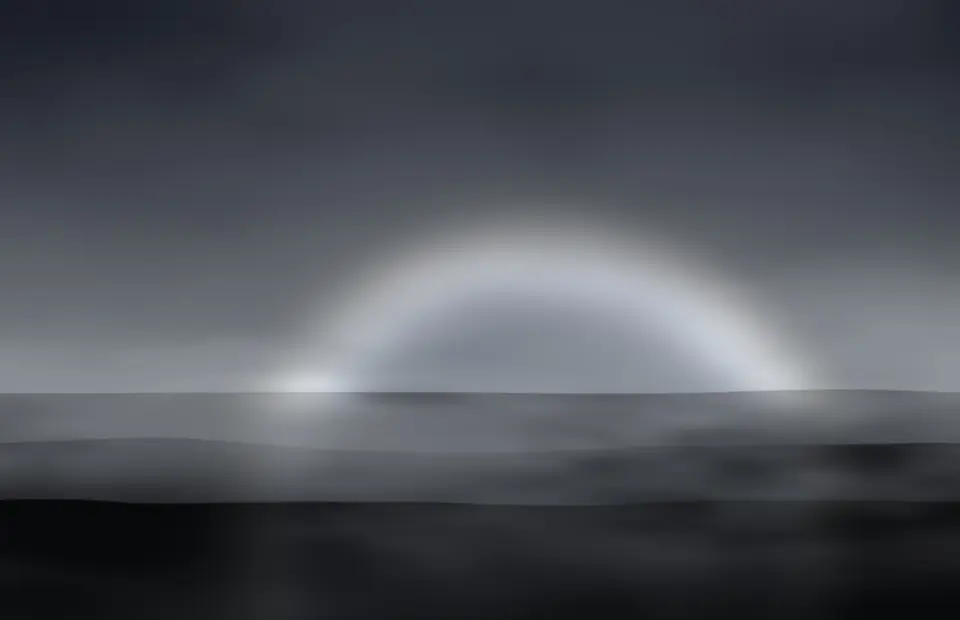
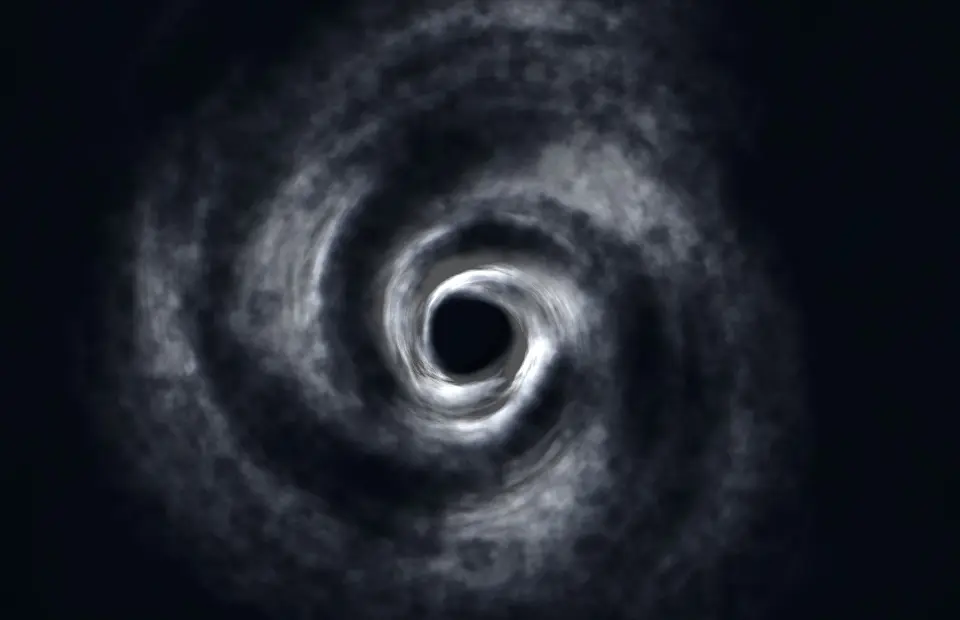
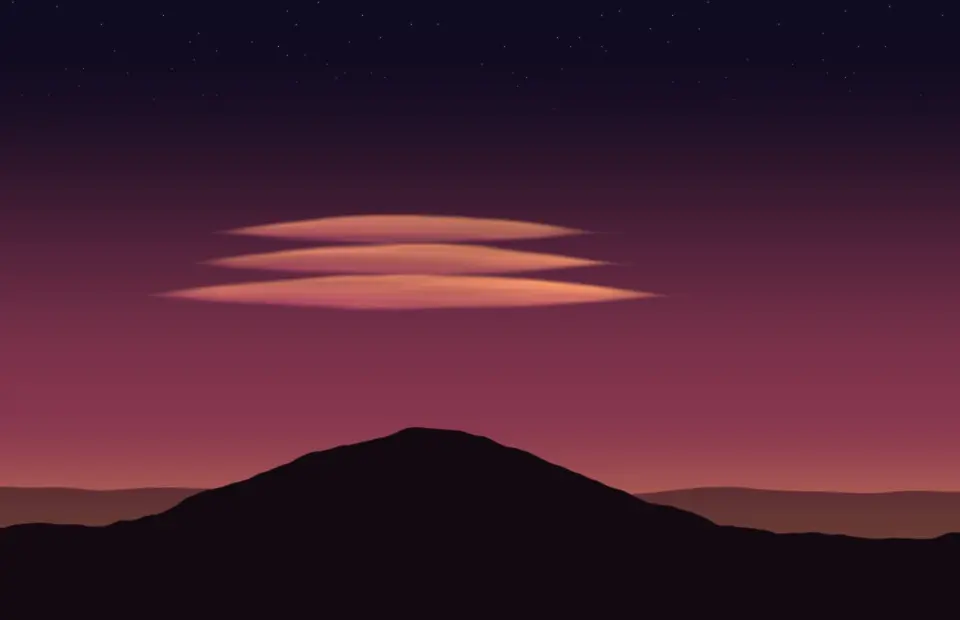
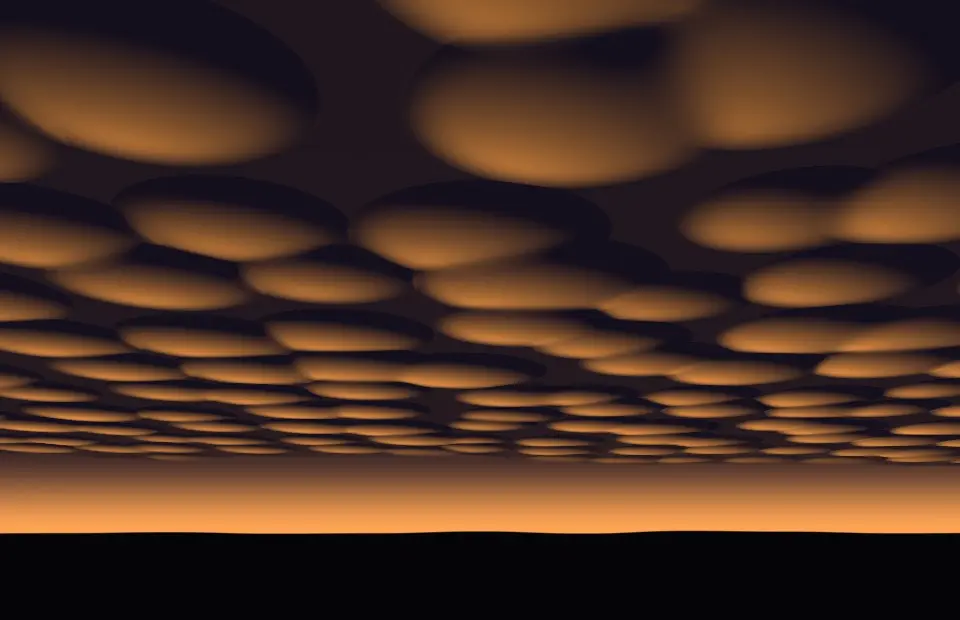
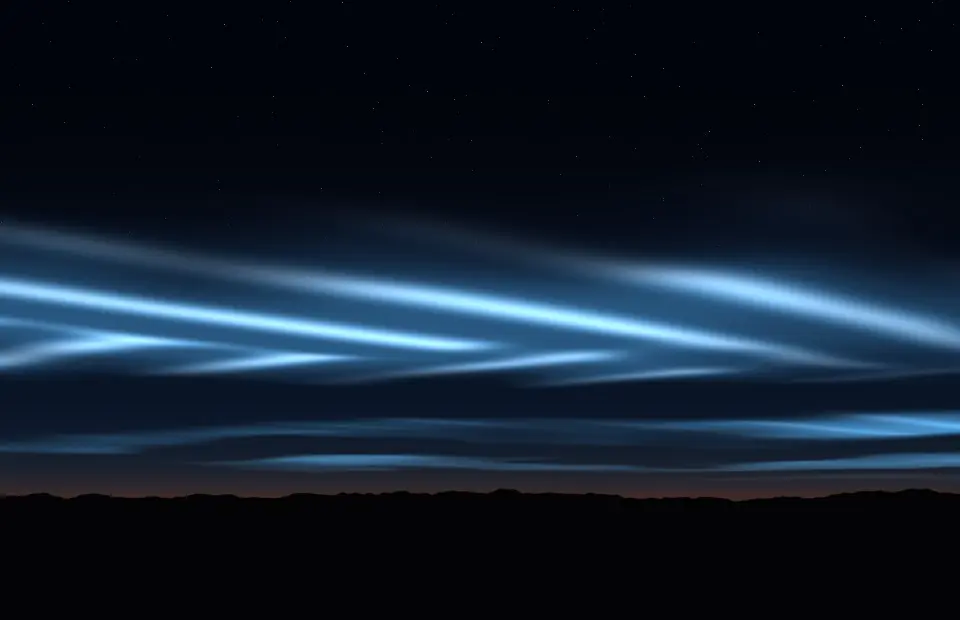
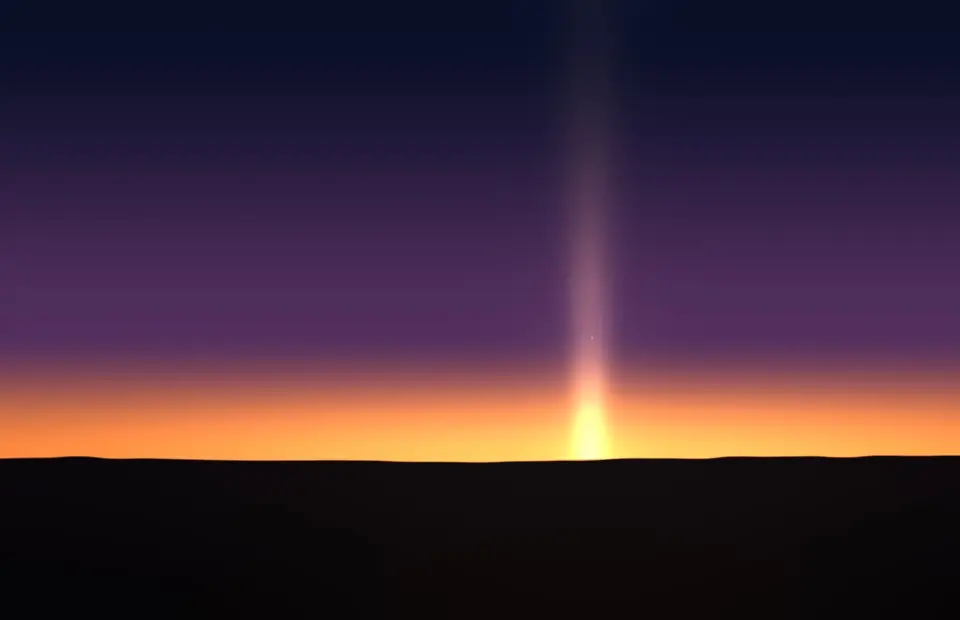
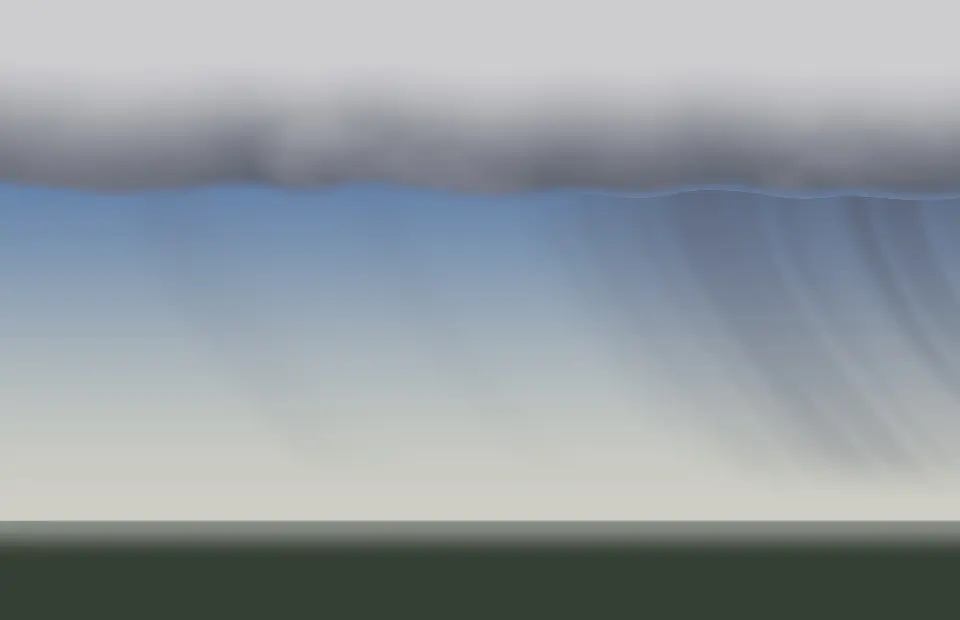
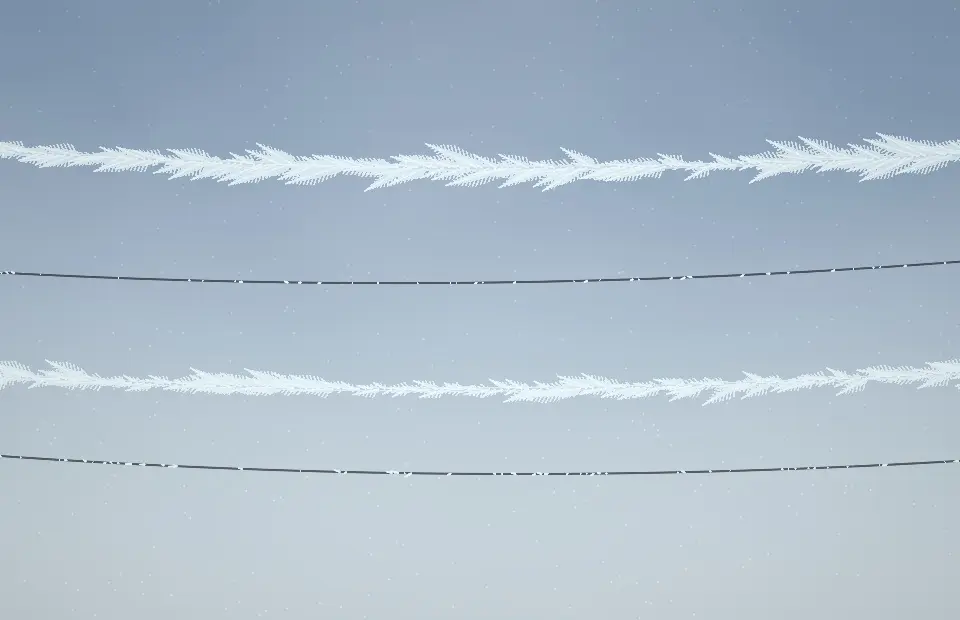
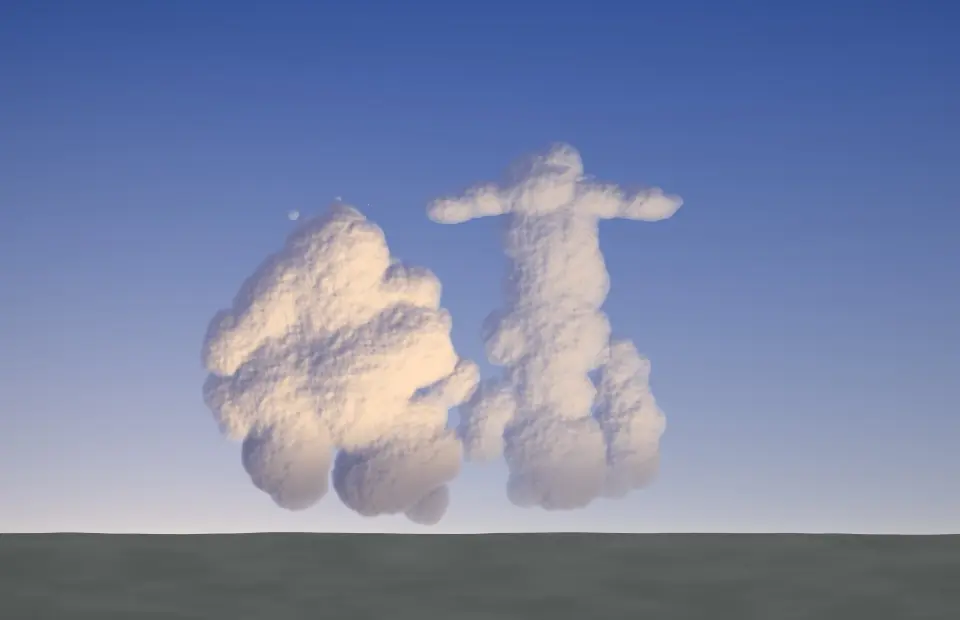
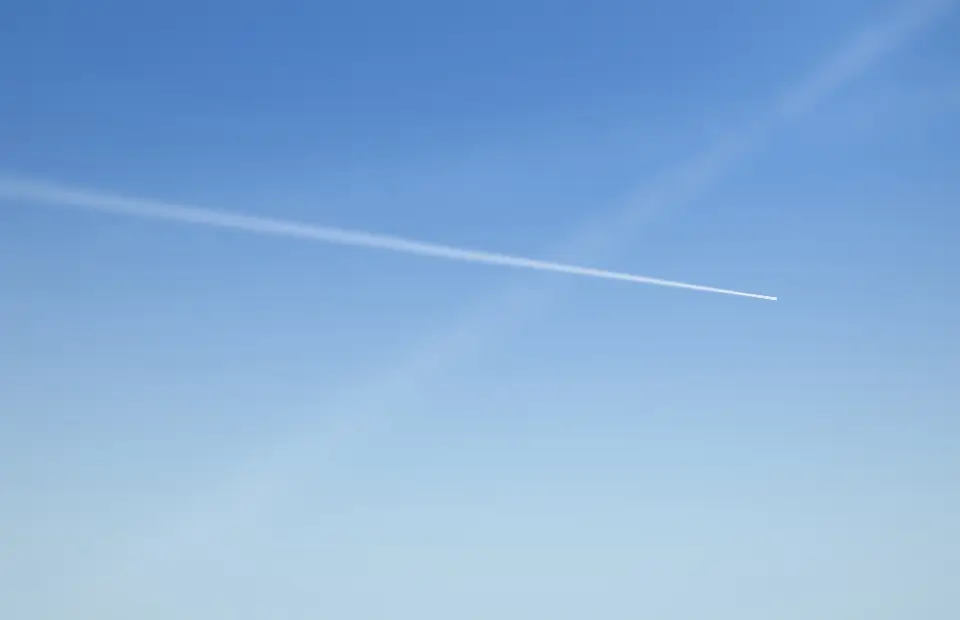
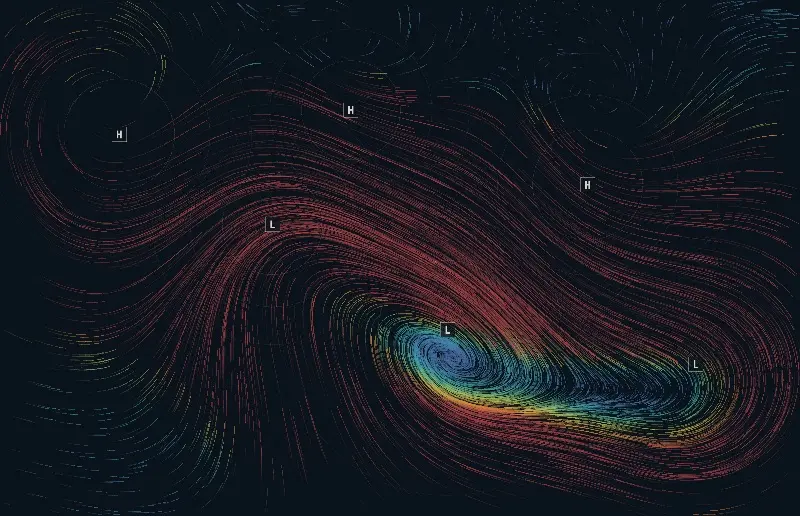
There are 31: Pressure Drift, Wind Map, Open Sea, Cloud Sea, Canyon Flight, Rain on Glass, Snow Run, Drift Clouds, Distant Storm, Fog Hills, Cloud Shadows, Dew, Frost Pane, Pond Rain, Snowflake Growth, Wind Strokes, Fog Banks, Cirrus, Heat Shimmer, Weather Radar, Fogbow, Cyclone, Lenticular Clouds, Mammatus, Noctilucent, Sun Pillar, Virga, Rime Feathers, Cloud Streets, Cumulus Rise and Spreading Trails. Every one is rendered live on your Mac and also works as a live wallpaper.
They are free for your first 7 days, then SCRNSVRS Unlimited from $1.99/month or $9.99/year unlocks every screensaver, including every new release. Every month 25 premium screensavers are also free for everyone (Free this month).
Download SCRNSVRS from the Mac App Store, pick a screensaver from the Weather and click Set as Screensaver or Set as Wallpaper. No .saver files and no System Settings digging.
macOS Tahoe 26 or later · Apple silicon and Intel.