44 screensavers · Free
Beautiful timepieces for your idle screen – flip cards, platform clocks and desk alarms.
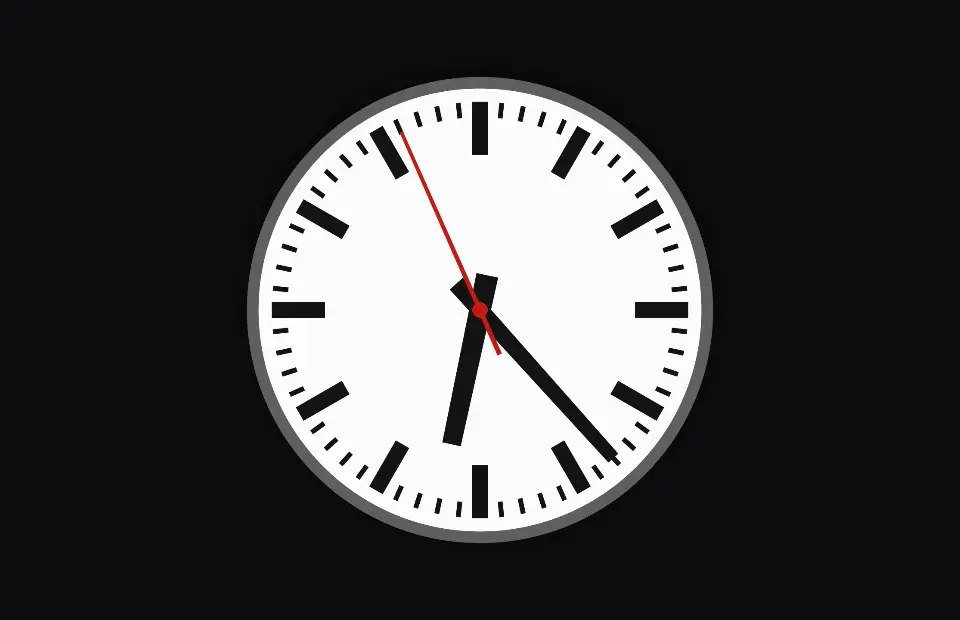
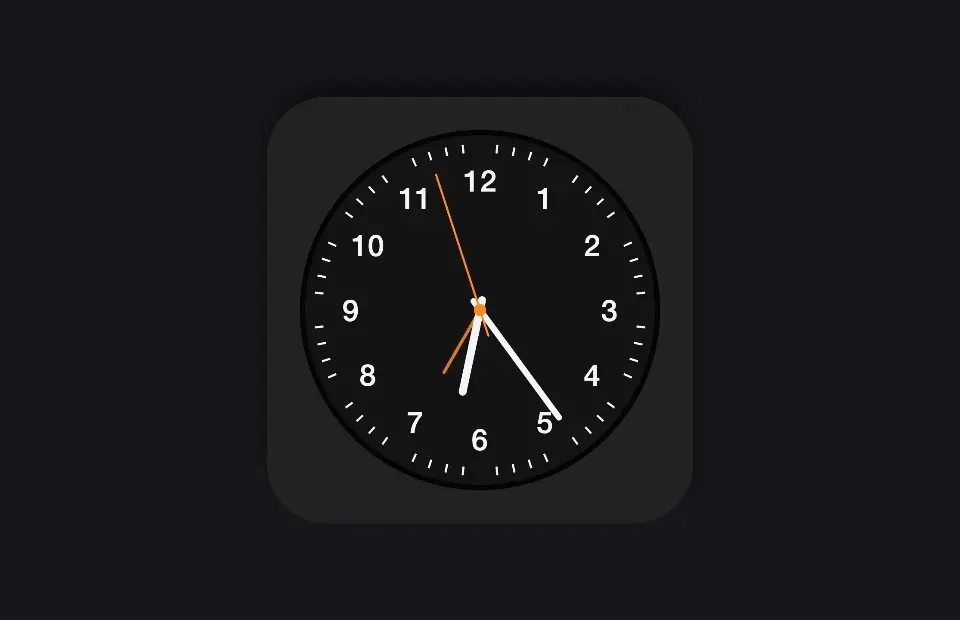
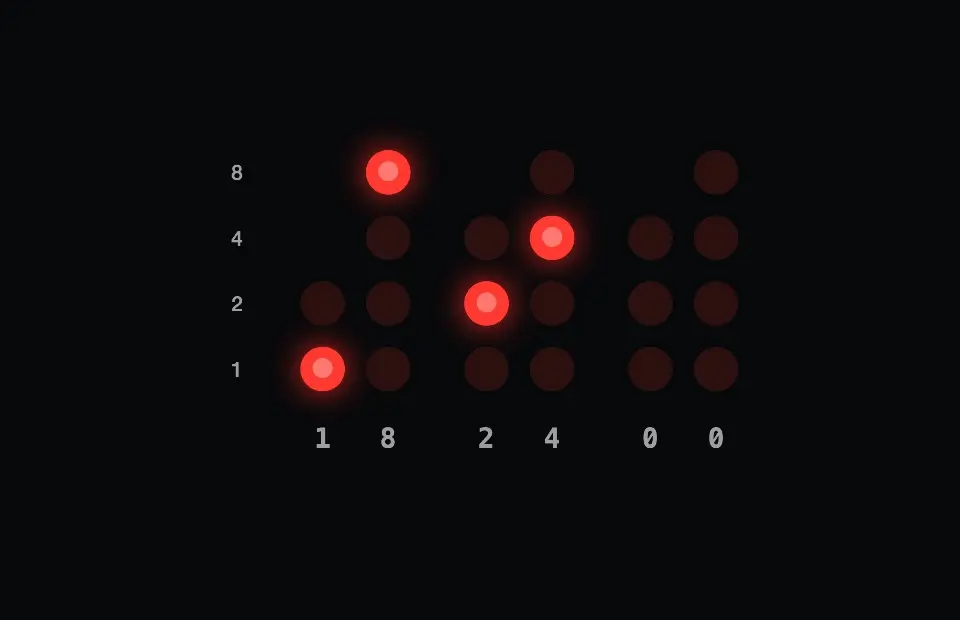
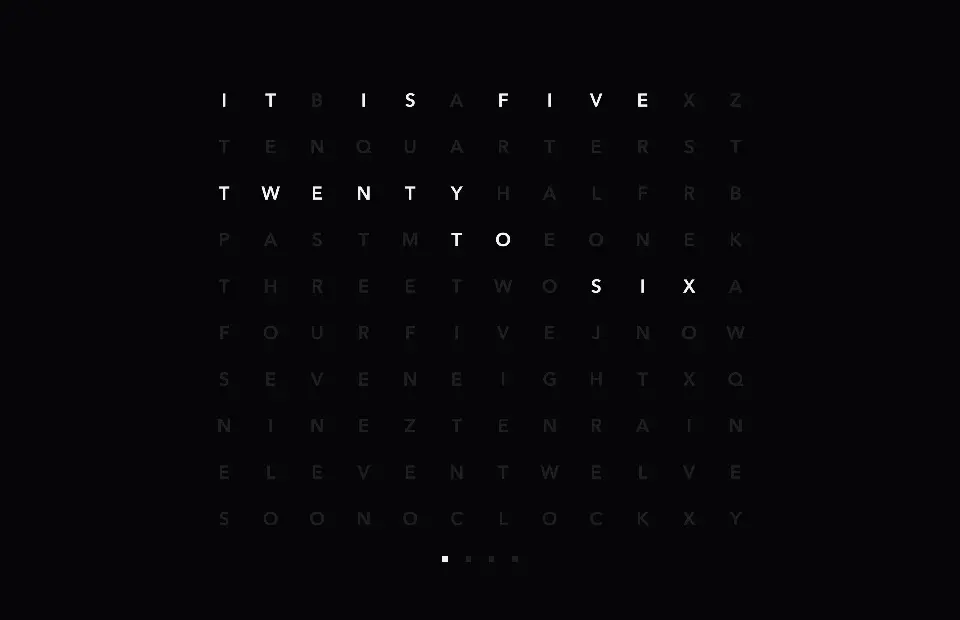
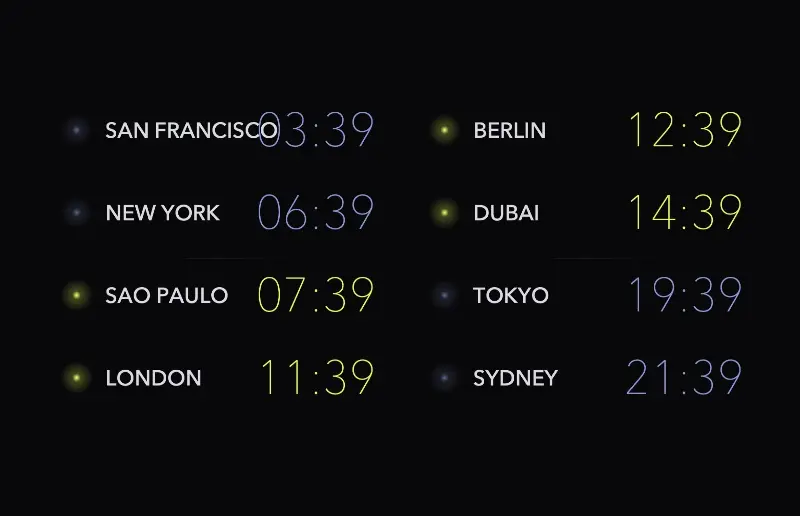
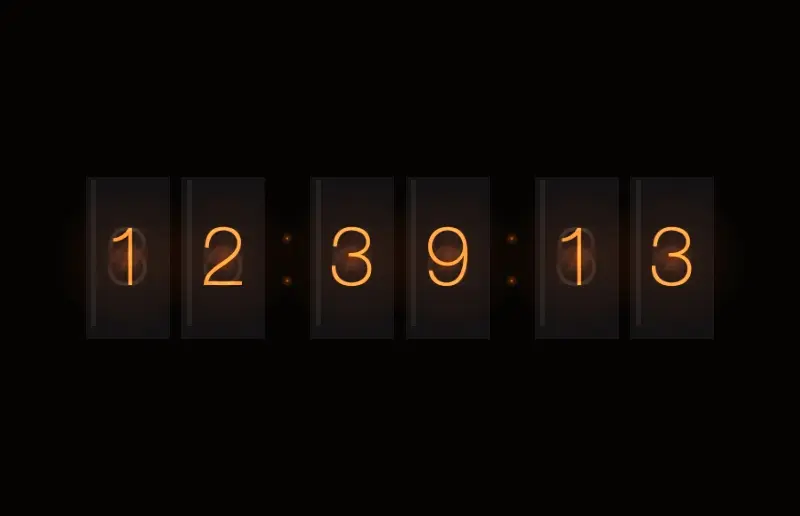
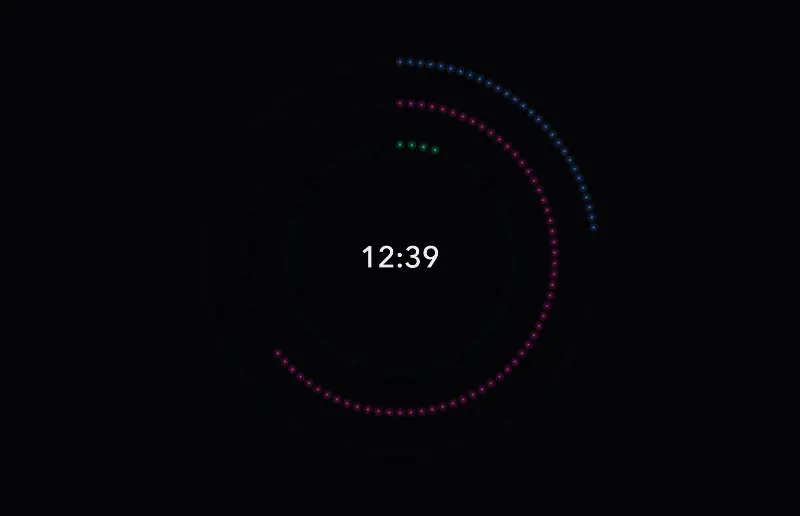
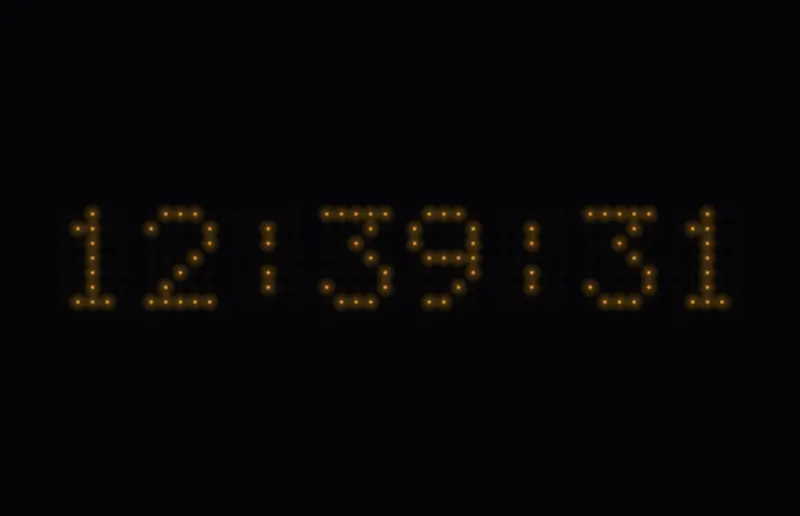
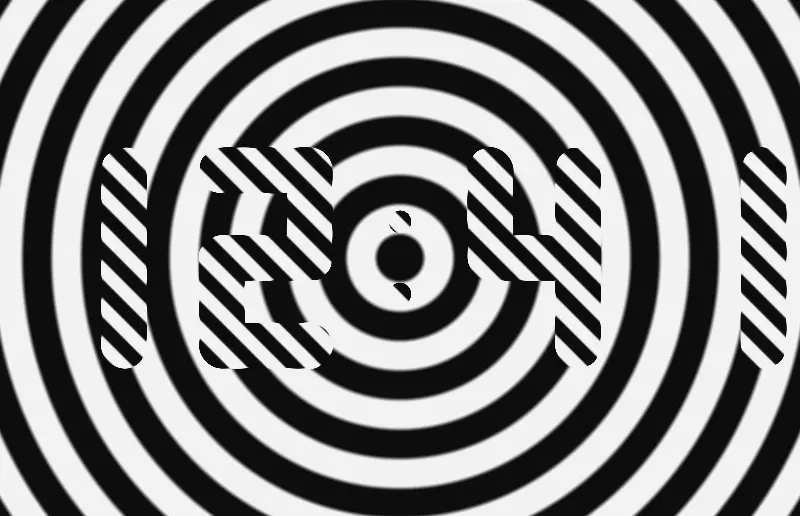
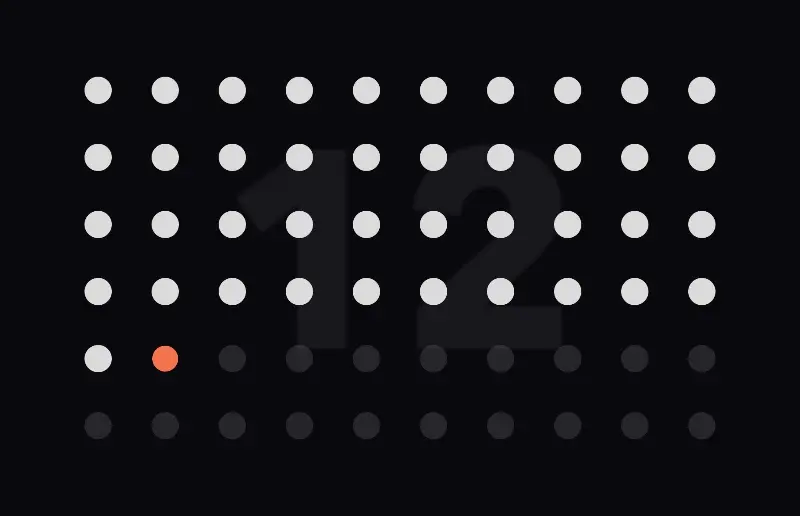
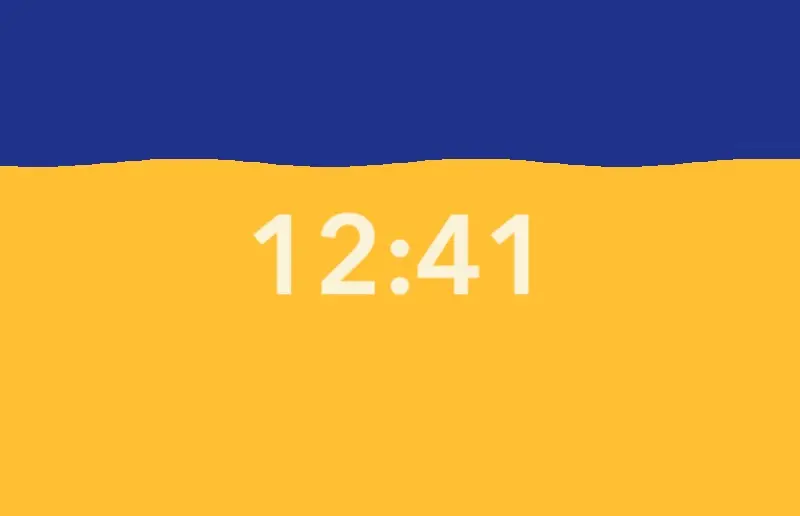
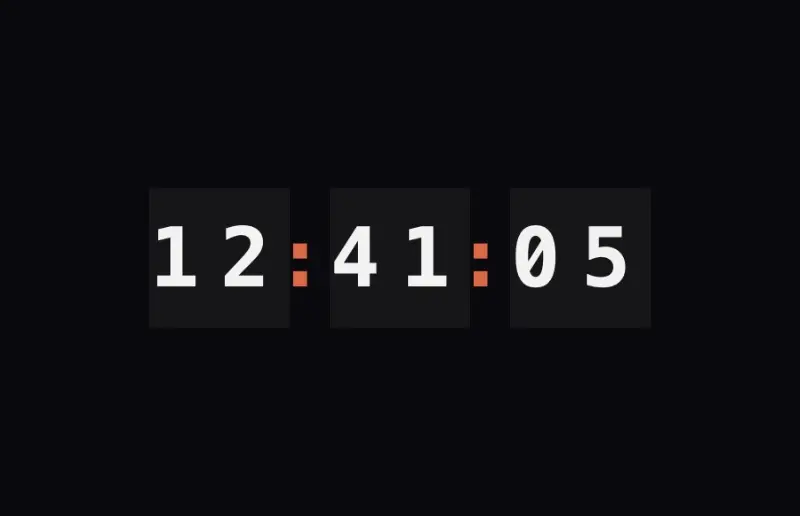
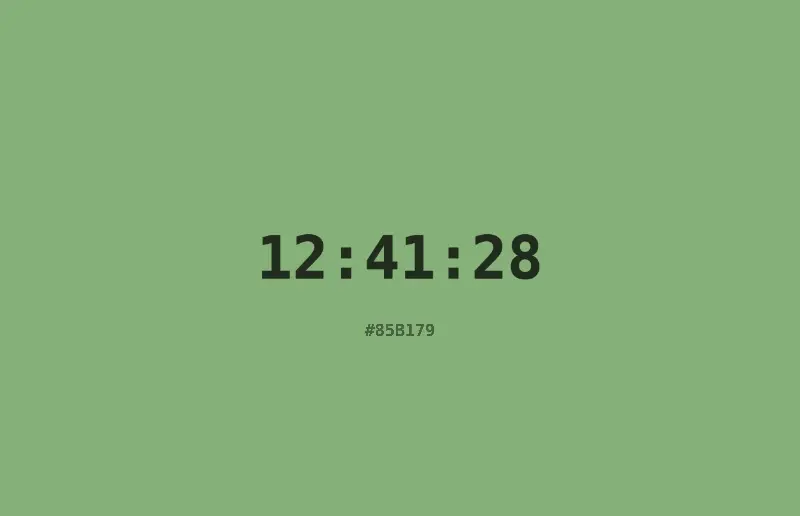
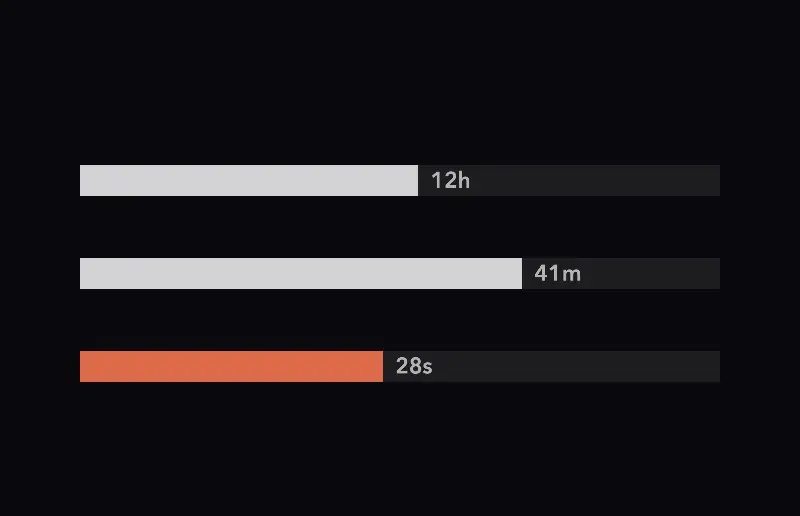
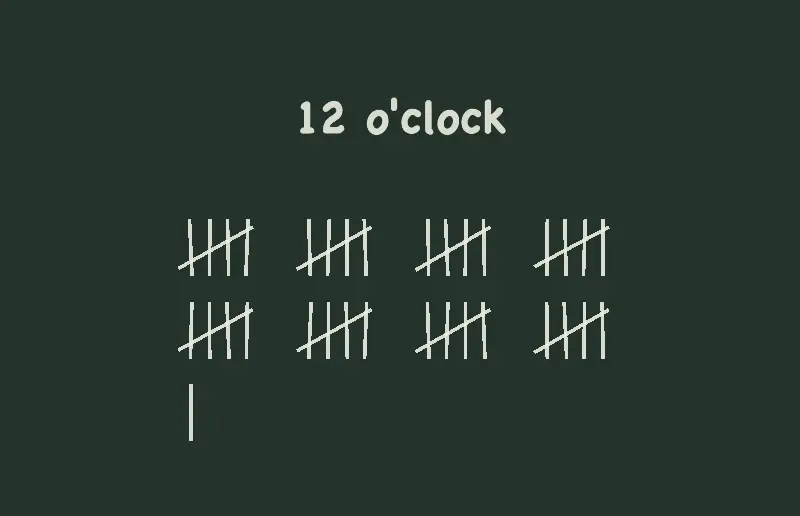
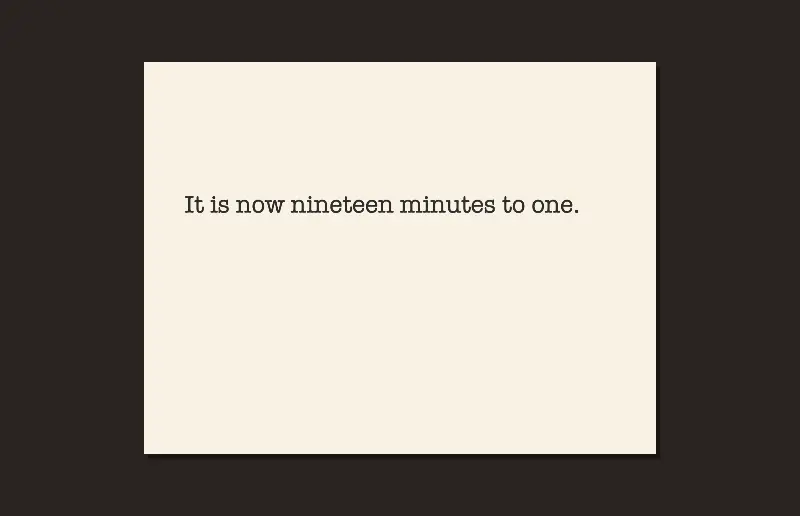
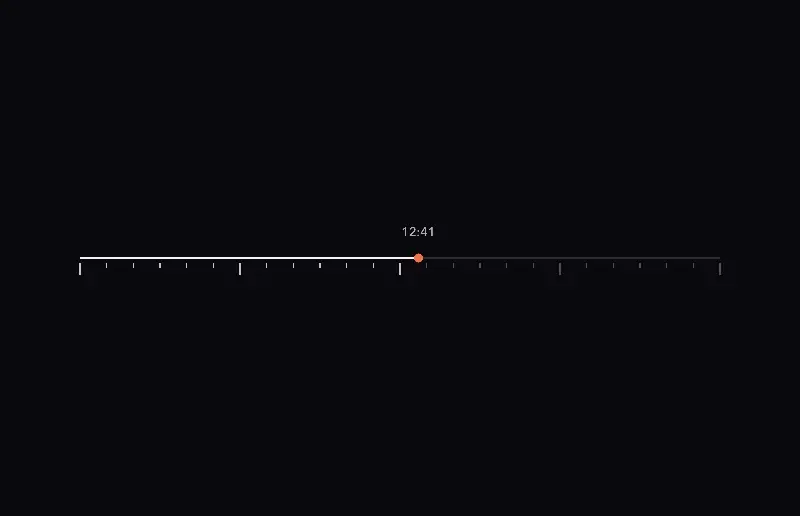
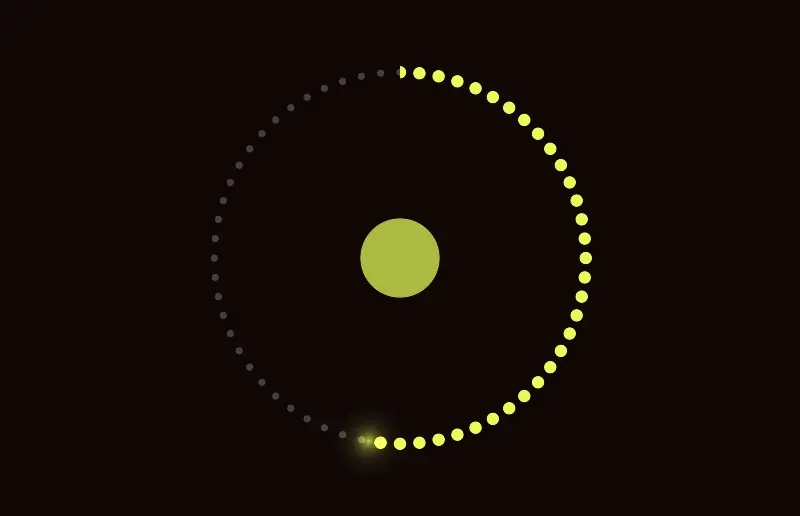
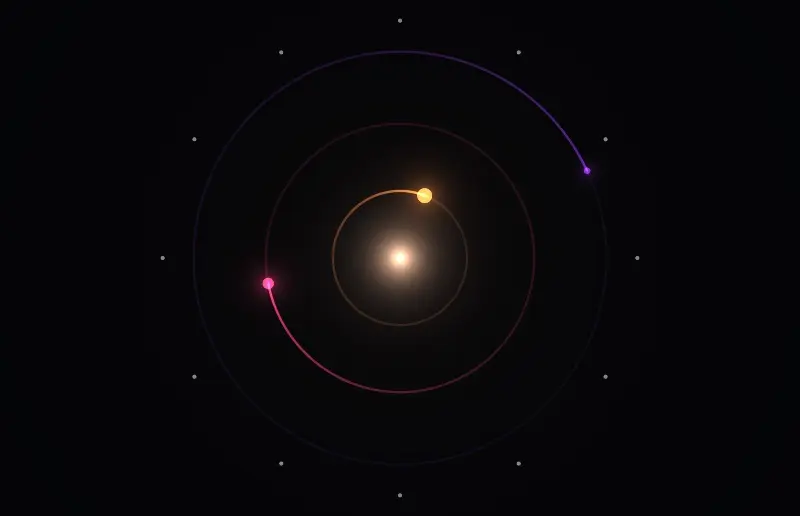
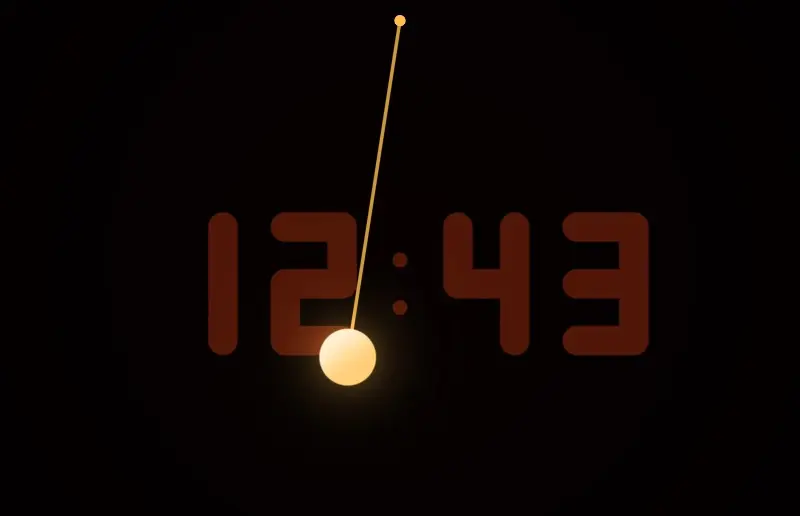
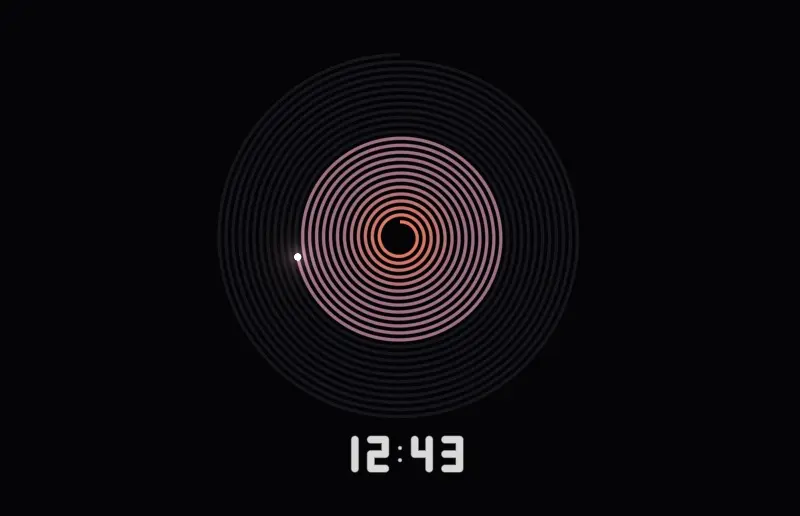
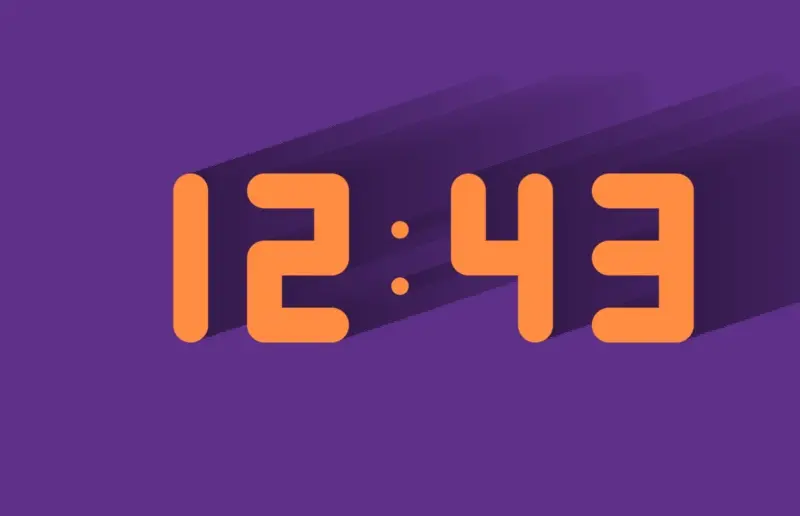
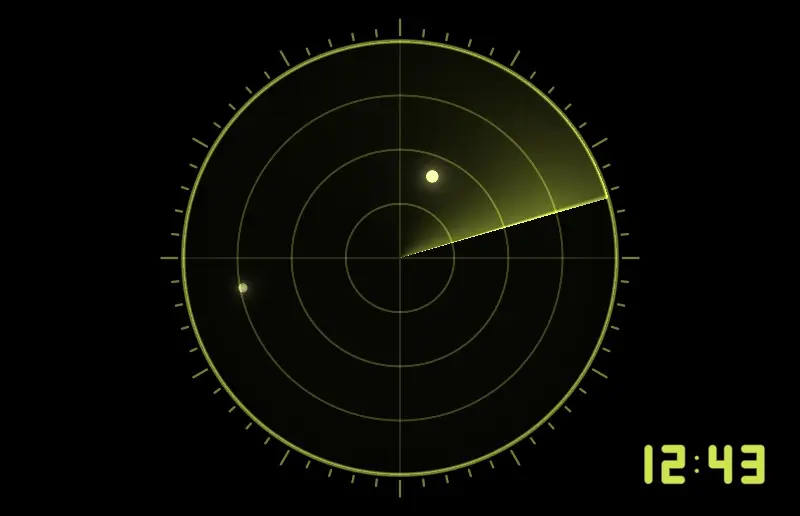
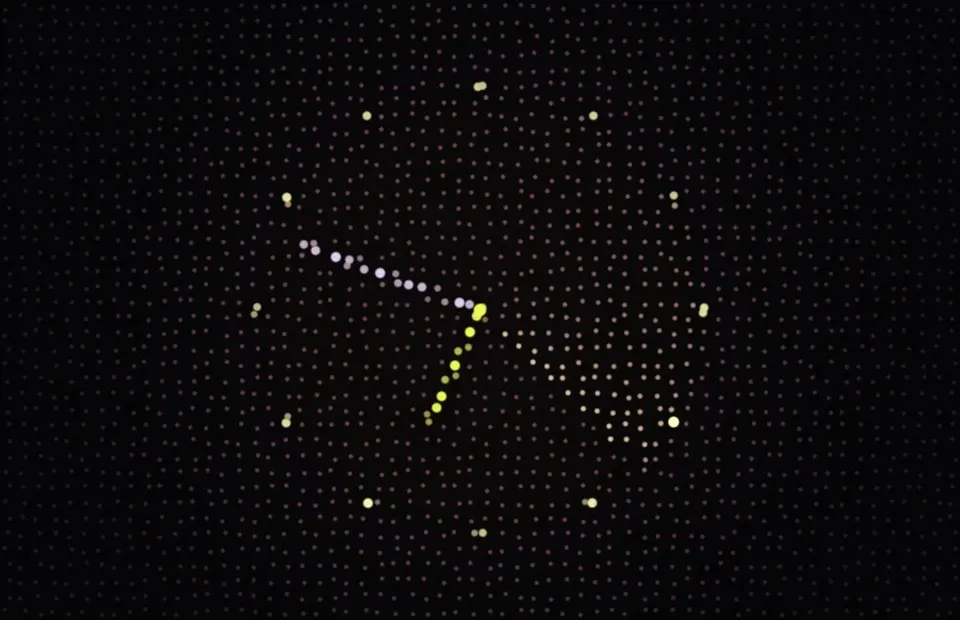
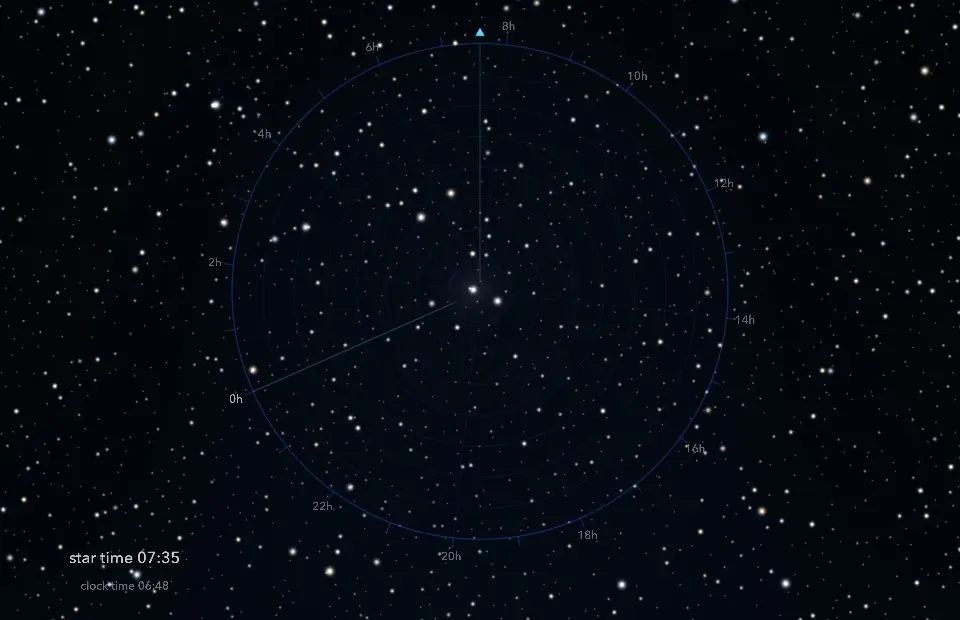
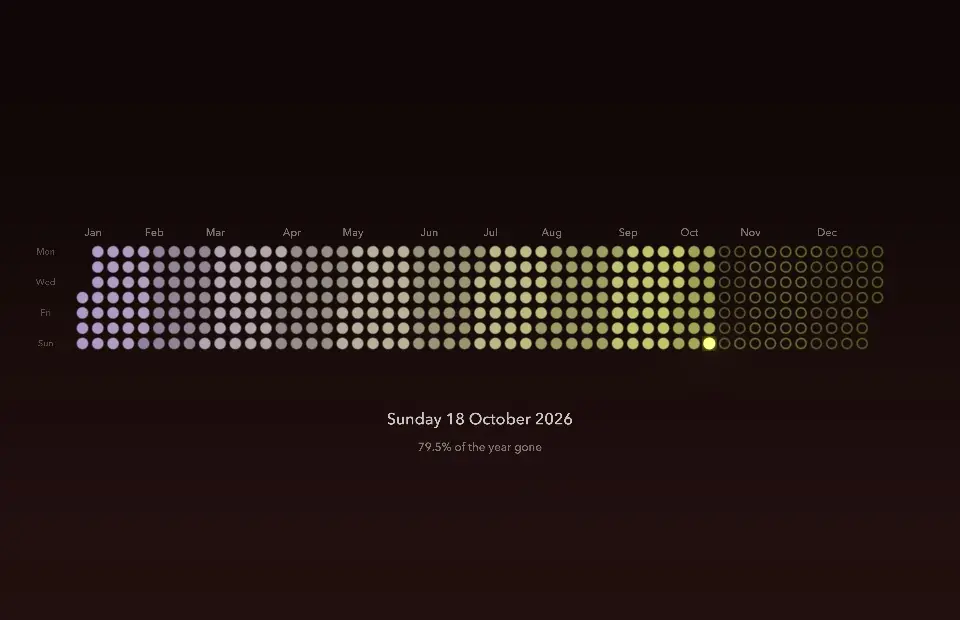
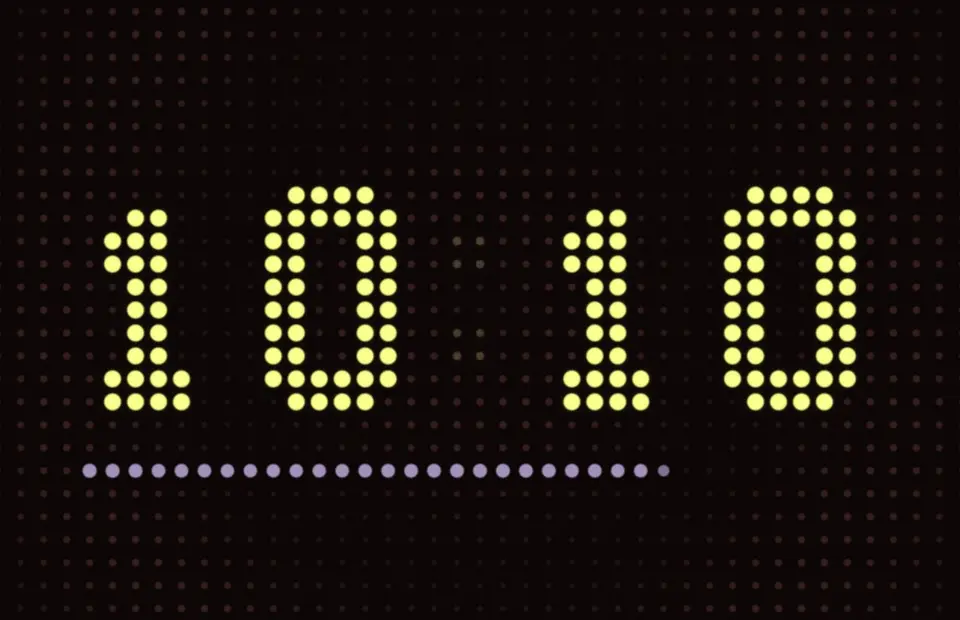
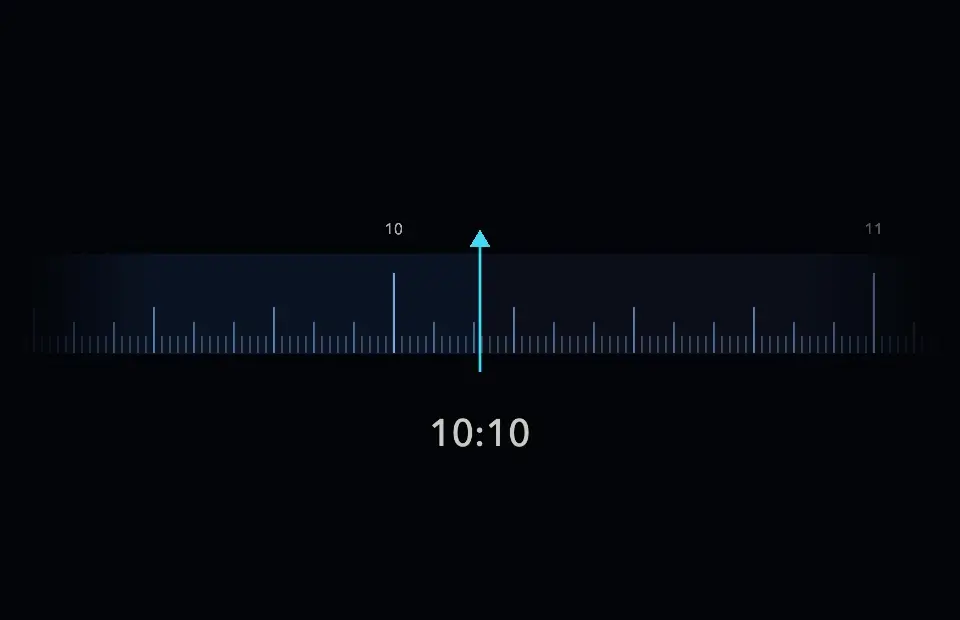
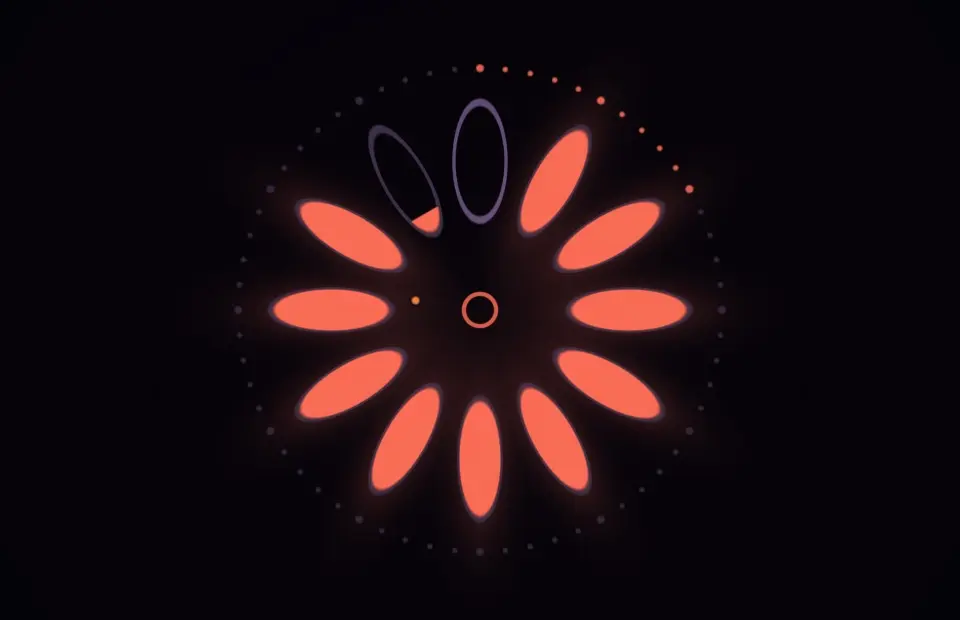
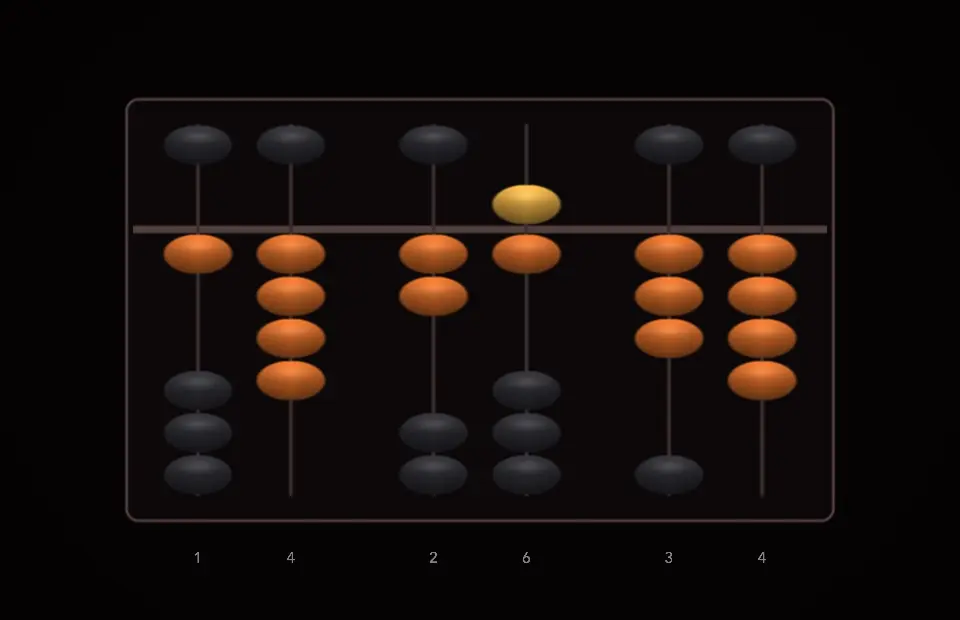
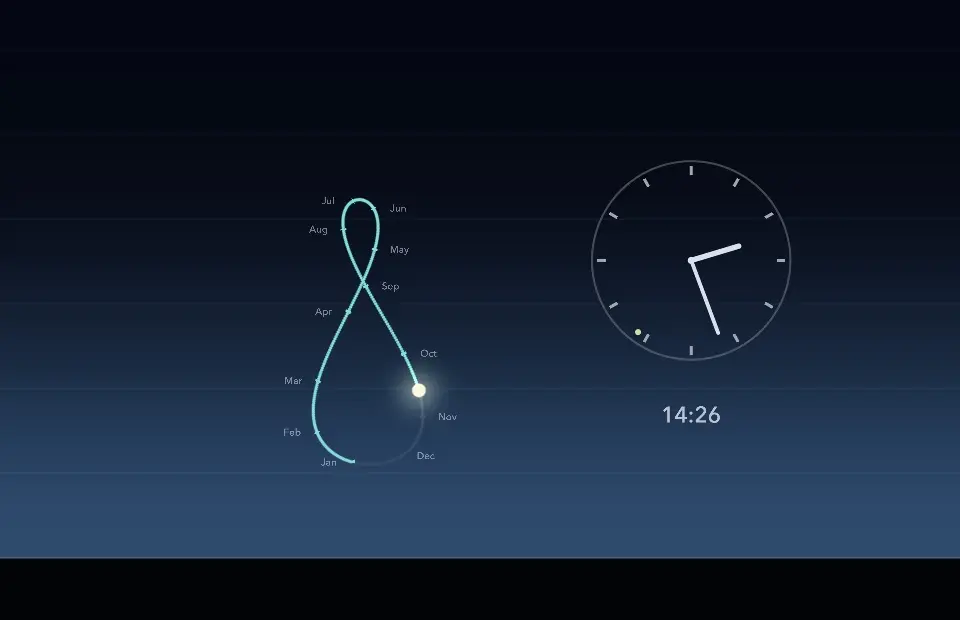
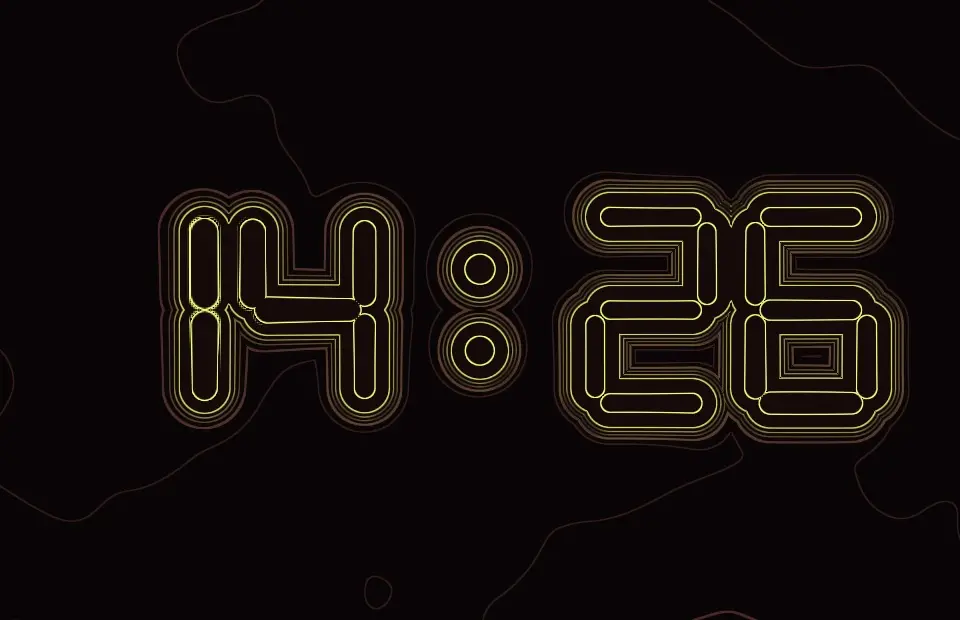
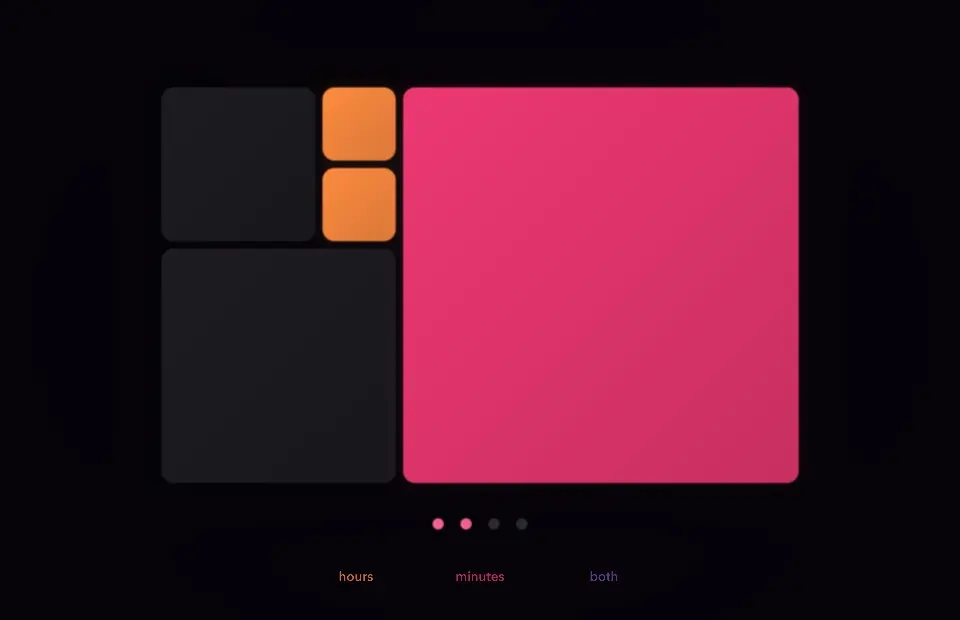
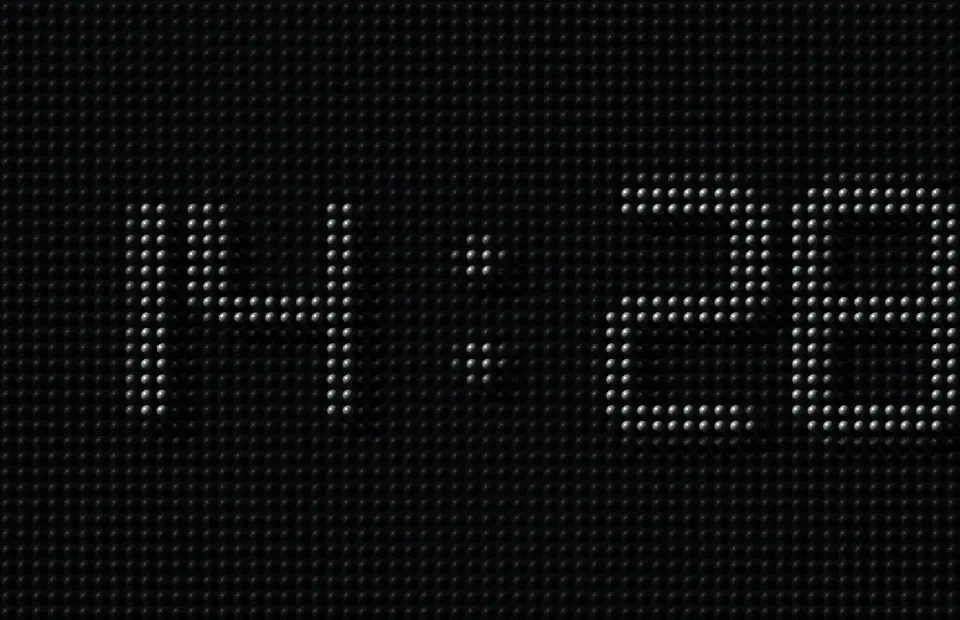
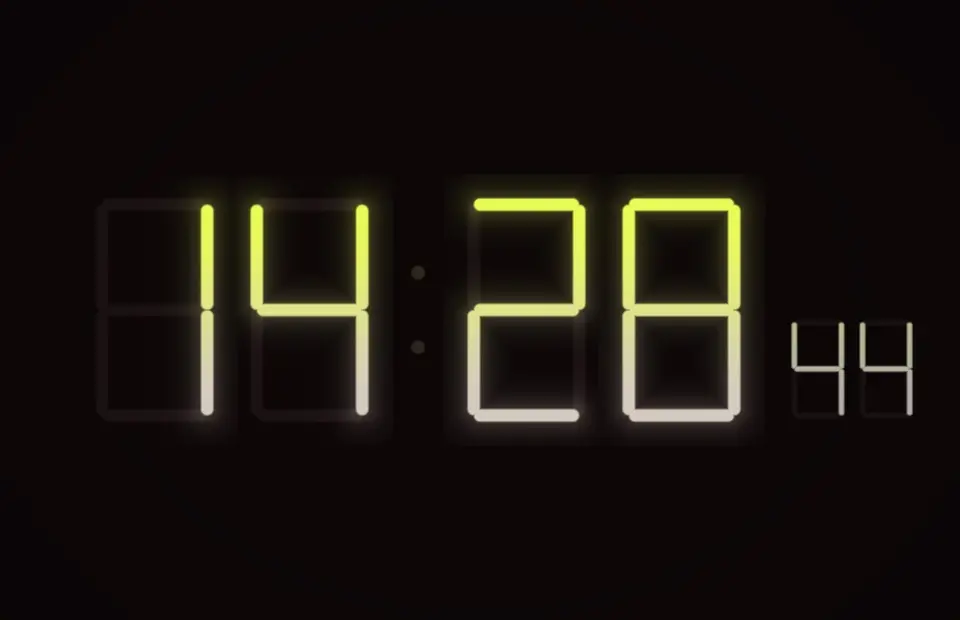
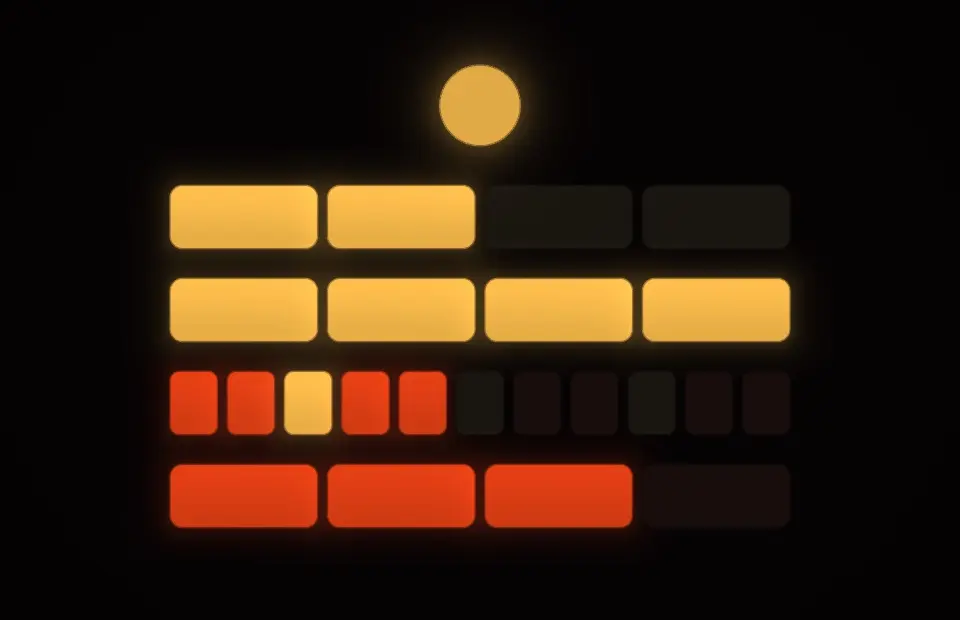
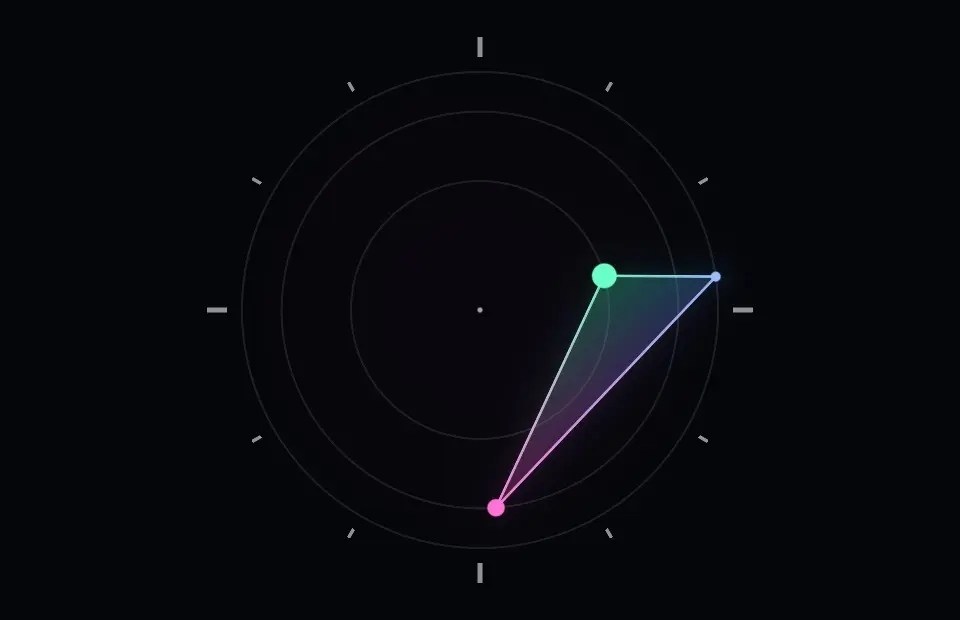
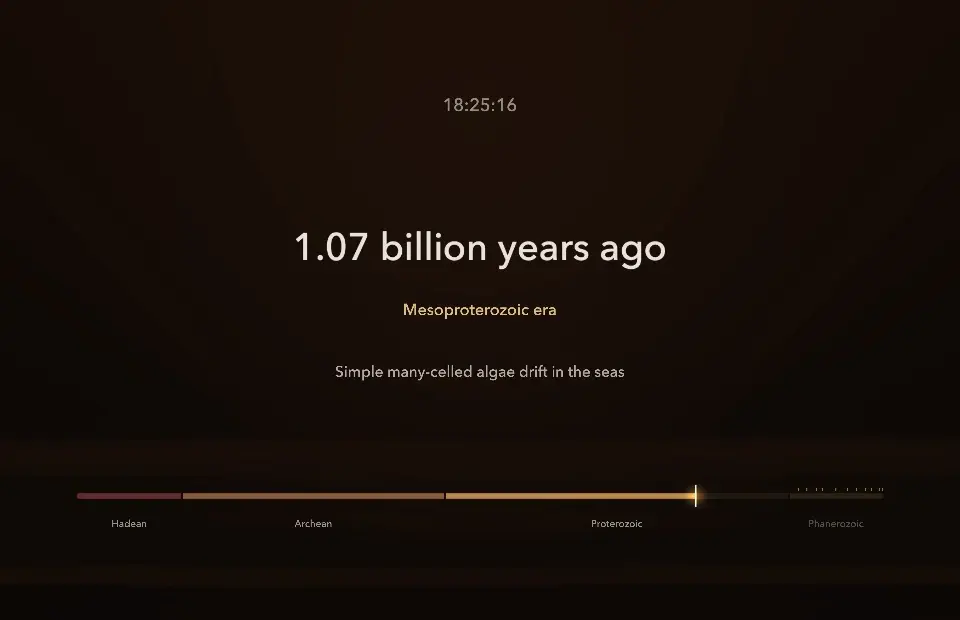
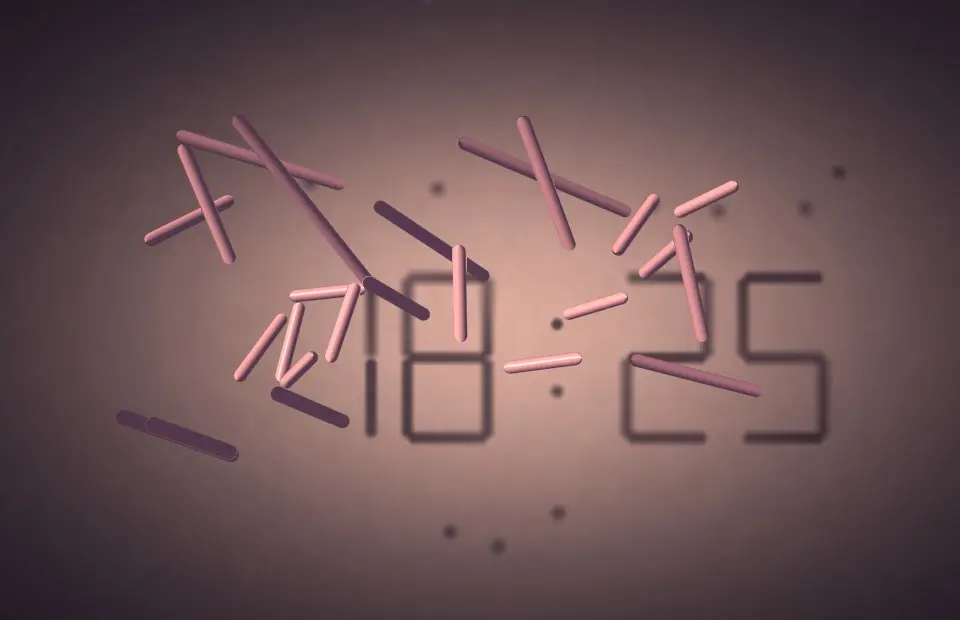
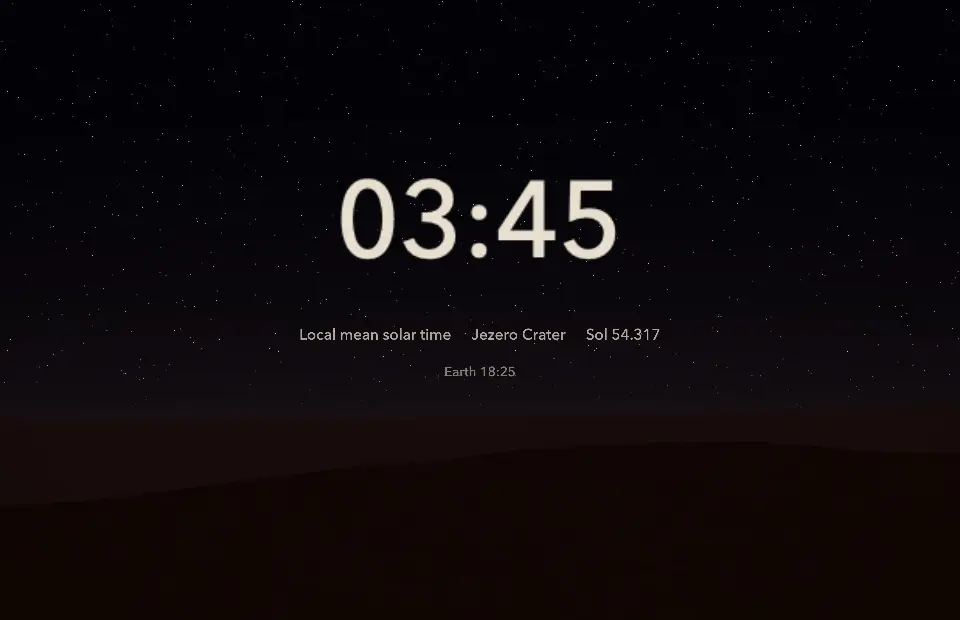
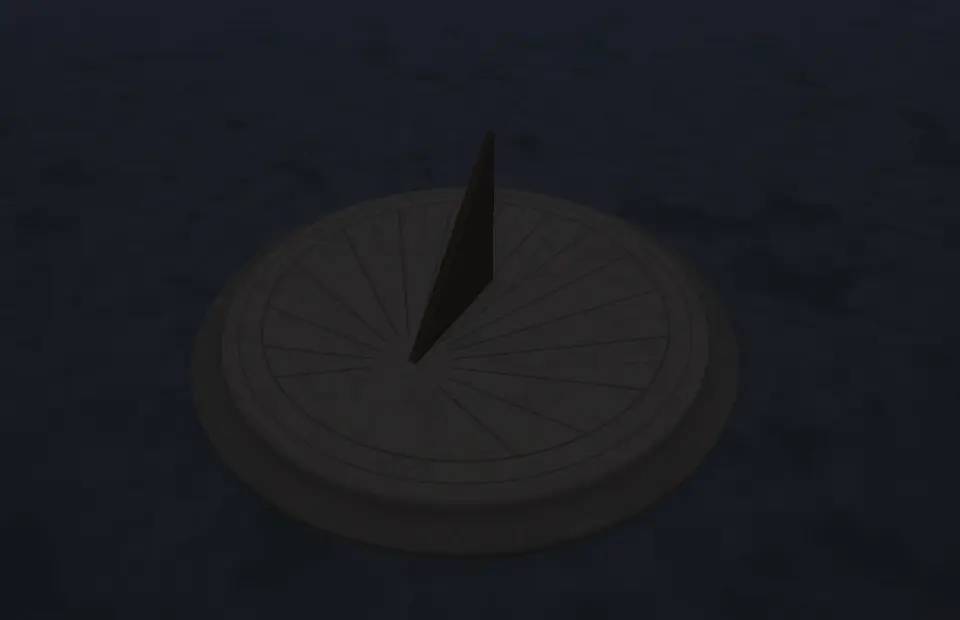
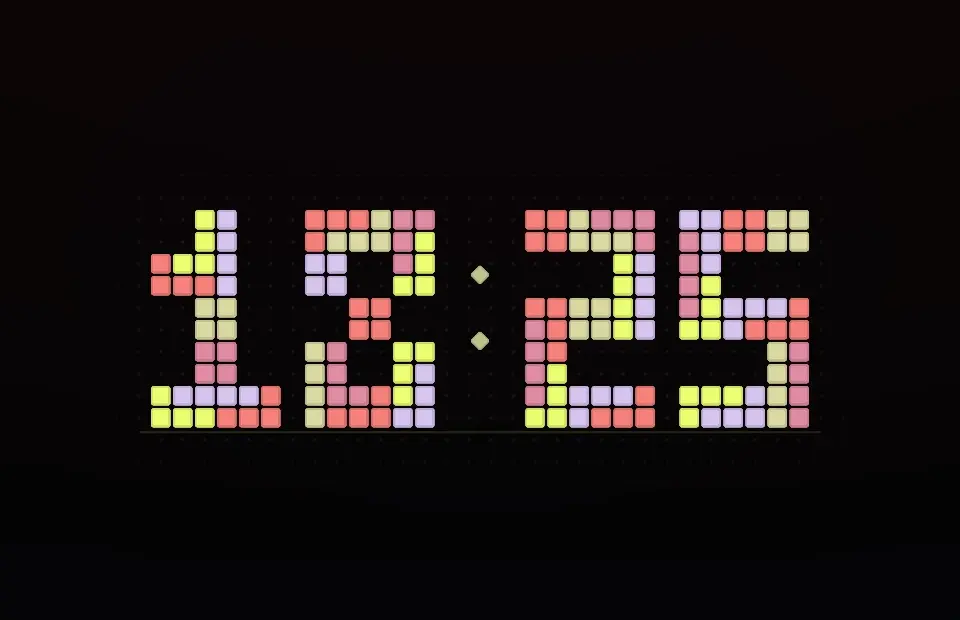
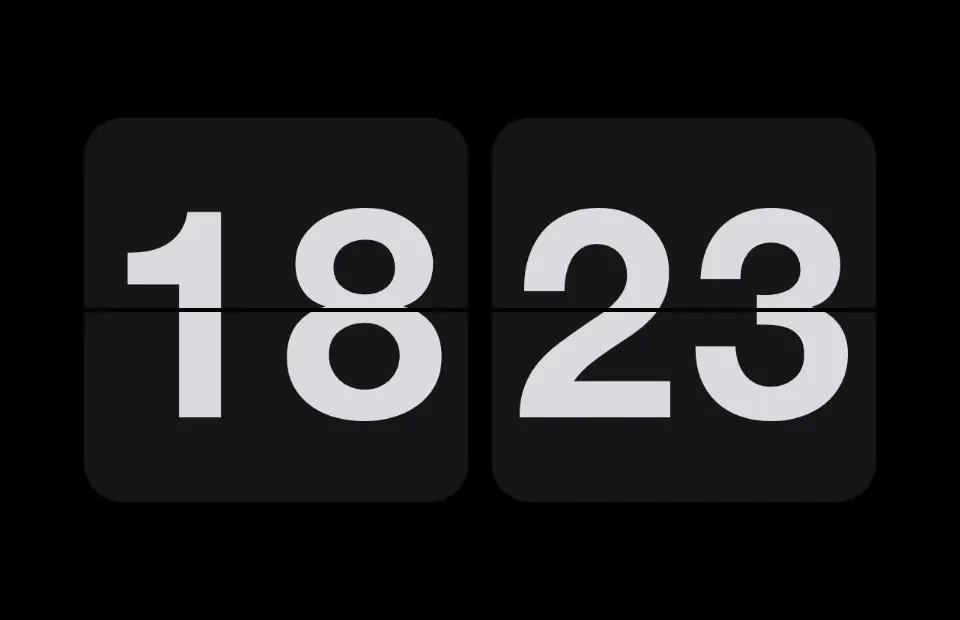
There are 44: Flip Clock, Station Clock, Travel Alarm, Binary Clock, Letter Grid Clock, World Clock, Nixie Clock, Ring Clock, Dot-Matrix Clock, Ring Pattern Clock, Word Stack Clock, Dot Minutes, Fill Clock, Rolling Digits, Colour Clock, Bar Clock, Tally Clock, Typewriter Clock, Day Line, Focus Timer, Orbit Clock, Pendulum Clock, Spiral Day, Long Shadow Clock, Radar Clock, Drift Hands, Sidereal Sky, Year Dots, Grid Hours, Tape Clock, Hour Petals, Abacus Clock, Analemma, Contour Digits, Fibonacci Clock, Pin Screen, Morphing Segments, Set Theory Clock, Triangle Clock, Deep Time, Shadow Digits, Mars Sol, Stone Sundial and Block Digits. Every one is rendered live on your Mac and also works as a live wallpaper.
Yes. The Clocks are Free Forever in SCRNSVRS – no account, no ads, no subscription needed.
Download SCRNSVRS from the Mac App Store, pick a screensaver from the Clocks and click Set as Screensaver or Set as Wallpaper. No .saver files and no System Settings digging.
macOS Tahoe 26 or later · Apple silicon and Intel.