51 screensavers · Preview free
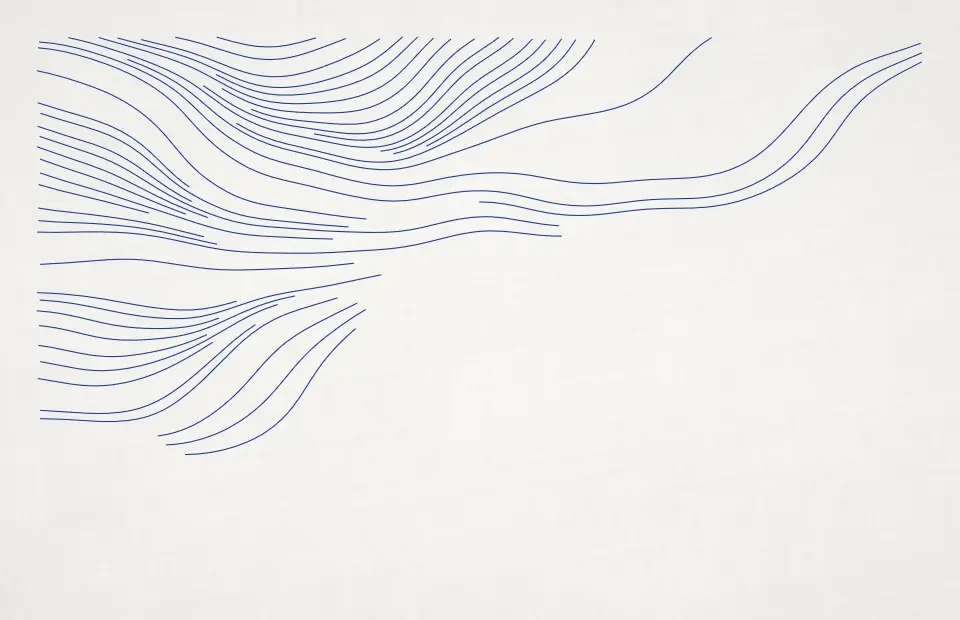
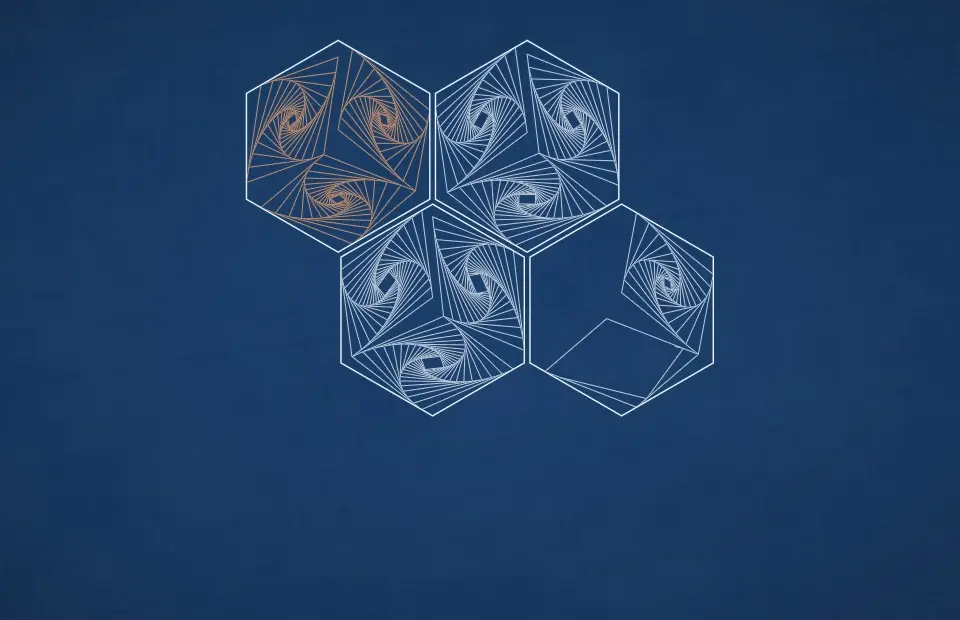
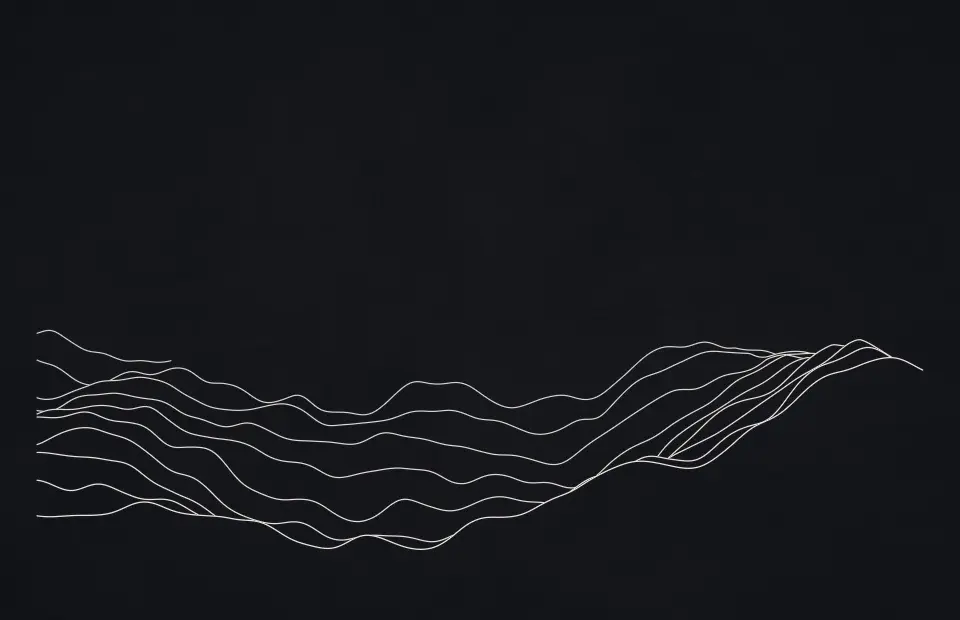
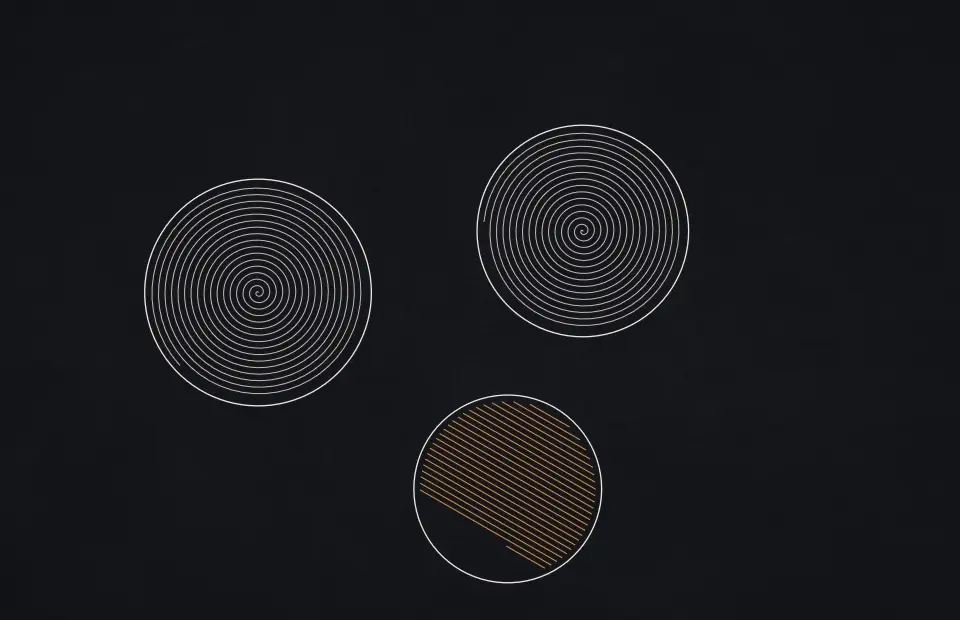
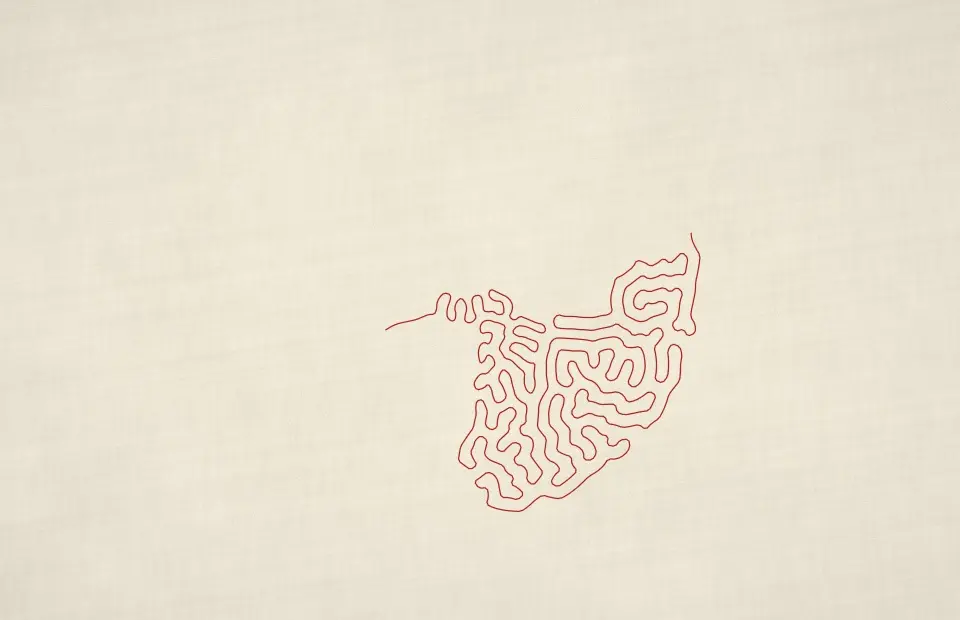
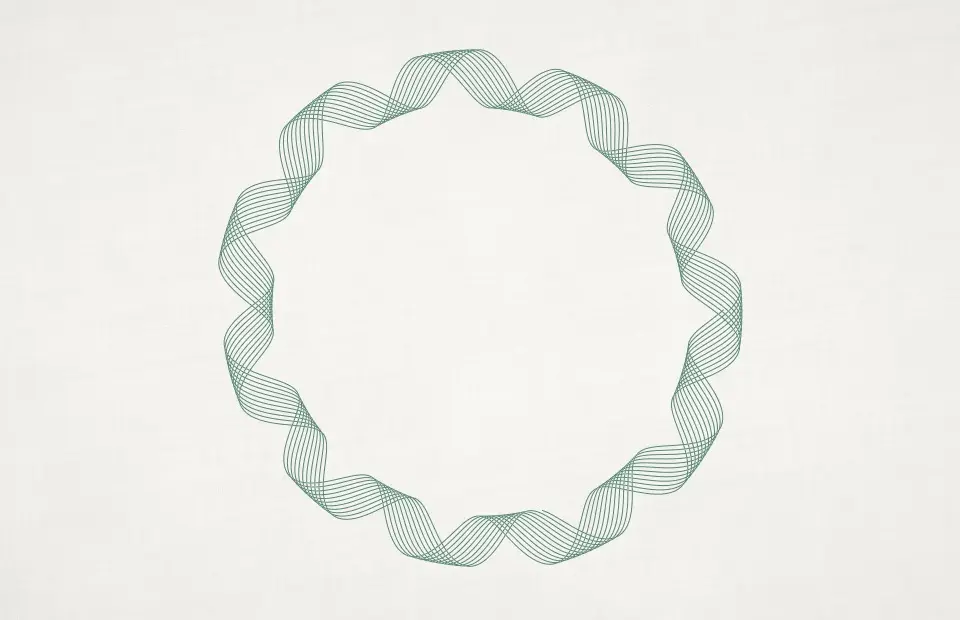
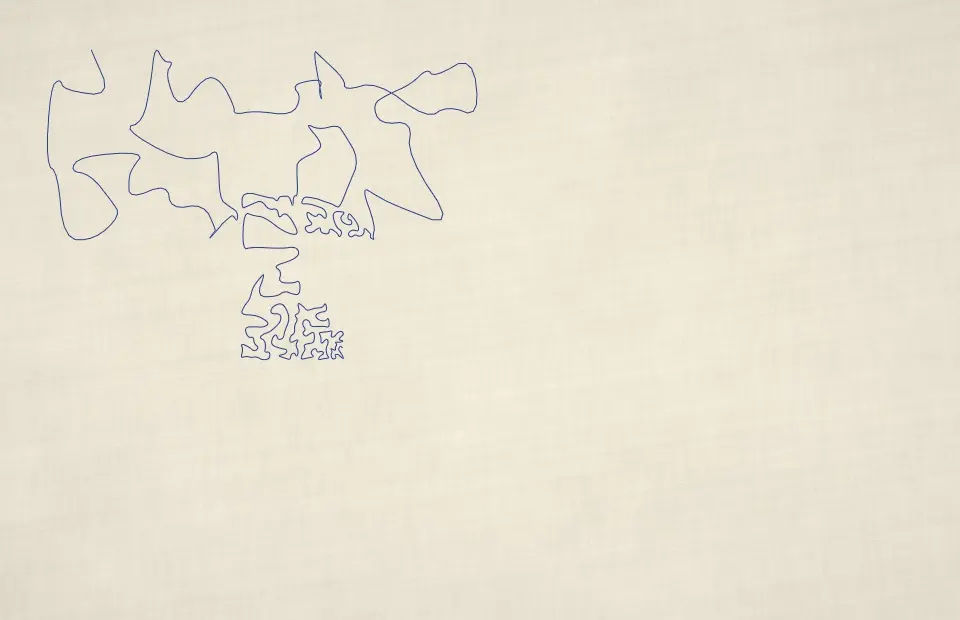
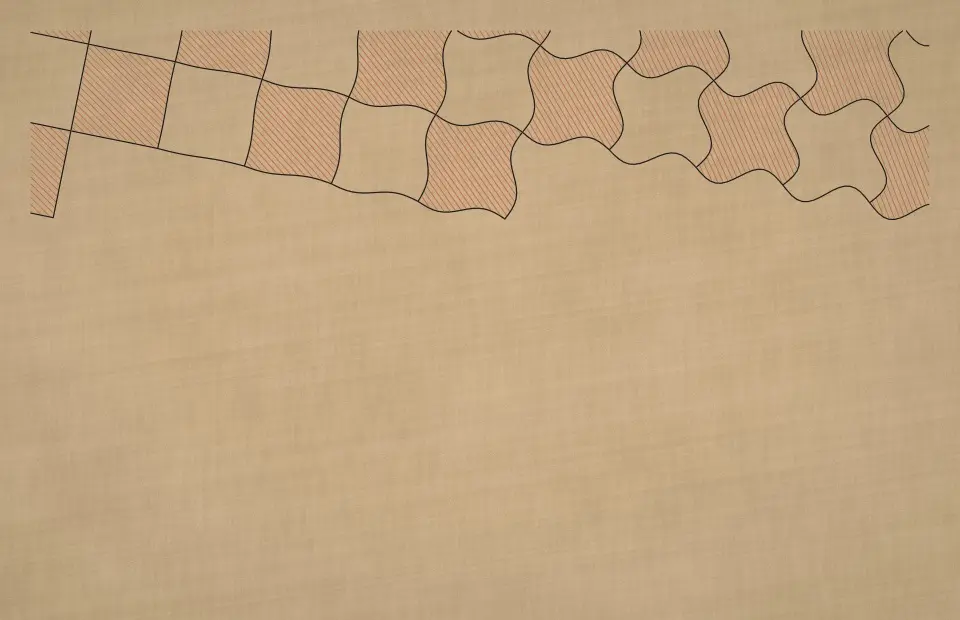
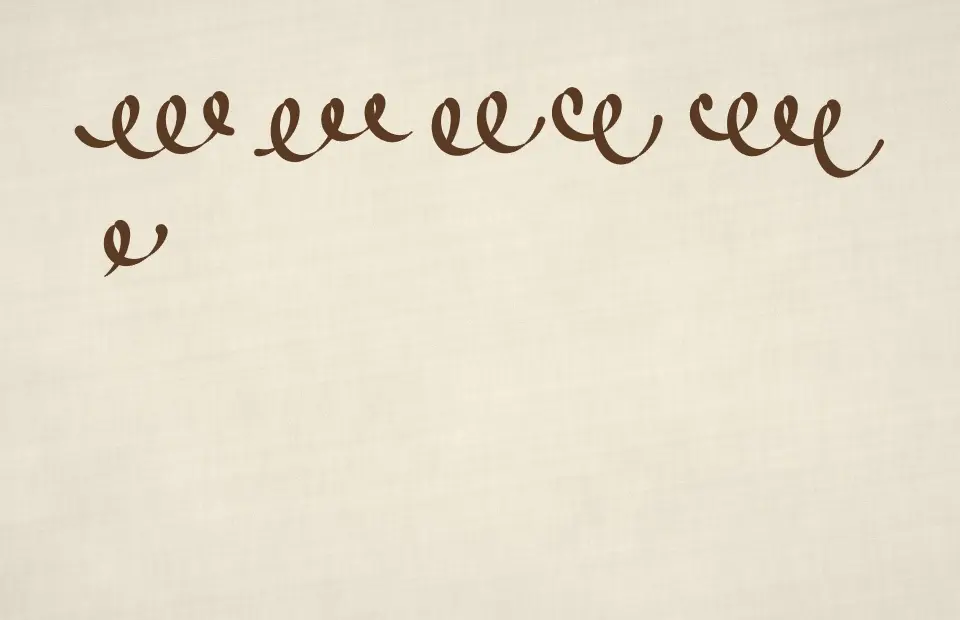
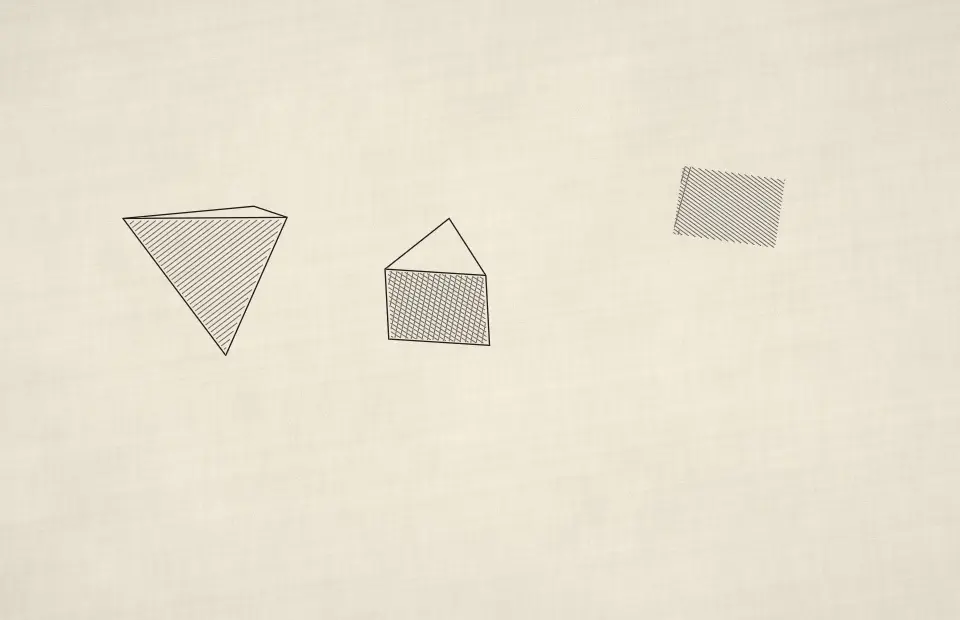
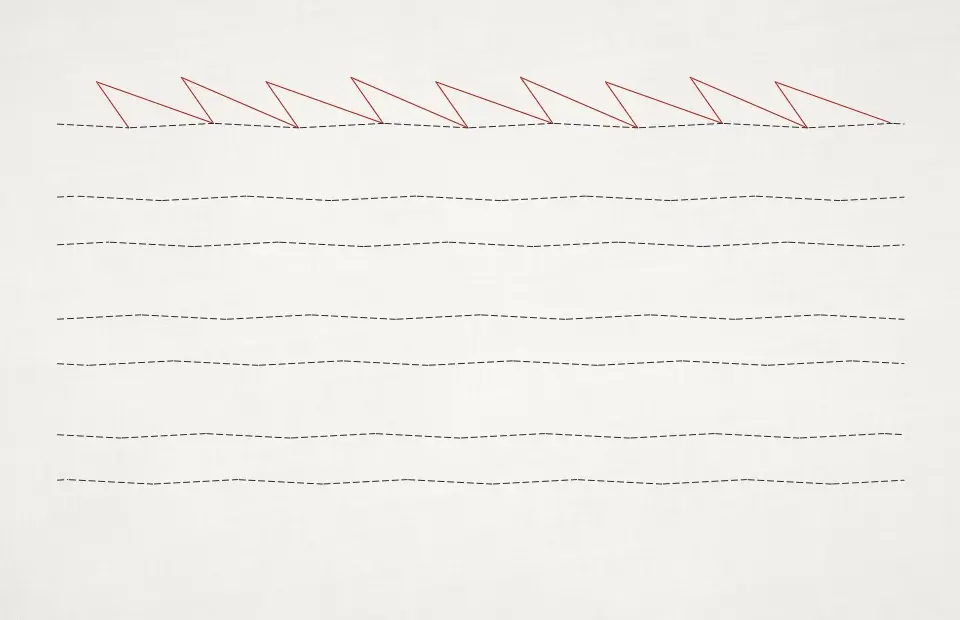
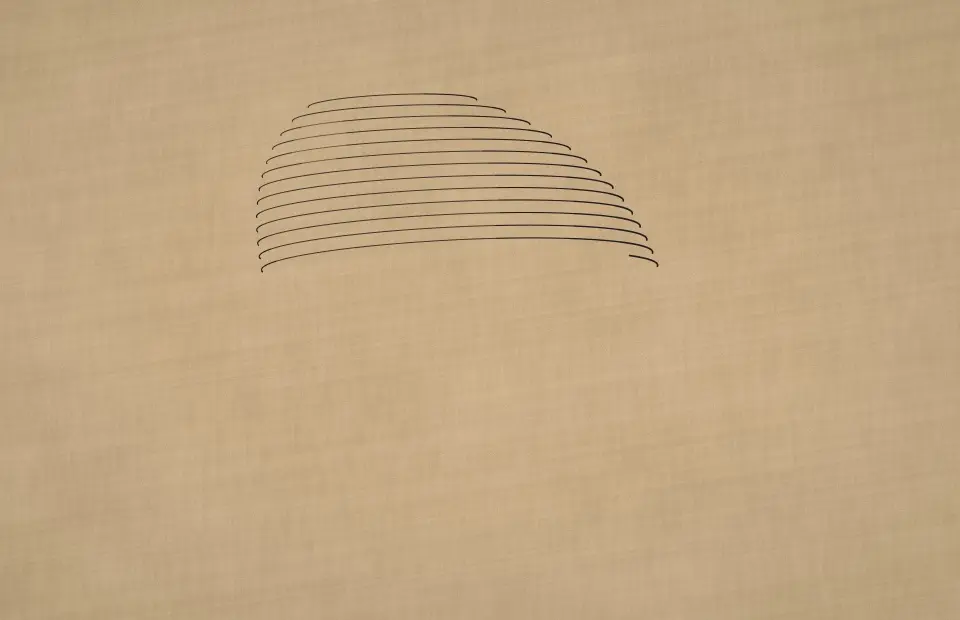
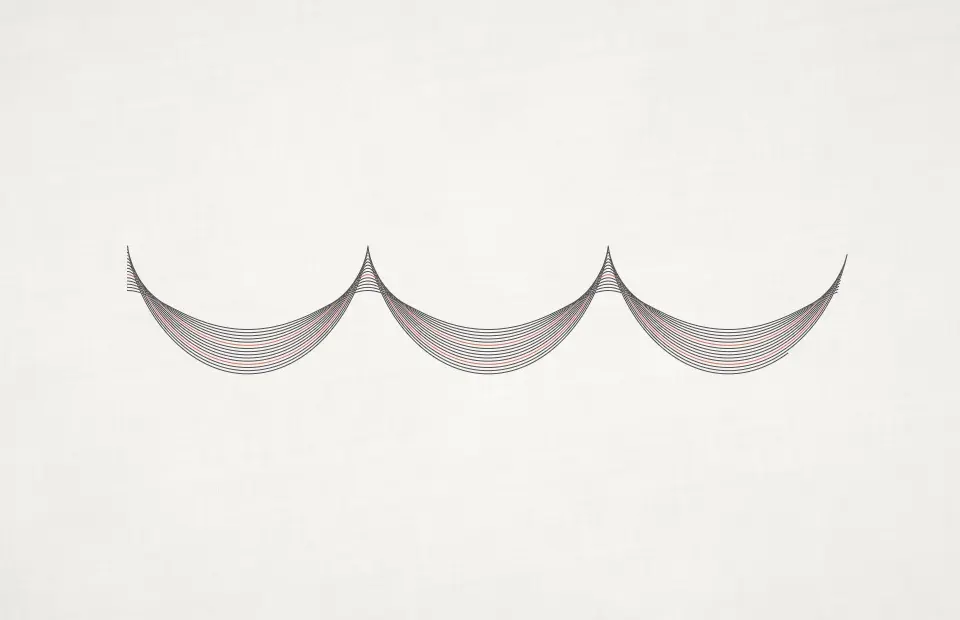
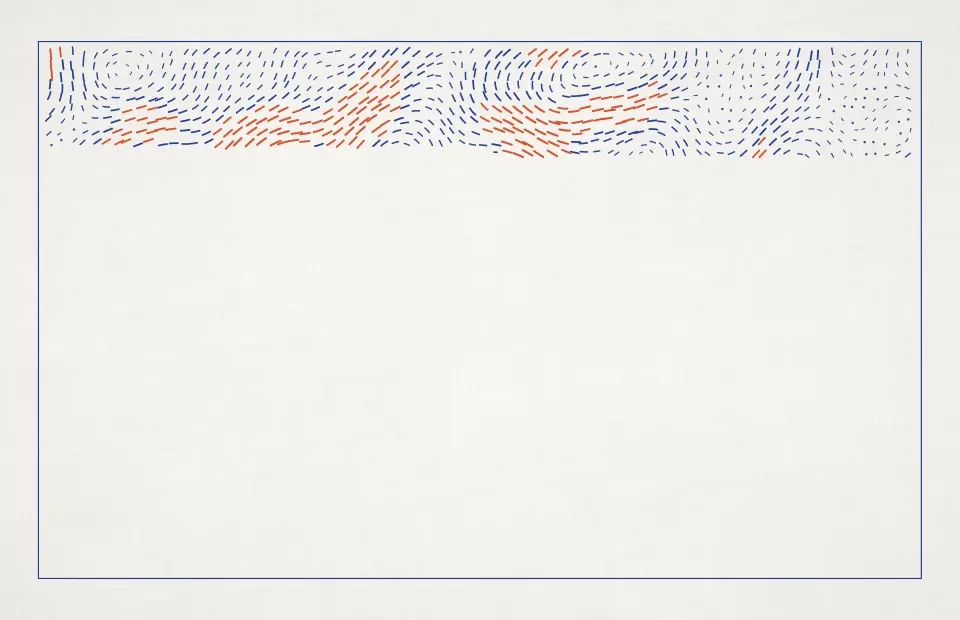
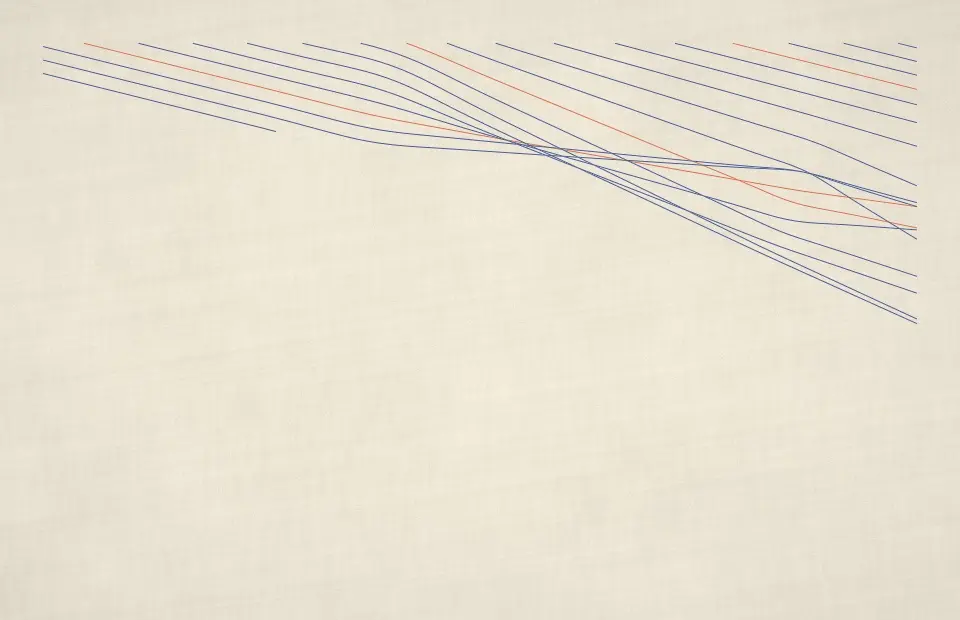
Pen-plotter drawings that sketch themselves line by line on paper, then start a new sheet.
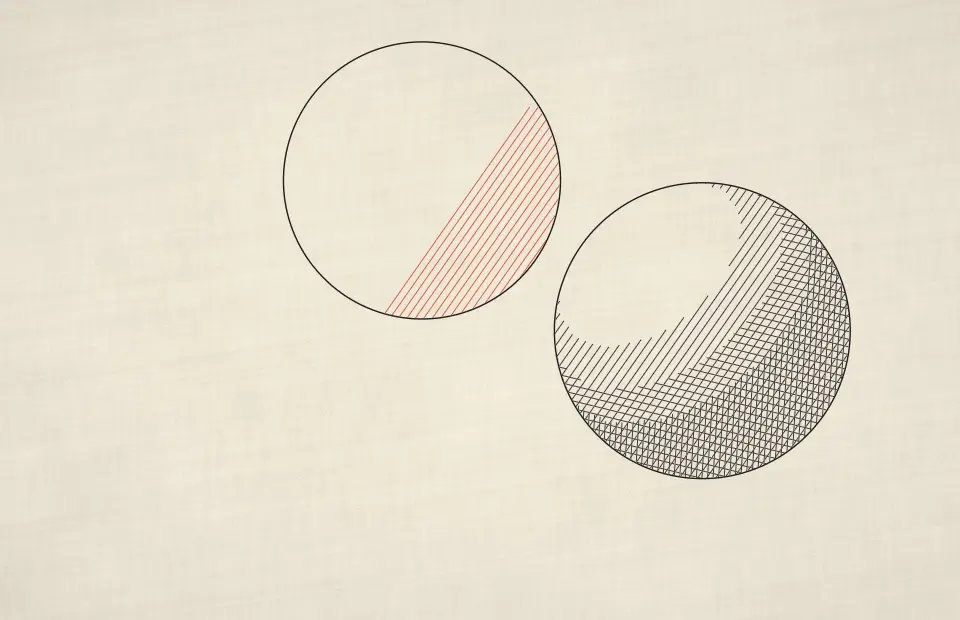
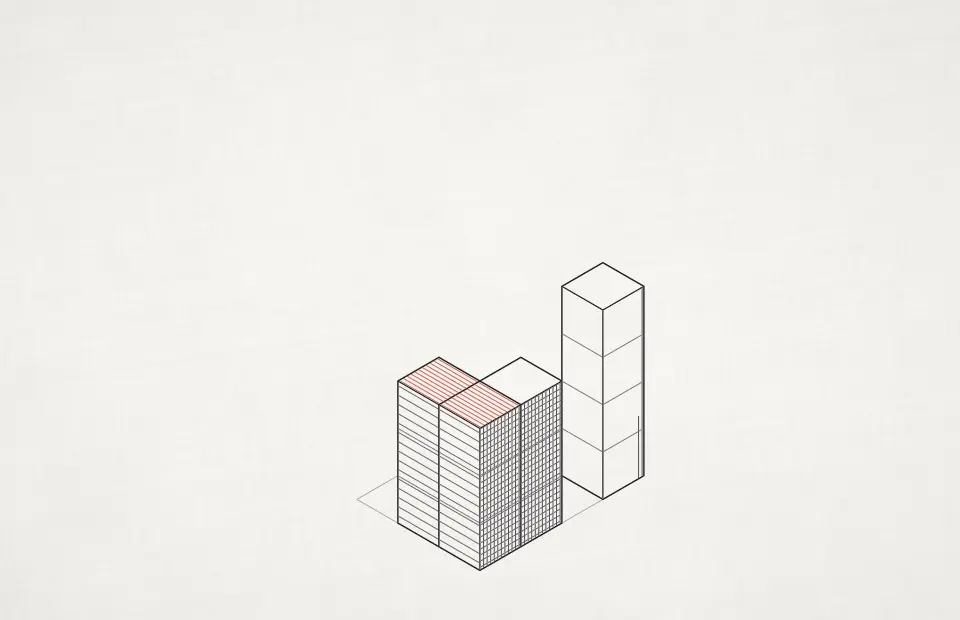
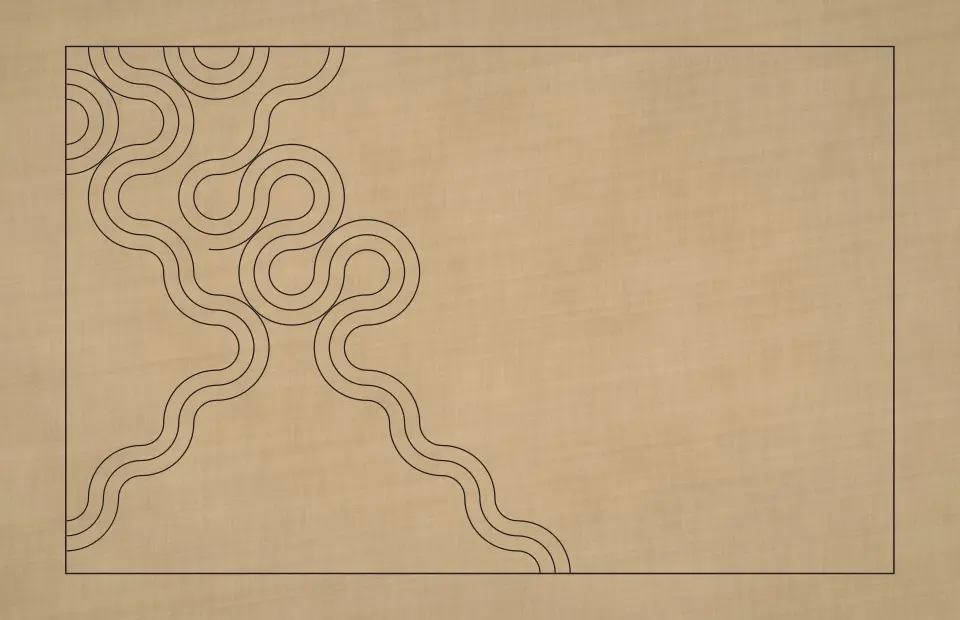
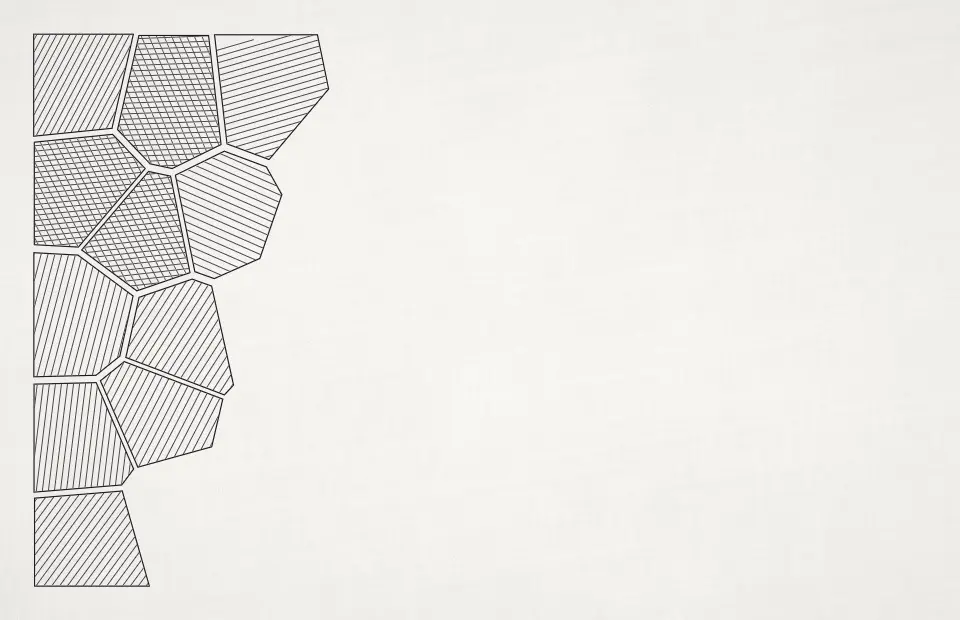
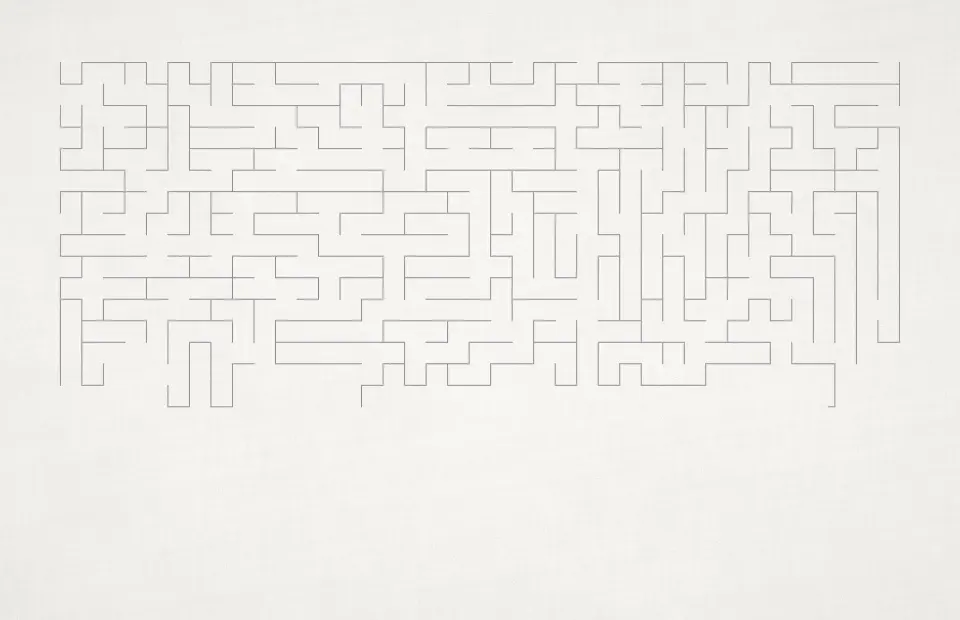
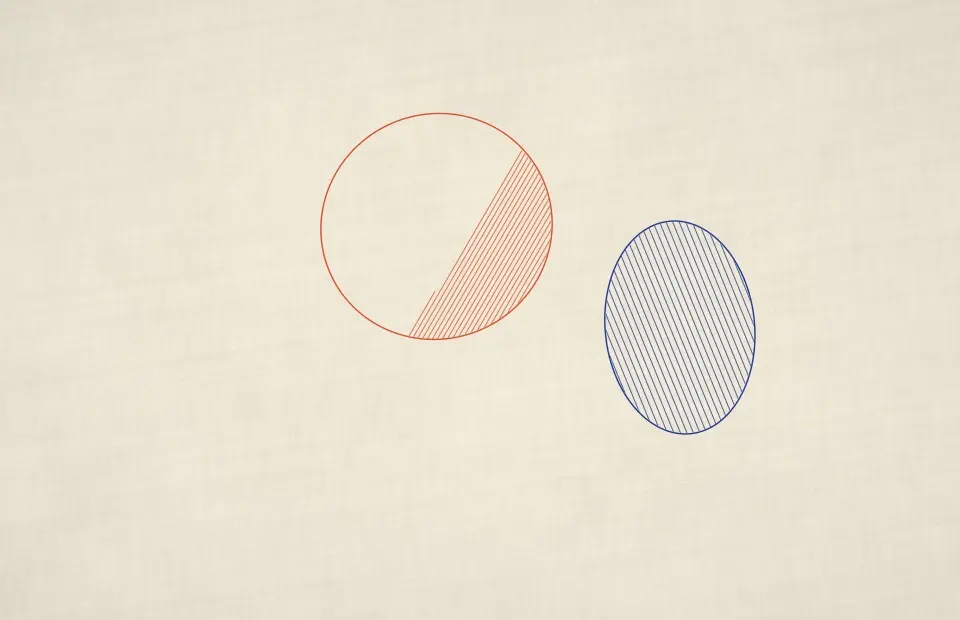
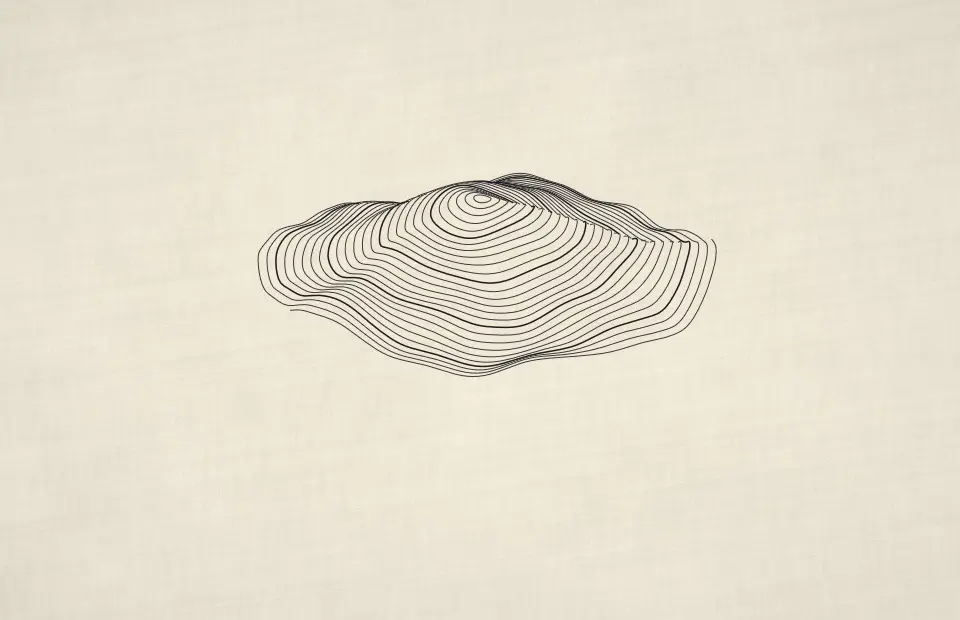
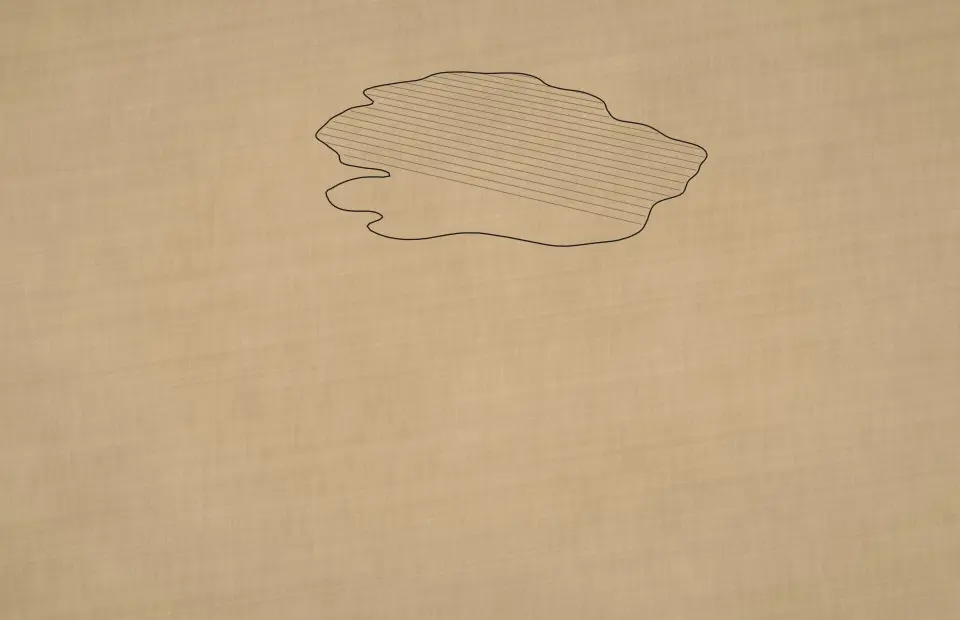
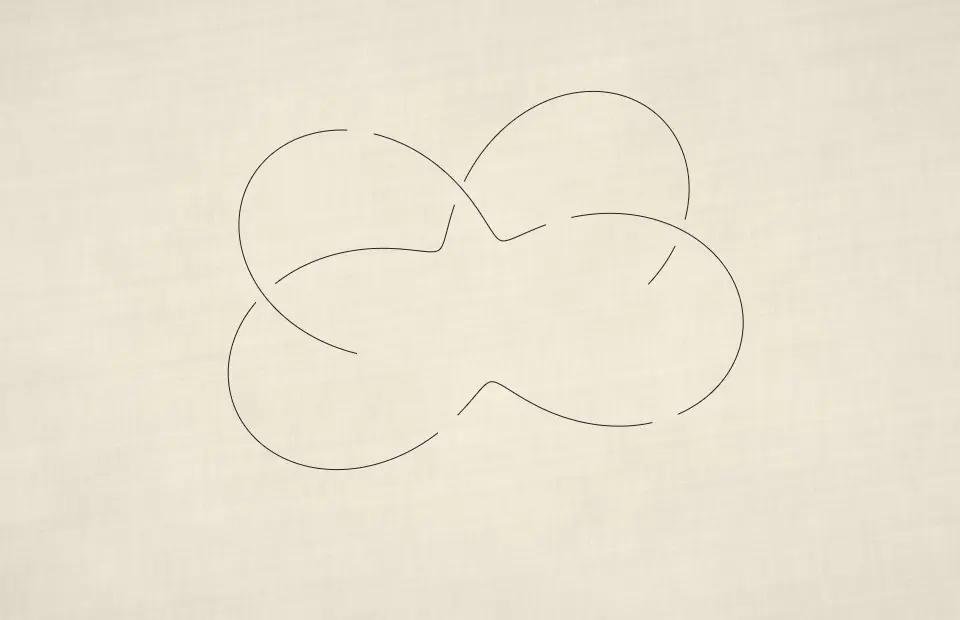
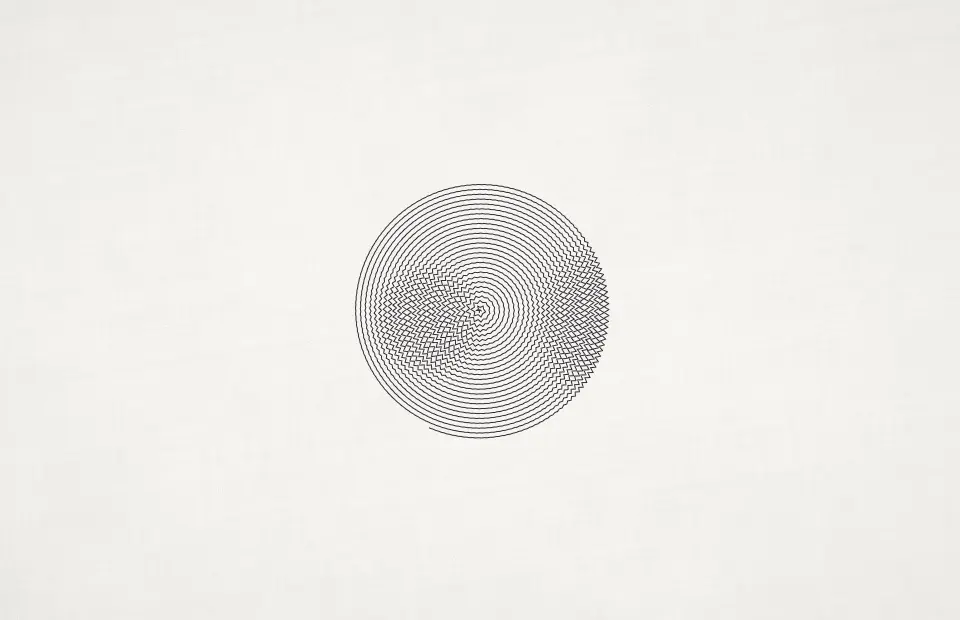
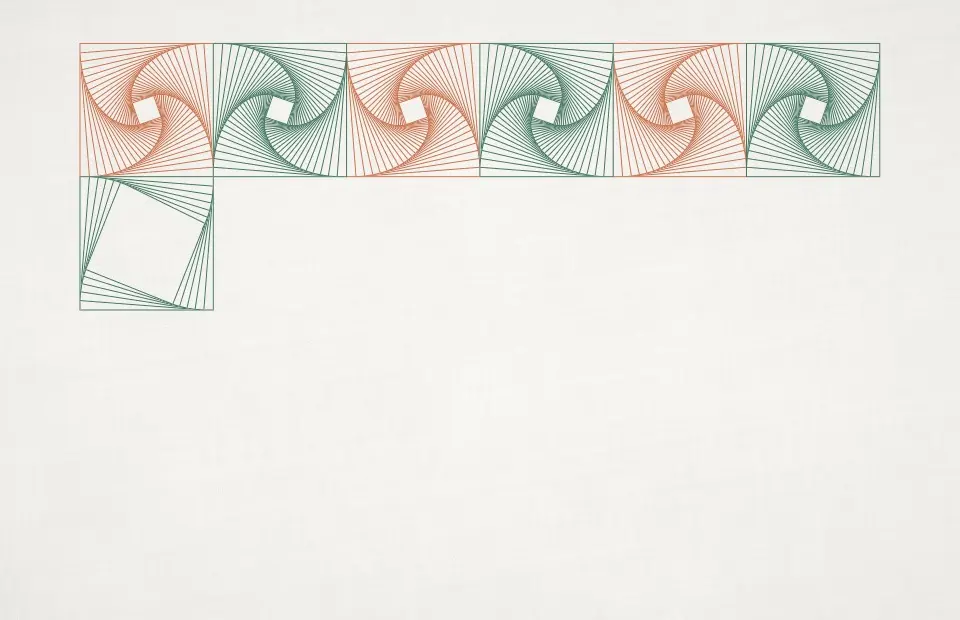
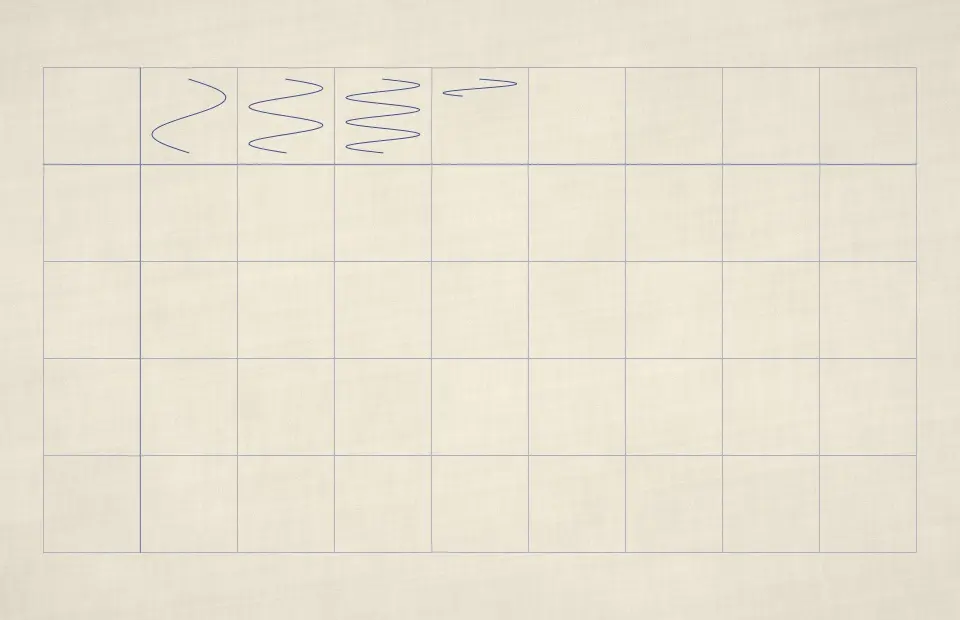
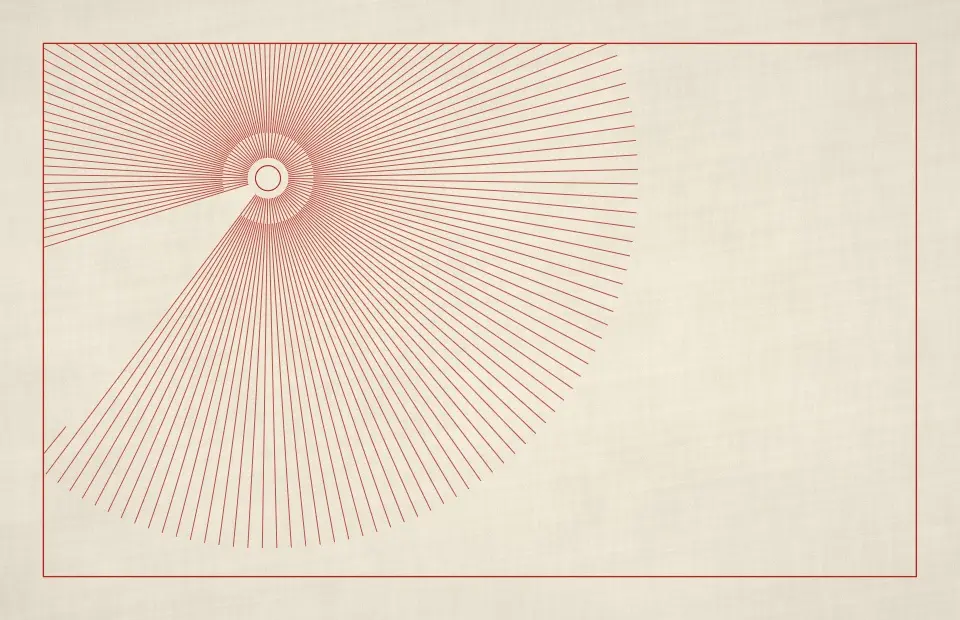
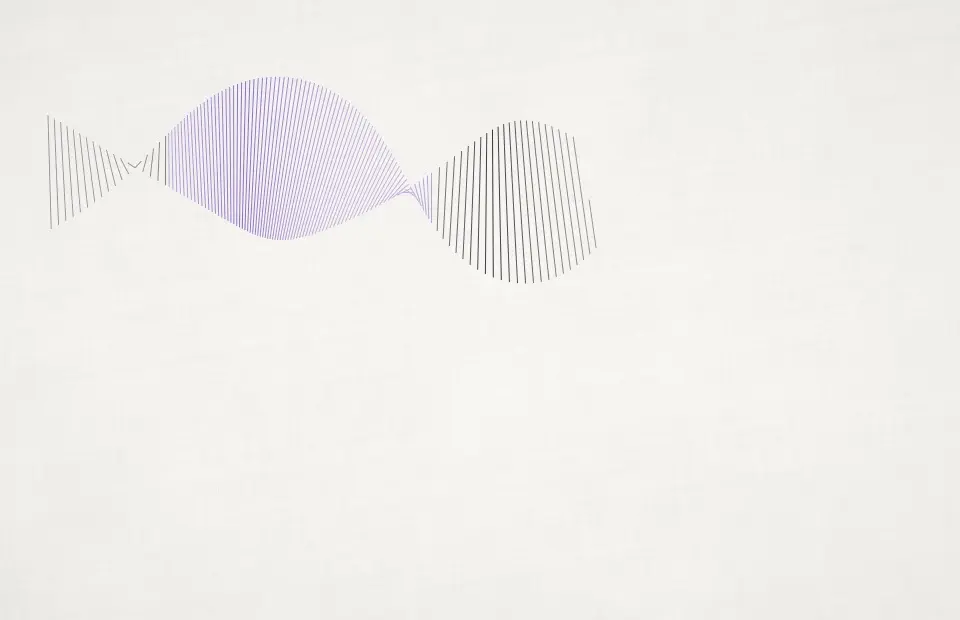
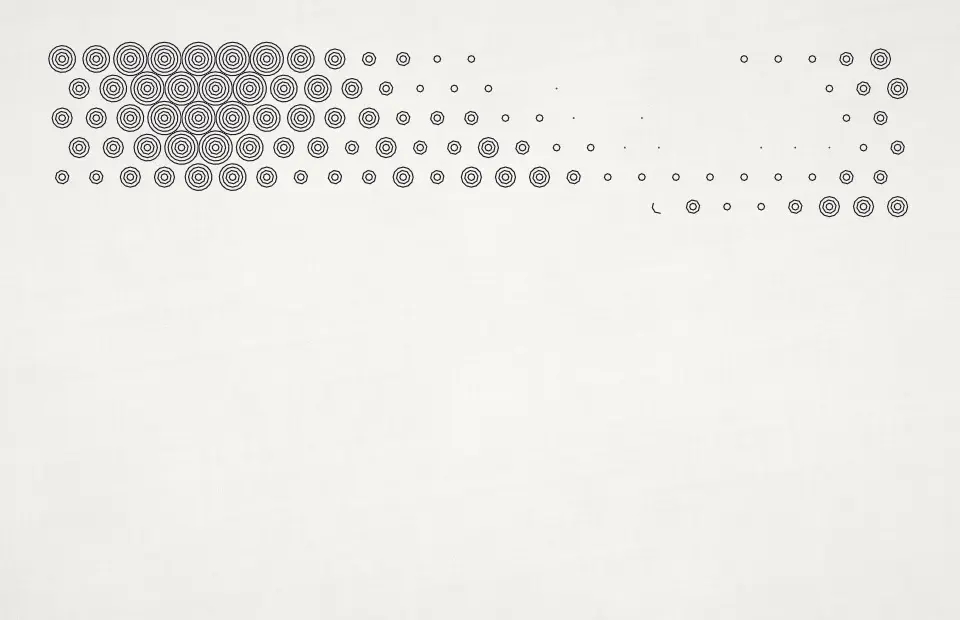
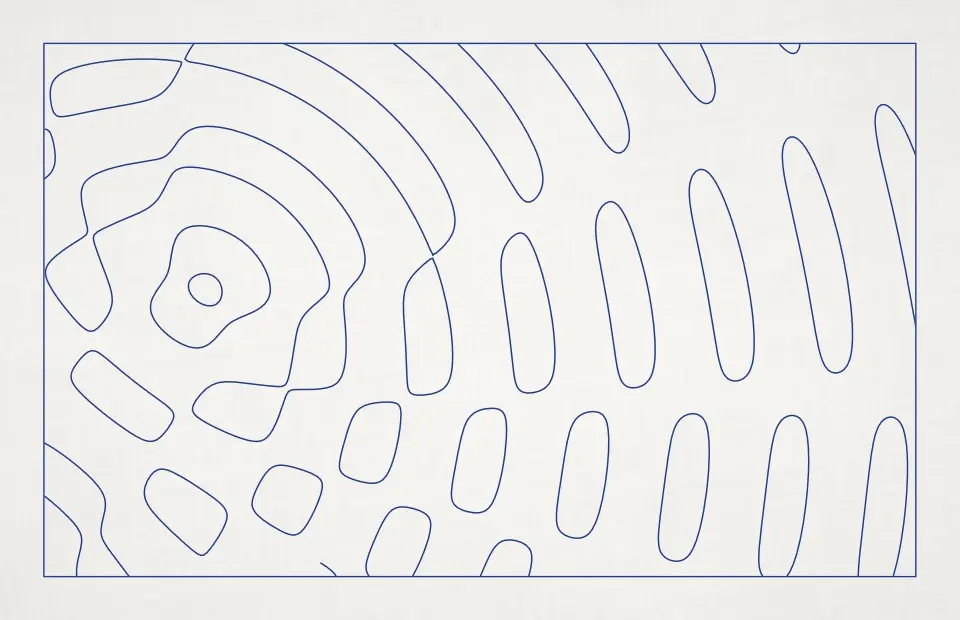
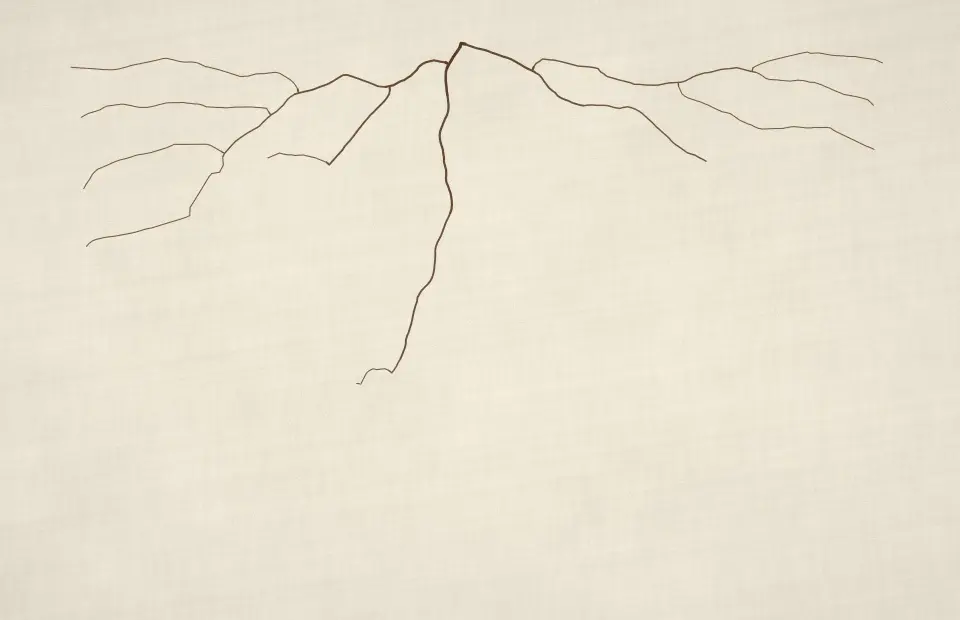
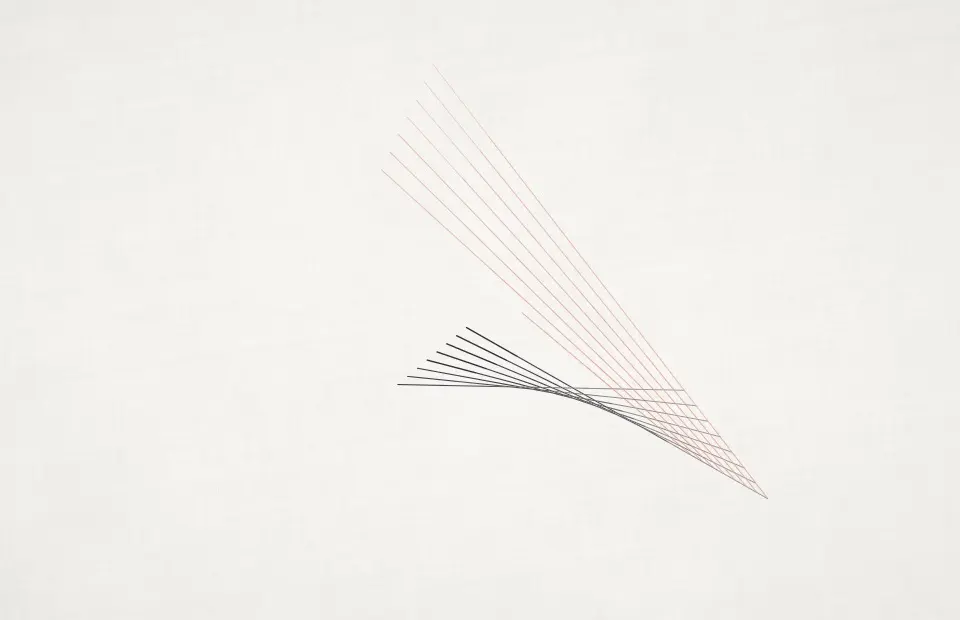
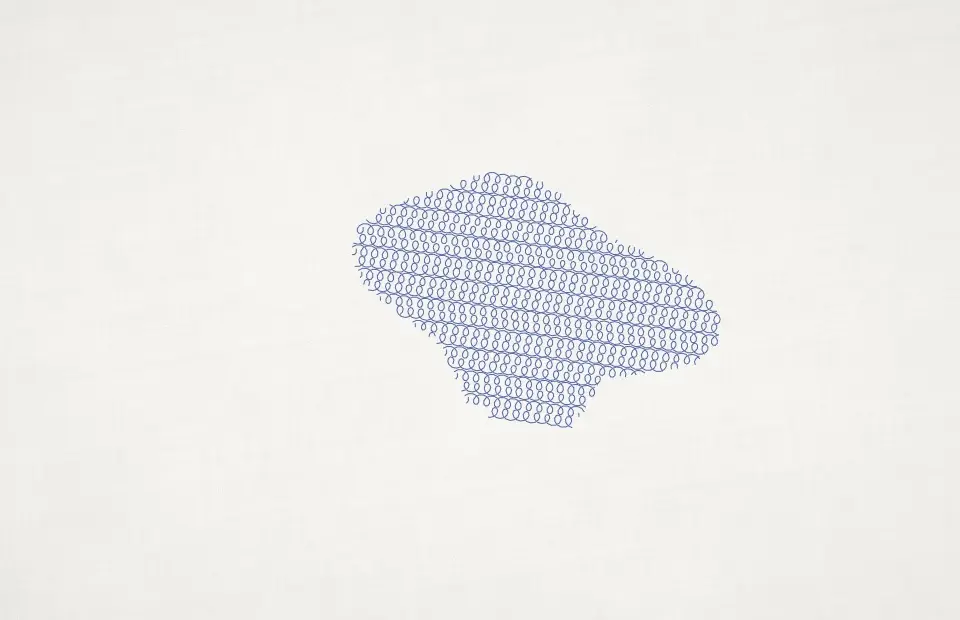
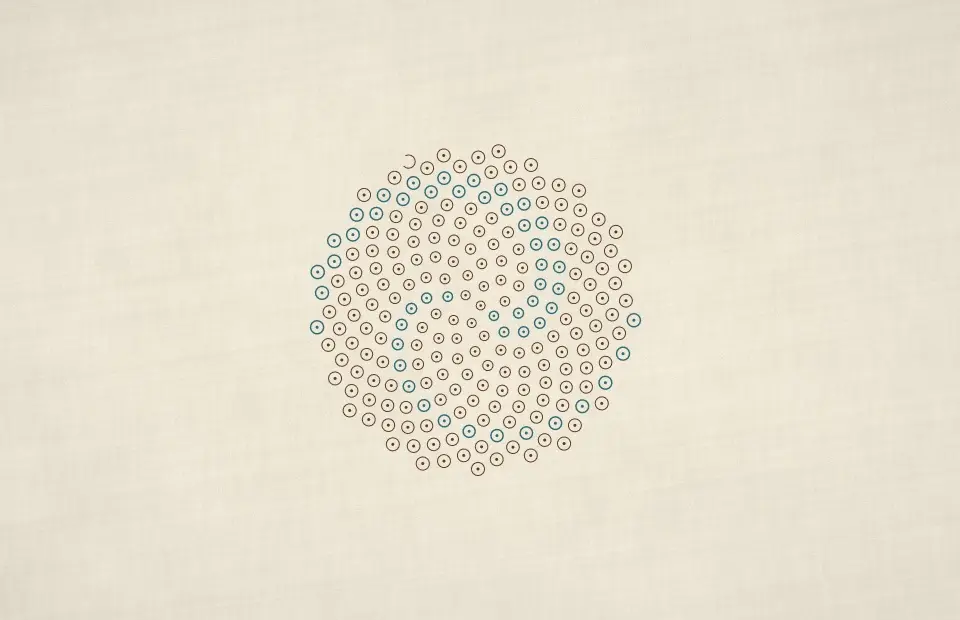
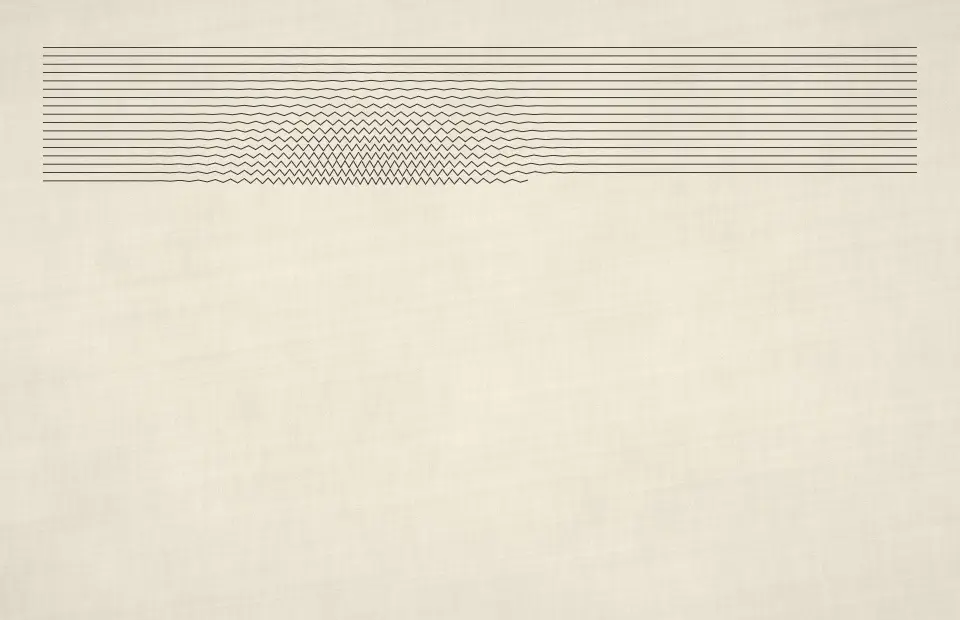
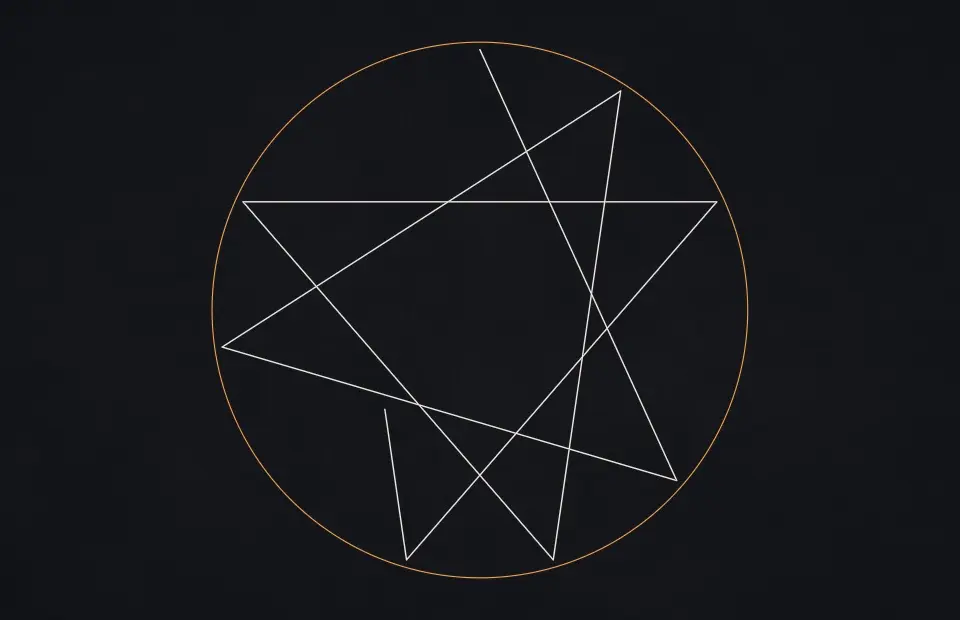
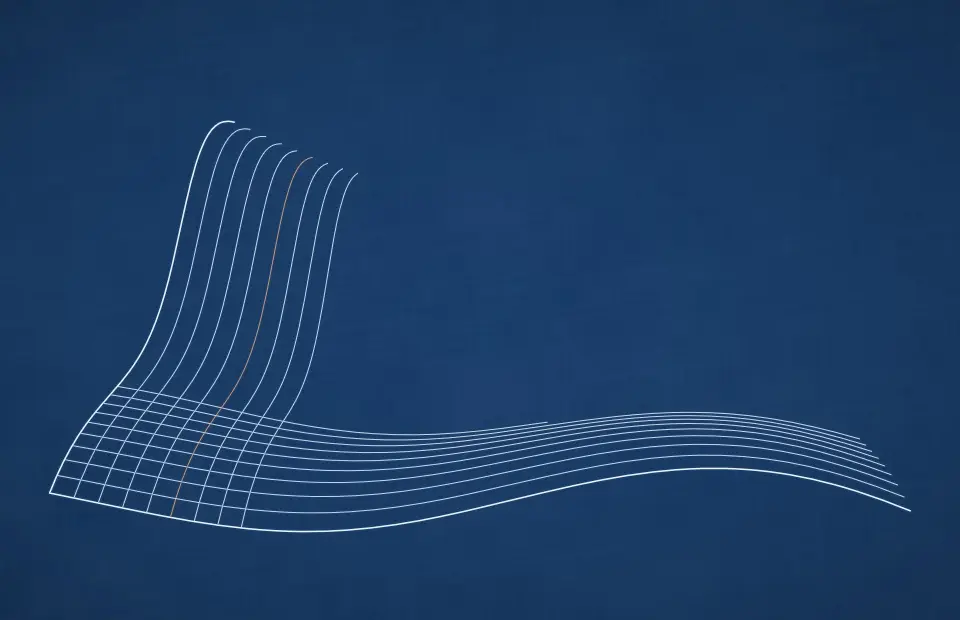
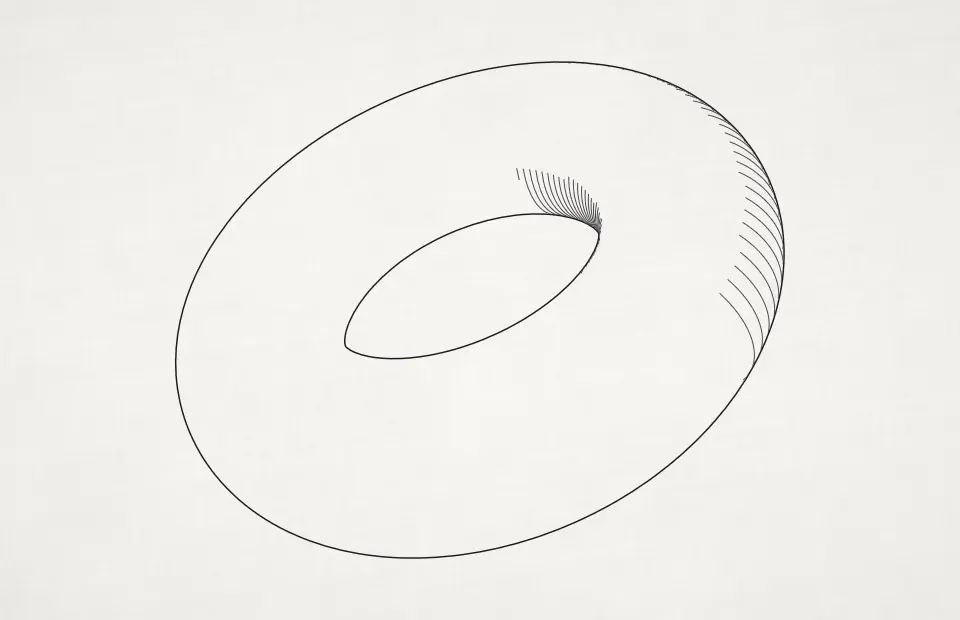
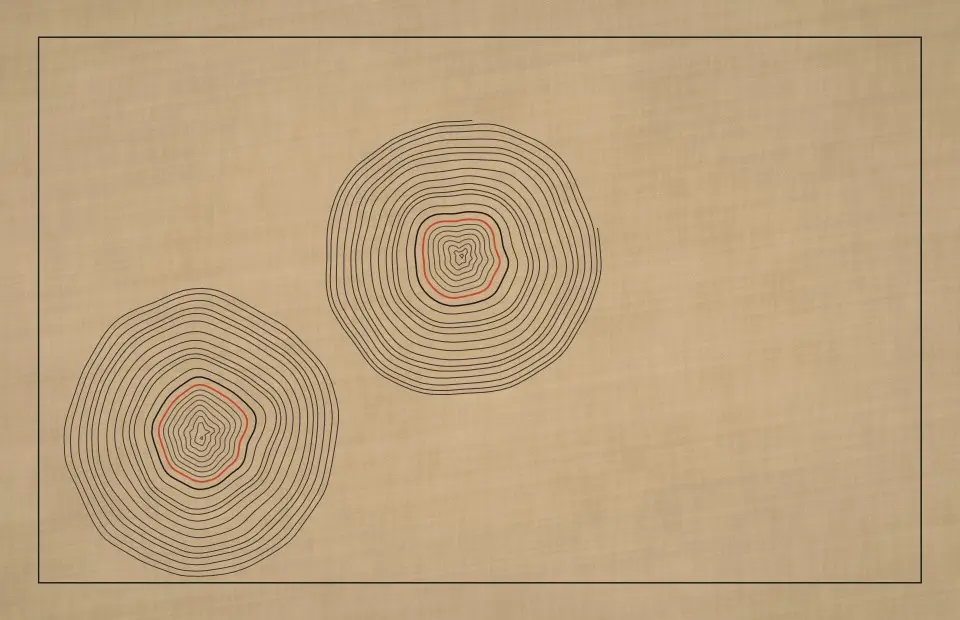
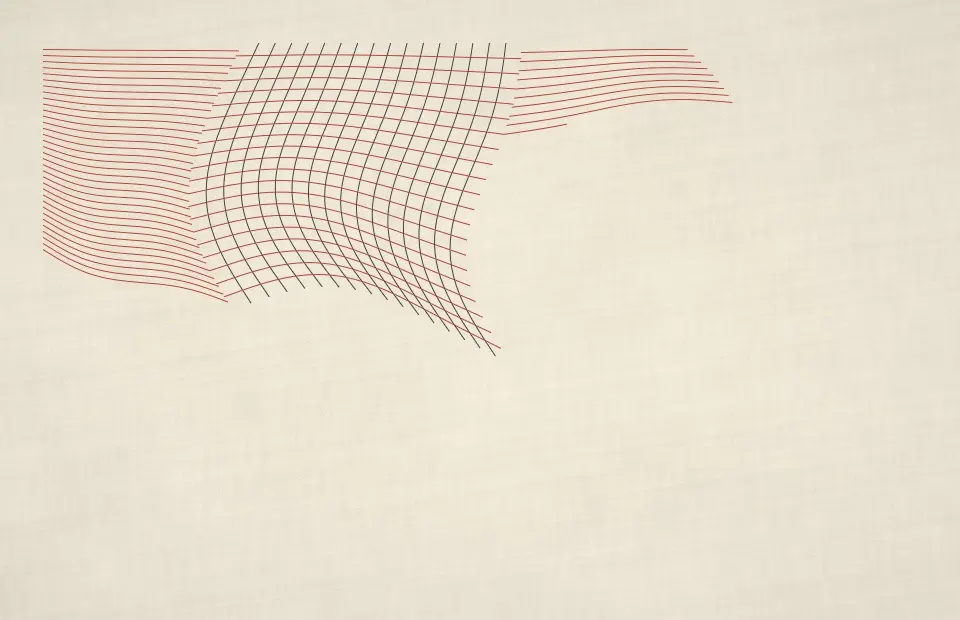
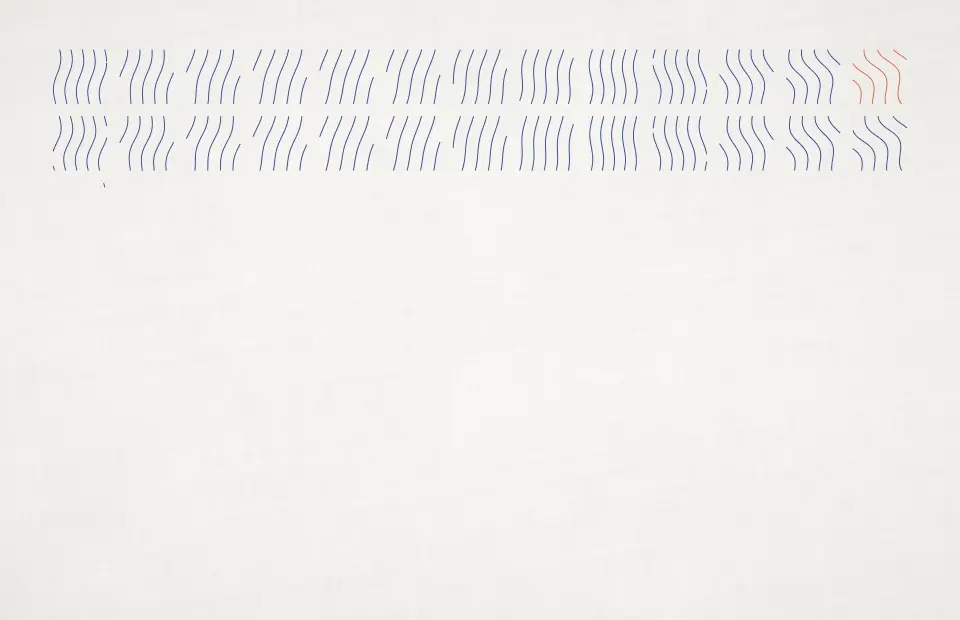
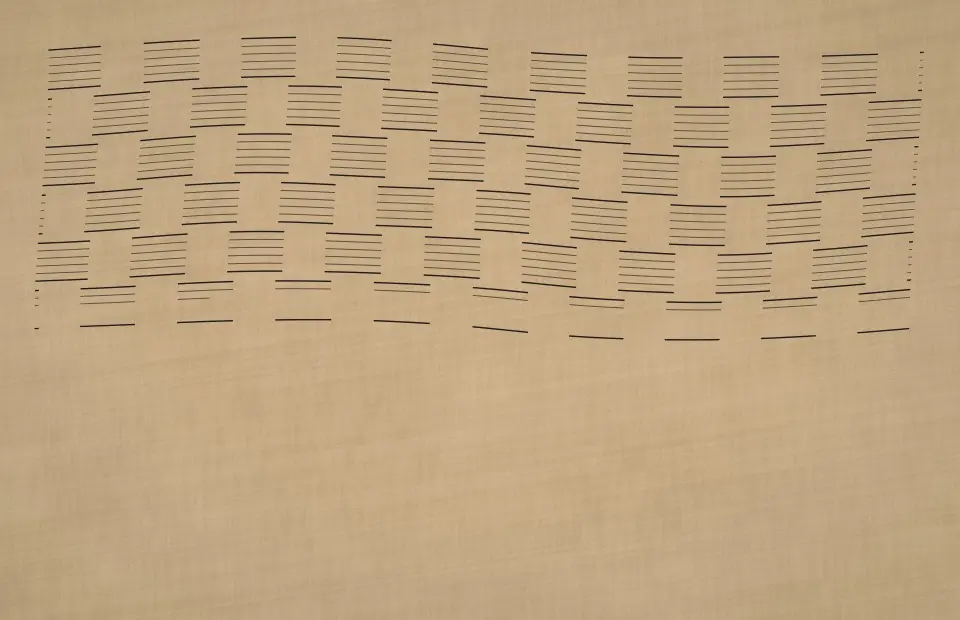
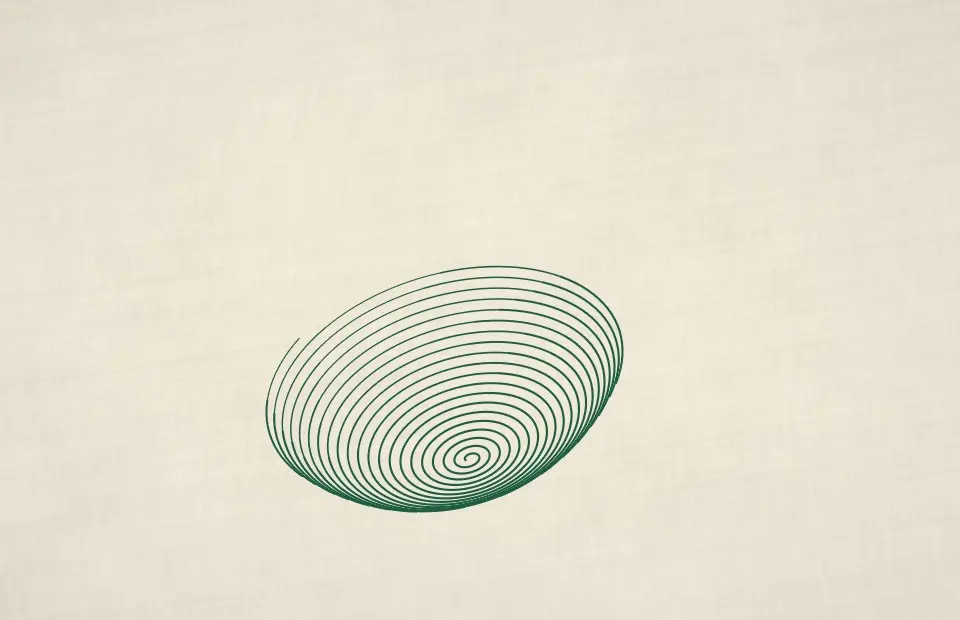
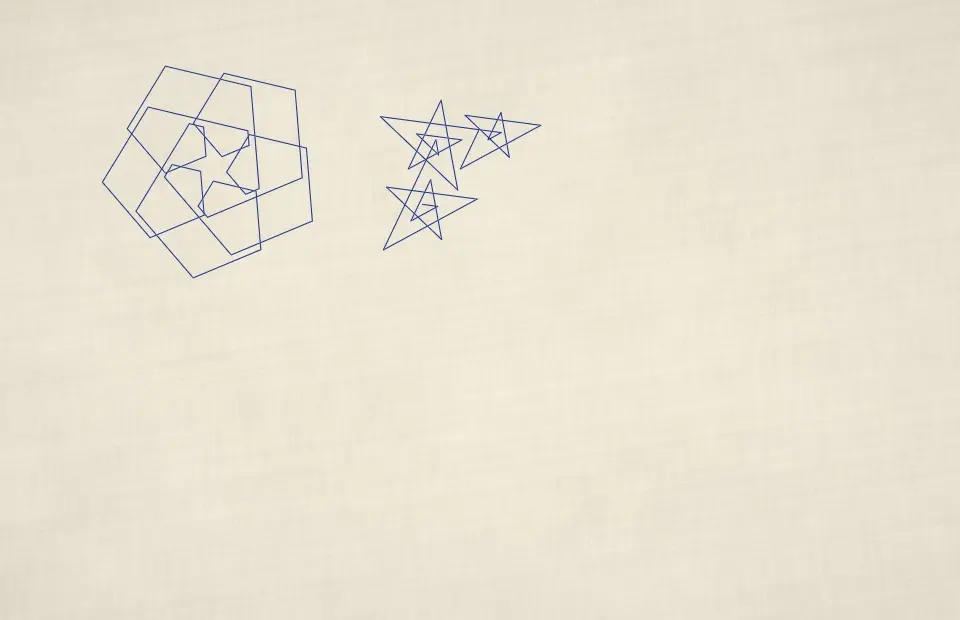
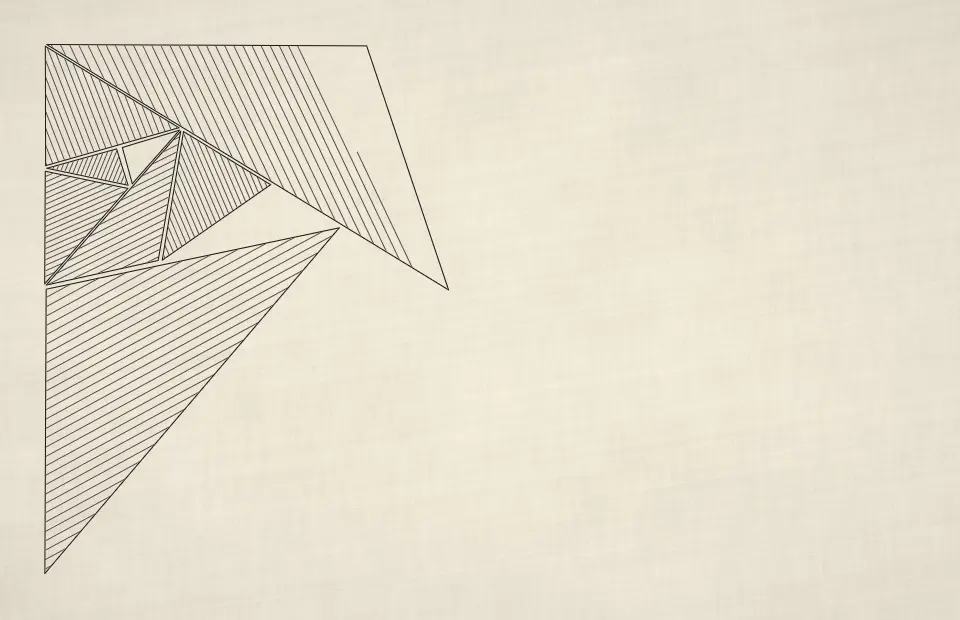
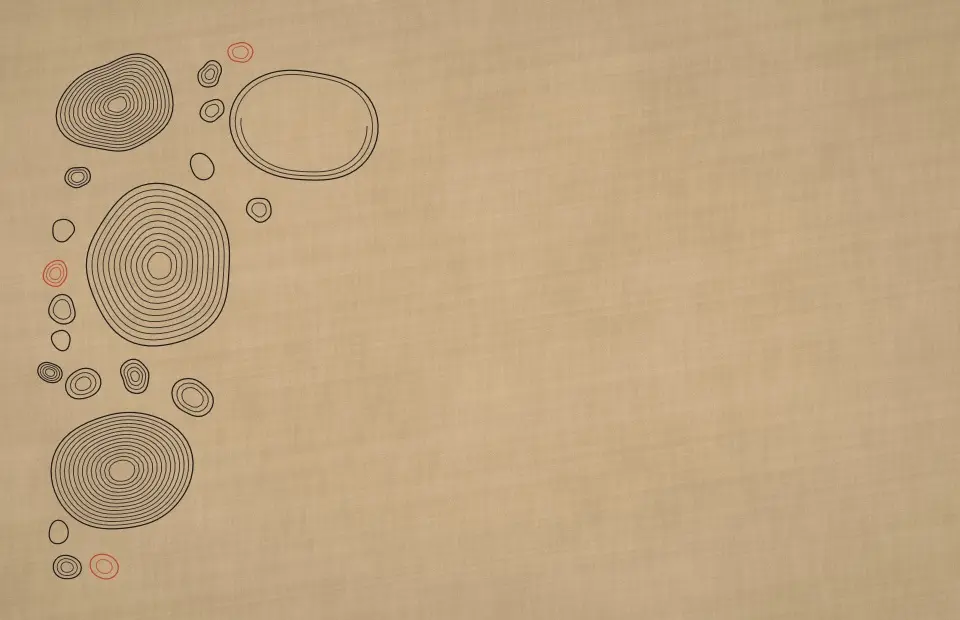
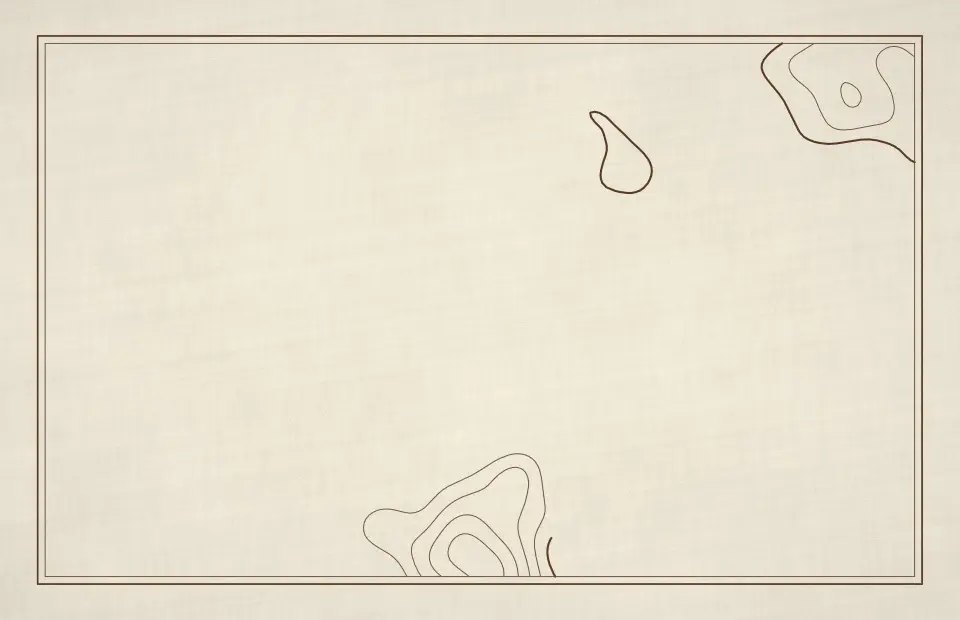
There are 51: Survey Contours, Flow Lines, Hex Whirls, Plotted Ridges, Packed Rings, Hatched Spheres, Iso Stacks, Truchet Threads, Hatched Cells, Growth Line, Guilloche, One Line, Wavy Tiling, Broad Nib, Cast Hatch, Crease Pattern, Cross-Contour Blob, Curve Family, Dashed Currents, Stippled Sea, Geodesic Lines, Grid Walk, Hatch Shapes, Hidden Rings, Noise Slices, Over and Under, Pen Spiral, Pursuit Polygons, Ratio Table, Ray Moiré, Twisted Ribbon, Ring Halftone, Ripple Contours, Root Lines, Ruled Surfaces, Scribble Fill, Seed Spiral, Squiggle Shade, Star Polygons, Function Surface, Test Sheet, Hatched Torus, Tree Rings, Warped Grid, Wave Cells, Woven Bands, Wound Sphere, Spirolateral, Crest Lines, Triangle Subdivide and Pebble Contours. Every one is rendered live on your Mac and also works as a live wallpaper.
They are free for your first 7 days, then SCRNSVRS Unlimited from $1.99/month or $9.99/year unlocks every screensaver, including every new release. Every month 25 premium screensavers are also free for everyone (Free this month).
Download SCRNSVRS from the Mac App Store, pick a screensaver from the Plotter and click Set as Screensaver or Set as Wallpaper. No .saver files and no System Settings digging.
macOS Tahoe 26 or later · Apple silicon and Intel.