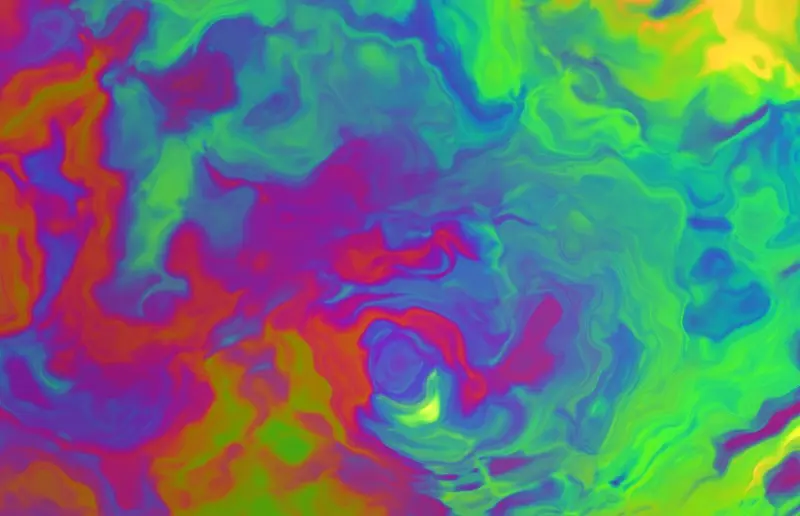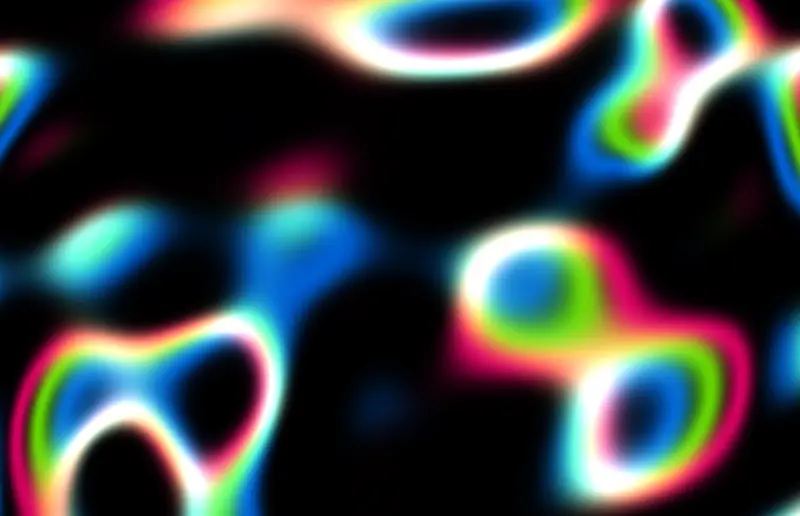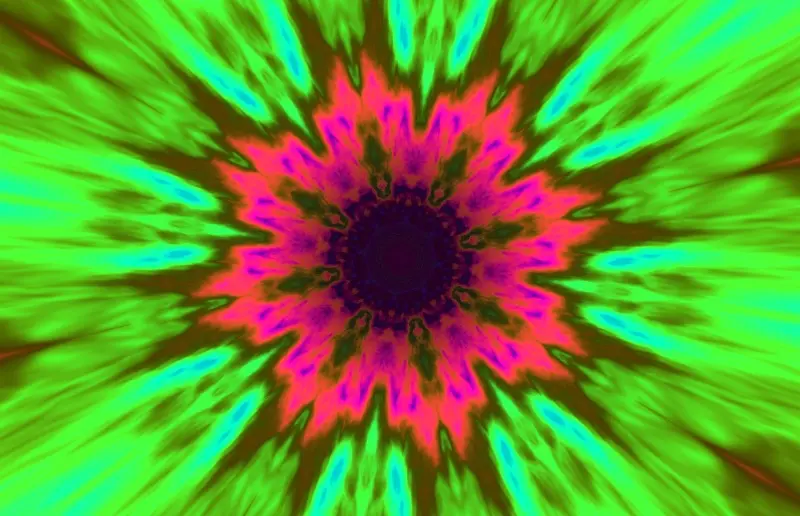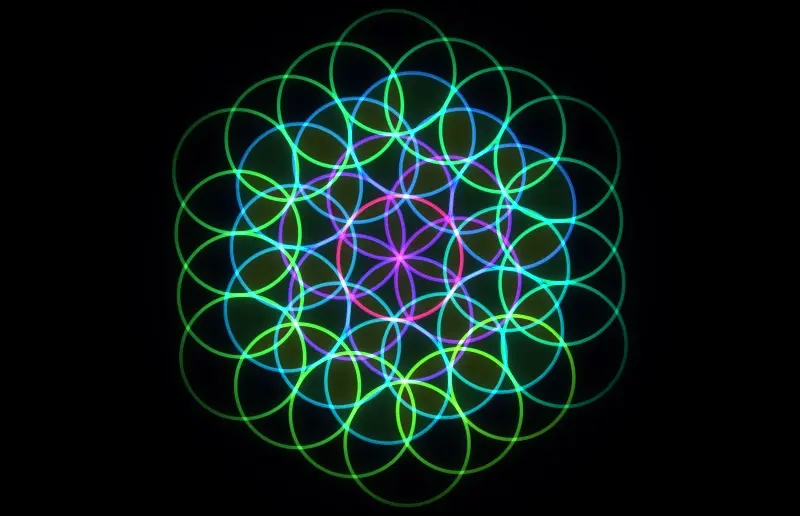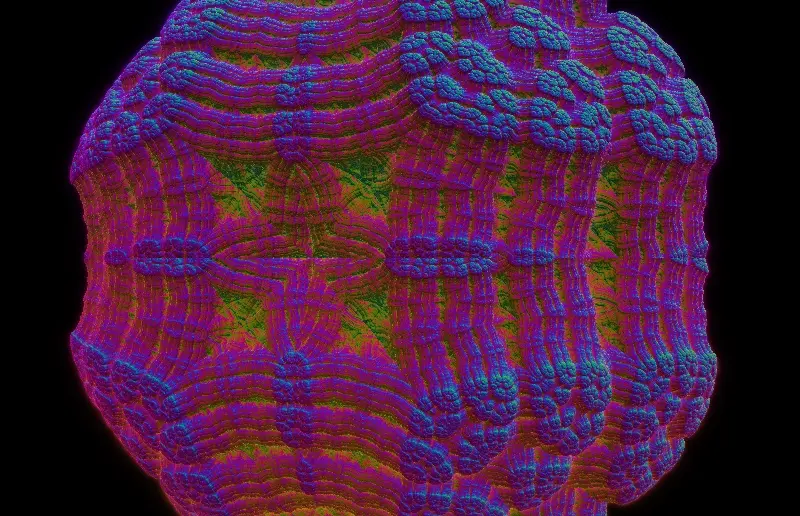
A winding tunnel of nested, mirror-folded rings glowing like neon wire.
A winding tunnel of nested, mirror-folded rings glowing like neon wire.
In the app you can adjust the colours. It runs natively on your Mac, drawn live in real time – no video, never quite the same twice.
Use it on your Mac
- Get SCRNSVRS free from the Mac App Store.
- Select Fold Tunnel in the library.
- Click Set as Screensaver or Set as Wallpaper – or both.
 Preview free · macOS Tahoe 26 or later
Need a hand? Read the setup guide.
Fold Tunnel FAQ
How do I set Fold Tunnel as my screensaver on a Mac?
Install SCRNSVRS free from the Mac App Store, select Fold Tunnel in the library and click Set as Screensaver. macOS starts it whenever your Mac is idle, exactly like a built-in screensaver.
Can I use Fold Tunnel as a live wallpaper?
Yes. Click Set as Wallpaper in SCRNSVRS and Fold Tunnel plays on your desktop behind your windows and icons. You can use it as screensaver and wallpaper at the same time.
Is Fold Tunnel free?
Fold Tunnel is included in SCRNSVRS Unlimited. It's free for your first 7 days; after that Unlimited is $1.99/month or $9.99/year (€1.99/month or €9.99/year) for every screensaver, including new ones. It can also come up in Free this month, when 25 premium screensavers are free for everyone.
Is Fold Tunnel a video loop?
No. Fold Tunnel is rendered live on your Mac with Metal, so it never repeats and stays sharp on any display size. The clip on this page is a screen recording of the real thing.
Will Fold Tunnel slow down my Mac or drain the battery?
No. SCRNSVRS drops to 30 fps on battery and stops rendering when the wallpaper is covered by a full-screen app, so Fold Tunnel costs next to nothing in everyday use.
Which Macs does Fold Tunnel run on?
Fold Tunnel needs macOS Tahoe 26 or later.