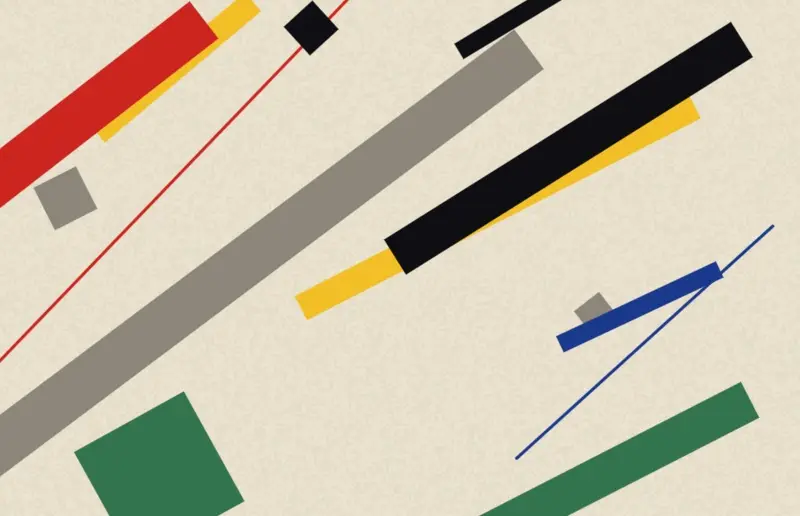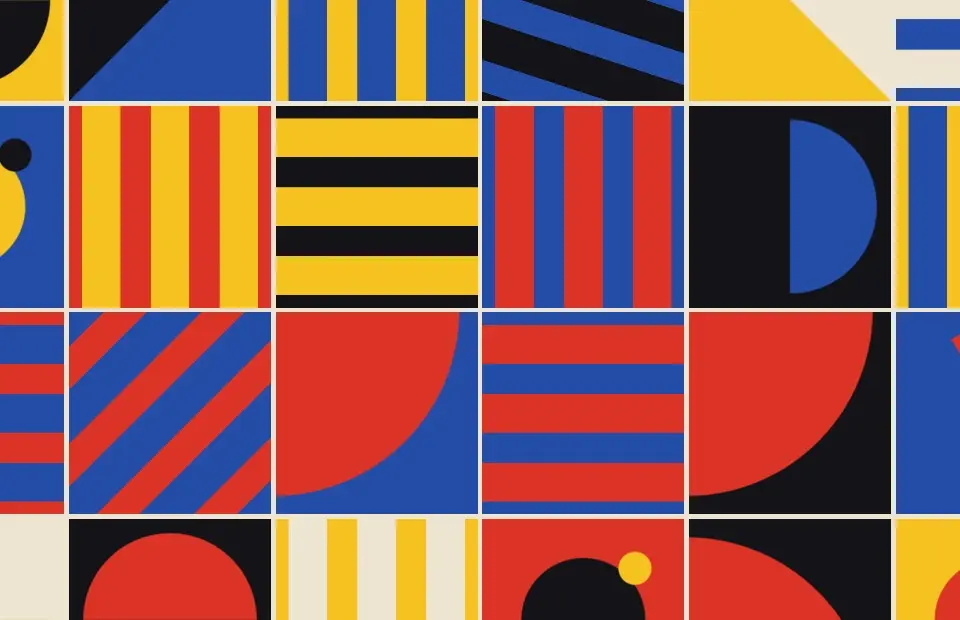
Soft beams linger and fade in a quiet luminous afterglow.
Soft beams linger and fade in a quiet luminous afterglow.
It runs natively on your Mac, drawn live in real time – no video, never quite the same twice.
Use it on your Mac
- Get SCRNSVRS free from the Mac App Store.
- Select Afterglow in the library.
- Click Set as Screensaver or Set as Wallpaper – or both.
 Free this monthPreview free · macOS Tahoe 26 or later
Need a hand? Read the setup guide.
Afterglow FAQ
How do I set Afterglow as my screensaver on a Mac?
Install SCRNSVRS free from the Mac App Store, select Afterglow in the library and click Set as Screensaver. macOS starts it whenever your Mac is idle, exactly like a built-in screensaver.
Can I use Afterglow as a live wallpaper?
Yes. Click Set as Wallpaper in SCRNSVRS and Afterglow plays on your desktop behind your windows and icons. You can use it as screensaver and wallpaper at the same time.
Is Afterglow free?
Afterglow is free when it is one of the 100 screensavers free each UTC month (100 free every month, picked at random from the whole catalogue). The set changes at midnight UTC on the 1st, and nothing stays free past its month. The badge on this page shows whether it is in the set for your current UTC month. Otherwise it is included in SCRNSVRS Unlimited: free for your first 7 days, then $1.99/month or $9.99/year (€1.99/month or €9.99/year).
Is Afterglow a video loop?
No. Afterglow is rendered live on your Mac with Metal, so it never repeats and stays sharp on any display size. The clip on this page is a screen recording of the real thing.
Will Afterglow slow down my Mac or drain the battery?
No. SCRNSVRS drops to 30 fps on battery and stops rendering when the wallpaper is covered by a full-screen app, so Afterglow costs next to nothing in everyday use.
Which Macs does Afterglow run on?
Afterglow needs macOS Tahoe 26 or later · Apple silicon and Intel.
More like Afterglow
All Art
Memphis
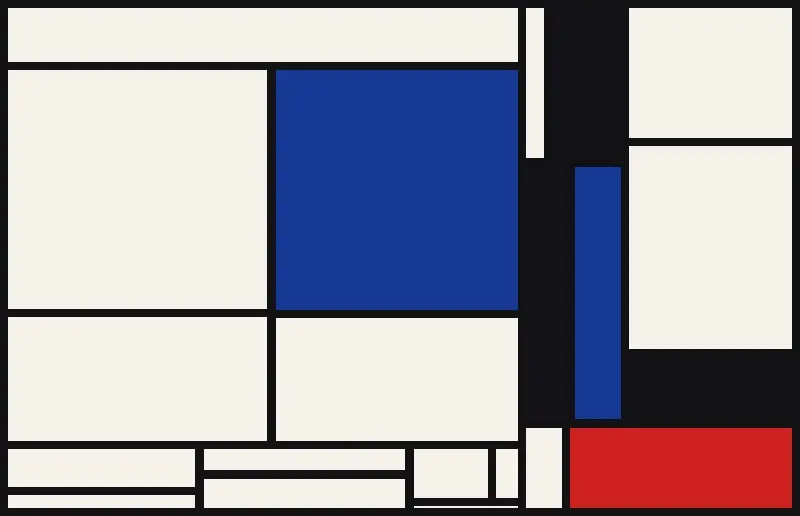
De Stijl Grid
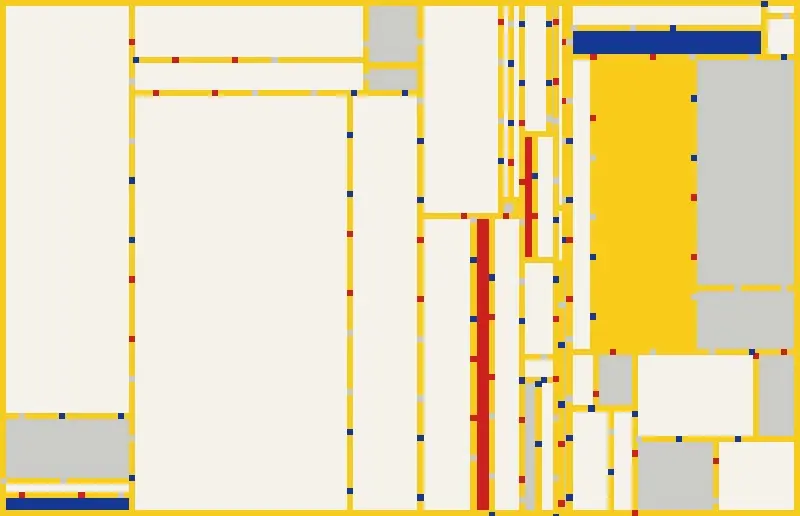
Boogie Grid
Circles in Squares